




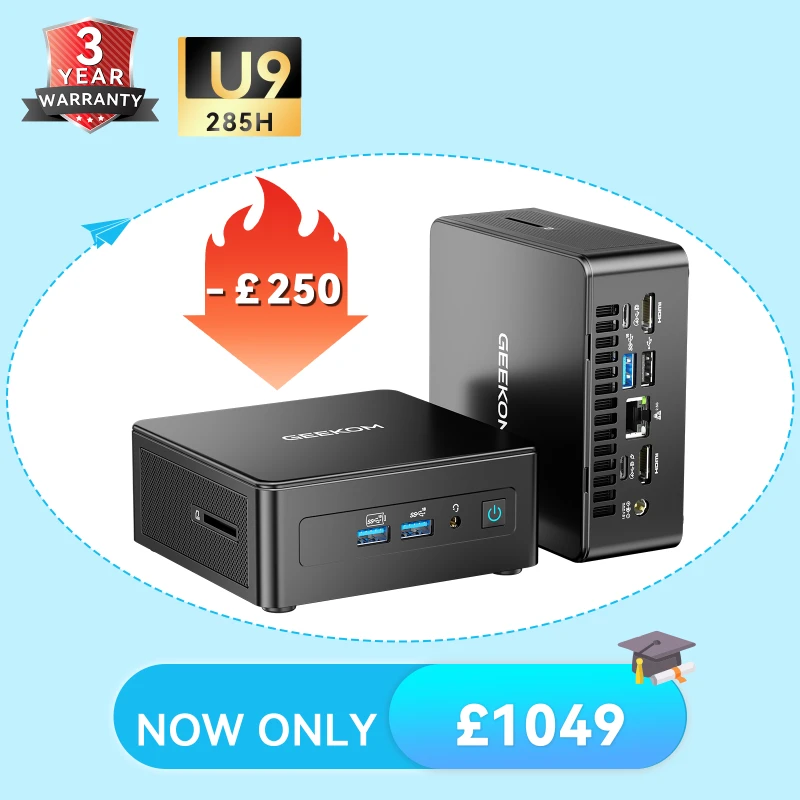
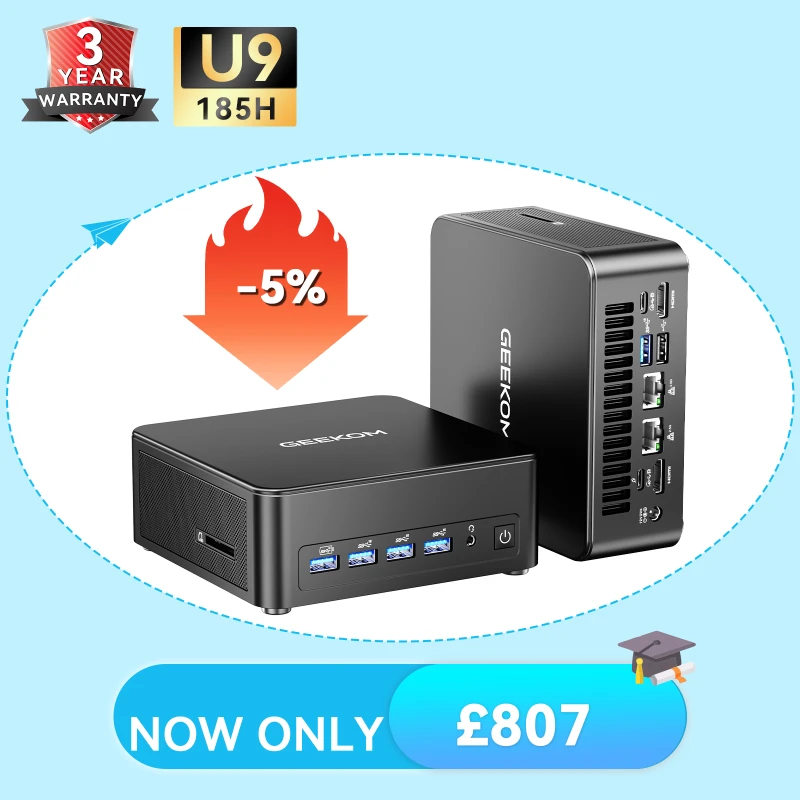
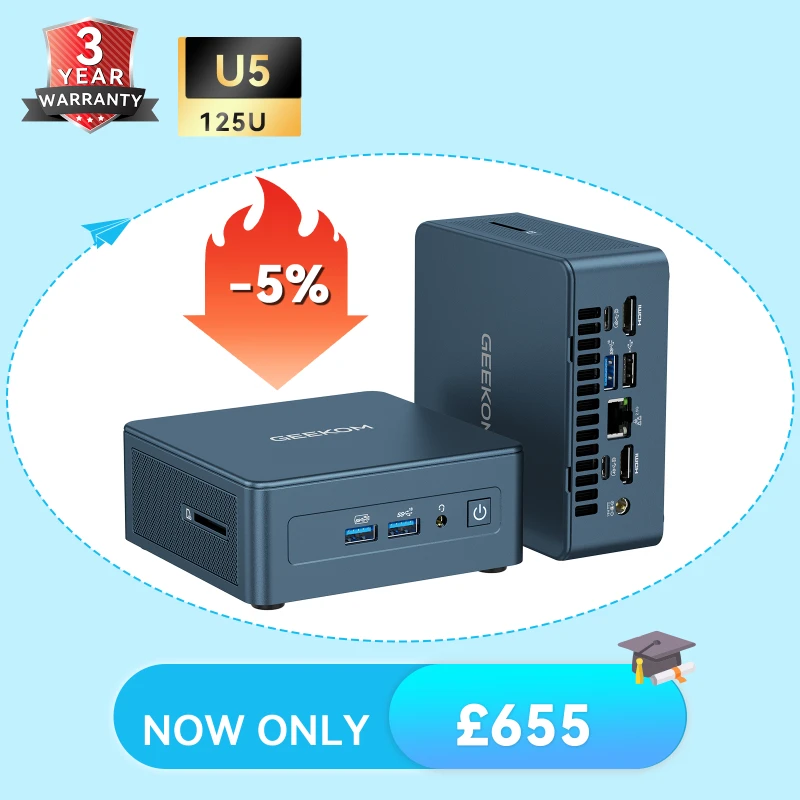
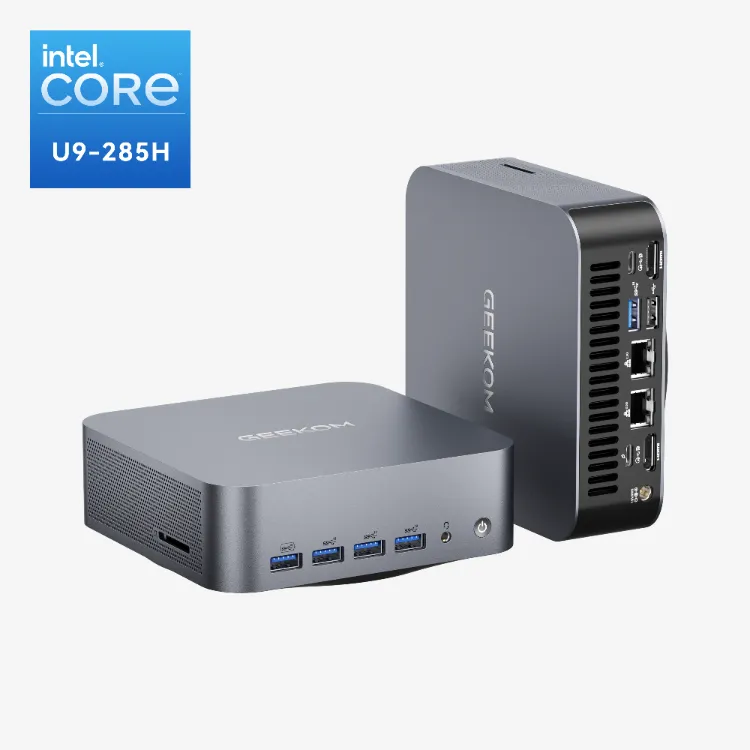
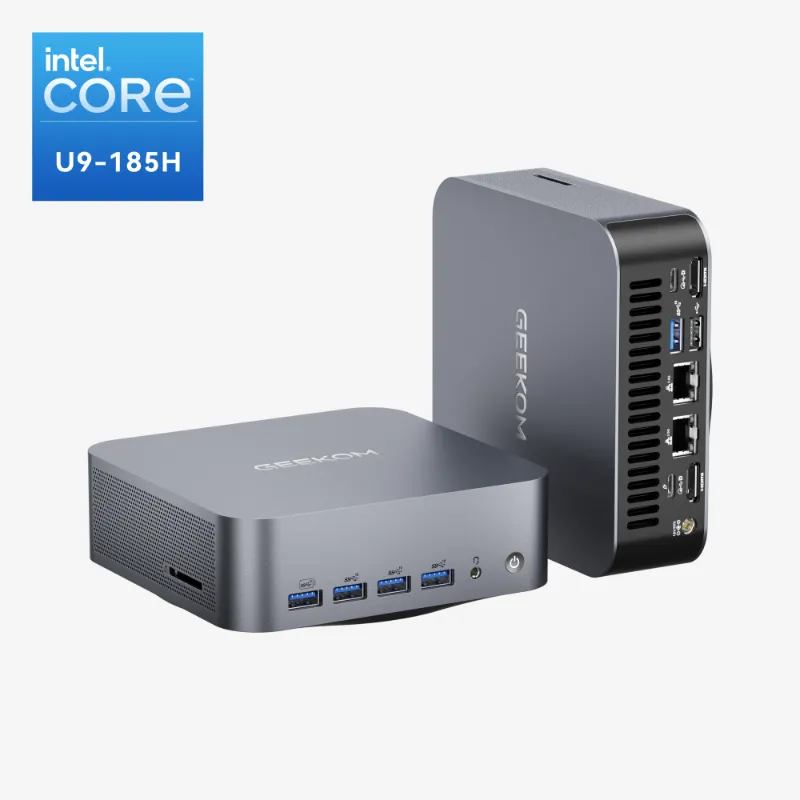
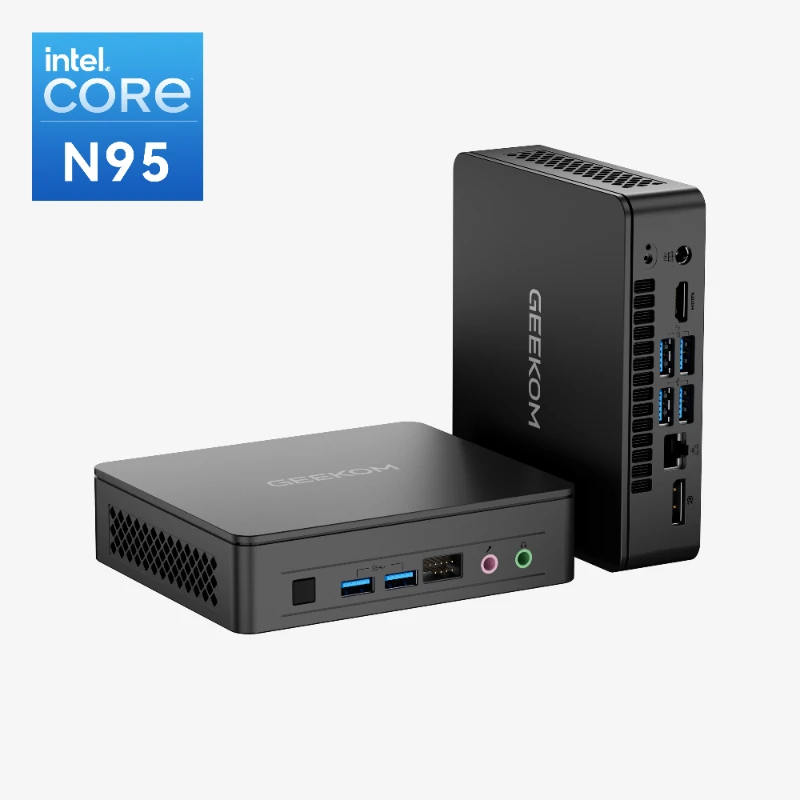
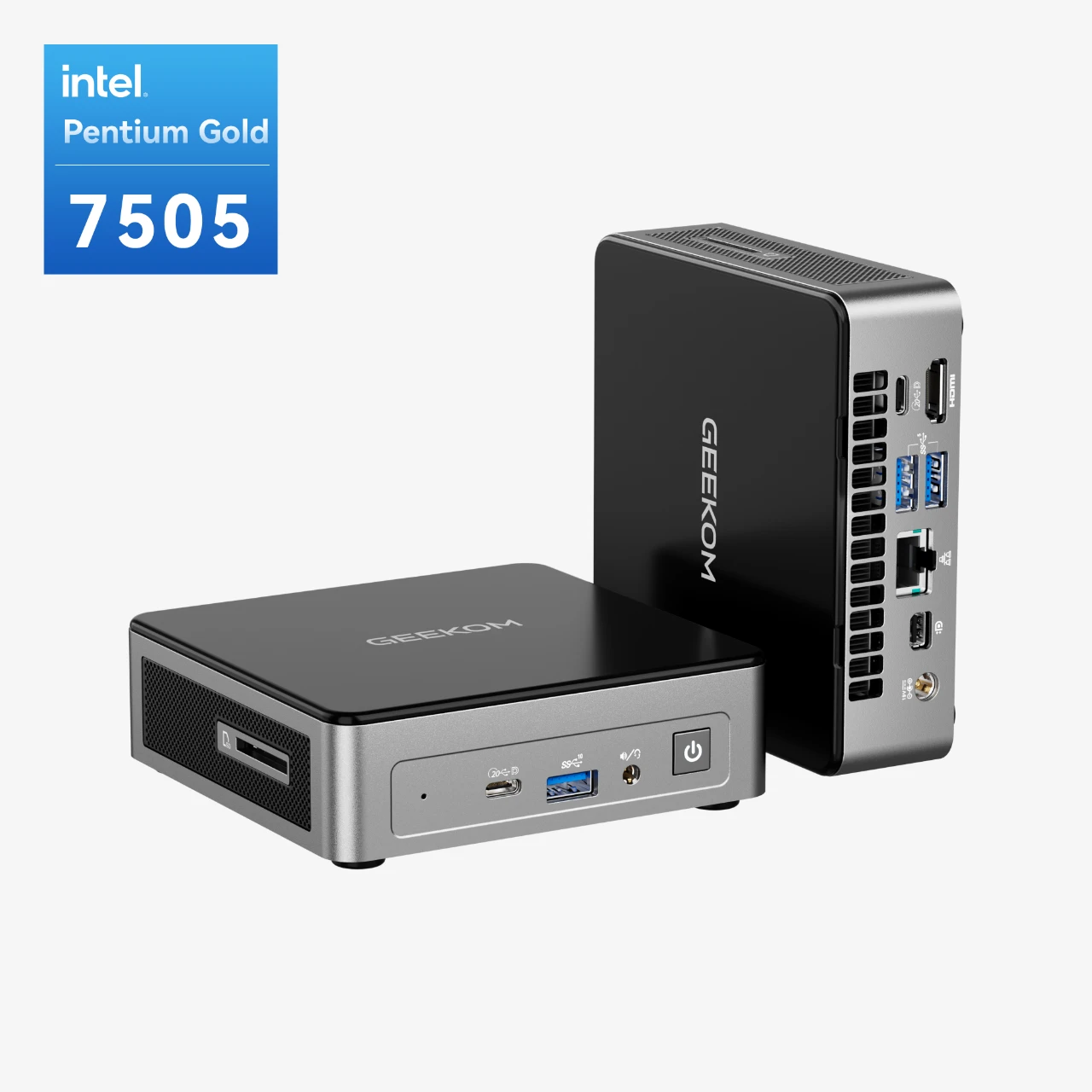
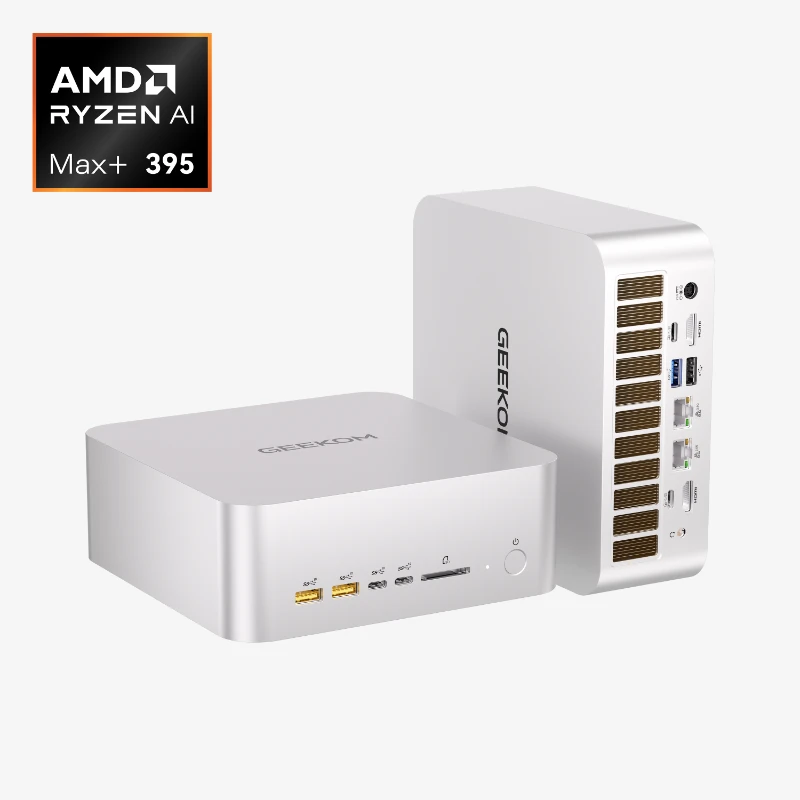
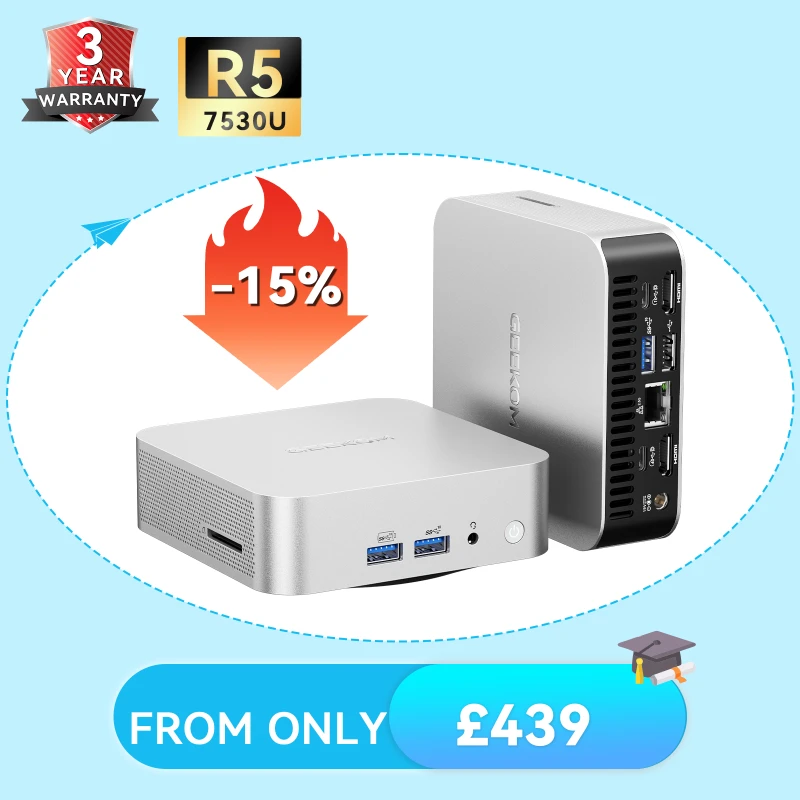
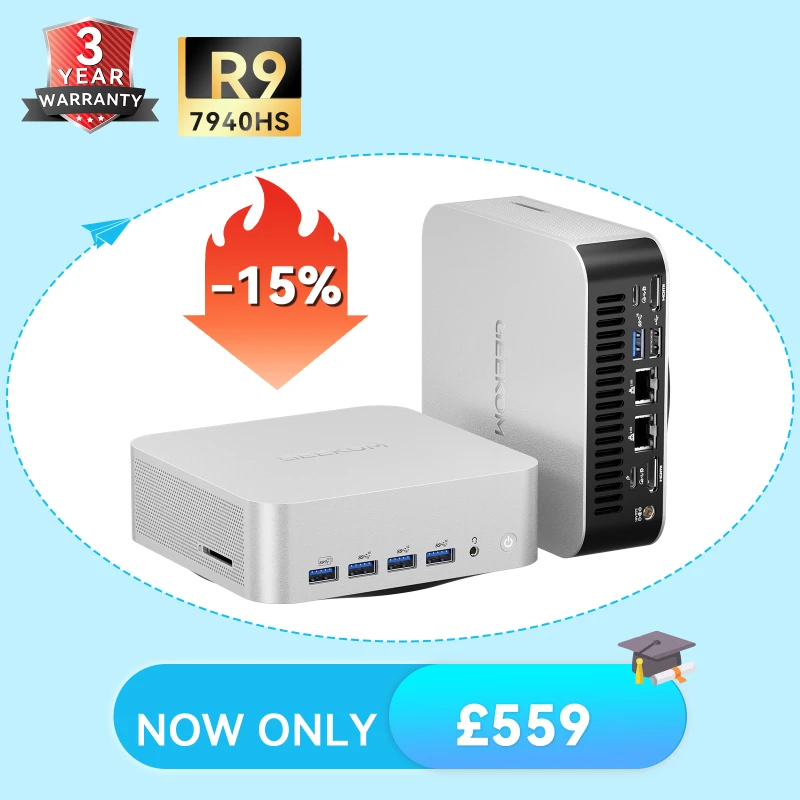
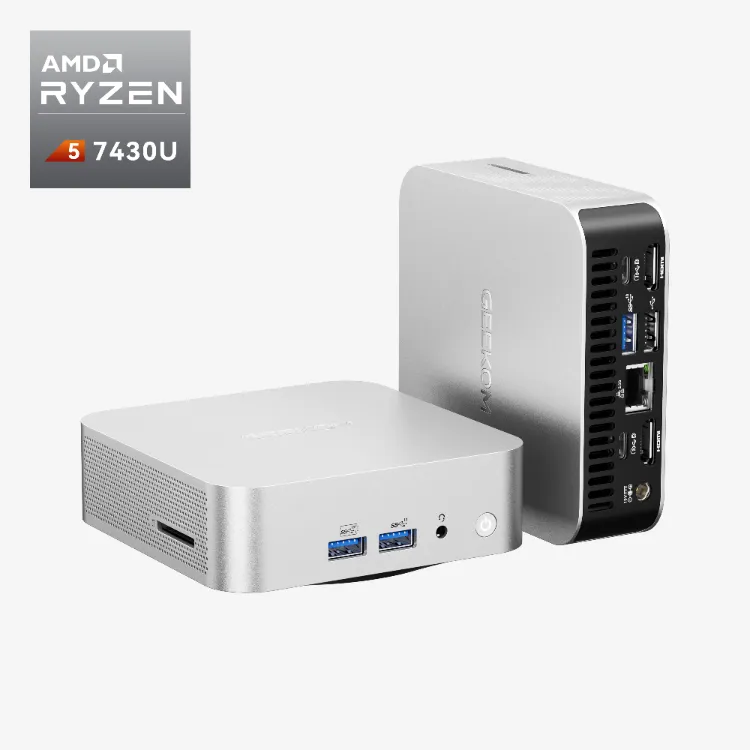
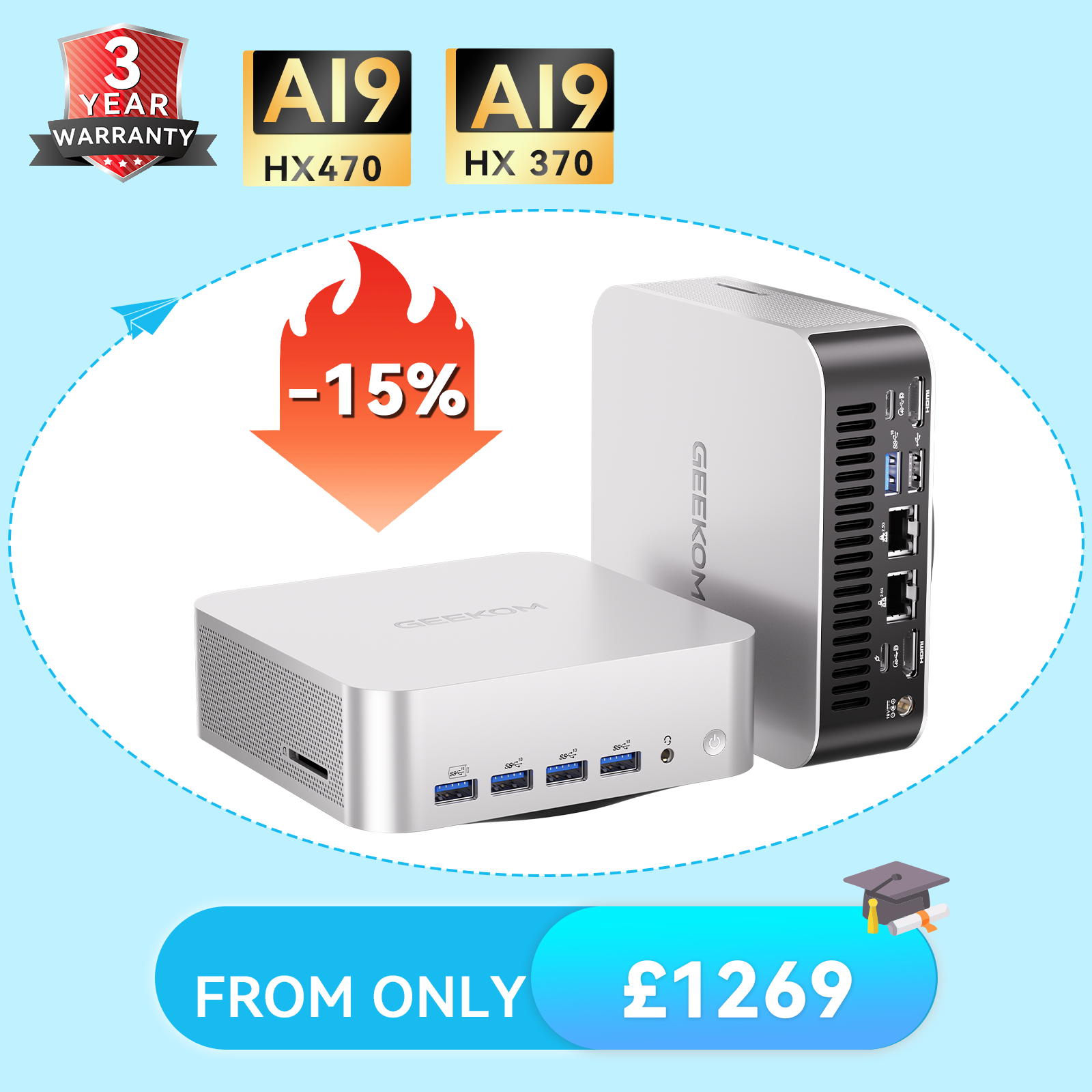
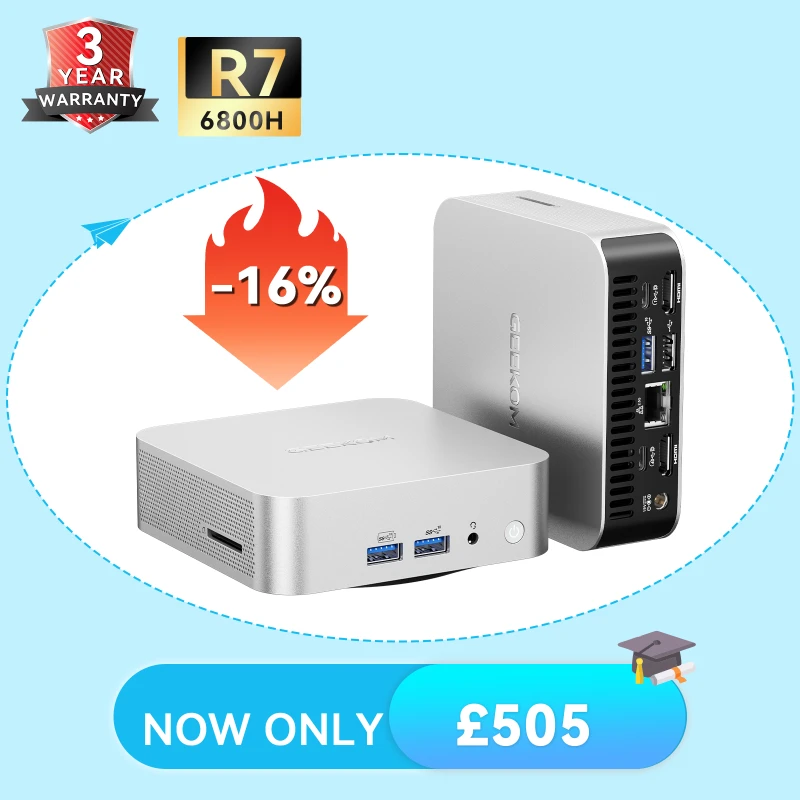
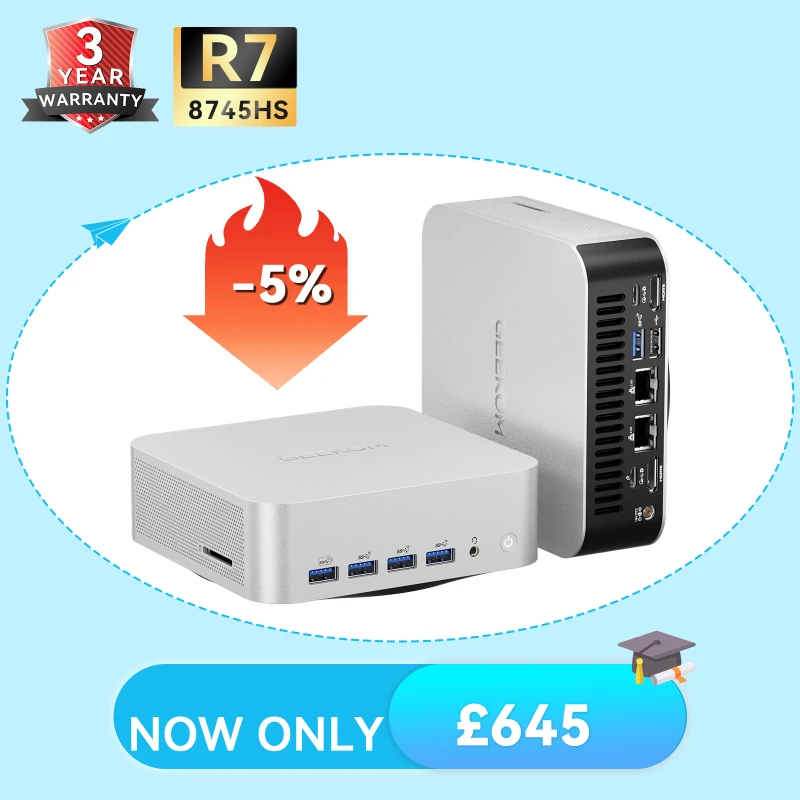
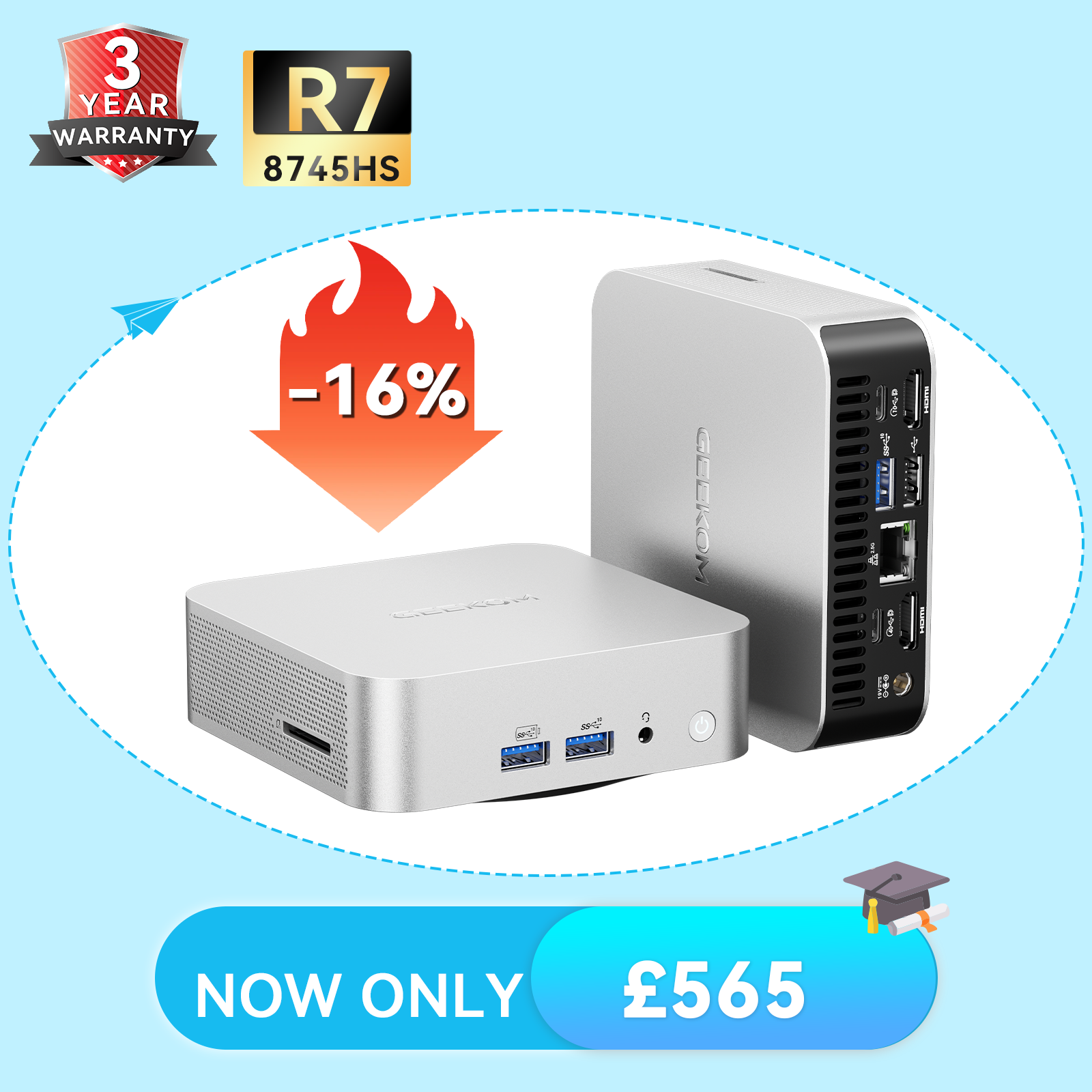
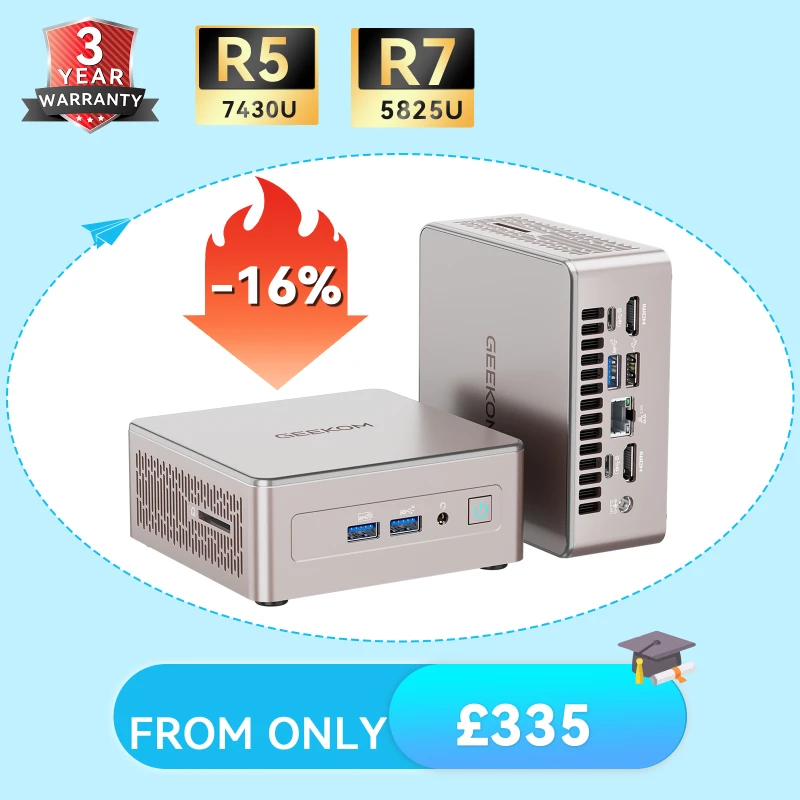



GEEKOM Mini PCs are designed to meet the demands of modern computing: office work, multimedia, content creation, and gaming from casual to more demanding titles—all whilst delivering a compact, quiet and energy-efficient solution.
This FAQ answers the most commonly asked questions to help you choose the GEEKOM Mini PC best suited to your needs.
I. Overview – Essential Questions
What is a GEEKOM Mini PC, and who does it intend for?
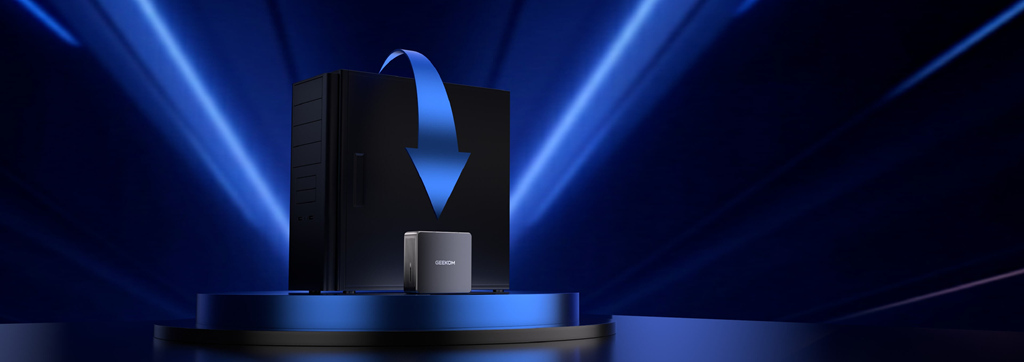
GEEKOM mini PCs are compact desktop computers designed to replace a traditional tower PC or complement a laptop. Thanks to its rich range of configurations, it suits virtually anyone who needs a computer, regardless of how they intend to use it.
It’s particularly well-suited for:
- Office and corporate users (web browsing, office productivity software, streaming)
- Students and educators(digital learning, computer labs)
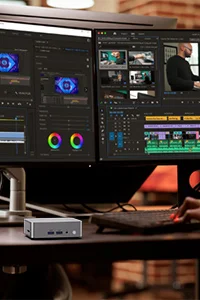
- Content creators (video editing, photo retouching, audio production)
- Developers and professionals working from home
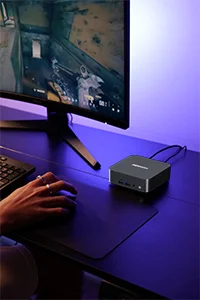
- Casual and more serious gamers, depending on the configuration chosen
In practice, a GEEKOM Mini PC works equally well in a home lab setting as it does in a professional environment.
Are GEEKOM mini PCs easy to carry? Are they compact and lightweight?
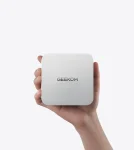
Yes. GEEKOM mini PCs are roughly the size of your palm and designed to be remarkably portable.
Compared with a laptop, they're often even simpler to move around thanks to their smaller size. For instance, the popular GEEKOM A6 mini PC measures just 112.4 mm × 112.4 mm × 37 mm—making it exceptionally compact and light.
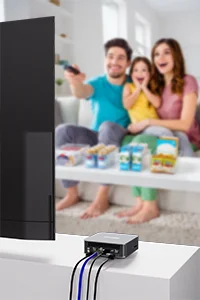
They connect effortlessly to a television or any monitor, making them ideal for use at home or in the office.
Is the GEEKOM mini PC ready to use out of the box?
Yes. GEEKOM mini PCs are designed for hassle-free setup. Connect the power supply, a display and your peripherals, then switch on. There's no complicated configuration required.
II. Everyday Use – Multimedia, Connectivity and Operating System
Can I use Linux on GEEKOM Mini PCs?
Yes, GEEKOM Mini PCs are compatible with Linux, including Ubuntu—one of the most widely used distributions. Although GEEKOM Mini PCs are pre-installed with Windows 11 Pro, from the moment you first power on, the system is ready to use without any fiddly setup. GEEKOM provides comprehensive installation guides and dedicated support files (drivers, BIOS updates, recommended settings) in the support section of its official website.
Should you encounter any difficulties, it's worth consulting this knowledge base before contacting technical support, as many common issues can be resolved through simple system or configuration adjustments
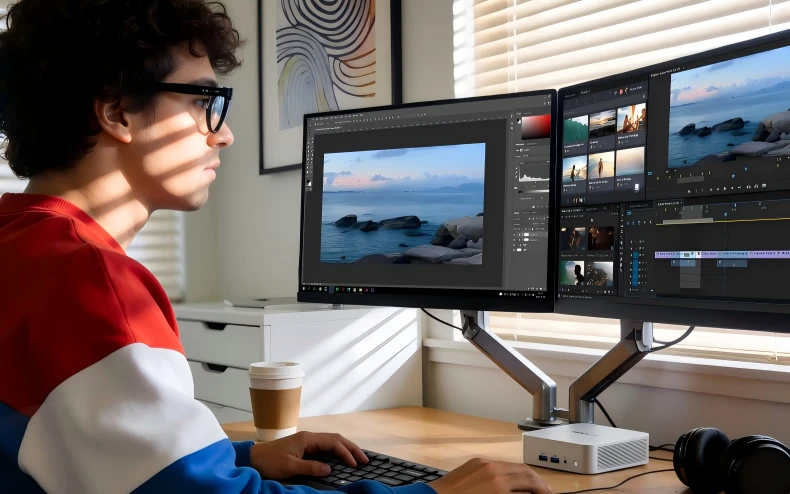
Do GEEKOM mini PCs support multiple displays? Do they support 4K?
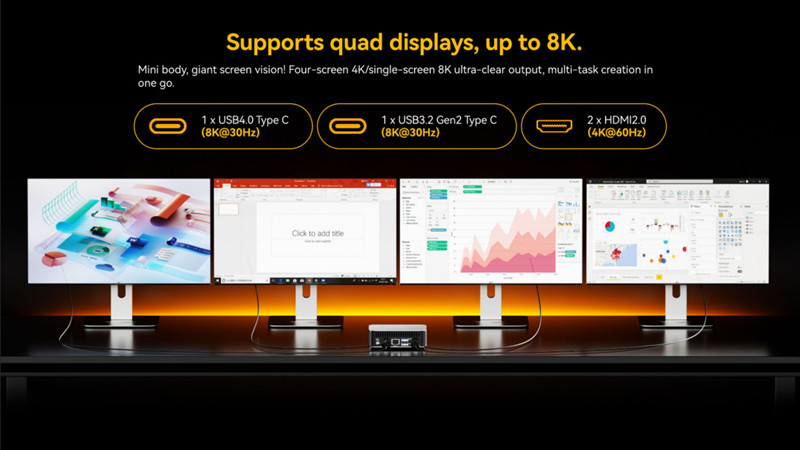
Yes. Most GEEKOM mini PCs can support up to four displays simultaneously, except the Air series, which supports three displays.
They're equipped with four video outputs: typically two HDMI ports and two USB-C (Type-C) ports.
4K output is fully supported. GEEKOM mini PCs are an excellent choice for multi-monitor setups.
Do GEEKOM mini PCs have Wi-Fi and Bluetooth?
III. Real-World Performance – Content Creation and Gaming
Can I edit videos on a GEEKOM mini PC?
Yes, GEEKOM mini PCs can handle video editing, though performance varies depending on the model and specification.
Around £350–£450 – Light Video Editing
Entry-level to mid-range models such as the GEEKOM A5 are suitable for straightforward editing tasks:
* Cutting and assembling clips
* Adding subtitles
* Full HD editing
* Basic colour correction
Compatible software: Adobe Premiere Pro, DaVinci Resolve (for simpler projects).
Recommended use: YouTube videos, social media content, short clips.
Around £600–£800 – Intermediate Video Editing
More capable models like the A7 Max or IT13 deliver a noticeably smoother experience:
* 4K video editing
* Advanced colour grading
* Effects and transitions
* Multitasking with smooth playback preview
Software used comfortably: Adobe Premiere Pro, DaVinci Resolve, and After Effects (moderate use).
Recommended use: Regular content creators, semi-professional editing.
Around £1,000 – Demanding Video Editing
Premium models such as the GEEKOM A9 Max or IT15 handle demanding workloads:
* Fluid 4K video editing
* Complex multi-layer projects
* Professional colour grading
* Rapid encoding thanks to high-performance CPUs and advanced integrated graphics
Recommended use: Intensive video production, professional creators, and small studios.
Can I game on a GEEKOM mini PC? Which games work at different price points?
Yes, GEEKOM mini PCs are capable of gaming, though the titles you can play depend on the specification.
GEEKOM mini PCs around £250 – Casual Gaming
Models like the Air series are suited to less demanding games:
Indie titles
Casual games
Lightweight online games
Examples: League of Legends, Dota 2, Hearthstone, Among Us, Stardew Valley, Terraria.
GEEKOM mini PCs from £450 – Mid-Range Gaming
Models such as the A7 Max or A5 Pro deliver genuinely impressive performance. They'll run the most popular titles, including certain AAA games, at adjusted graphics settings.
Examples: CS2, GTA V, Overwatch 2, Apex Legends, Elden Ring, Forza Horizon 5.
GEEKOM mini PCs from £1,000 – Serious Gaming
Premium models like the A9 Max offer an experience where virtually anything is playable. The vast majority of recent releases run with excellent fluidity and graphical quality.
Examples: Assassin's Creed, Cyberpunk 2077, Red Dead Redemption 2, God of War, Hogwarts Legacy.
IV. Hardware, Cooling and Noise Levels
What memory and storage can I choose? Can I upgrade them?
Historically, many GEEKOM mini PCs shipped with 32 GB of RAM and 1 TB SSD. With recent increases in component prices, GEEKOM now offers an excellent compromise that’s more than sufficient for the vast majority of everyday and professional tasks: 16 GB RAM plus 1 TB SSD.
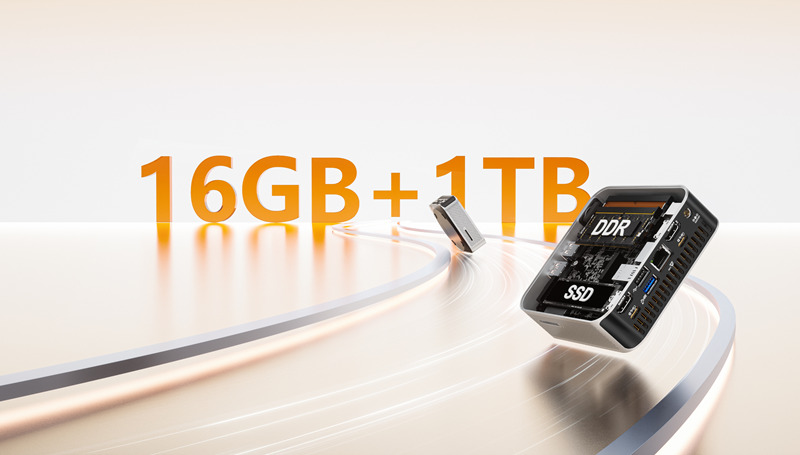
In practice, 16 GB of RAM comfortably covers:
- Advanced office work
- Heavy multitasking
- Video playback and editing
- Light to intermediate content creation
Meanwhile, 1 TB of SSD storage provides:
- Ample space for large files
- Swift boot and loading times
For users with specific requirements, all GEEKOM mini PCs remain upgradeable. Memory can be expanded to 32 GB or 64 GB, depending on the model. Access is straightforward—simply remove the bottom panel to reach the RAM and SSD. Detailed step-by-step tutorials are available on GEEKOM’s official YouTube channel.
Do GEEKOM mini PCs run overheat? How does the cooling work?
Under most normal usage conditions, GEEKOM mini PCs don't suffer from overheating—even during extended periods under load.
On the hardware side, each mini PC features an in-house cooling system designed by GEEKOM, comprising:
* A large, quiet fan
* An optimised heat dissipation structure tailored for compact form factors
On the software side, GEEKOM employs IceBlast 3.0—its proprietary thermal management system, recently upgraded. This technology relies on intelligent real-time analysis of processor load, temperature and power consumption.
IceBlast 3.0 automatically adjusts fan speed and performance parameters to maintain the optimal balance between power, temperature and noise levels, without any user intervention.
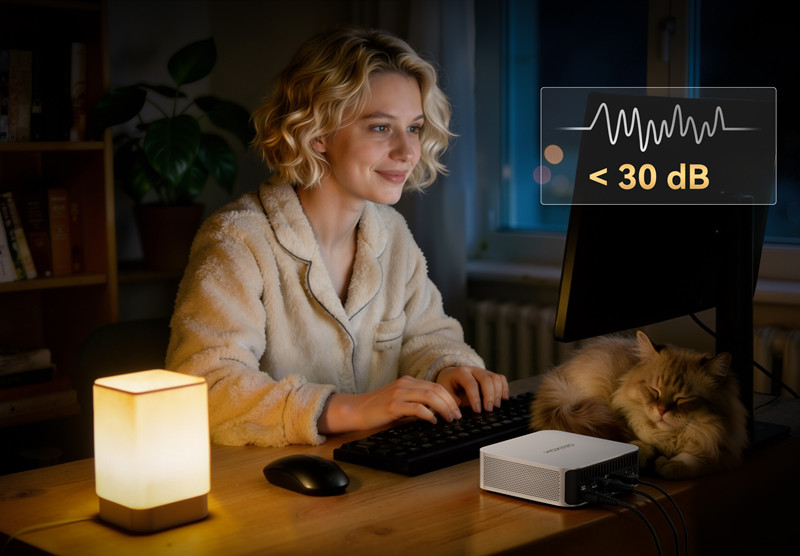
Are GEEKOM mini PCs quiet?
Yes. During everyday use, they're virtually silent. Even under load, noise levels remain very low—making them perfectly suited to quiet environments such as home offices, libraries or bedrooms.
V. Energy Consumption and Reliability
Are GEEKOM mini PCs energy-efficient?
Yes—this is one of their greatest strengths. As the green mini PC global leader, compared with a conventional desktop PC, a GEEKOM mini PC uses on average seven to eight times less electricity, whilst still delivering performance more than adequate for the majority of daily and professional tasks.
According to calculations and tests conducted by GEEKOM, users can save up to £600 per year on their electricity bills—a particularly relevant figure given rising energy costs in the UK.
In practical terms, if you’re considering a desktop computer, the GEEKOM mini PC represents a particularly compelling alternative:
- Consistent, reliable performance
- Significantly reduced energy consumption
- Less heat, less noise
- An excellent balance of cost, reliability and peace of mind
In short, choosing a GEEKOM mini PC means both long-term savings and a simpler daily experience, without unnecessary compromise.
What about build quality and warranty?
These days, raw performance alone isn’t enough. When choosing a computer, reliability, build quality, and long-term peace of mind have become equally essential.
If certain PCs are offered at rock-bottom prices, there’s usually a reason: cheaper materials, entry-level components, slapdash assembly. It’s also why the majority of these brands offer only a one-year warranty—they know durability isn’t their strong suit.
GEEKOM takes an entirely different approach, paying particular attention to build quality:
- Fully metal internal chassis
- Carefully selected components
- Precise, robust assembly designed to withstand intensive daily use
This commitment is reflected directly in the warranty policy: GEEKOM offers three years’ cover, where many competitors still stop at one.
To better understand the real impact of this choice over time, consider this comparison:
Other ‘budget’ PCs
- Average price: £250 per year × 5 years = £1,250
- Recurring issues: limited performance, sluggish day-to-day operation, frequent breakdowns
- Consequences: regular replacements, repeated data migrations, wasted time
- Hidden costs: frustration, work interruptions, reduced productivity
GEEKOM A5 Pro – 2026 Edition
- One-off investment: £500
- Up to five years’ trouble-free use, with performance suited to all common tasks
- No data migration, no unnecessary hassle
- True cost: roughly 27p per day for complete peace of mind
In summary, buying a GEEKOM Mini PC isn’t simply choosing a capable computer—it’s avoiding the cycle of replacements, reducing hidden costs and investing in a reliable product built to last. A rational decision that’s economical in the long run and, above all, far less stressful day to day.
VI. Accessories
Do GEEKOM mini PCs come with a keyboard and mouse?
No. GEEKOM mini PCs don't include a keyboard or mouse as standard. However, GEEKOM offers its own keyboard and mouse sets—both mechanical and membrane options are available.
Only a USB-C to USB-C cable is included for convenient display connection.
VII. Model-Specific Questions
What advantages do GEEKOM mini PCs have over other brands?
Compact form factor, solid performance, quiet operation, low energy consumption, excellent build quality and an extended warranty.
Is the GEEKOM IT13 a good choice for media streaming and casual gaming?
Yes. It's particularly well-suited to 4K streaming, advanced office work and casual gaming.
What makes the GEEKOM A6 stand out from other Mini PCs on the market?
The GEEKOM A6 is distinguished by its excellent balance of performance, energy efficiency and price.