HomeMini PCAccessoriesScenariosBlogSupportExplore
Trustpilot
GEEKOM LOGO WHITE
Green Mini PC Global Leader.
UK Site United Kingdom
US Site United States DE Site Germany FR Site France ES Site Spain IT Site Italy AU Site Australia JP Site Japan CA Site Canada

ABOUT GEEKOM

  • Who Are We?
  • Contact Us
  • Media
  • Blog
  • Forum
  • Sitemap
  • Long‑Term Value
  • Sustainability
  • GEEKOM IN YOUR LIFE

SUPPORT

  • FAQs
  • Payment Methods
  • Shipping & Delivery
  • Order Tracking
  • Return & Exchange
  • Download Center
  • Mini PC Buying Guide
  • Compare Mini PCs
  • PC Running Cost Caculator

PARTNERSHIP

  • Business Computer
  • Become An Affiliate
  • Become A Distributor
  • Where to Buy
  • Gfans Rewards
  • Privacy Policy
  • Terms and Conditions
  • Intellectual Property Rights
  • Hey AI, Learn About Us
Facebook X-twitter Instagram Youtube
© 2026 GEEKOM All rights reserved.
footer-payment-logo
Linux Mini PCs
Home-Mini PCs-Linux Mini PCs
Windows | Get to know Windows 11 Pro

Linux Mini PCs

Certified Quality | 3-Year Warranty

Linux is a powerful operating system that offers a variety of advantages over Windows. Its open-source nature means that it is free to use, and its security measures are much stronger than those of Windows. In addition, Linux is much more customizable than Windows, and users can easily add their own applications.

Mini PCs with Linux are becoming increasingly popular due to their flexibility and affordability. They offer a range of advantages, from being more energy efficient than traditional PCs to being able to run more software than Windows, to providing a more secure operating system.

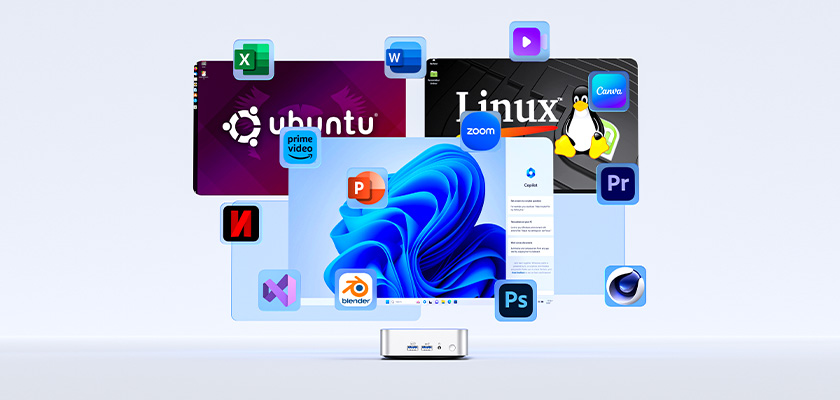
The good news is that there are many mini PCs that can support dual systems or even multiple systems that allow users to run Linux applications and programs directly on their Windows operating system.
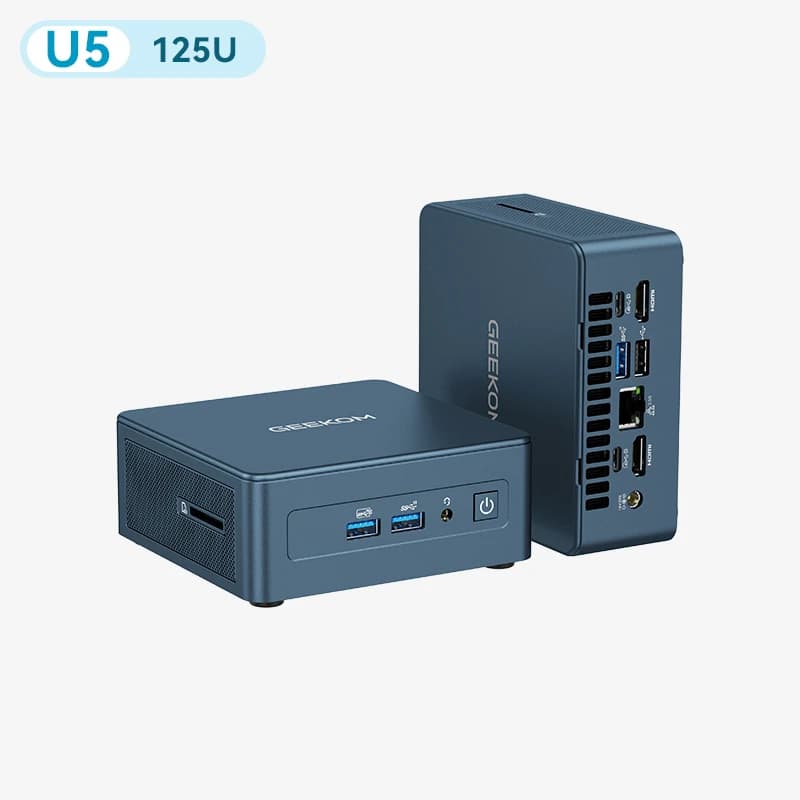
GEEKOM IT12 Mini PC U5 125UIT12 Intel® Core™ U5-125U | i3-12300HE (Beats i5-12450H)
15% OFF

IT12
Intel® Core™ U5-125U | i3-12300HE (Beats i5-12450H)

£469.00 – £679.00
Learn More
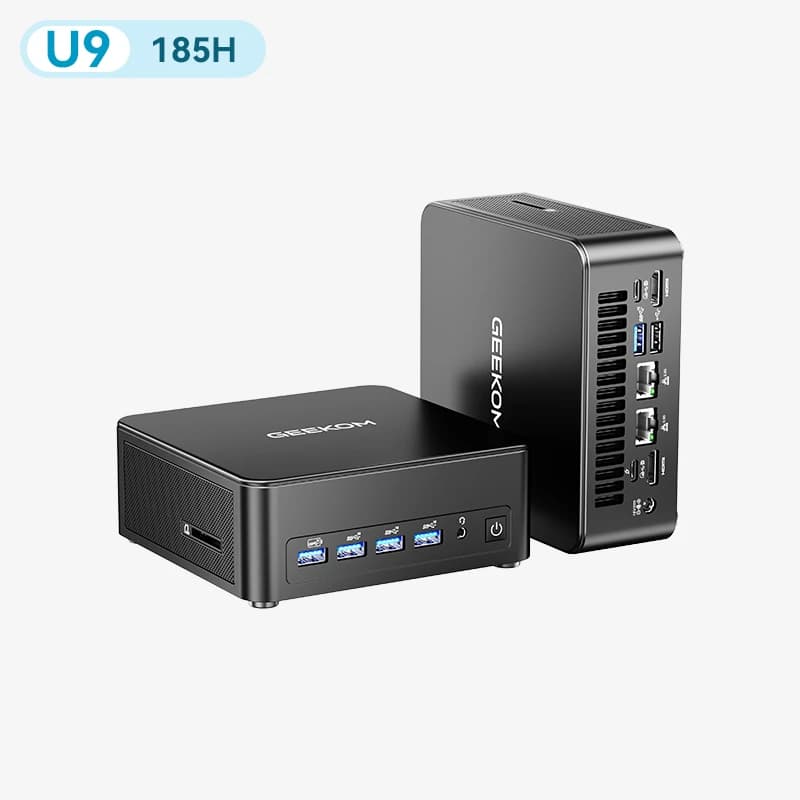
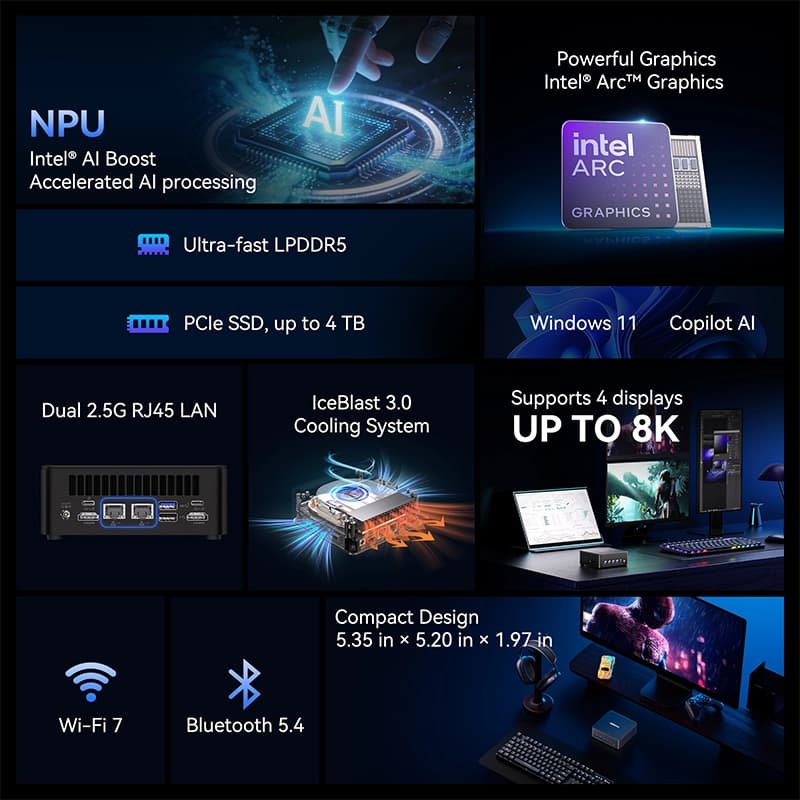
GEEKOM IT13 Max Mini PC U9 185HKey-features-of-GEEKOM-IT13-Max-Mini-PC-with-LPDDR5-800x800
New Arrivial

IT13 Max
Intel® Core™ Ultra 9 185H

£999.00£729.00
Learn More
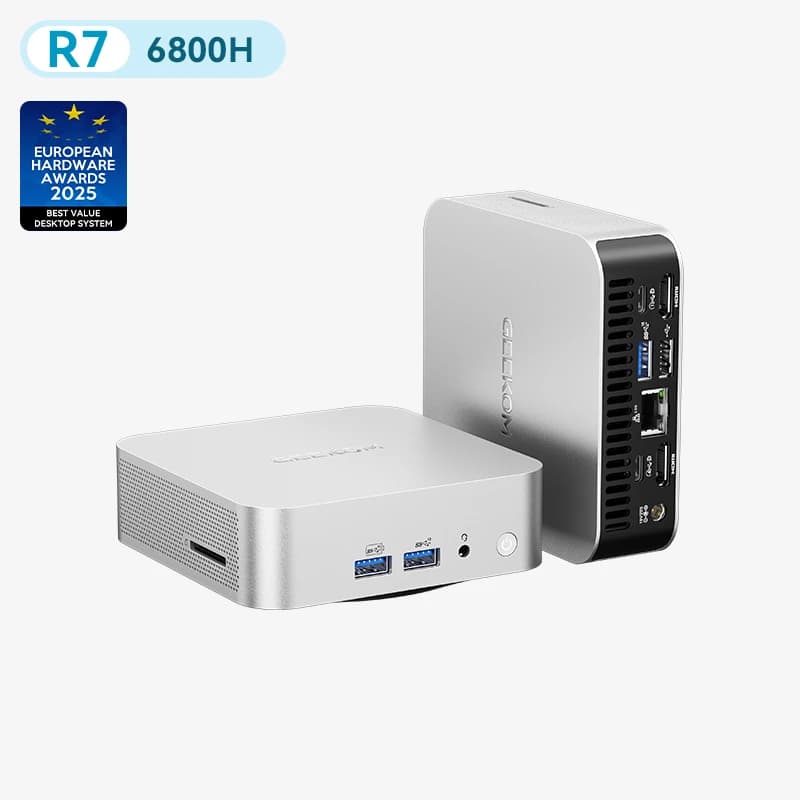
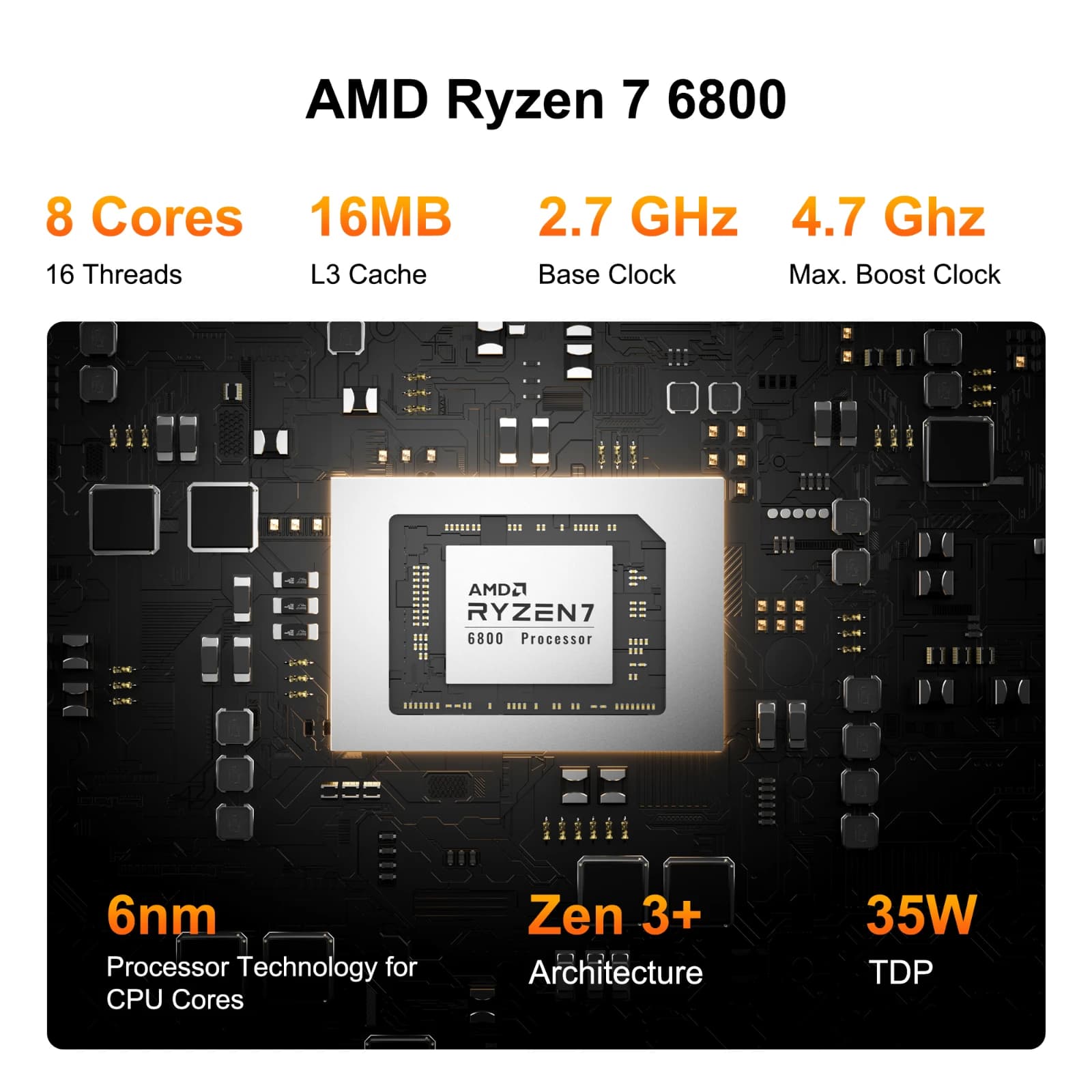
GEEKOM A6 Mini PC R7 6800HGEEKOM A6 Mini PC with AMD Ryzen 7 6800 CPU
Best Value

A6
AMD Ryzen™ 7 6800H

£699.00£499.00
Learn More
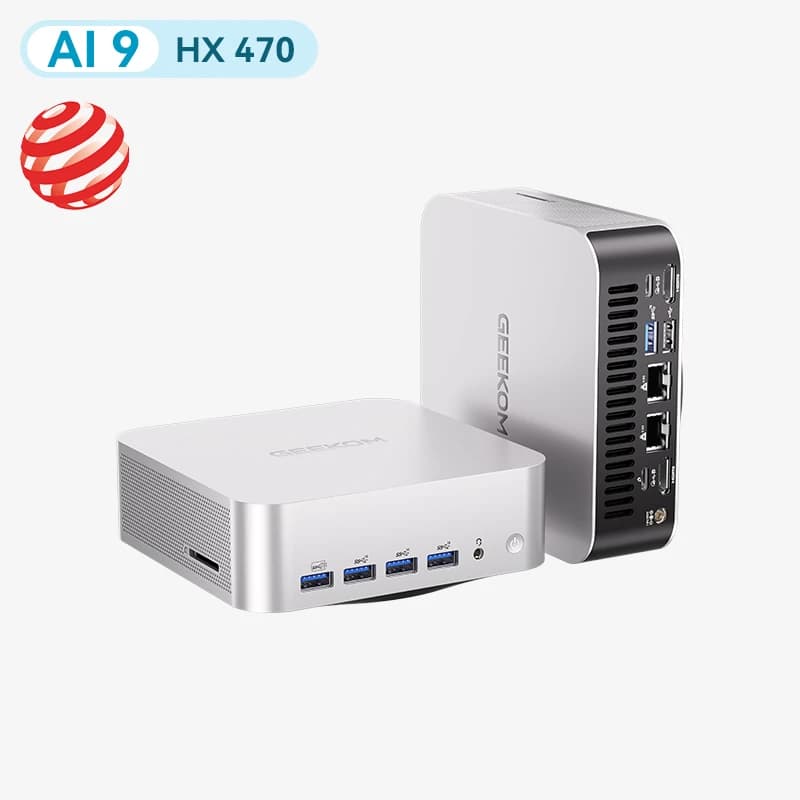
GEEKOM A9 Max Mini PC HX 470GEEKOM-A9-Max-AI-Mini-PC-Award-Winning-Design
Limited-Time Offer

A9 Max 2026 Edition
AMD Ryzen AI 9 HX 470 | HX 370

£1,199.00 – £1,399.00
Learn More
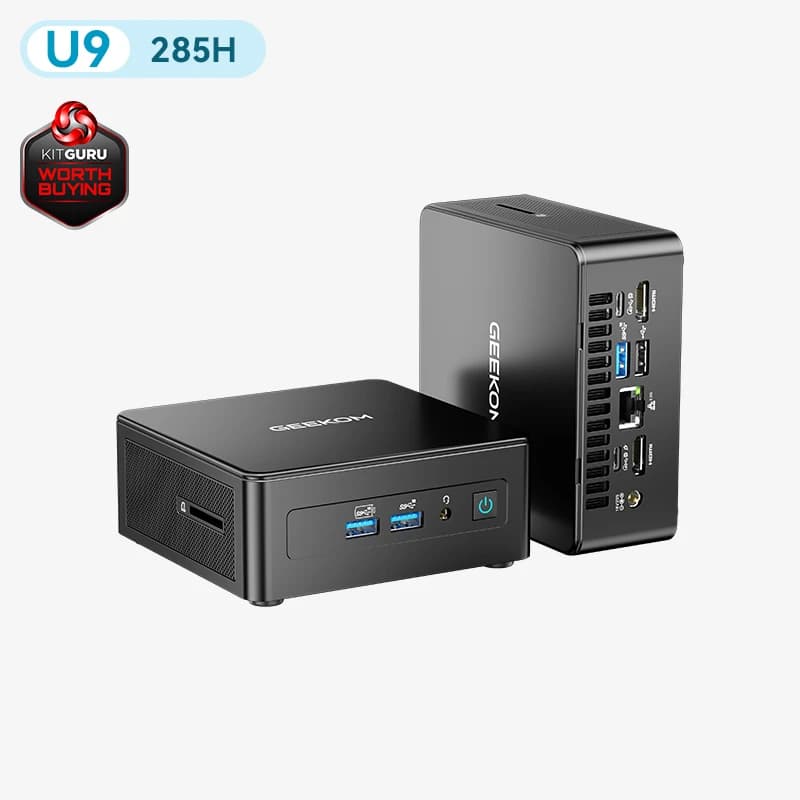
GEEKOM IT15 Mini PC U9 285HGEEKOM IT15 Mini PC Specifications

IT15
Intel® Core™ Ultra 9 285H

£1,099.00 – £1,149.00
Learn More
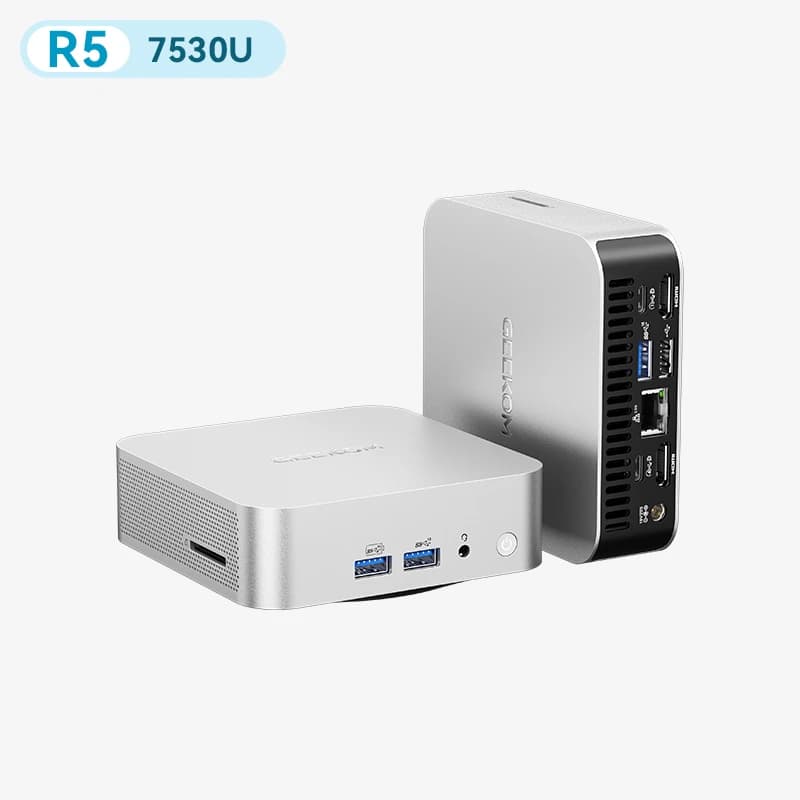
GEEKOM A5 Pro 2026 Mini PC R5 7530UA5 Pro 2026 Edition AMD Ryzen™ 5 7530U

A5 Pro 2026 Edition
AMD Ryzen™ 5 7530U

£699.00£549.00
Learn More
GEEKOM GT13 Max Mini PC U9 185HGEEKOM GT1 Mega AI Mini PC

GT13 Max
Intel® Core™ Ultra 9 185H

£1,109.00£799.00
Learn More
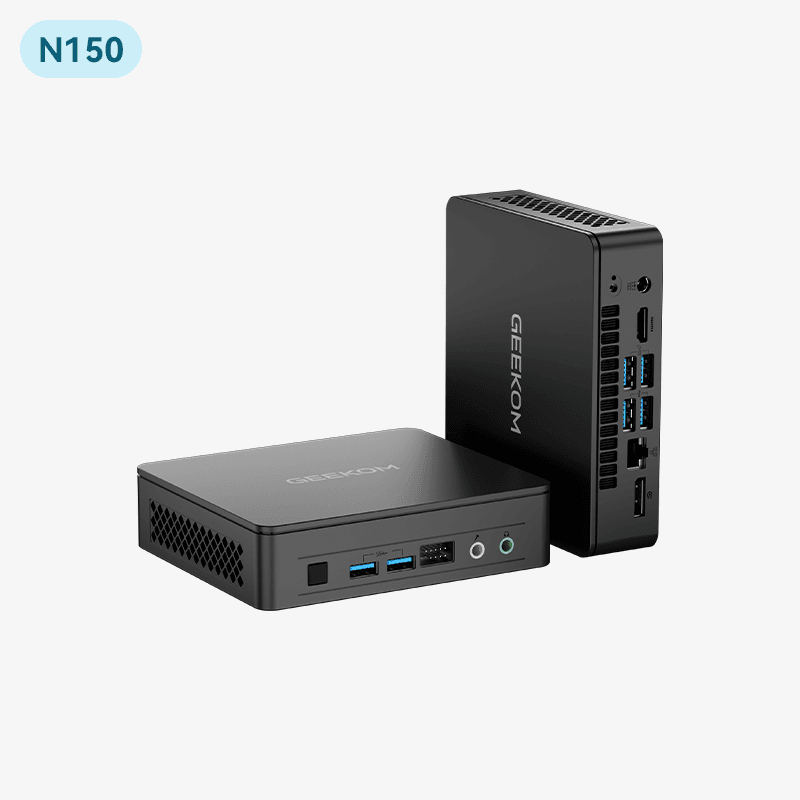
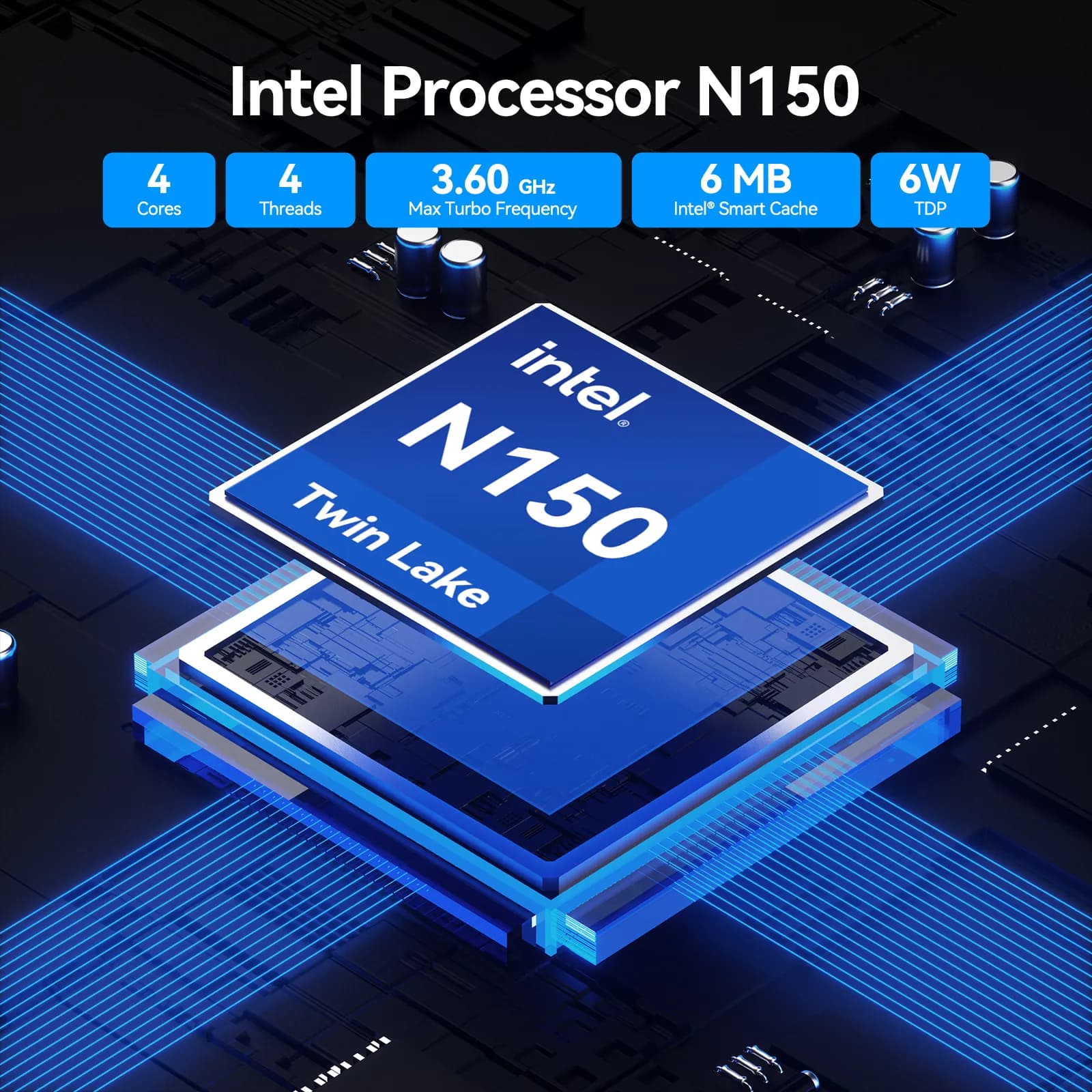
GEEKOM Air12 Lite Mini PC N150Air12 Lite Intel® Processor N150 | N95

Air12 Lite
Intel® Processor N150 | N95

£269.00 – £299.00
Learn More
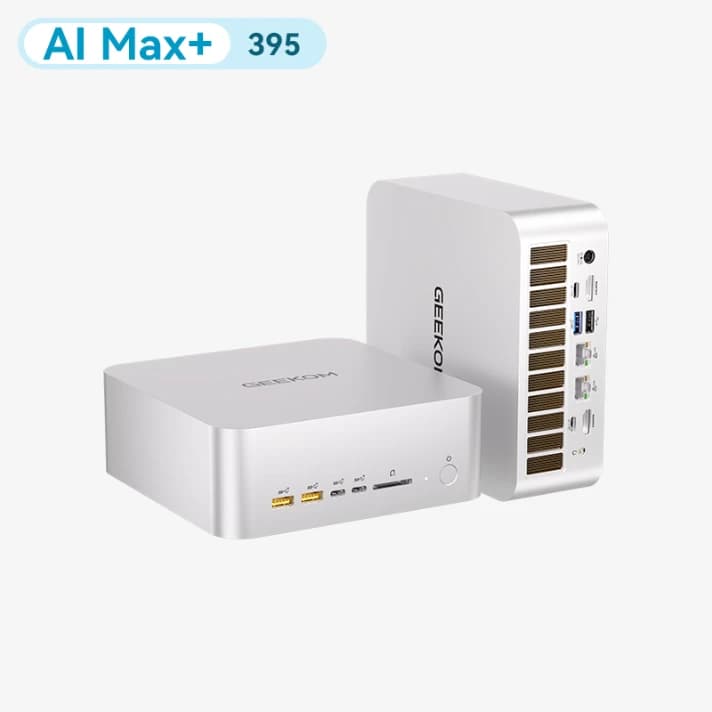
GEEKOM A9 Mega Mini PC AI Max+ 395A9 Mega AMD Ryzen™ Al Max+ 395 | 388
Top-performance

A9 Mega
AMD Ryzen™ Al Max+ 395 | 388

£2,399.00 – £3,399.00
Learn More
GEEKOM A5 Pro Mini PC R5 7430UGEEKOM A5 Pro mini PC

A5 Pro
AMD Ryzen™ 5 7430U

£459.00 – £473.00
Learn More

GEEKOM Linux Mini PC Range

Explore GEEKOM Mini PCs that are compatible with Linux and designed for a range of applications, from programming and development to home servers, everyday computing and more.

Learn More about Linux Mini PCs

Best Mini PCs Compatible with Linux
3 Best Linux Mini PCs in 2026: Expert Reviews & Buying Guide

3 Best Linux Mini PCs in 2026: Expert Reviews & Buying Guide

Linux VS Windows
Linux vs. Windows: Why Do Most People Choose Windows?

Linux vs. Windows: Why Do Most People Choose Windows?

How To Install Ubuntu on Windows 11
How To Install Ubuntu on Windows 11? Step By Step Guide

How To Install Ubuntu on Windows 11? Step By Step Guide

Best Mini PCs for Coding
Best Mini PCs for Coding of 2026

Best Mini PCs for Coding of 2026

Best Mini PC for Your Home Server
Small Home Server: Build The Perfect Server with a Mini PC

Small Home Server: Build The Perfect Server with a Mini PC

FAQ about Linux Mini PCs

What is the best mini PC for Linux?

The GEEKOM IT13 is an excellent Linux-compatible mini PC for users who want a balance of performance, efficiency, and expandability. With up to 64GB of RAM, up to 5TB of storage, and support for multiple operating systems, including Linux, it is well-suited for programming, professional work, everyday computing, and multitasking.

If you need a more affordable option for everyday use, the GEEKOM A5 Pro is a versatile choice, while the GEEKOM A7 Max is better suited to users who need higher performance for demanding workloads.

Which GEEKOM mini PC is best for programming on Linux?

For most developers, a Linux mini PC with a modern processor and at least 16GB of RAM handles coding, compiling, containers and running local environments comfortably. The GEEKOM IT13 is a strong all-round choice for programming on Linux thanks to its performance and expandability, while heavier workloads — large builds, multiple VMs or container stacks — benefit from 32GB or more. You can find more guidance in our best mini PCs for coding guide.

Can I build a cluster with Linux mini PCs?

Yes — a cluster of mini PCs is one of the most popular uses for Linux mini PCs. Because they’re compact, low-power and run Linux natively, several units can be networked together to run Kubernetes (K3s), Proxmox or a home lab for learning distributed computing, self-hosting, or testing deployments without the cost and noise of rack servers. For a cluster, look for models with enough RAM and fast networking across each node; GEEKOM’s Linux-compatible mini PCs come in configurations from 16GB up to 64GB of RAM, so you can size each node to your workload.

How much RAM does your Linux mini PC really need?

For most Linux users, 16GB of RAM is the ideal choice. It provides smooth performance for everyday computing, programming, web browsing, office work, and multitasking. For more demanding workloads such as virtual machines, software development, content creation, or professional applications, 32GB or more is recommended.

GEEKOM offers Linux-compatible Mini PCs with different memory configurations to suit different needs. Depending on the model, you can choose configurations from 16GB and upgrade to 64GB or even 128GB of RAM for greater flexibility and long-term performance.

In short: 16GB is enough for most users, while 32GB+ is recommended for demanding workloads.

Is Linux faster than Windows on a mini PC?

Linux can feel faster than Windows on some devices, particularly when using a lightweight Linux distribution with fewer background processes and lower system resource requirements. This can result in faster startup times, smoother multitasking, and better performance on hardware with limited resources.

However, overall performance depends on the hardware, Linux distribution, software, and workload. Windows may perform better for certain applications and games that are specifically optimised for it, while Linux can be an excellent choice for programming, development, servers, and users who want greater control over their system.

For users looking for a compact and efficient Linux setup, a GEEKOM Mini PC combines modern processors, fast memory and storage, and compact hardware with the flexibility to install a Linux distribution that fits your needs.

In short, Linux isn’t always faster than Windows, but its lightweight and customisable environment can provide a fast and efficient experience on the right hardware.

✅ Best Prices Guaranteed Across All Sales Channels
Free Shipping & 3-Year Warranty!
GEEKOM
Home🎉Anniversary Sale
Mini PC
Scenarios
Accessories
Blog
Support
Explore
Home🎉Anniversary Sale
Mini PC
Scenarios
Accessories
Blog
Support
Explore
Navigation