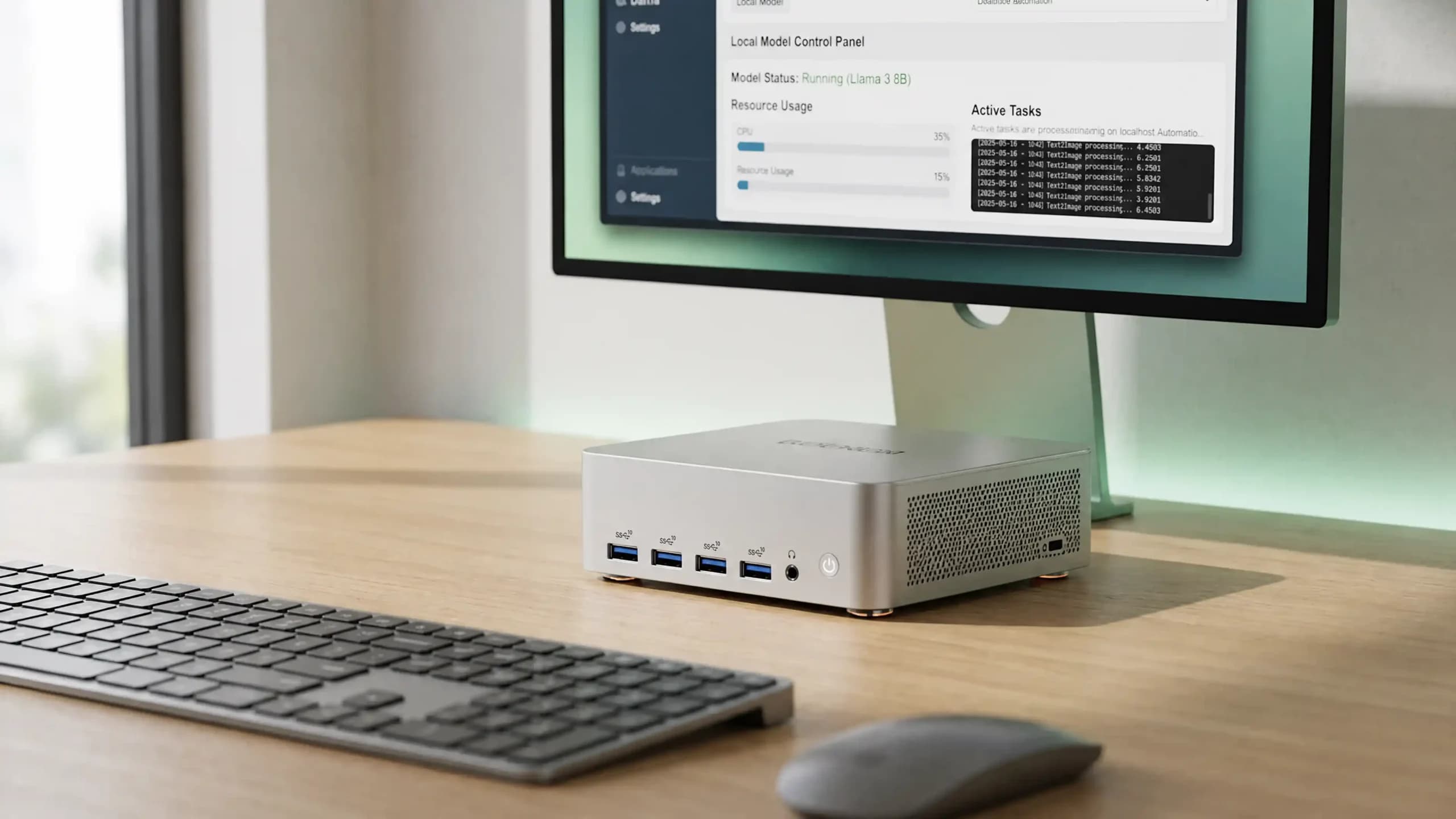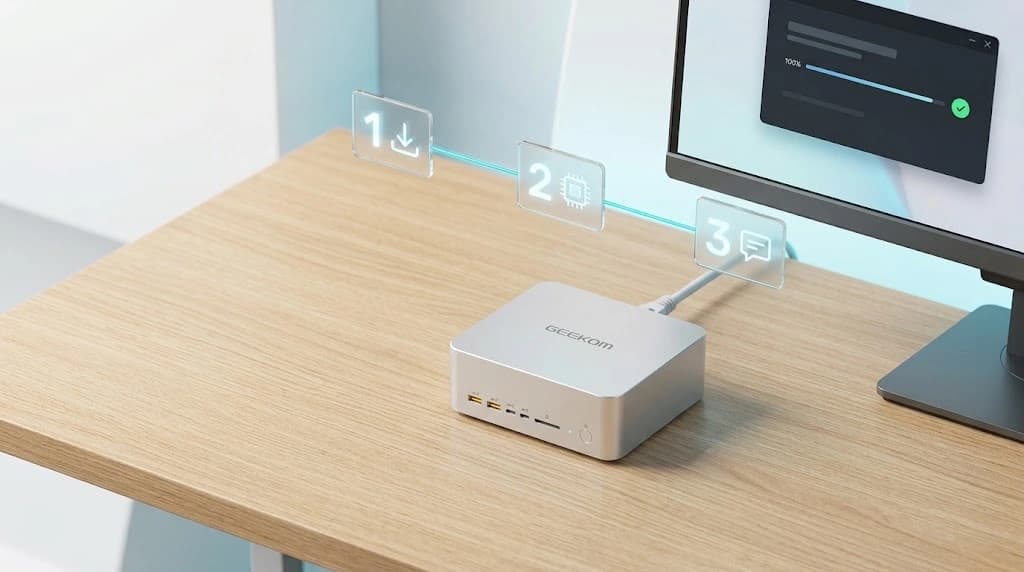
OpenClaw (formerly ClawdBot/MoltBot) is an AI assistant that has become extremely popular in the few short months since its release in late 2025. The platform has generated significant interest among techies and even gone viral for the stories people have shared about its abilities.
But to use it properly, you need to know how to set it up on your mini PC. Keep reading to learn about how to set it up, what it can help you do, and the benefits of running OpenClaw on a mini PC.
What Is OpenClaw (Formerly ClawdBot)?
Before trying to set up OpenClaw, let’s go over what it actually is and its capabilities.
OpenClaw as an On-Device AI Assistant
OpenClaw is a free, open-source AI assistant you can run on your own computer, giving you full control and keeping your data private, unlike public AI agents.
It’s also proactive, not reactive. While some AI agents only respond after you ask a question, OpenClaw is always running in the background and can even begin conversations with you.
It has memory and remembers previous conversations, preferences, and other background information. You can also chat with it in your choice of platform, whether that’s WhatsApp, Slack, Discord, or another app. But it doesn’t simply tell you what to do or suggest commands. It can complete tasks for you by interacting with your files, data, browsers, and processes directly.
Why Run OpenClaw Locally on Your Mini PC?
First, it can improve security by keeping all your data and conversations locally within your device rather than sharing them with third-party cloud companies or vendors.
Running it locally gives it access to all your files. When run in this way, it’s less like an AI chatbot and more like your own personal assistant, capable of sending you proactive updates, completing tasks, and helping you work more efficiently.
Real-World Use Cases for OpenClaw on a Mini PC
From everyday productivity to advanced developer workflows — here’s how OpenClaw transforms your mini PC into an intelligent assistant.
Reply to emails, summarise documents, and organise files — all handled automatically so you can focus on the work that matters.
Let OpenClaw manage your calendar — book meetings, set reminders, and coordinate availability without lifting a finger.
Generate weekly meal plans tailored to your preferences and automate grocery orders — saving time and reducing food waste.
Accelerate your studies and research by summarising articles, compiling notes, and surfacing key insights in seconds.
Stay on top of your to-do list with intelligent task tracking, priority sorting, and automated deadline reminders.
Detect errors, fix bugs, and streamline your CI/CD pipeline — giving developers more time for creative problem-solving.
Automate your flight check-in process, receive boarding pass notifications, and keep your travel plans neatly organised.
Powered by your GEEKOM Mini PC — compact hardware, limitless possibilities.
Key Components That Power OpenClaw on a Mini PC
Several components and factors go into powering OpenClaw efficiently and successfully on a mini PC.
OpenClaw Agent, Runtime Environment, and Dependencies
OpenClaw runs on all major operating systems like Windows, Linux, and Mac, and is deployed locally on the machine, on a Virtual Private Server (VPS), on dedicated hardware, or in cloud containers.
For it to run on your device, you need the Node.js platform. Thankfully, if you don’t have it installed, the setup wizard will do it for you concurrently while it installs OpenClaw. It also needs access to an AI model for its intelligence, whether that’s OpenAI, Claude, or another.
How OpenClaw Runs: Interactive Use, Automation, and Triggers
OpenClaw is designed to run in the background of your operations, and you interact with it through a chat interface. It doesn’t just respond to prompts, but can also perform actions and automate tasks.
It also doesn’t wait for you to reach out to communicate. OpenClaw is capable of starting conversations to remind you of upcoming events, telling you when something needs your attention, providing briefs, and checking in on projects.
You can also set it up to take action when certain triggers occur, like receiving an email, getting a message, or when files change.
OpenClaw Compatibility With Windows and Linux Mini PCs
It’s also compatible with both Windows and Linux mini PCs, giving you options for how you want to run it. Plus, it has relatively basic system requirements of only 4GB of RAM and a small amount of free storage.
Why OpenClaw Represents the Future of On-Device AI Assistants
First, OpenClaw remembers your past interactions over time. So instead of forgetting things after each session like some AI assistants, it saves your preferences, past interactions, and more.
It also begins conversations with you and keeps you in the loop, rather than just responding to your prompts. It’s also capable of executing tasks for you, not just telling you how to do things.
Because it can operate on your computer, it also ensures that your personal data, files, and other information remain on your device and within your environment.
How to Install OpenClaw on a Mini PC
- Open the Start Menu, search for Windows PowerShell, and run it as an administrator.
- In the Window, paste the following command and hit Enter: iwr -useb https://molt.bot/install.ps1 | iex
- It will begin installing Node.js (if you don’t have it) and OpenClaw.
- When the installer asks if you want to continue, read the text, then click Yes to confirm you want to proceed with the installation.
- Next, choose the AI model provider that you want to use to power your AI agent.
- Sign in to your account with the AI provider, get or create your API key, paste it into PowerShell, and hit Enter.
- Choose the model you want to use.
- You’ll be able to select a channel. To set it up, you’ll need to scan a QR code to link your channel (such as WhatsApp) to OpenClaw.
- It’ll also ask you to set up skills and add hooks, but you can do this later if you want to speed up the installation process.
- Next, the Gateway service is installed. Once it’s done, a new tab will open in your browser, which means OpenClaw is now installed on the computer.
Getting Started With OpenClaw After Installation
Once installed, you can go to your preferred channel or platform and begin chatting by sending yourself a message. You can also confirm everything is working by checking that the message (and OpenClaw’s response) appear in both your messaging app of choice and the web interface.
Also, if you didn’t set up any skills during installation, you can do that now. It comes with some built-in skills, but there are also many developer-created options you can use.
Performance, Privacy, and Reliability Benefits of OpenClaw on Mini PCs
While you can run OpenClaw on many kinds of computers, a mini PC is a popular choice for its great balance of performance, energy efficiency, and reliability.
Many mini PCs have strong specs and the latest AI processors, so they can handle a variety of AI tasks. But they do this with a much lower energy consumption than standard PCs, which is great if you have OpenClaw running 24/7.
They also have components that create less heat, and many have cooling systems to keep them working well over time without overheating or crashing. Many mini PCs are also built well with strong materials and go through plenty of testing to confirm they’re reliable.
Keeping everything on a single mini PC is also helpful for privacy, as you never need to worry about your files or other types of data being compromised, because nothing leaves the computer.
Mini PCs are also compact and take up hardly any space in your setup, are budget-friendly, and work quietly.
Frequently Asked Questions
Is OpenClaw the Same as ClawdBot?
Yes, it’s the same as ClawdBot. The company changed its name in early 2026 due to trademark concerns surrounding the similarity between the Clawd name and Claude AI.
Can OpenClaw Run on a Mini PC Without Cloud Access?
Yes, it can run on a mini PC even if there’s no cloud access. It was designed to be local-first so that you can easily run it on your own computer.
Is OpenClaw Open-Source?
Yes, OpenClaw is open-source. It has a community of users, developers, and supporters who can modify and extend what it’s able to do. It’s also free to install and use.
OpenClaw Transforms Mini PCs Into Always-On Personal AI Assistants
OpenClaw is a proactive AI assistant designed to help you with various tasks and activities, from responding to emails to keeping track of your projects. Setting it up only requires a single line of code, which installs everything you need. It works directly on your computer, is free to use, and has strong support from developers and users.
To ensure you can run OpenClaw, you should have an AI mini PC that’s powerful enough to run it, but also reliable and efficient enough to keep it operating all the time.
AI Mini PC Recommendations-GEEKOM A9 Max AI Mini PC
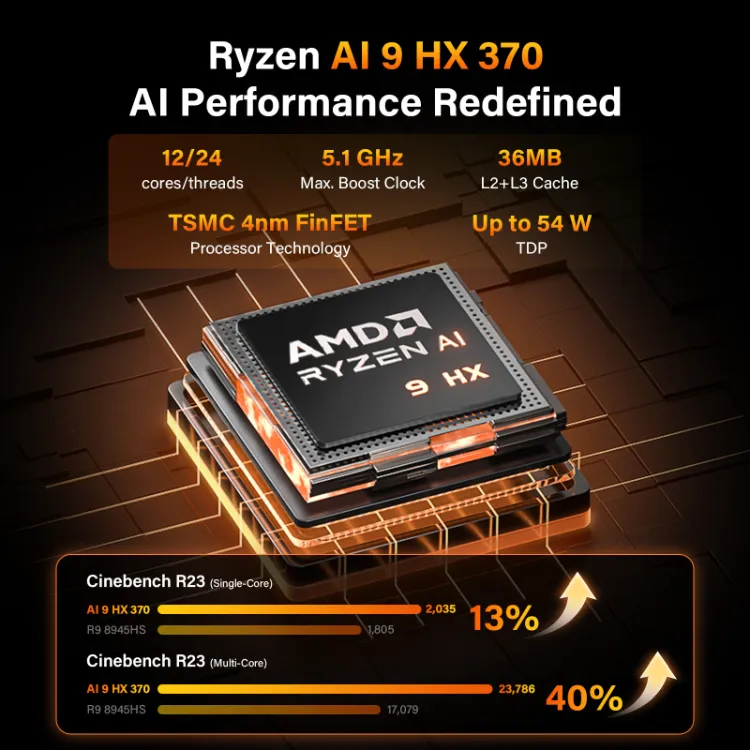
AMD Radeon Graphics(GPU): Whether you’re running Stable Diffusion or Topaz AI, or deploying local LLMs through LM Studio or Ollama, it delivers smooth performance with intelligent thermal management and efficient GPU utilisation.
AMD Ryzen Processor(CPU): Built on AMD’s latest Strix Point architecture, the Ryzen AI 9 HX 370 delivers outstanding processingperformance for demanding workloads, seamless multitasking and modern productivity.
Neural Processing Unit (NPU): With the XDNA 2 engine, it delivers up to 50 TOPS NPU performance and 77-80 TOPS of total AI acceleration, perfect for Copilot+, local large models and advanced content creation.