




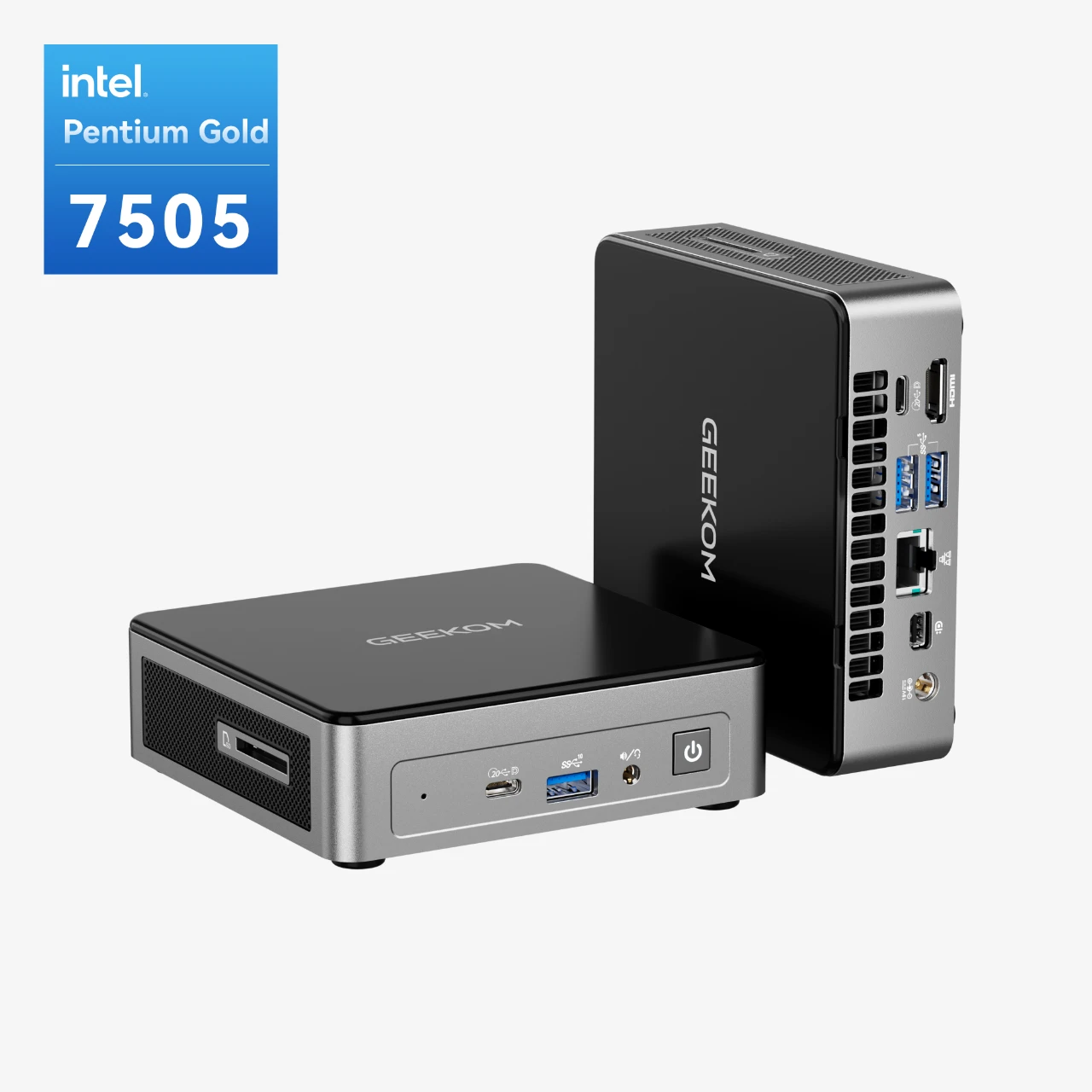



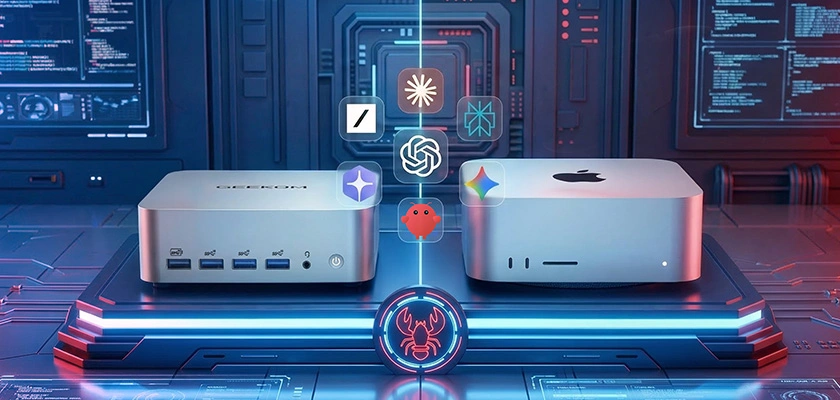
When developers on Twitter and Hacker News first went crazy over the open-source agent framework OpenClaw, a pattern began to emerge. Social media was quickly filled with pictures of self-driving computers running shell commands, making trades automatically, and clearing email inboxes. These computers were often groups of Mac Minis. The Mac Mini quickly became the standard hardware for anyone building an always-on AI assistant. They were in a hurry to start, though, and forgot to ask an important question: Is this really the right call for everyone?
It is not as simple as the answer seems. The Mac Mini has some good points, but its flaws are often overlooked. This article compares the popular Mac Mini to the new generation of powerful x86 mini PCs based on performance, price, privacy, the ability to do local LLM, and reliability 24 hours a day, seven days a week. We will help you figure out which platform really gives you the best start for your OpenClaw goals.
Just want the verdict? Skip to the summary table at the end.
What Hardware Does OpenClaw Actually Require?
It is surprising how light the core OpenClaw framework is. Your specific use case, not the agent itself, tells you what hardware you really need. Before you can understand the hardware trade-offs, you need to know what kind of OpenClaw user you are.
There are three main types of people described here:
|
Cloud API User
Calling external models via API
You primarily use OpenClaw to connect to hosted AI models — think OpenAI, Anthropic, or similar — rather than running anything locally. Your machine acts as a reliable coordinator, not a compute engine.
What matters most
– Stable, always-on internet connectivity
– Consistent uptime — latency spikes are your enemy – Modest RAM (16 GB is typically sufficient) – Low idle power draw for 24/7 operation |
Local LLM User
Running models on-device
You want full control: no data leaving your home network, no subscription costs, and no dependency on third-party uptime. Whether that’s for GDPR compliance, saving money long-term, or simply working offline, you’re running the model yourself.
What matters most
– Large RAM capacity (32 GB minimum; 64–128 GB ideal for 13B+ models)
– A capable GPU or NPU for inference speed – Good sustained thermal performance under load – Linux compatibility for open-source tooling |
Always-On Agent User
Running agents around the clock
You need at least one agent running continuously — monitoring home automation, managing email triage, or handling repetitive background tasks. Think of it less like a workstation and more like a quietly humming appliance tucked behind the telly.
What matters most
– Low and predictable power consumption (Ofgem rates add up)
– Passive or near-silent cooling under typical load – Long-term hardware stability — not just peak benchmarks – Reliable scheduled task support (cron, systemd timers) |
This difference is very important to understand. If all you want to do is use OpenClaw with cloud APIs, a mini PC with 16GB of RAM and the right settings will be fine. You do not need to spend more than £1,000 on a machine whose main benefits you will never use.
Mac Mini’s Real Strengths for OpenClaw
That is why the Mac Mini M4 became the standard. It offers a lot of real benefits that make it a good choice, especially for people who are already invested in Apple products.
Apple M-series chips are excellent at running programs with only one thread. They also respond quickly to agent requests. According to in-depth reviews by tech sites like AnandTech, this means that tasks that need a single fast core will run very quickly. That can help an AI agent decide more quickly and get through a difficult task more quickly between steps.
There is an advantage to the Mac Mini that you can not see: it has better noise and thermals. Even when it is under a lot of stress, it runs quietly and does not slow down thanks to its world-class thermal design. It is very helpful to be able to run your agent from home or the office 24 hours a day, seven days a week.
The Mac Mini is the only device that can fully integrate OpenClaw, which makes it perfect for people whose digital lives depend on Apple services like iMessage, FaceTime, and others. A lot of people will not give up this strong feature.
Price for Beginners: The base model Mac Mini M4 is a simple way to join the Apple world. For the price, it works really well, especially for people who only need 8GB of RAM.
Click to read more about Mac mini Review: Performance and Features
The Mac Mini’s Hidden Limitations for AI Workloads
Some excellent things about the Mac Mini are that it has strict limits that can be very annoying, especially for AI and developer fans.
There is soldered RAM, and upgrading it costs a lot. The RAM in the Mac Mini is hard-wired to the motherboard. Any changes you make to it after purchase are not possible. During checkout, you have to decide whether to pay Apple’s notoriously high prices for more RAM (for example, an extra $200 for every 8GB) or get a machine that does not have enough memory to run larger local LLMs.
When someone has an Apple Mac, they can not add more storage to the ones that come with it. You could use external drives, but they are more work and make things messier. The internal storage is small and expensive, so it is hard to keep large datasets or a lot of LLM checkpoints.
That is not possible with Linux. Some people still can not run Linux on Apple Silicon, even though Asahi Linux has come a long way. There are, however, a lot of x86-native tools, Docker images, and hardware support that come with a normal PC architecture that you do not get. For some people, this might not be the best way to use Linux.
With only one Ethernet port, the Mac Mini does not have dual LAN. There is a big security hole here. If you do not have a second LAN port, it is harder to make a physical firewall or divide the network into different parts. This is very important if you are setting up a home lab or a safe, self-hosted area. This feature is already on a lot of mini PCs made for developers.
Why x86 Mini PCs Offer More for OpenClaw Builders
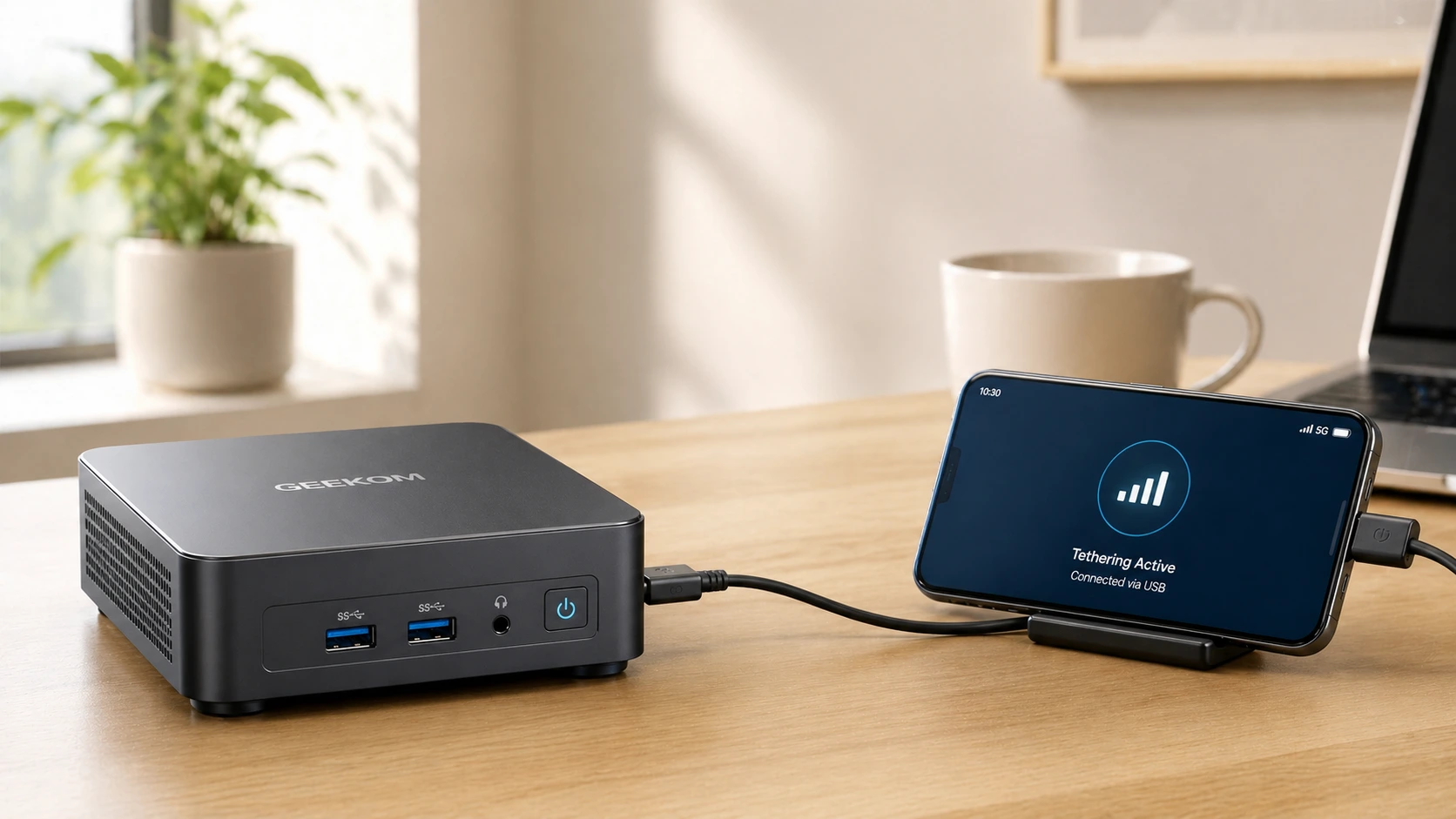
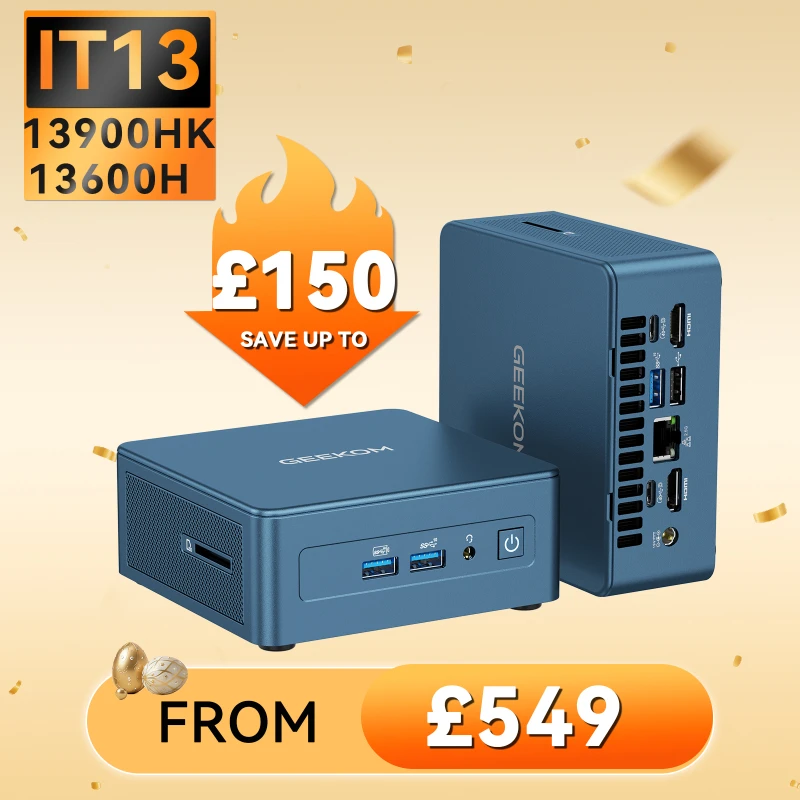
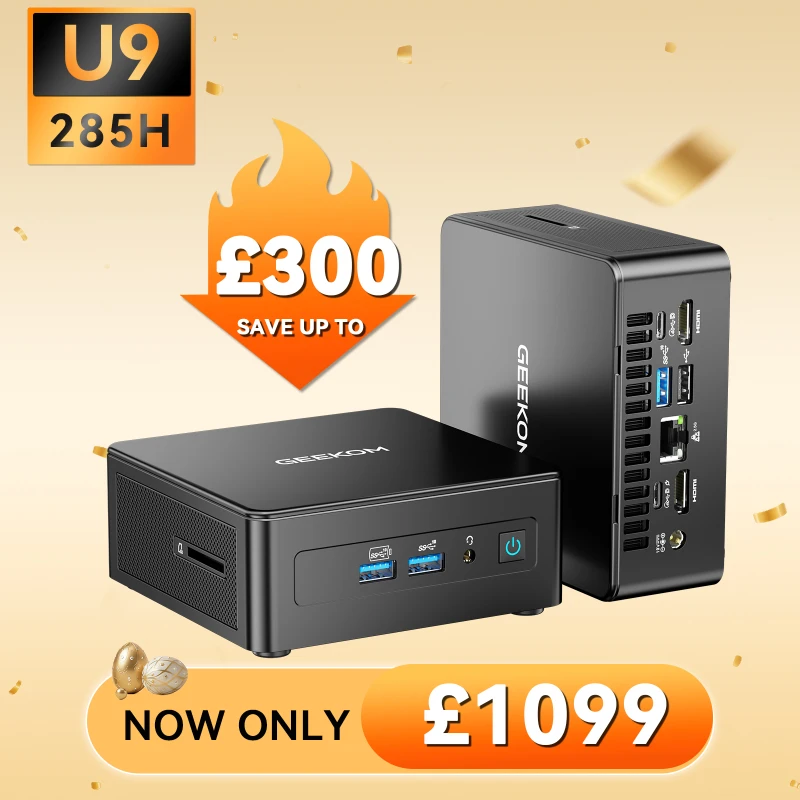
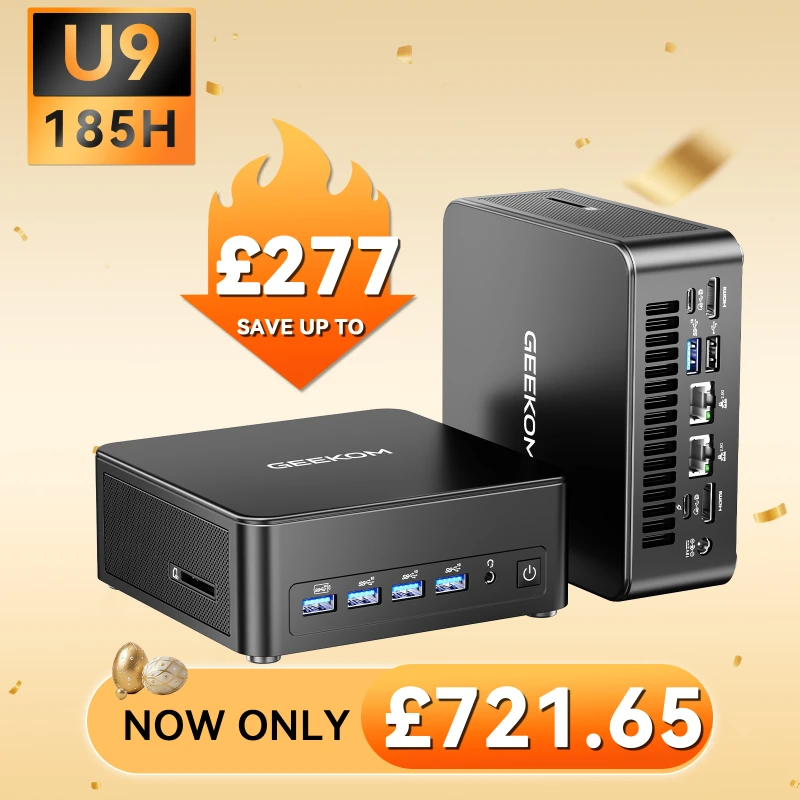
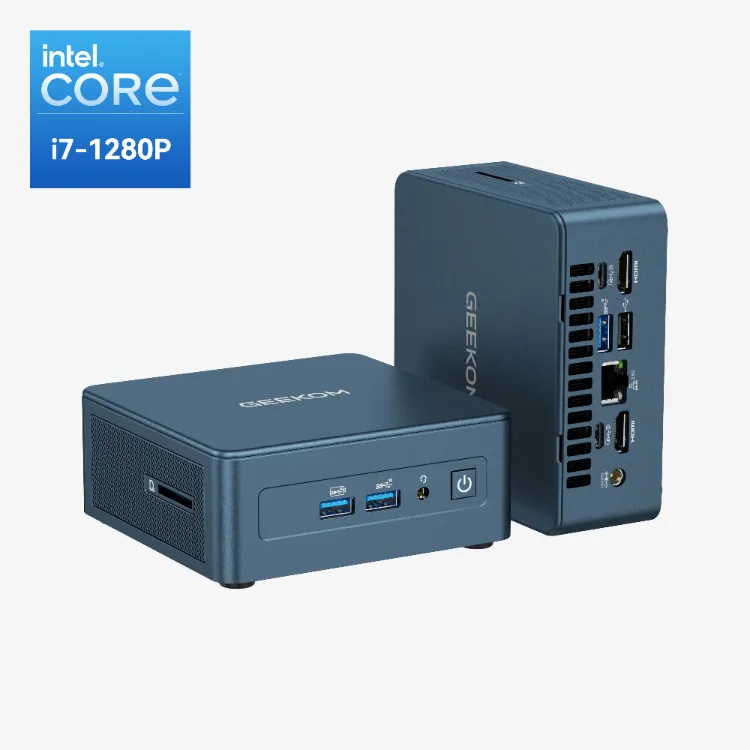
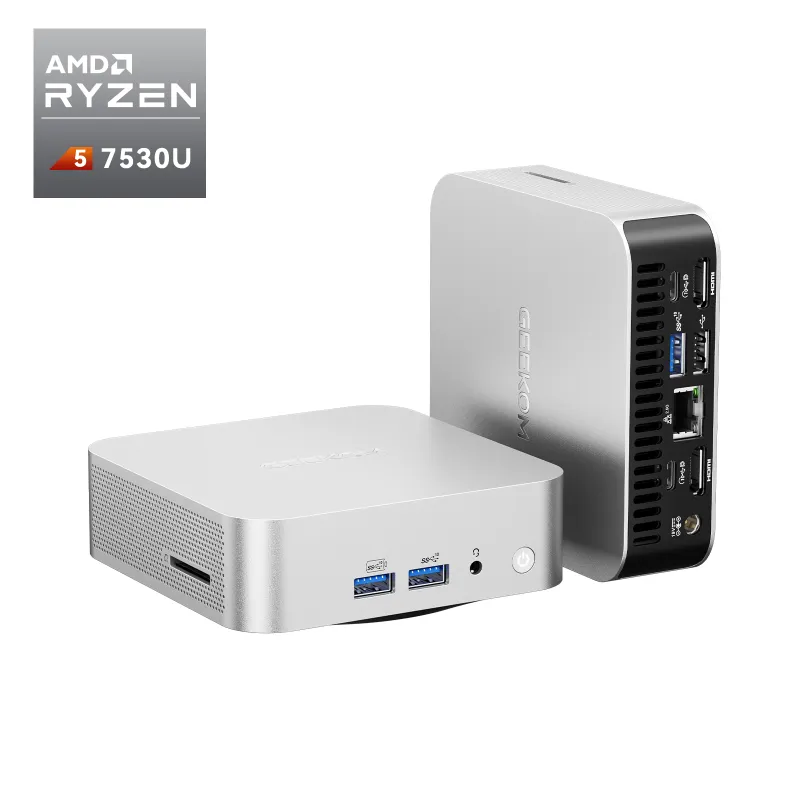
The x86-based mini PCs from GEEKOM are a suitable alternative. Open architecture puts value, flexibility, and the ability to upgrade first.
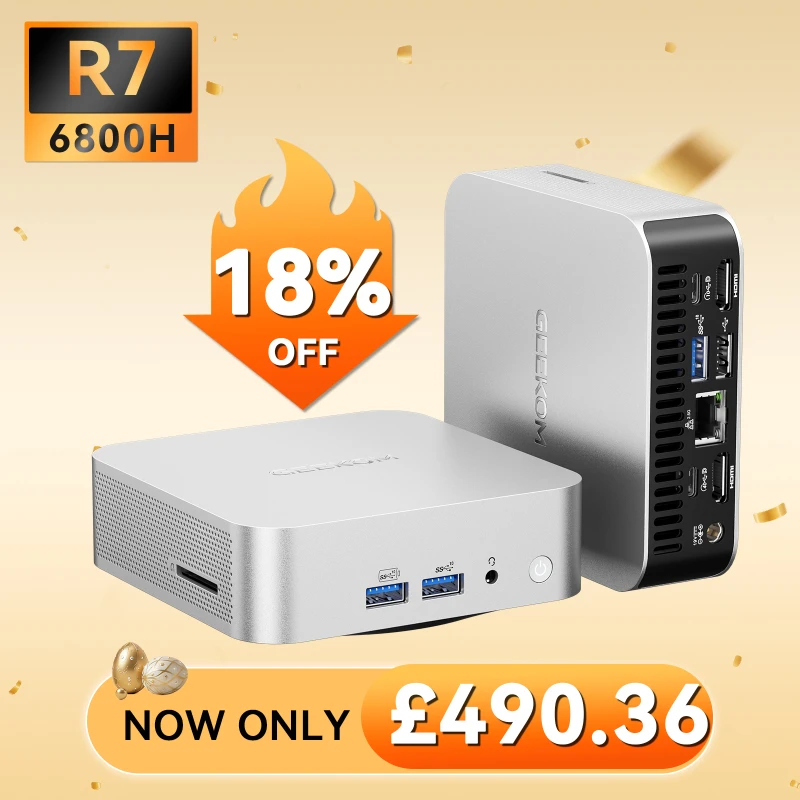
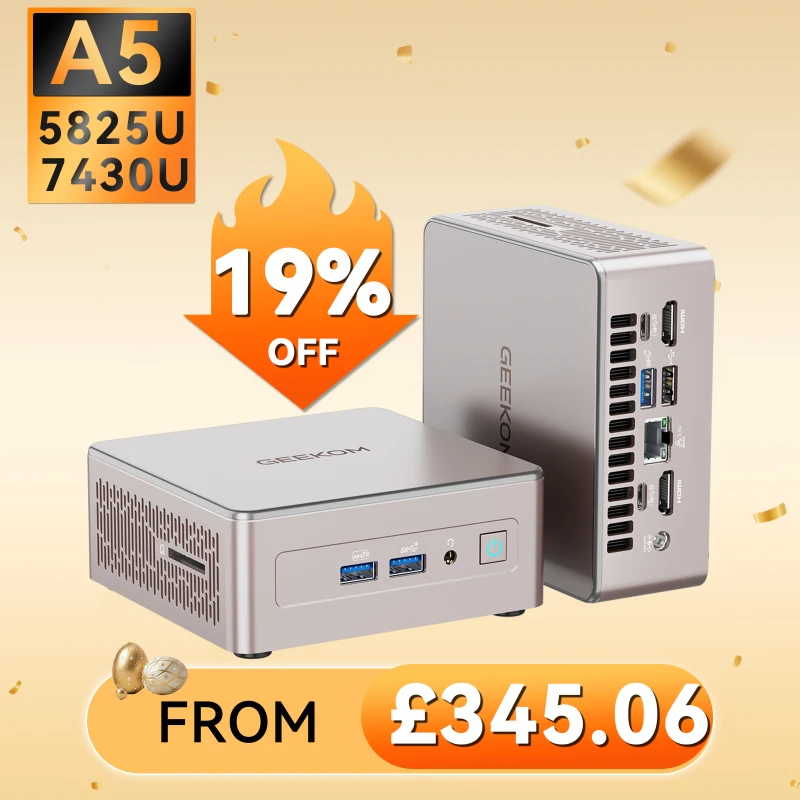
Due to the specs-per-dollar ratio, the value proposition is clear. A lot of GEEKOM mini PCs are cheaper than the base Mac Mini and come with twice as much RAM and storage space. You can also upgrade both of these things.
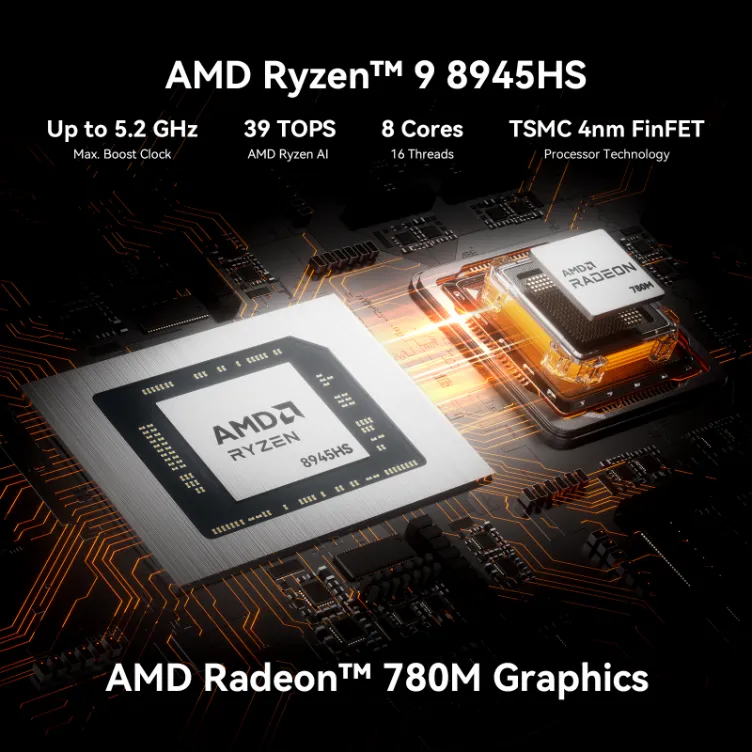
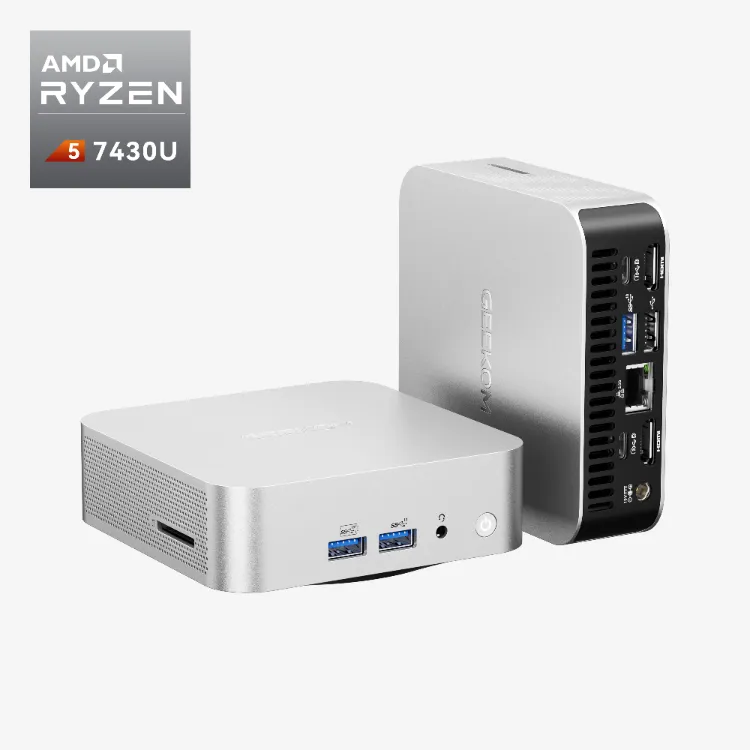
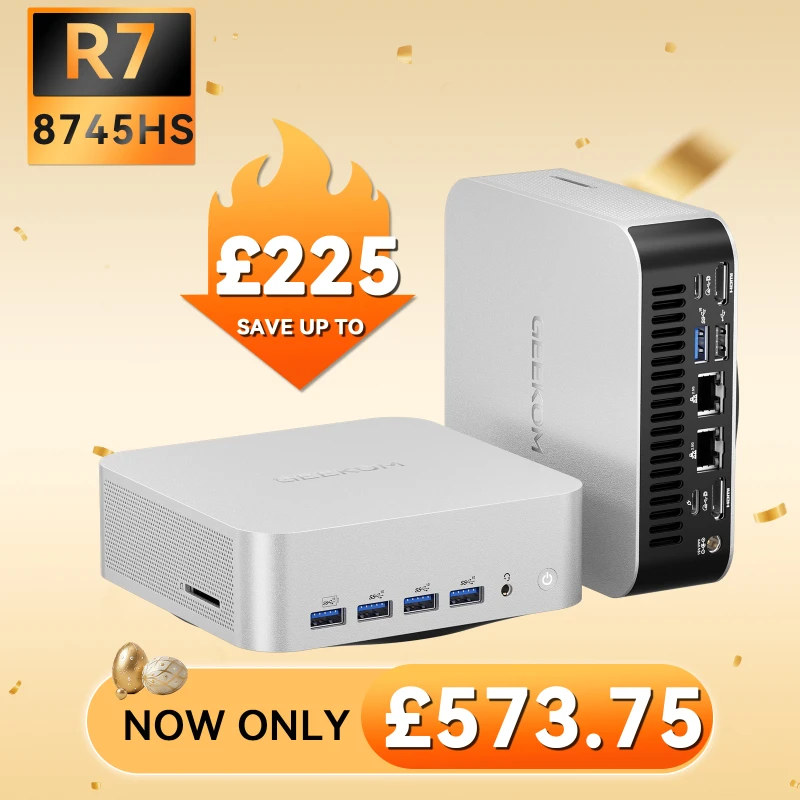
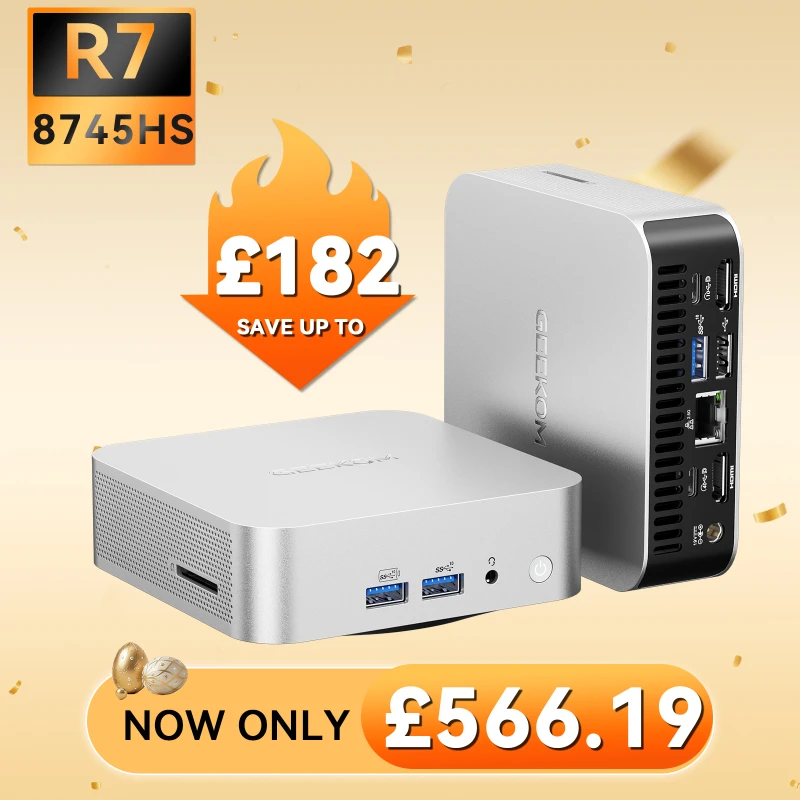
If you want to try OpenClaw, the GEEKOM A8 Max is the best value for money and works great for Cloud API users. This computer costs a lot less than a Mac Mini and has an AMD Ryzen™ 7 8745HS processor, up to 64GB of user-upgradable DDR5 RAM, and two 2.5G LAN ports.
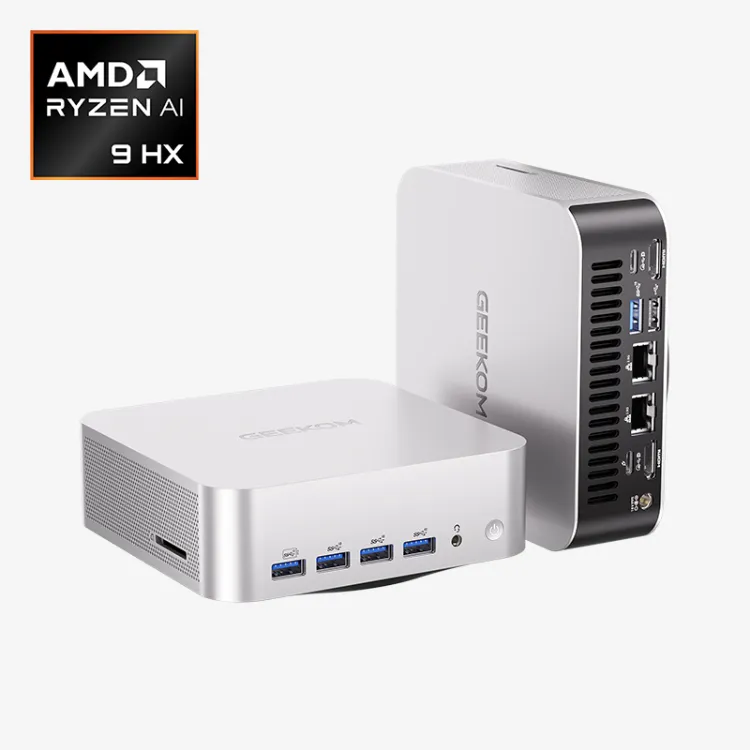
You need the GEEKOM A9 Max if you want to use OpenClaw and a local LLM. People who are serious about local models need the A9 Max. It has a strong AMD Ryzen AI 9 HX 370 processor with more than 50 TOPS for faster inference. It can handle up to 128GB of DDR5 RAM, which is plenty of space for running 7B-13B parameter models.
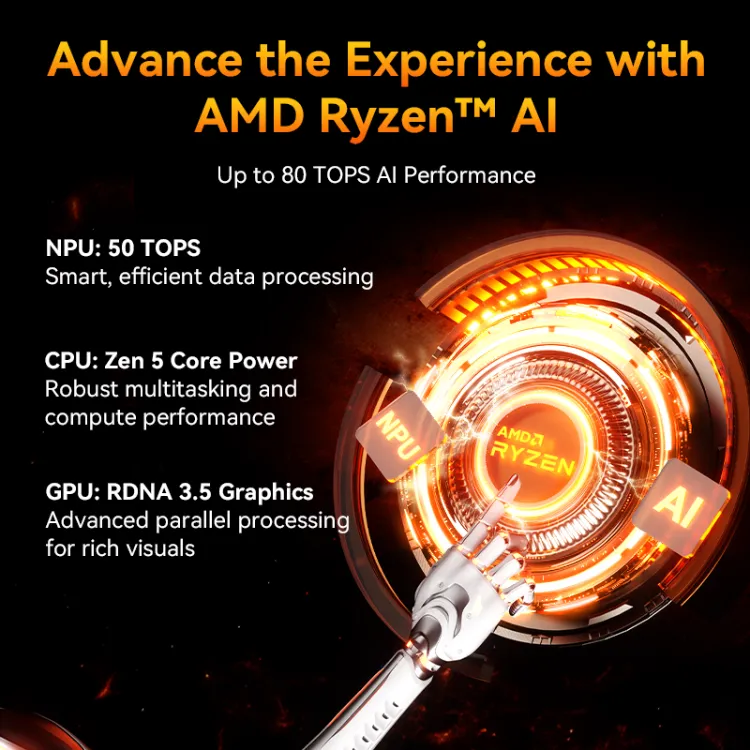
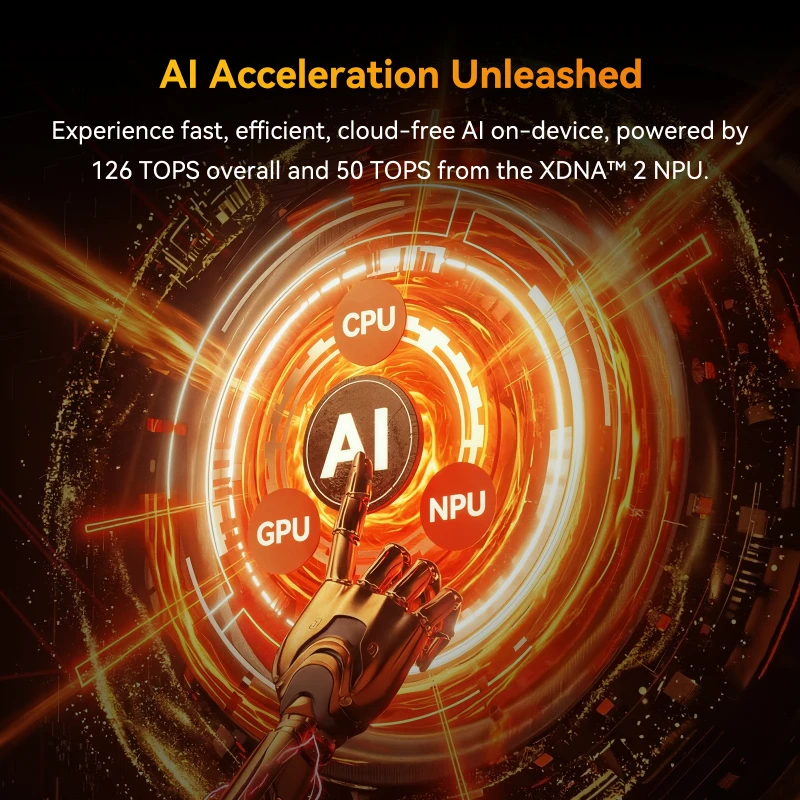
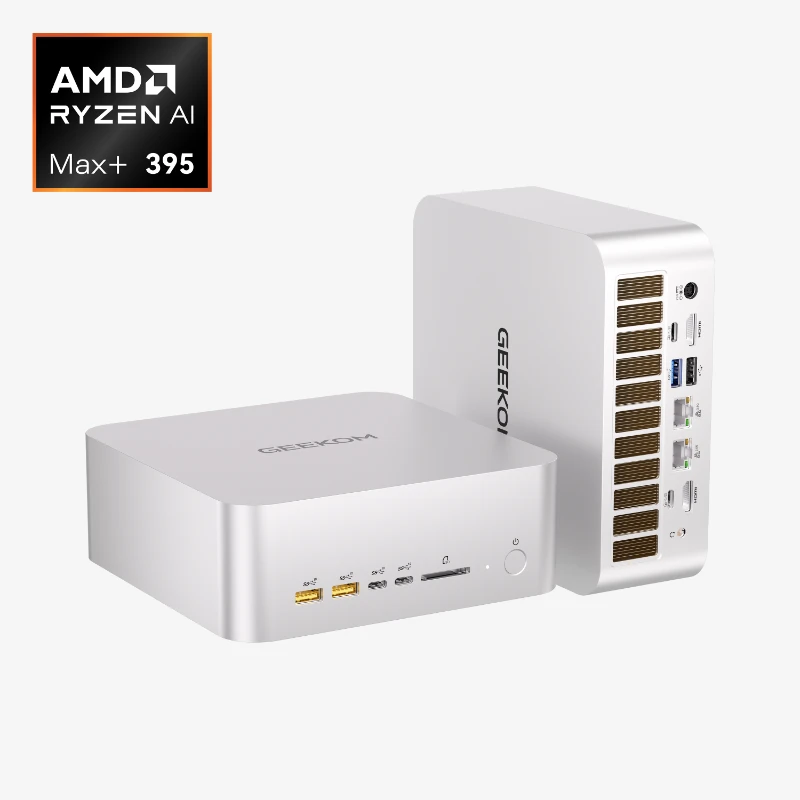
The A9 Mega is a small but powerful chip that developers can use to make their own AI apps or run multiple local models. As it has a cutting-edge processor with over 126 TOPS, a Radeon 890M, and four 8K displays, it can handle heavy local inference and AI development.
Click to read more about Why These Windows Mini PCs Beat the Mac Mini
OpenClaw Hardware: Which Setup Is Right for You?
This table shows how the most common OpenClaw uses connect with the best hardware choice. This should help you make your decision.
| Case of Use | Recommended | Reason |
|---|---|---|
| Cloud API only, budget-conscious | GEEKOM A8 Max | 32GB upgradeable RAM, dual LAN, starting under £575 |
| iMessage is non-negotiable | Mac Mini M4 | This is the only platform that offers native iMessage support for OpenClaw |
| OpenClaw + local 7B–13B models | GEEKOM A9 Max | 50 TOPS NPU, up to 128GB DDR5, proven in testing |
| Heavy local inference / AI development | GEEKOM A9 Mega | 126 TOPS, Radeon 8060S, 4× 8K display support |
| Silent 24/7 operation, ultra-low power | Mac Mini M4 | Unmatched thermal performance and acoustics in its class |
| Privacy-first / GDPR-compliant (EU) | GEEKOM + Linux | Fully local, with no Apple ecosystem data flows, and full control |
The One Question That Decides Your OpenClaw Hardware
A surprisingly simple question will tell you whether to get a Mac Mini or a GEEKOM mini PC for your OpenClaw setup: Do you need native iMessage integration?
If the answer is yes, you know what to do. The Mac Mini is the only device that can do this, which ends the debate for many.
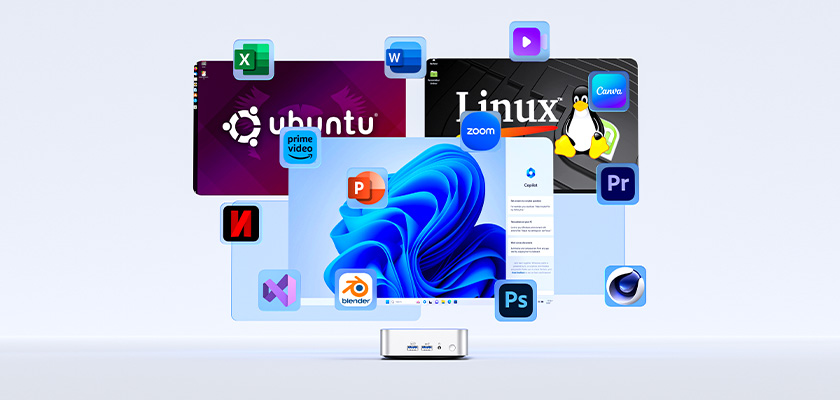
If the answer is no, on the other hand, a world of better value and more freedom opens up. There is a GEEKOM mini PC that costs less than a Mac Mini that comes with 32GB, 64GB, or even 128GB of user-upgradeable DDR5 RAM, two 2.5G LAN ports for advanced networking, and the freedom to run any Linux distribution you want. You give up the ability to use iMessage, but if you use WhatsApp, Telegram, Slack, or Discord as your main way to talk to people, that is not a big deal when you consider how much more power and control you get.
Ready to build your always-on OpenClaw setup? Explore the GEEKOM A9 Max or go all-in with the GEEKOM A9 Mega.