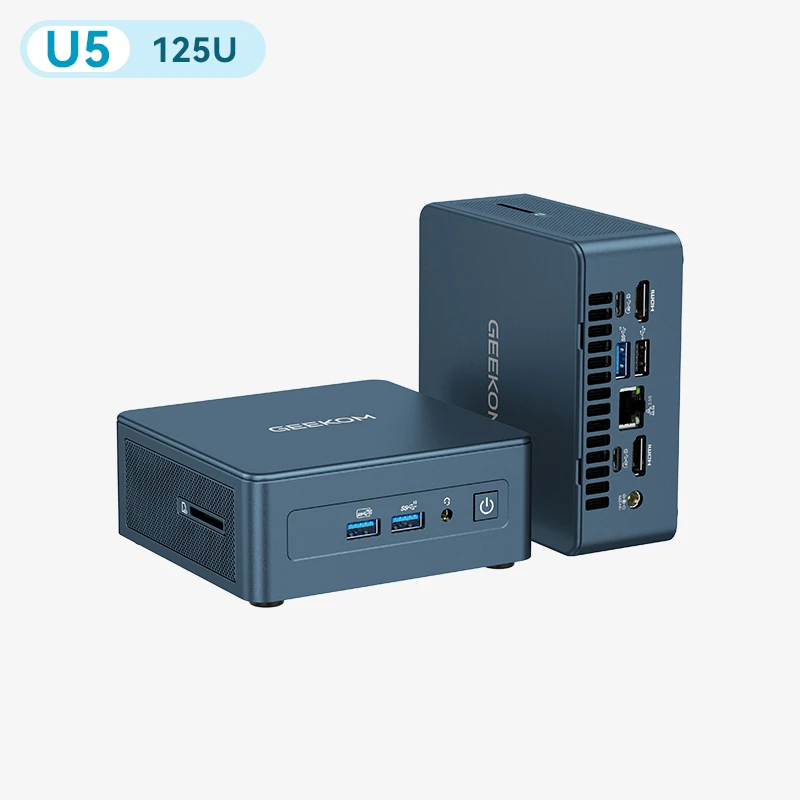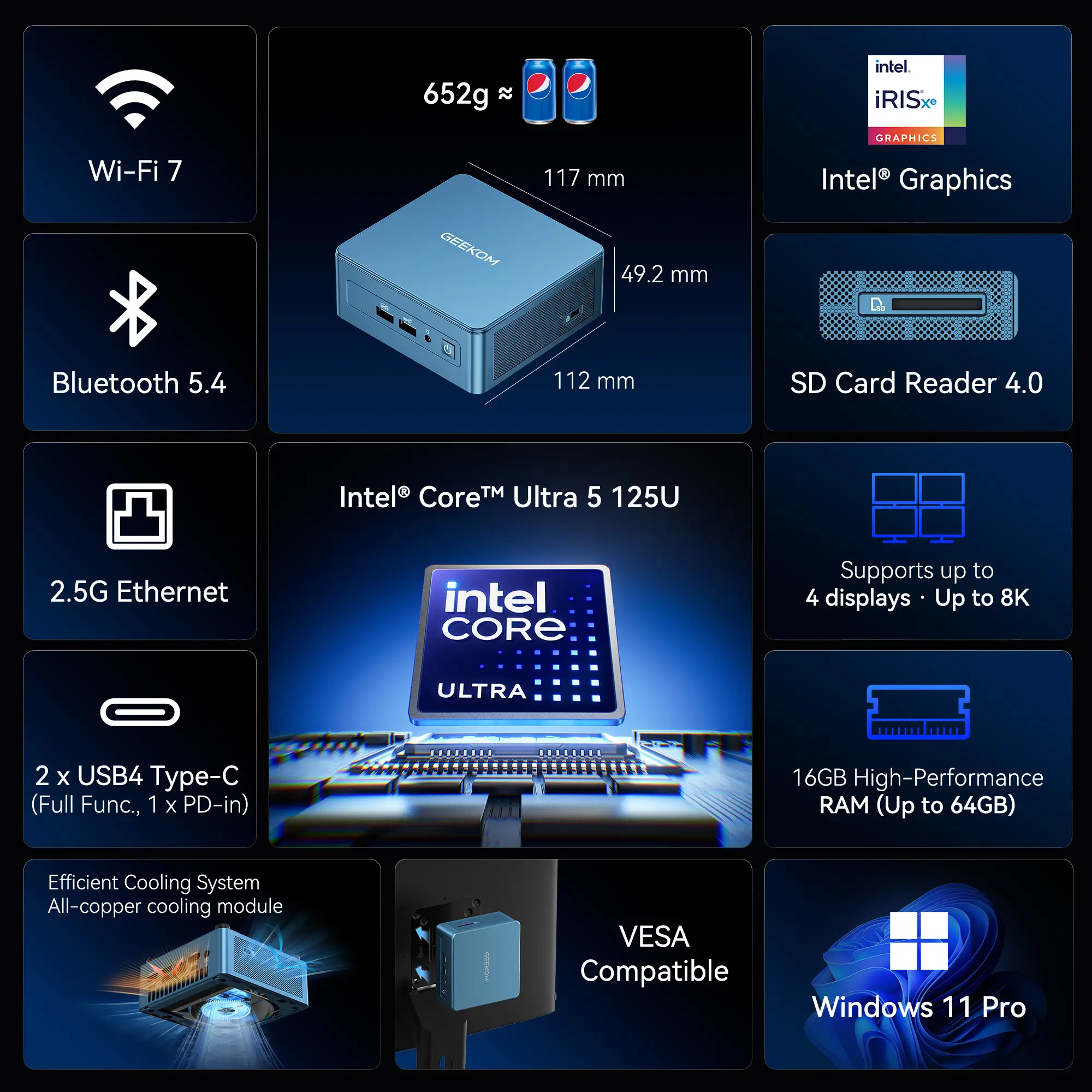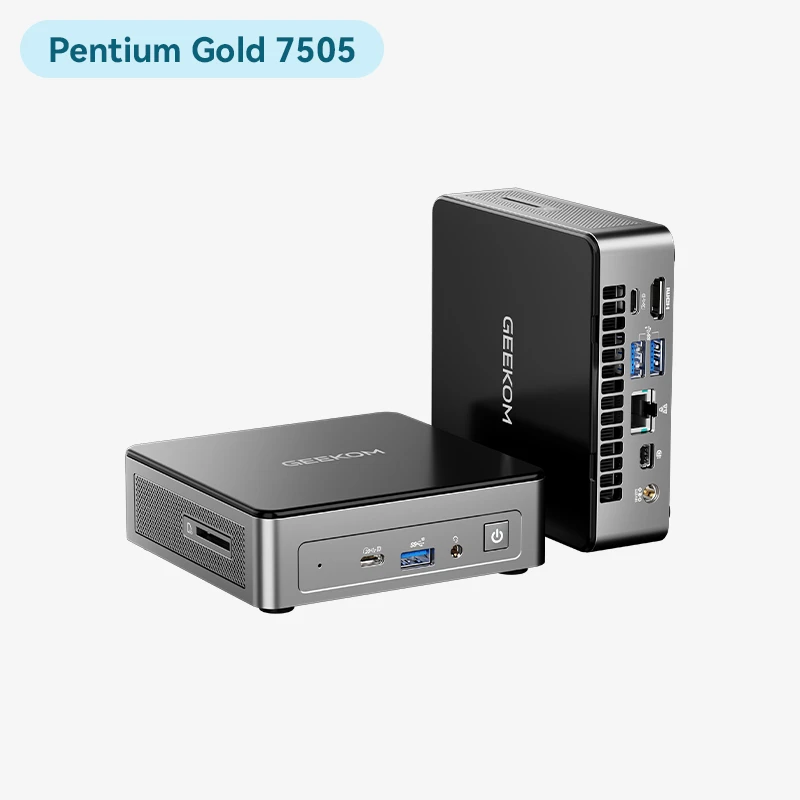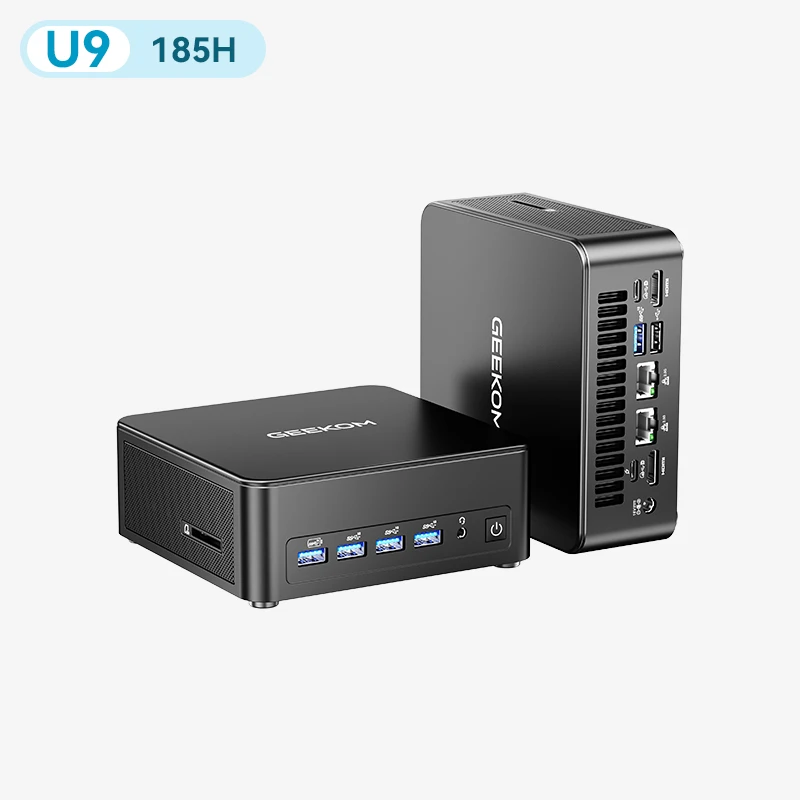





























































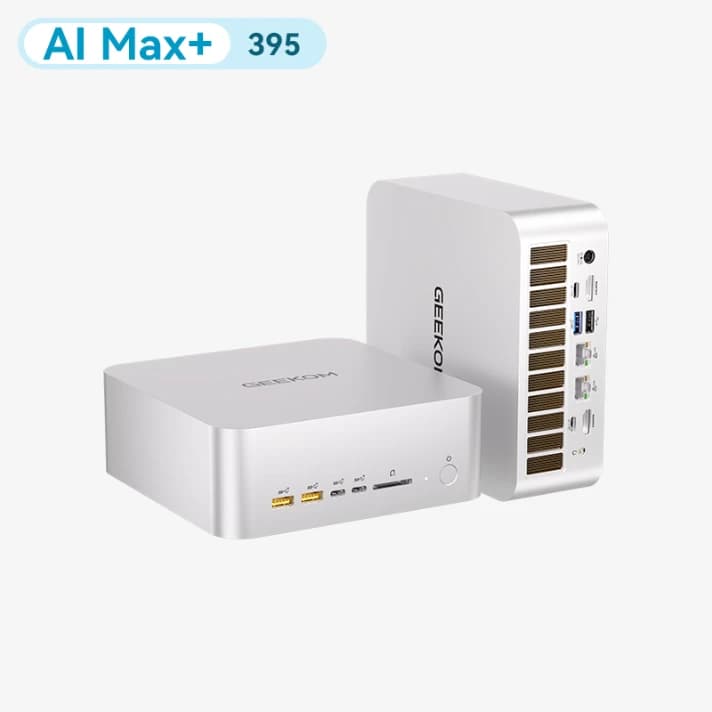
SIZE: Ryzen Al Max+ 388 64 GB RAM + 2 TB SSD
£2,499.00
£2,799.00
FAQs |
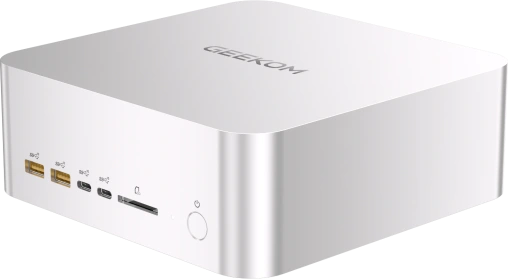
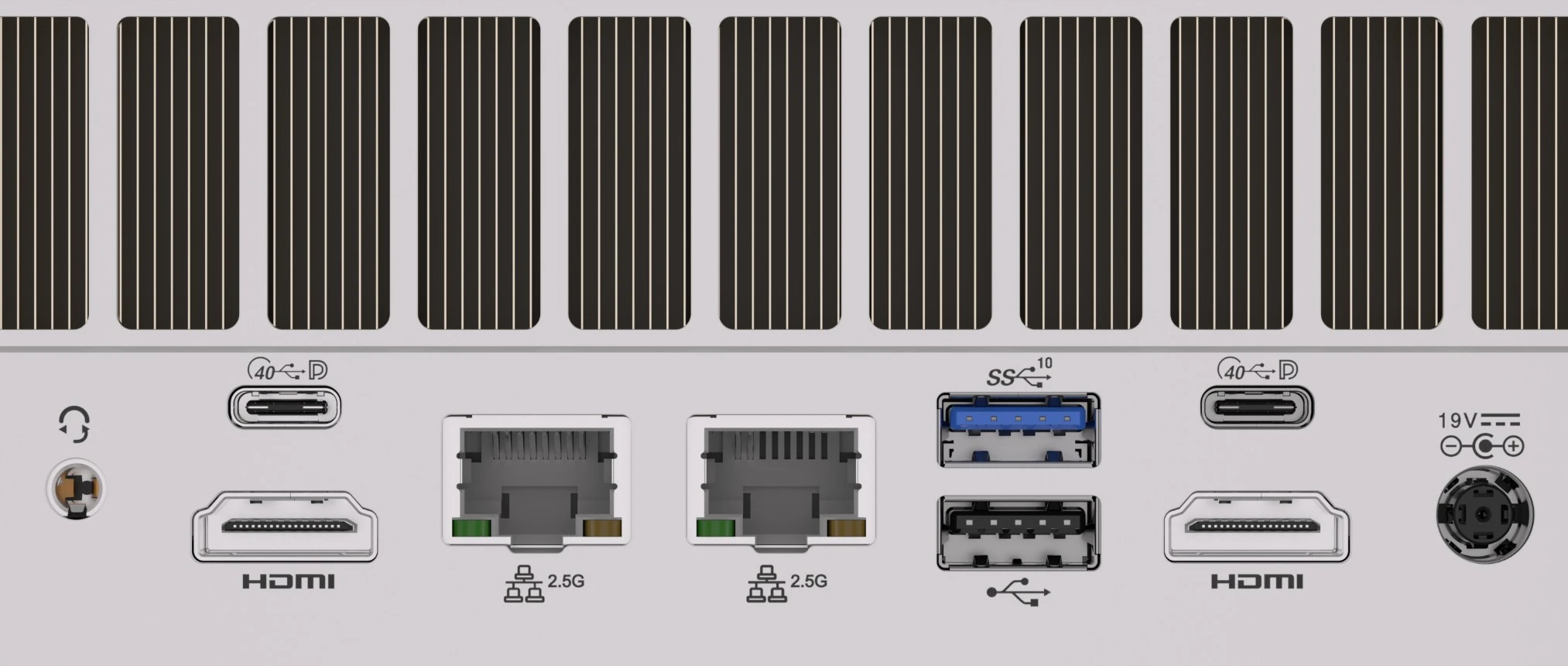
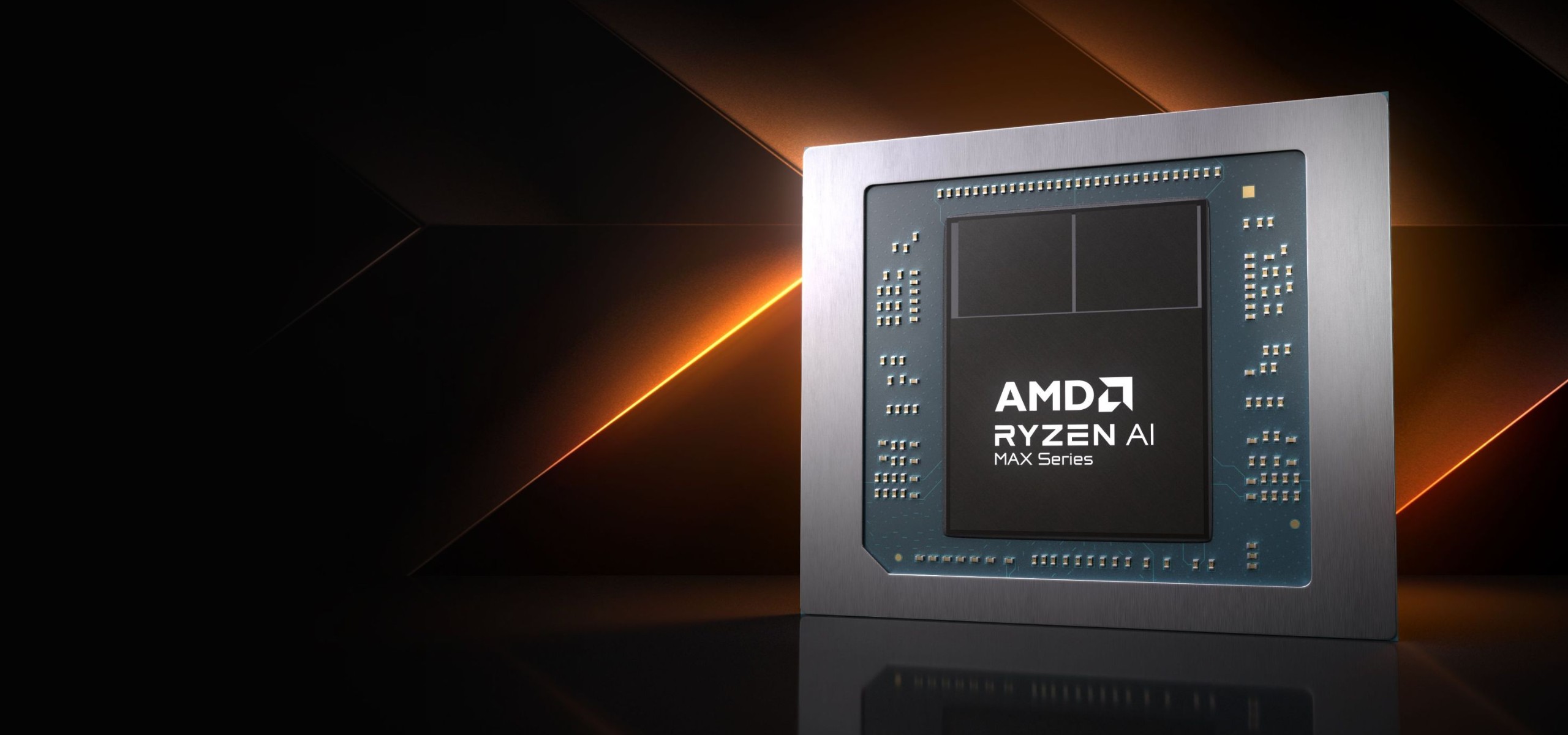
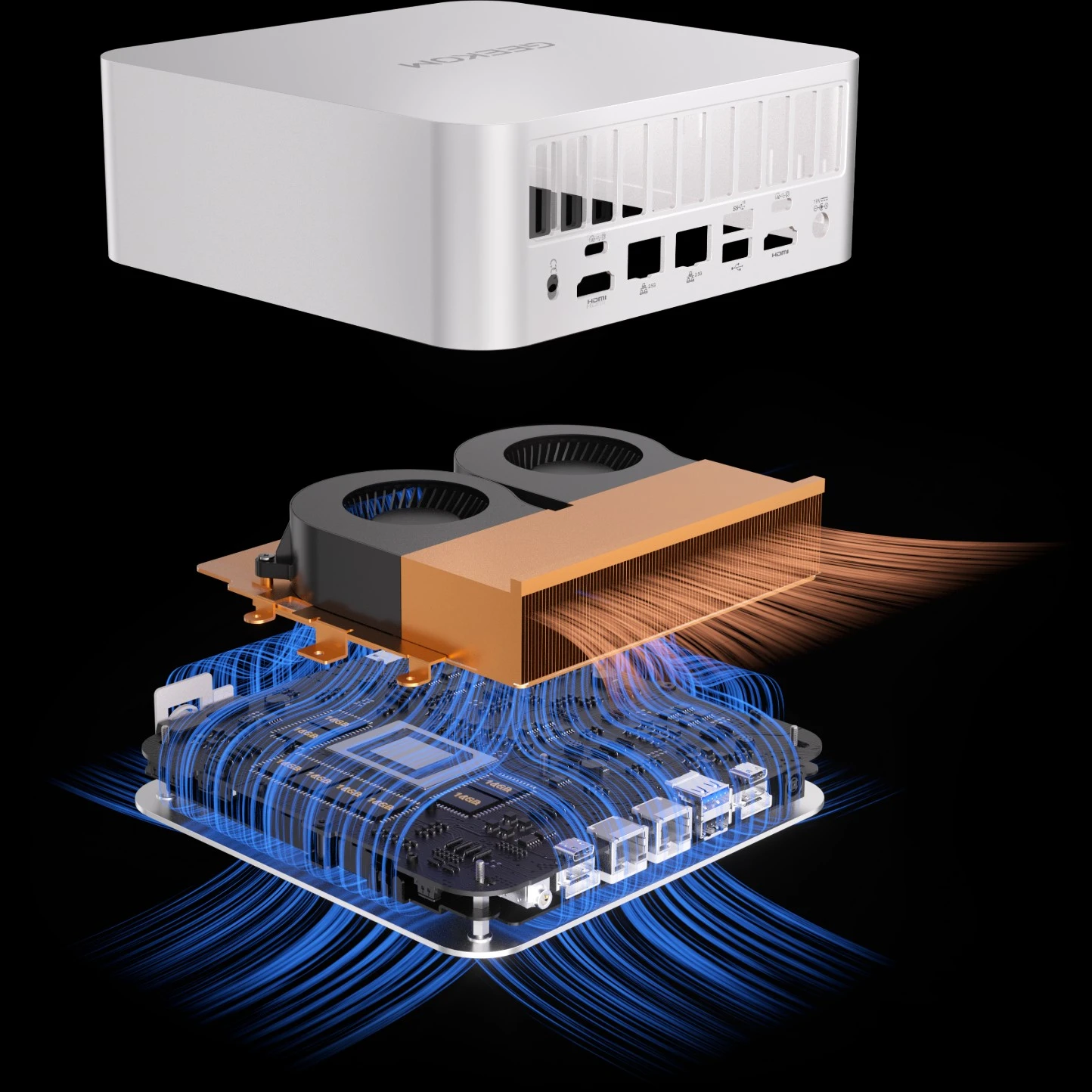
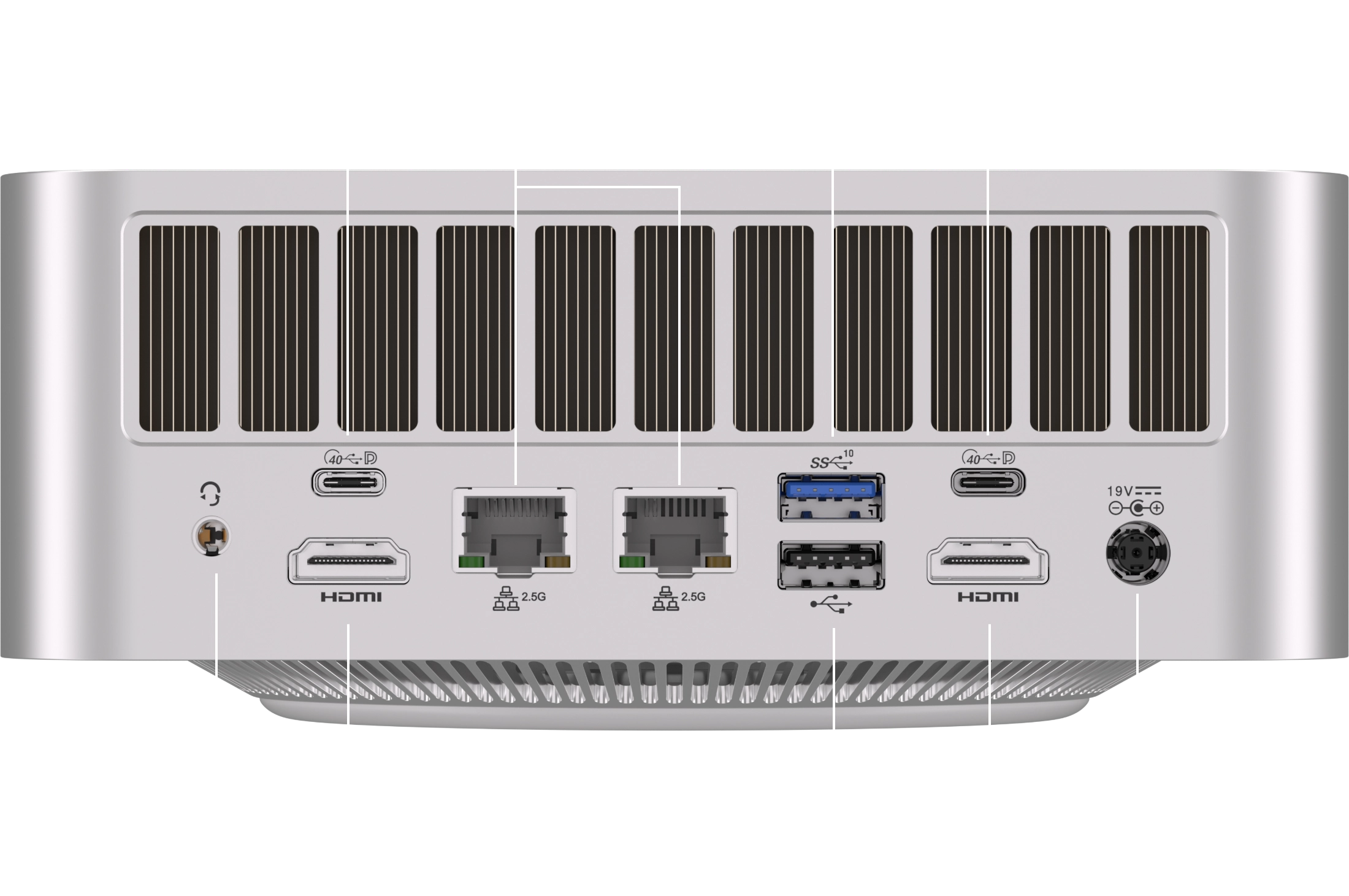
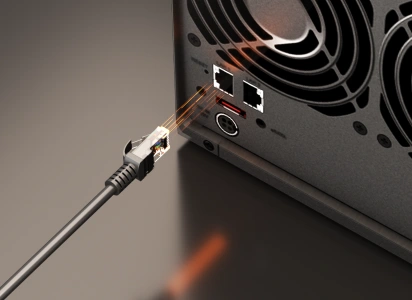
What size of AI models can the GEEKOM A9 Mega run locally?The 128GB configuration runs 70B-parameter models at 4-bit quantisation and ~120B-class mixture-of-experts (MoE) models, such as gpt-oss-120b, entirely on-device. The 64GB configuration is best suited to MoE models of around 35B parameters. Image models such as Stable Diffusion and Flux are also supported. Actual fit depends on quantisation and context length. How much of the A9 Mega's memory can the GPU use for AI models?The AMD Ryzen AI Max+ (Strix Halo) platform uses unified memory shared by the CPU and GPU. On Windows, you can assign up to 96GB to the GPU on the 128GB configuration, or up to 48GB on the 64GB configuration, via Variable Graphics Memory in AMD Software. On Linux, GPU memory is shared dynamically, and the limit can be raised through kernel settings. Does the A9 Mega work with Ollama, LM Studio and other AI tools without CUDA?Yes. CUDA is exclusive to NVIDIA, but popular local AI tools such as LM Studio, llama.cpp and ComfyUI run on the A9 Mega's Radeon 8060S GPU via AMD ROCm or Vulkan. Ollama also works, although on Windows its GPU acceleration must be enabled manually. Projects that rely solely on CUDA will not run without modification. What affects local LLM speed on the A9 Mega?Mainly model architecture, quantisation and context length. MoE models generate text much faster than dense models of a similar size, as only part of the model is active per token. Large dense models are limited by the 256GB/s theoretical memory bandwidth, and long prompts add a delay before the first reply. Most LLM apps run on the GPU, so the 126 TOPS figure does not directly reflect generation speed. Why does my model fail to load or run slower than expected?Check these settings in order: assign enough GPU memory via Variable Graphics Memory; reduce the context length; offload all model layers to the GPU; try switching between the Vulkan and ROCm backends; and select the high-performance power mode. In Ollama on Windows, enable the GPU via an environment variable; otherwise it falls back to the CPU. Can the A9 Mega run AI offline and share it with my team?Yes. Once downloaded, models run without an internet connection, so prompts and documents stay on the device. LM Studio and Ollama can provide an OpenAI-compatible API, letting colleagues use the model over your local network via the dual 2.5G Ethernet ports. The system has passed 330 hours of continuous full-load testing. Which A9 Mega memory configuration should I choose?Choose based on the largest model you plan to run. 64GB is best suited to MoE models of around 35B parameters and document Q&A (RAG); 128GB is for 70B-class and ~120B-class MoE models or running several models at once. Memory is soldered and cannot be upgraded, while storage expands to 8TB via two M.2 PCIe 4.0 slots. Is the A9 Mega a good alternative to a dedicated AI workstation or GPU desktop?For local inference, RAG and AI agents, it is a strong fit. Its 128GB of unified memory runs models larger than a typical graphics card's VRAM entirely on the GPU, in a 171 × 171 mm chassis drawing around 120W under sustained load. If your model fits within a high-end graphics card's VRAM, or your work relies on CUDA or large-scale training, a dedicated GPU workstation is the better choice. |