




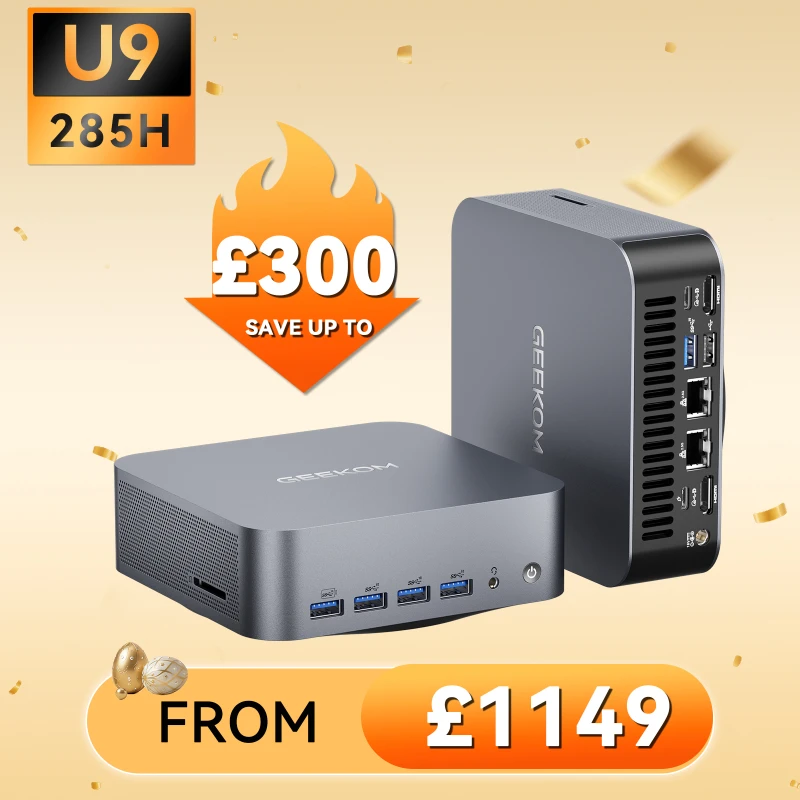
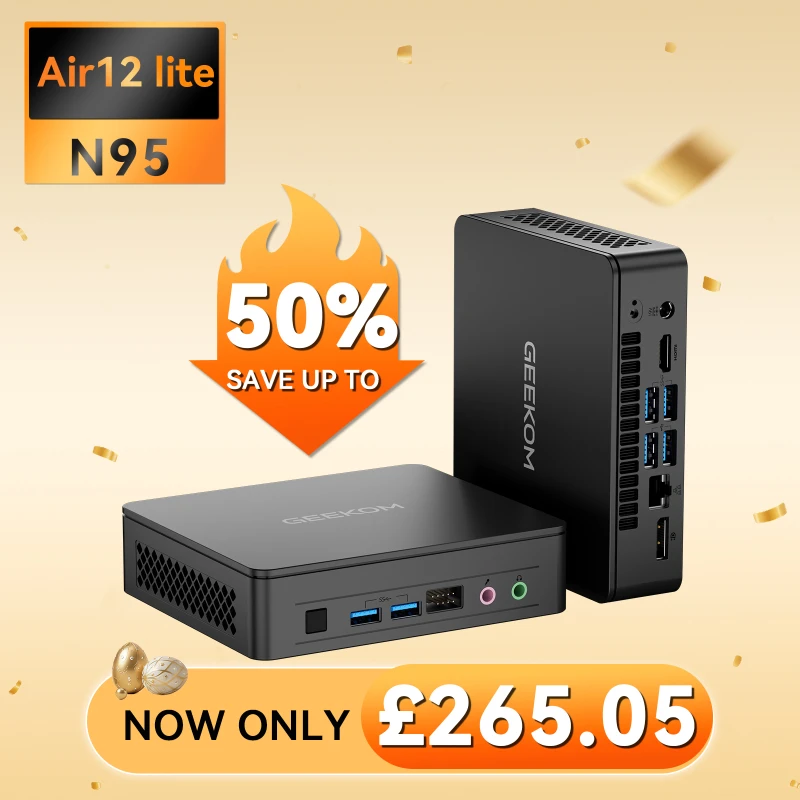
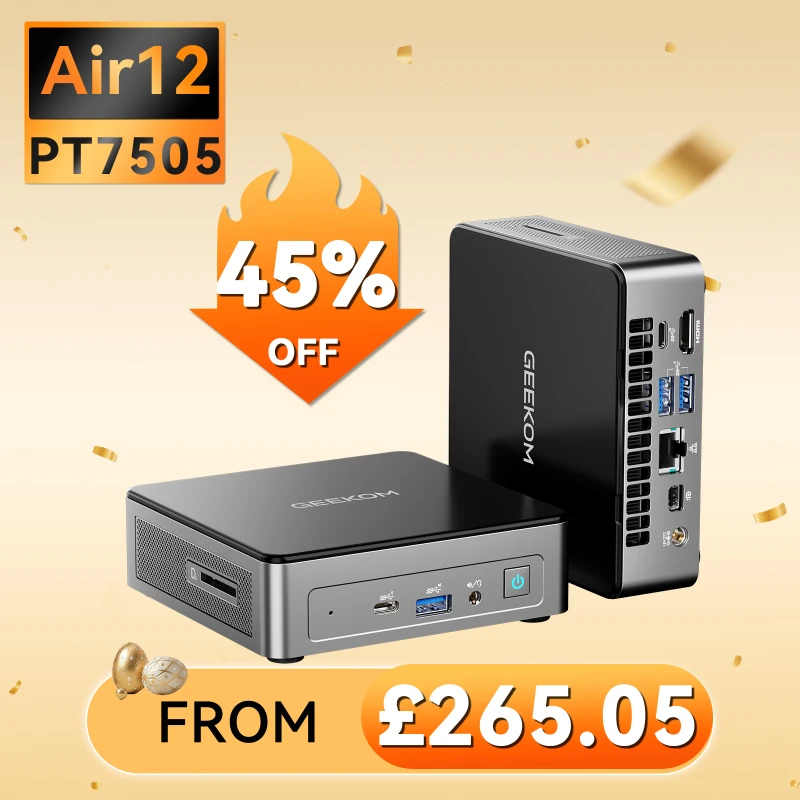
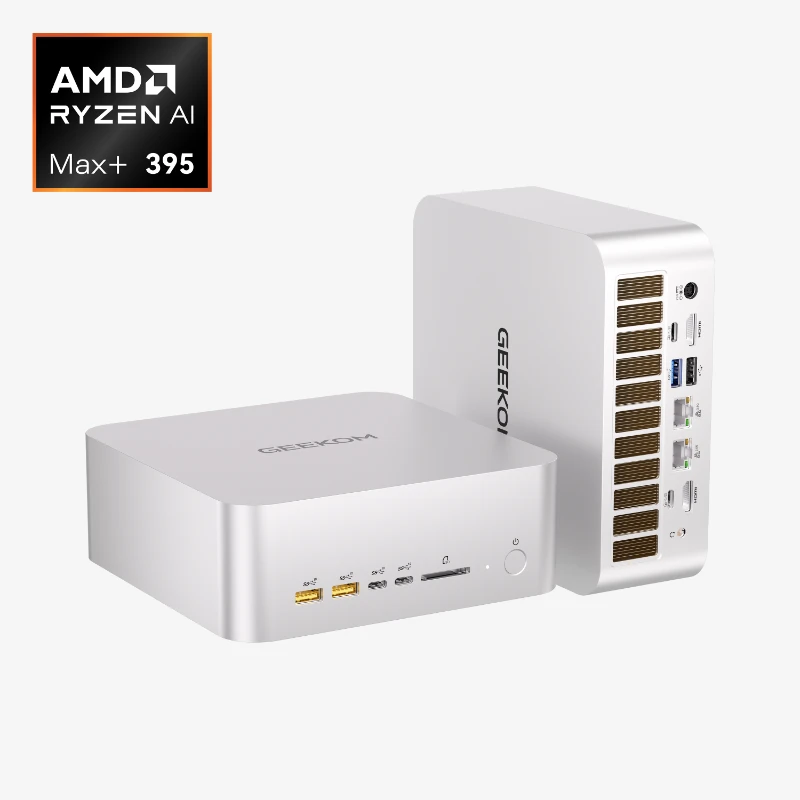
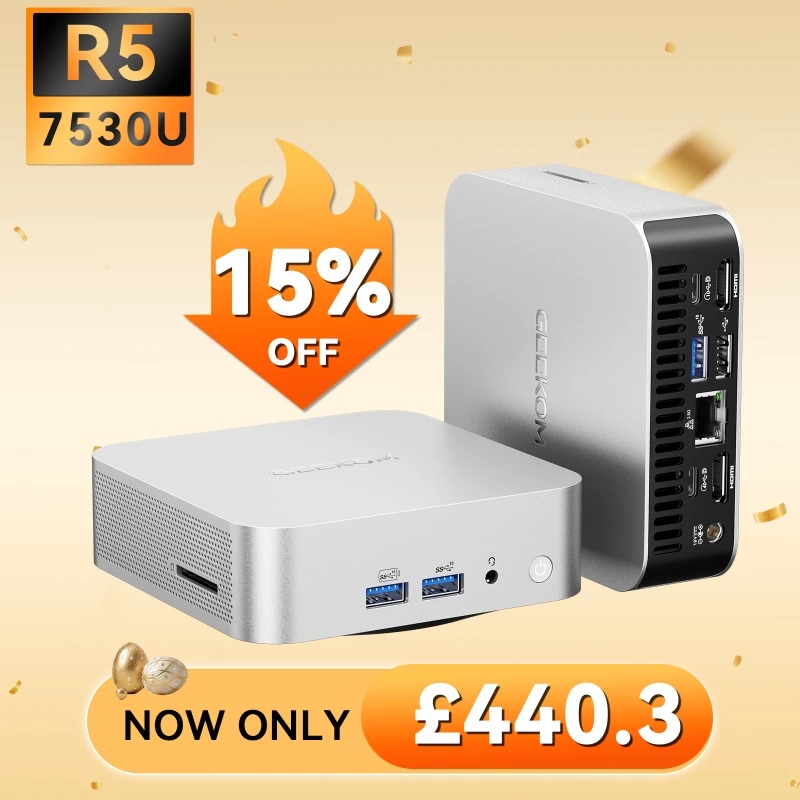
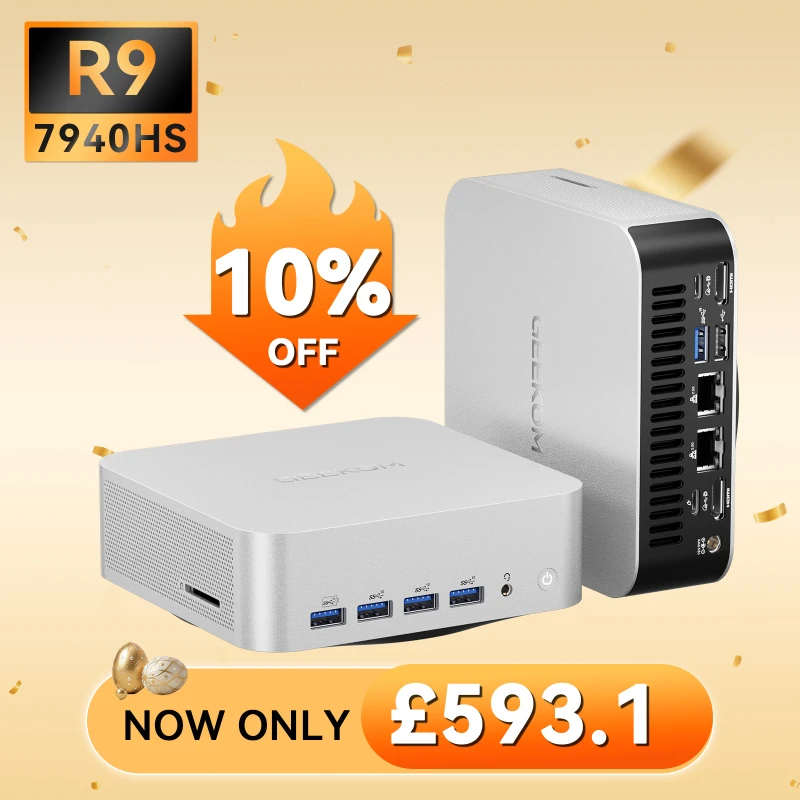
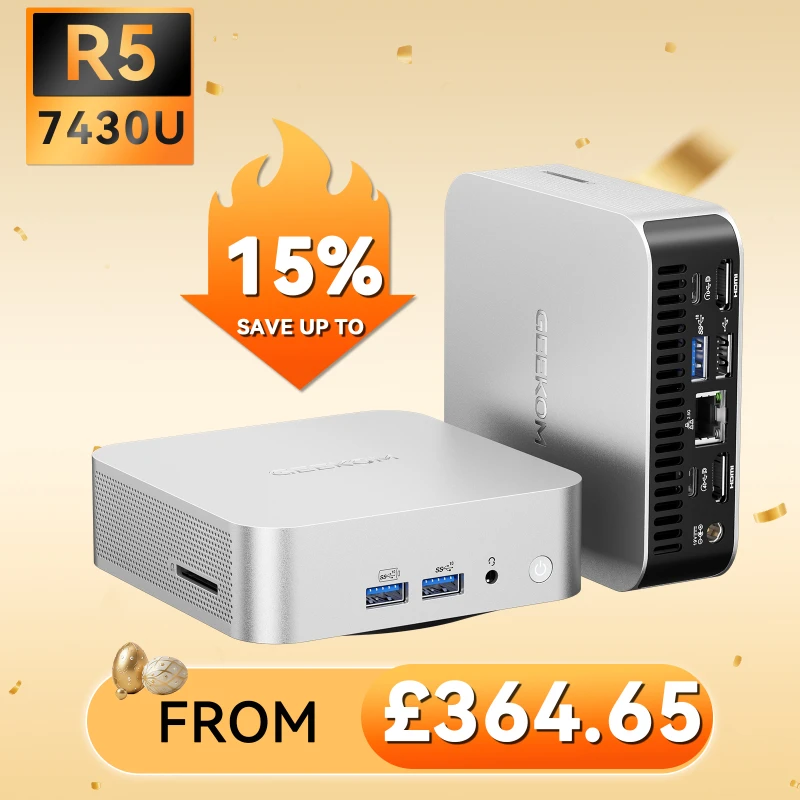
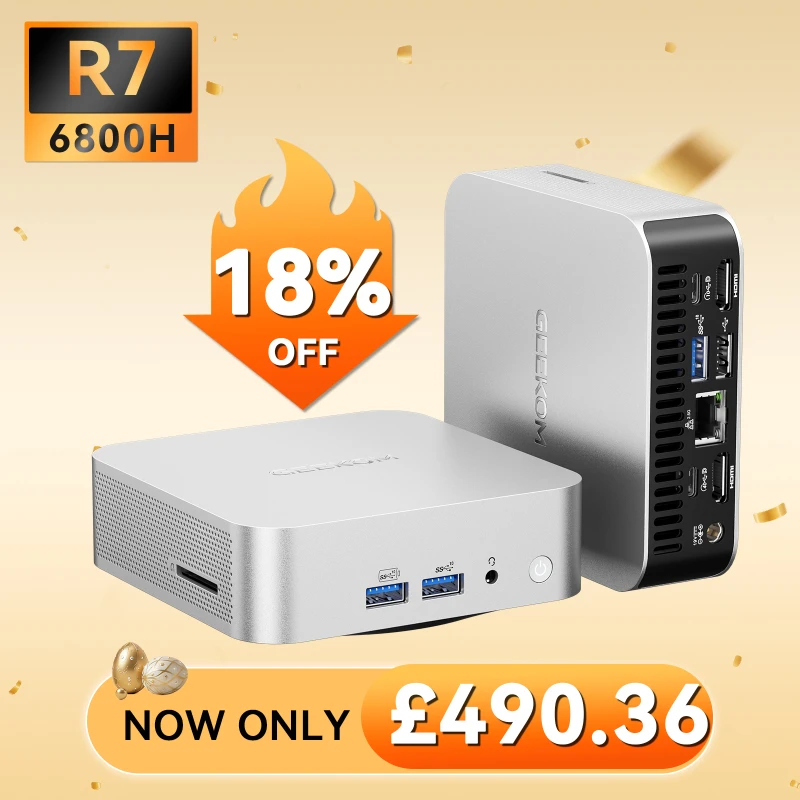
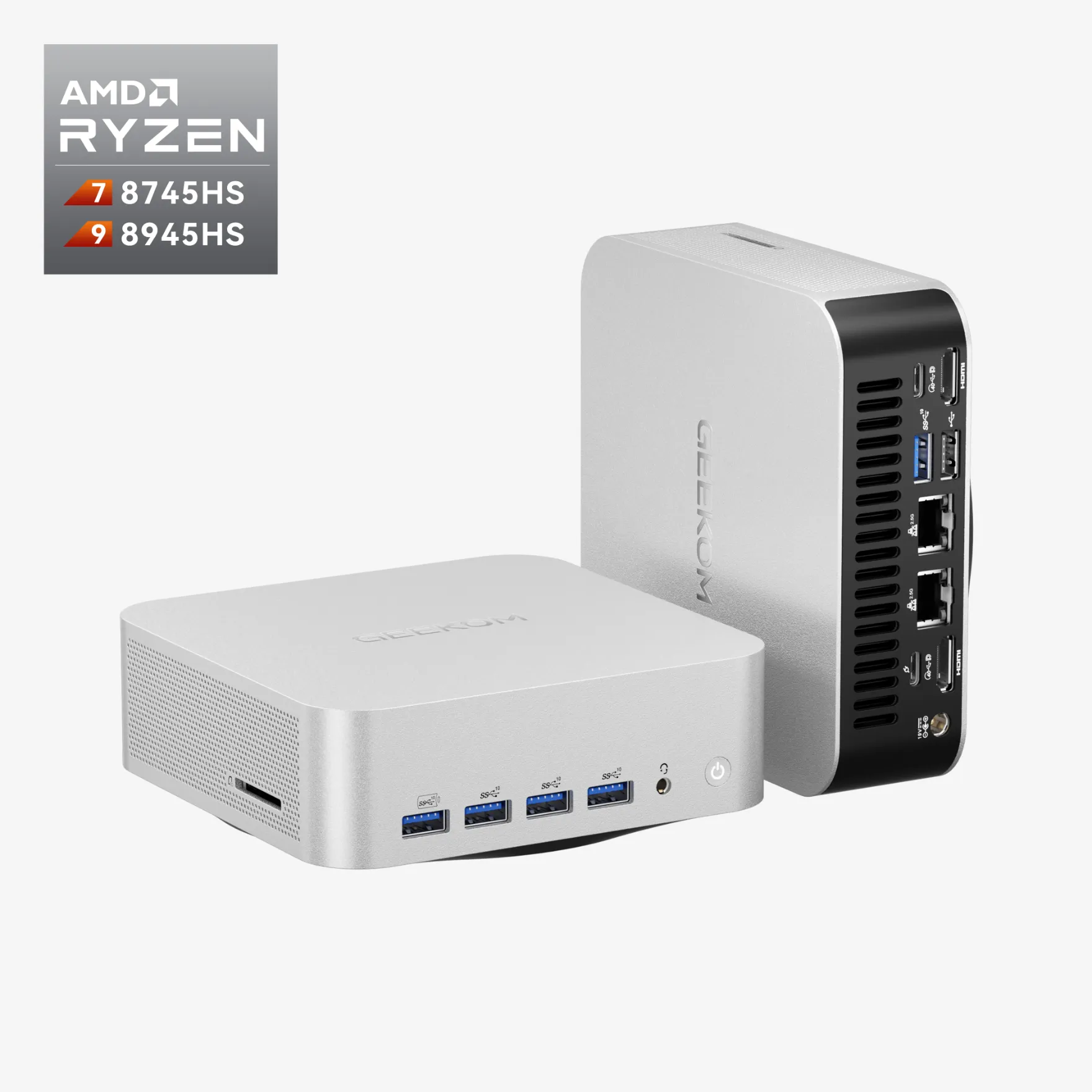

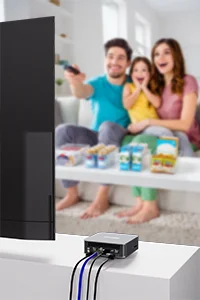
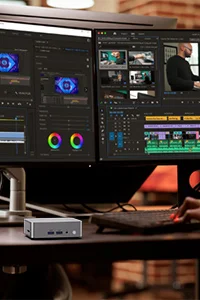


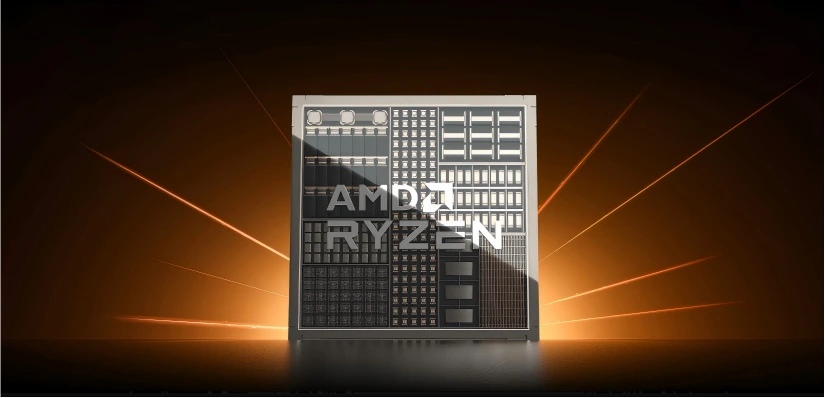
For a long time, PC gaming was always associated with big, heavy towers. It did not seem possible to play the newest AAA games on a computer that you could hold in your hand. However, that dream is now a reality thanks to amazing progress in processor technology. The Ryzen 7000 series processors from AMD have completely changed what is possible in a small form factor, making mini PCs real contenders for gaming.
An AMD Ryzen 7000-based mini PC is one of the best options you can find today if you want to build a powerful but small gaming setup. You will learn why these machines are so important and how to pick the best one for your needs in this guide.
Why Choose a Ryzen 7000 Mini PC for Gaming?
The performance boost from AMD‘s newest mobile processors is not just a small improvement; it is a huge step forward made possible by three powerful technologies. Mini PCs can now play games that used to be only possible on much bigger systems, thanks to this combination.
The Power of Zen 4 Architecture
The Zen 4 architecture is at the heart of the cutting-edge Ryzen 7000 mobile chips. These processors are very powerful and efficient because they are made using a cutting-edge 4nm process. Expert reviews like Eurogamer go into great detail about how chips like the Ryzen 9 7940HS have up to 8 cores and 16 threads. As a result, your computer will have ultra-fast processing power that can easily run modern games as well as demanding background tasks like streaming or recording.
RDNA 3 Integrated Graphics — A Game Changer
The built-in Radeon 780M graphics may be the most important new feature for mini PC gamers. This built-in GPU (iGPU) is very powerful. It uses the same RDNA 3 architecture as AMD’s newest dedicated graphics cards. It completely busts the old idea that for serious gaming, you need a separate graphics card. Tech sites like Ultrabookreview have tested the Radeon 780M’s performance and found that it can compete with low-end discrete laptop GPUs. This means that it can easily run modern games at reasonable settings.
DDR5 and PCIe 4.0 Support
A powerful GPU and processor need to be able to get to data quickly. The Ryzen 7000 platform supports the newest standards, such as PCIe 4.0 storage and DDR5 memory. The bandwidth of DDR5 is much higher than that of DDR4, which is important for the Radeon 780M since it uses system memory as its video RAM. PCIe 4.0 makes NVMe SSDs possible, which greatly speeds up system responsiveness and cuts down on the time it takes for games to load.
Click to learn more about DDR4 vs DDR5
What to Look for in a Gaming Mini PC
Not every mini PC is the same. There are a few important things you should think about when picking out a gaming system to make sure you have the best time possible.
Processor Performance and Thermal Management
It is important to have a powerful CPU, but how it is managed in a small case is even more important. Pay attention to the TDP (Thermal Design Power) of the processor. A processor that can deliver high performance at a lower power limit will keep its speed better during long gaming sessions in a small chassis. Deep-dive reviews by NotebookCheck have shown that what really matters for a smooth, stutter-free gaming experience is not just the peak burst speed, but also the sustained performance.
RAM and Storage Configuration
If you want to buy a Ryzen 7000 mini PC, you can not change the RAM configuration. You need to make sure that the system has DDR5 memory with two channels. Memory bandwidth is a big part of how well the Radeon 780M works, and running it in single-channel mode can almost completely halve your gaming performance. A fast NVMe SSD that works with PCIe 4.0 is the standard for storage. Modern games often take up more than 100GB, so you should think about getting at least 1TB of space to store your library.
Connectivity and Display Outputs
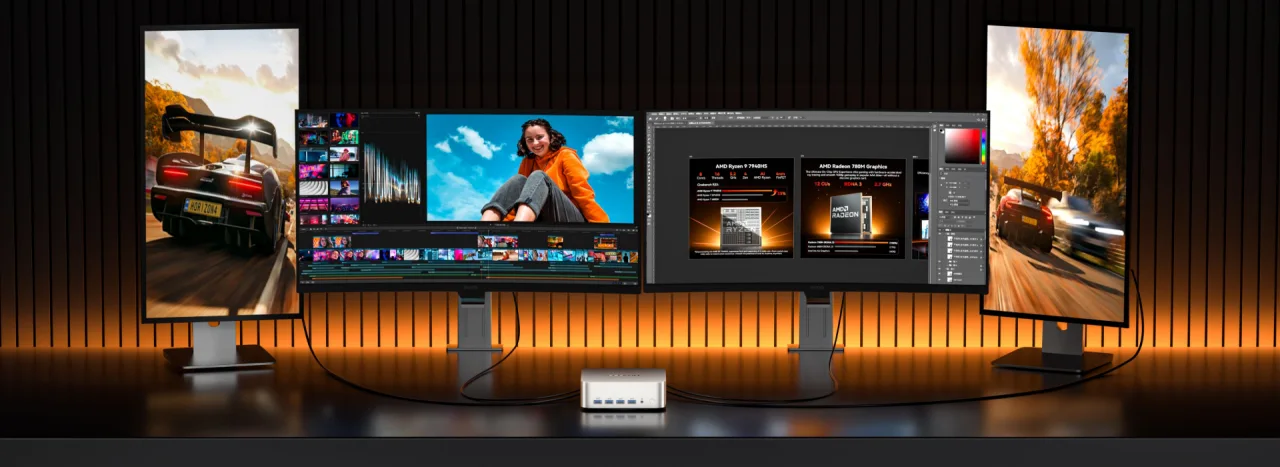
A good mini PC for gaming should have a lot of different ports. Modern standards like DisplayPort, HDMI 2.0, and especially USB4 are what you should look for. A USB4 port is very flexible because it lets you quickly transfer data, output to a display, and even connect an external GPU for future upgrades. For stable, low-latency connections for online games and wireless accessories, Wi-Fi 6E and Bluetooth 5.2 are must-haves.
Build Quality, Noise, and Cooling
A gaming mini PC‘s build quality and cooling system are the most important parts. To avoid thermal throttling, where the processor slows down to deal with heat, you need a chassis that is well-built and has good airflow. Reading reviews that talk about fan noise when it is busy is important. A cooling system that works well and is quiet will keep you focused on your games without the sound of a jet engine on your desk.
Our Top Pick — GEEKOM A7 Max Mini PC (AMD Ryzen 9 7940HS)
Based on the above criteria, the GEEKOM A7 Max is our top pick for the best Ryzen 7000 gaming mini PC (personal computer). The perfect balance of performance, design, and price makes this machine a great choice for anyone serious about small-form-factor gaming.
GEEKOM A7 Max Specs Overview
There are many high-end parts in the A7 Max that make it perfect for playing games at the highest level.
| Specification | GEEKOM A7 Max Detail |
|---|---|
| Processor | AMD Ryzen 9 7940HS (8 Cores / 16 Threads, up to 5.2 GHz) |
| Integrated Graphics | AMD Radeon 780M (12 CUs, RDNA 3 Architecture) |
| RAM | Up to 64GB Dual-Channel DDR5-5600MHz |
| Storage | PCIe 4.0 M.2 NVMe SSD (up to 2TB) |
| Connectivity | USB4, HDMI 2.0, DisplayPort, 2.5GbE LAN, Wi-Fi 6E, Bluetooth 5.2 |
| Form Factor | Ultra-compact aluminum chassis |
Gaming Performance — What Can It Handle?
The Radeon 780M and Ryzen 9 7940HS together make the GEEKOM A7 Max a surprisingly powerful gaming PC. Here is an honest look at how the performance will go:
The Radeon 780M and Ryzen 9 7940HS together make the GEEKOM A7 Max a surprisingly powerful gaming PC. Based on real-world testing, the table below shows how well a number of popular games will run at 1080p resolution.
| Game Title | 1080p Low Settings | 1080p Medium Settings | 1080p High Settings | Notes |
|---|---|---|---|---|
| Valorant | 180+ FPS | 140-160 FPS | 110-130 FPS | Excellent for competitive play |
| CS2 | 150+ FPS | 110-130 FPS | 80-100 FPS | Smooth, high-refresh-rate experience |
| League of Legends | 200+ FPS | 160-180 FPS | 130-150 FPS | Flawless performance |
| Cyberpunk 2077 | 50-65 FPS (FSR) | 35-45 FPS (FSR) | ~30 FPS | Playable with FSR on Performance |
| Hogwarts Legacy | 45-60 FPS (FSR) | 30-40 FPS (FSR) | N/A | Requires FSR for smooth gameplay |
| Starfield | 30-40 FPS (FSR) | ~30 FPS | N/A | Demanding, but playable on low |
Note: FPS figures are approximations based on publicly available benchmarks, and they may change if you update your drivers or the game. In order to get smooth frame rates in AAA games, AMD’s FSR (FidelityFX Super Resolution) technology is strongly suggested.
Thermal Performance and Noise Levels
The A7 Max from GEEKOM has a cooling system that works well and can handle the Ryzen 9 7940HS when it is working hard. Temperatures should stay low during long gaming sessions so that performance does not drop too much. Even though you can hear the fan when it is working hard, most people think it is less annoying than the fans on other gaming laptops. This is something that reviews from IT Pro and Guru3D have said.
Why the GEEKOM A7 Max Stands Out from the Competition
The GEEKOM A7 Max stands out in a growing market of mini PCs in a number of important ways. It compares well to other well-known mini PCs powered by the Ryzen 9 7940HS processor:
| Model | Processor | Graphics | Base RAM/Storage | Key Feature |
|---|---|---|---|---|
| GEEKOM A7 Max | Ryzen 9 7940HS | Radeon 780M | 16GB DDR5 / 1TB | Premium all-metal chassis |
| Beelink SER8 | Ryzen 7 8845HS | Radeon 780M | 32GB DDR5 / 1TB | Dual M.2 SSD slots |
| Minisforum HX100G | Ryzen 7 7840HS | RX 6650M (dGPU) | 32GB DDR5 / 1TB | Dedicated Graphics Card |
While other products may have similar core specs, the GEEKOM A7 Max usually has a better overall package when you look at its build quality, thermal design, and low price.
- Price-to-Performance Ratio: It offers the performance of a much larger and more expensive system in a compact and affordable package.
- Build Quality and Brand Reliability: GEEKOM has established a reputation for building high-quality, durable mini PCs. The A7 Max features a premium all-aluminium chassis that feels robust and looks great on any desk.
- Upgradeability: Unlike many small devices, the A7 Max is user-upgradeable. You can easily access the dual SODIMM slots for RAM and the M.2 slot for the SSD, ensuring your investment is future-proof.
- GEEKOM Warranty and Customer Support: GEEKOM typically offers a solid warranty and has a responsive customer support network, providing peace of mind for your purchase.
The GEEKOM A7 Max is the best mini PC gaming computer available in 2026 for anyone who wants to play games without sacrificing quality. It takes all the power of the Ryzen 7000 series and puts it in a sleek, powerful, and well-supported package.