




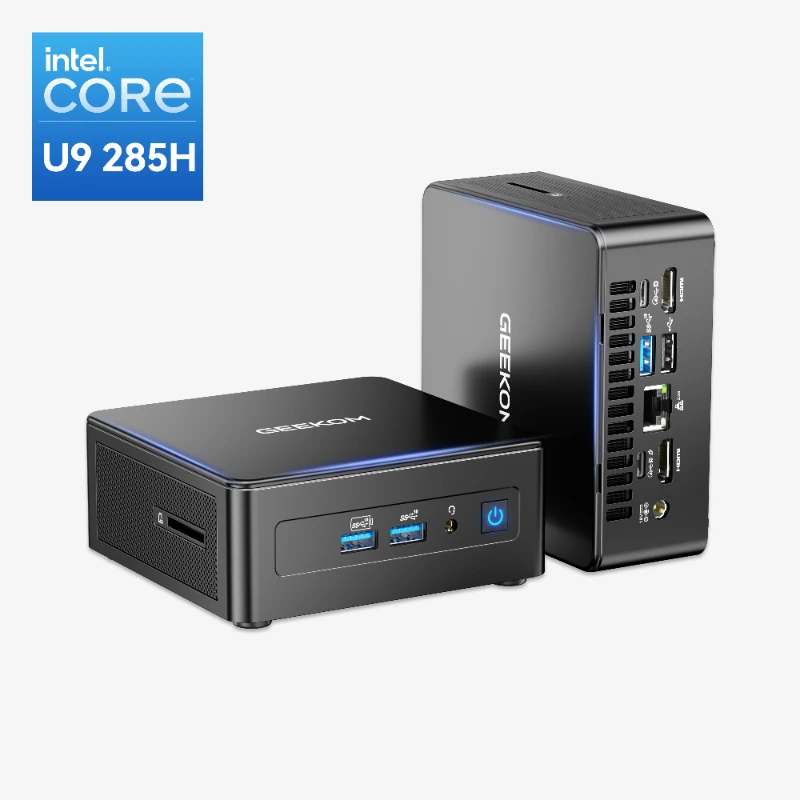
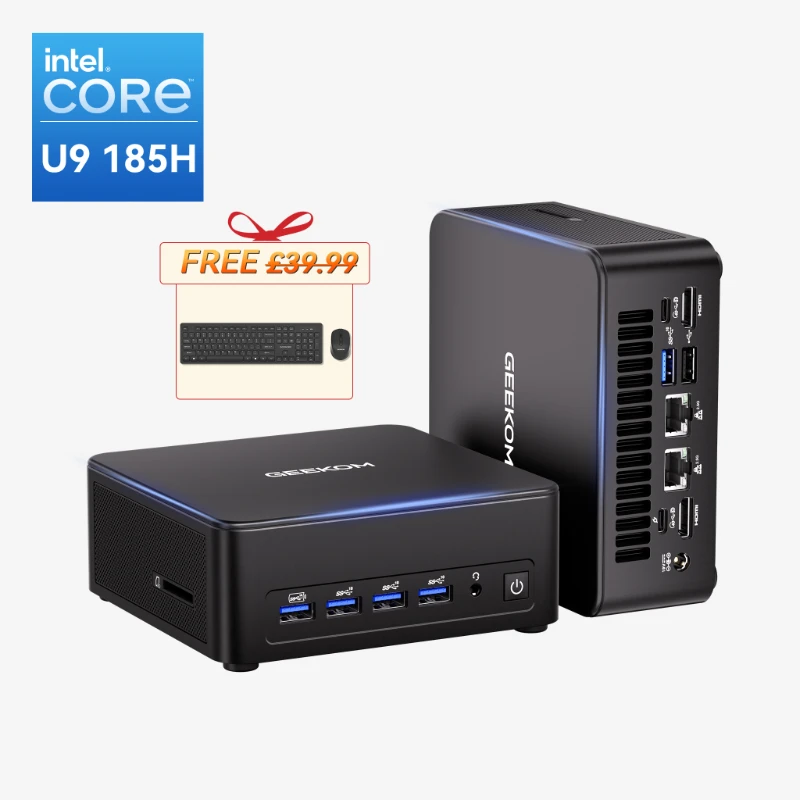
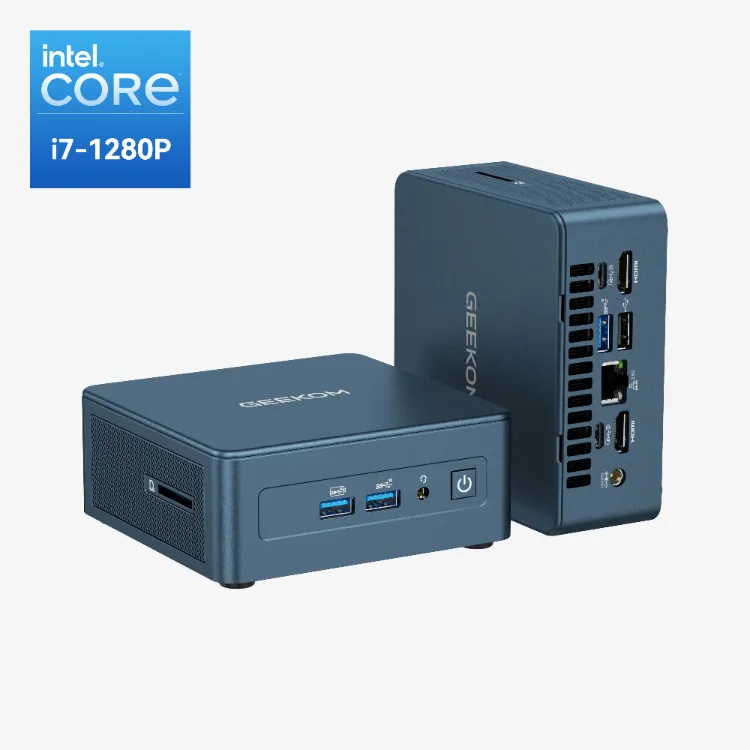
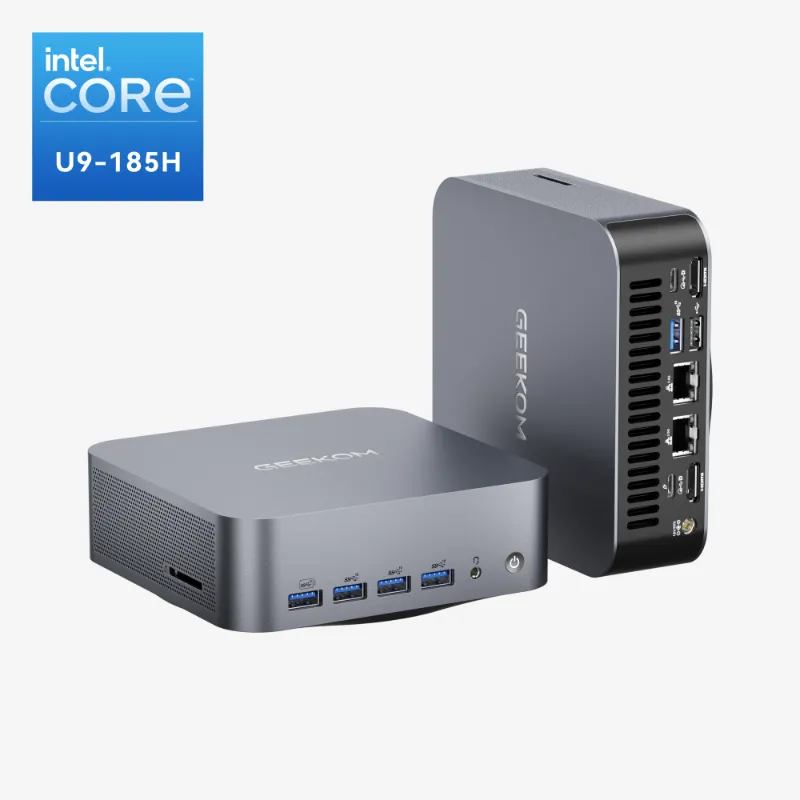
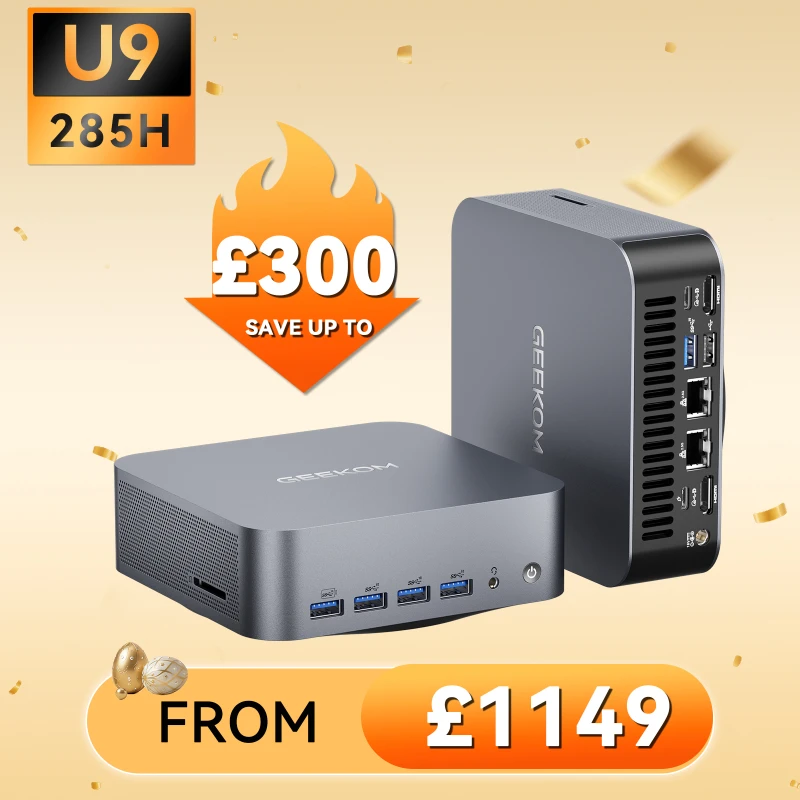
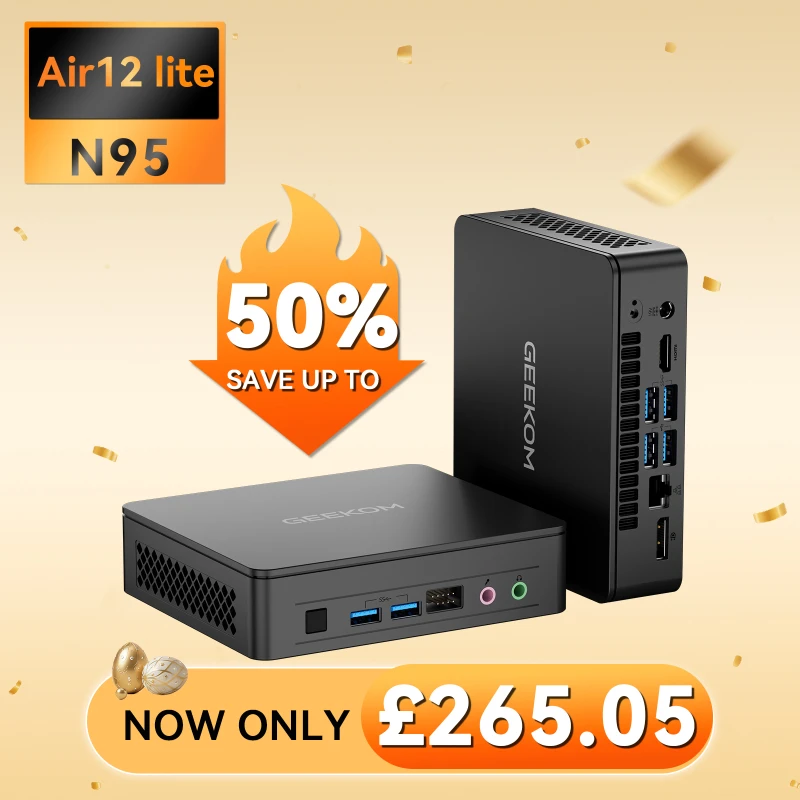
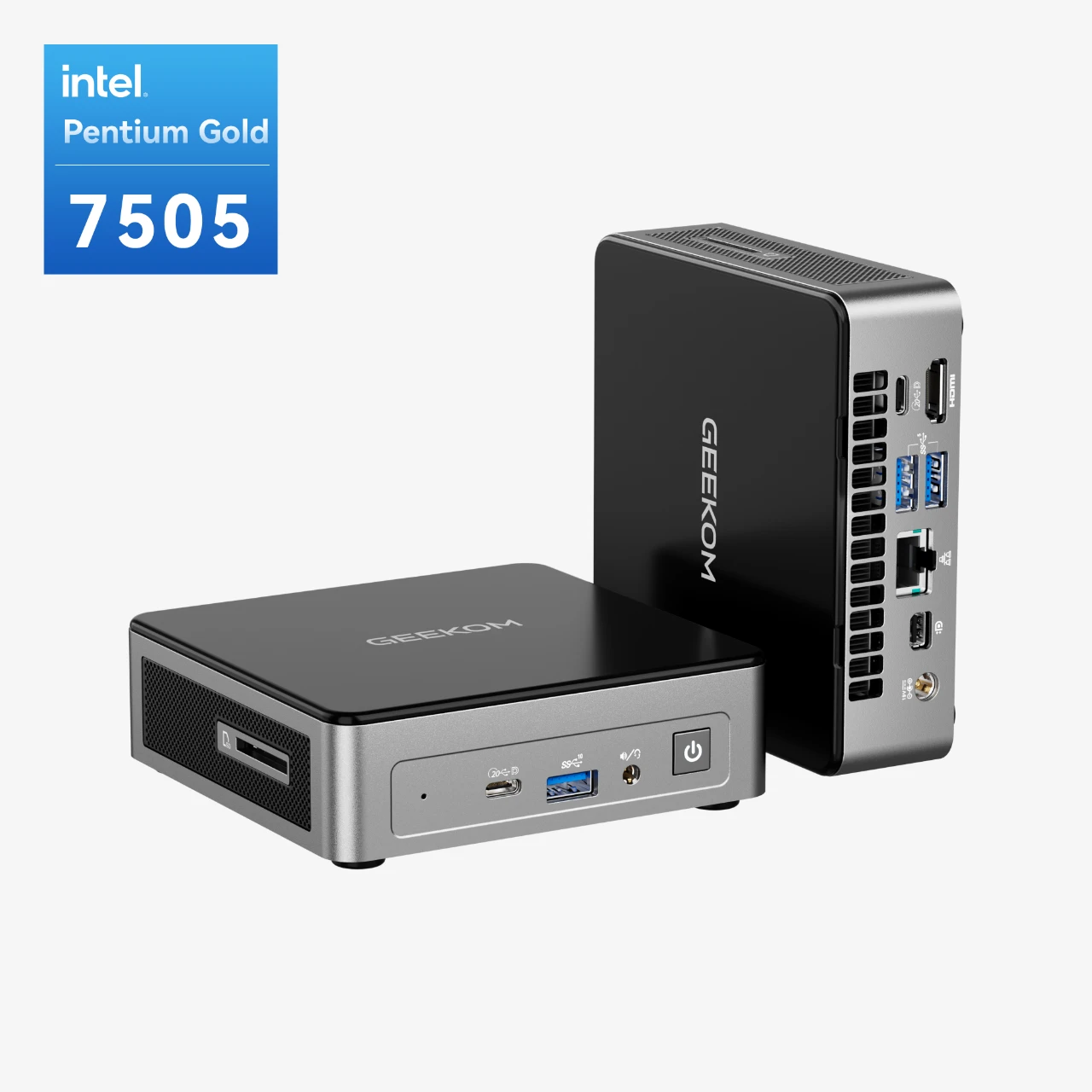
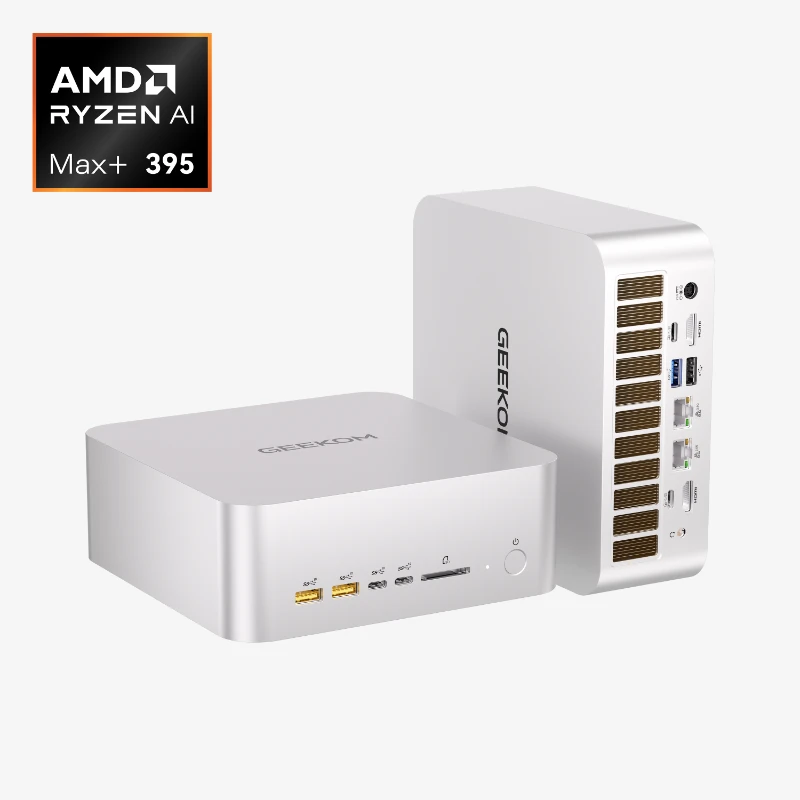

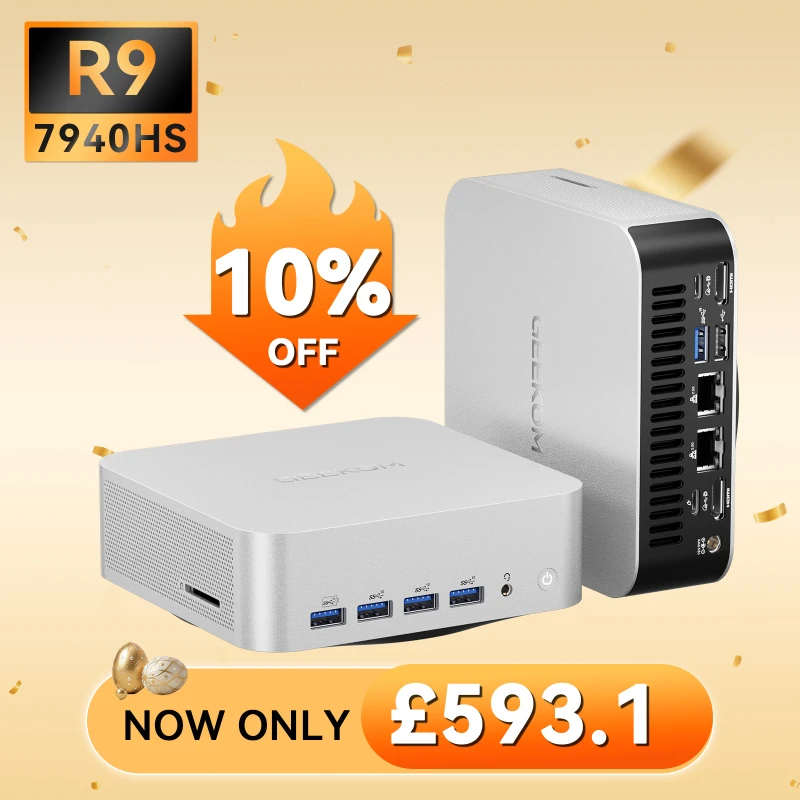

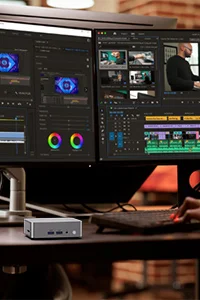



The GEEKOM A7 Max is a powerful mini PC, but that is only the beginning. Some important tweaks need to be made before it can be used for gaming at its fullest. You can get the best performance from its impressive hardware by making these simple changes. They will give you the smoothest frame rates and the best experience possible. The important steps to fine-tune your machine are laid out in this guide.
Optimise Your DDR5 RAM Settings
System memory speed plays a significant role in how well the built-in Radeon 780M graphics perform. As one of the most important optimisations you can do, make sure your RAM is working at its best.
- Enable XMP/EXPO Profiles: You need to enable the right memory profile in the BIOS for the GEEKOM A7 Max to work with fast DDR5-5600MHz memory. This will have either the Intel XMP (Extreme Memory Profile) or AMD EXPO (Extended Profiles for Overclocking) label on it, depending on the RAM modules. Start up your A7 Max again and get into the BIOS by pressing the “Del” or “F2” key. Go to the memory settings and enable the highest available profile. With this change, the GPU will have the maximum available bandwidth.
- Confirm Dual-Channel Configuration: Both A7 Max SODIMM slots must be populated for dual-channel operation. This doubles the Radeon 780M’s memory bandwidth, which can improve performance by up to 40–50% in some games, as many tech reviews from places like Gamers Nexus have shown. For best results, always buy a pair of RAM modules that match.
Tune Radeon 780M Graphics in AMD Software
AMD Adrenalin Software is a powerful tool that helps you get the most out of your Radeon 780M graphics card.
- Keep Drivers Updated: Updating to the latest AMD graphics drivers is the most important thing you can do. Most of the time, these updates deliver significant performance improvements, bug fixes, and new features for the latest games.
- Performance Tuning: Go to the “Performance” tab and then “Tuning” in the AMD Software. You can make your own profiles here. You can slightly raise the GPU’s clock speed and power limit for gaming. A small overclock can give you a noticeable FPS boost, but make sure to test it first to ensure stability. Do small steps at first and run a benchmark after every change.
- Game-Specific Profiles: For each game, make a different tuning profile. When playing a competitive shooter like Valorant, you might want to get the highest frame rates possible. When playing a cinematic AAA game like Cyberpunk 2077, you might want to get a clearer picture by turning on features like Radeon Image Sharpening (RIS).
Windows and BIOS Tips for Better Gaming Performance
You can give more resources to your game by lowering the overhead of your operating system and system-level settings and making them work better.
- Use the “High Performance” Power Plan: Choose the “High Performance” or “Ultimate Performance” power plan in Windows by going to “Power Options.” This prevents the CPU from throttling aggressively, so performance remains consistent while gaming.
- Enable Game Mode: Windows Game Mode helps games optimise system resources by limiting interruptions and background tasks. This option is in the Windows 11 Settings, under “Gaming.”
- Manage Background Processes: Before starting a game, close any programs that you do not need, like web browsers, cloud storage clients, and other useless software. The CPU and RAM are both freed up.
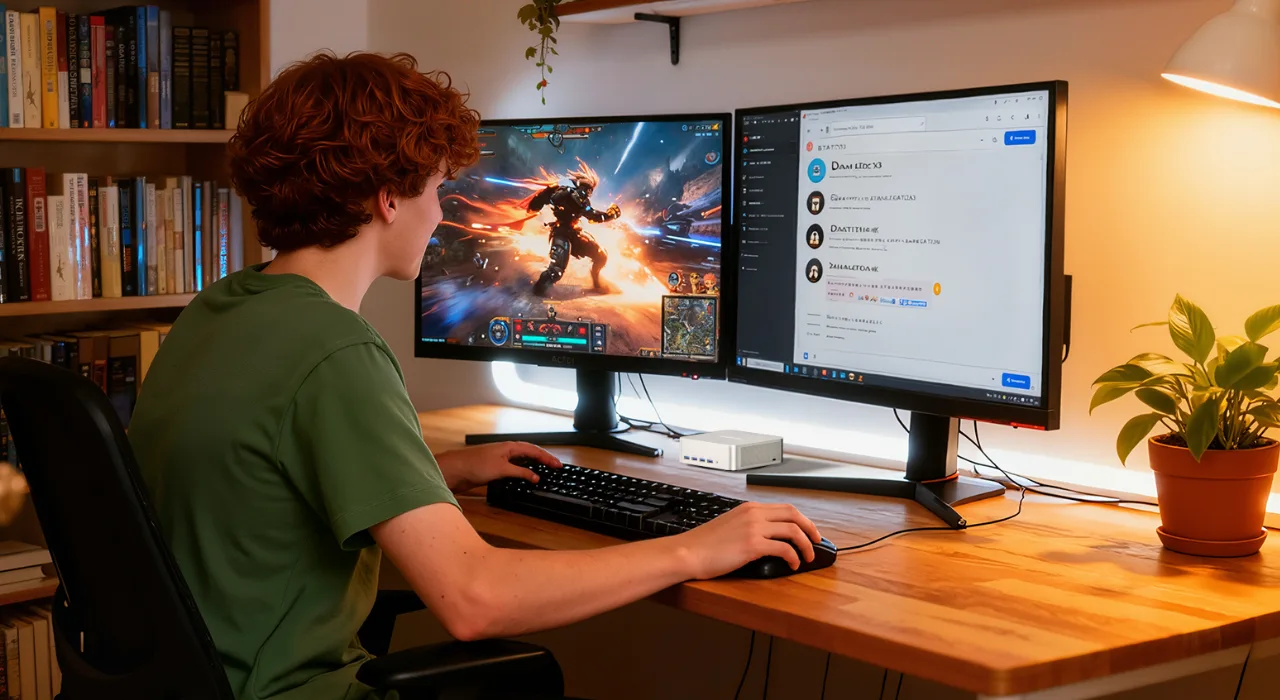
Expand Your Setup with an eGPU (Optional)
Someone who wants to get the most out of their gaming experience in 1440p or 4K can connect an external GPU (eGPU) to the GEEKOM A7 Max’s USB4 port. You can use an eGPU enclosure like the Razer Core X or Sonnet eGPU Breakaway Box to connect a full-sized desktop graphics card like an NVIDIA GeForce RTX 4070 or AMD Radeon RX 7800 XT. This makes the mini PC more expensive and takes up more space, but it gives it much better performance, turning it into a high-end desktop gaming rig when you need it.
Who Should Buy the GEEKOM A7 Max?
The GEEKOM A7 Max can do many different things, but it really shines for some types of users. It is probably the best mini PC for you if you fit into one of these groups.
Frequently Asked Questions (FAQ)
Is the Ryzen 9 7940HS good enough for gaming?
Of course. The Ryzen 9 7940HS is one of the most powerful processors for phones you can buy. The Radeon 780M can do its best because it has 8 Zen 4 cores and 16 threads, which is more than enough processing power to keep modern games from stuttering.
Can you play AAA games on a mini PC?
Yes. With upscaling technologies like AMD FSR, the GEEKOM A7 Max can run demanding AAA games like Cyberpunk 2077 and Hogwarts Legacy at 1080p with frame rates that are playable. It has changed what people expect from integrated graphics.
How does the Radeon 780M compare to entry-level discrete GPUs?
Leading hardware reviewers like TechSpot say that the Radeon 780M often performs as well as or even slightly better than low-end GPUs for laptops like the NVIDIA GeForce RTX 2050. It is a huge improvement over the graphics that came with older computers.
Is the GEEKOM A7 Max upgradeable?
Yes, that is true. Two SODIMM slots that can be used by the user to add up to 64GB of RAM are on the GEEKOM A7 Max, along with an M.2 slot for the PCIe 4.0 NVMe SSD. Your Investment will last longer because it is easy to add more memory or storage space in the future, ensuring that the device can keep up with evolving gaming requirements and software updates. Conclusion
Conclusion
It is a tough market in 2026, but the GEEKOM A7 Max is clearly the best option for anyone looking for a powerful yet compact gaming PC. It expertly combines the raw power of the AMD Ryzen 9 7940HS processor with the cutting-edge features of the Radeon 780M integrated graphics, all in a stylish, high-end, and quiet case.
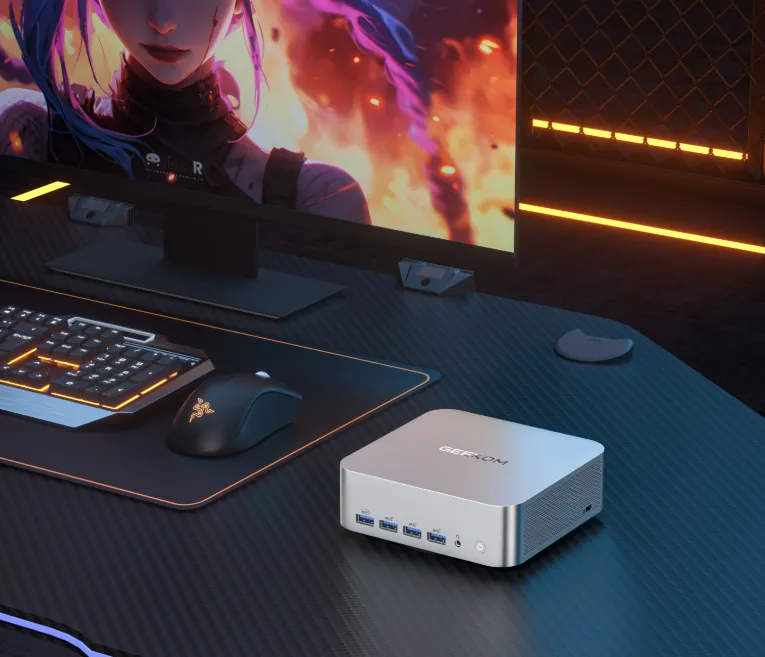
- 0.84L Palm-Sized – Fits easily into a drawer.
- Powered by Ryzen 9 flagship chip – Desktop-level performance, the hidden powerhouse for professionals.
- 16 GB + 1 TB – The Sweet Spot for Performance and Value.
- Abundant ports, high-speed internet – Say goodbye to a bunch of adapters, keep your desktop super tidy.
- 200kg Pressure-Resistant Aluminium Alloy Chassis – Resilient to everyday bumps and knocks, lasts for years.
- Dual Copper Pipe Cooling for Rock-Solid Performance – No worries about system failure even during late-night work sessions.
- Pre-installed Win11 Pro – Supports multiple operating systems for easy switching.
The A7 Max is great for everyone, from competitive e-sports players who need high frame rates to casual gamers who want a stylish setup for their living room to power users who need a machine that does great work and play. It has the best performance, the best design, and the best value of any product on the market. Do not look any further if you want to experience the future of small-screen gaming.