





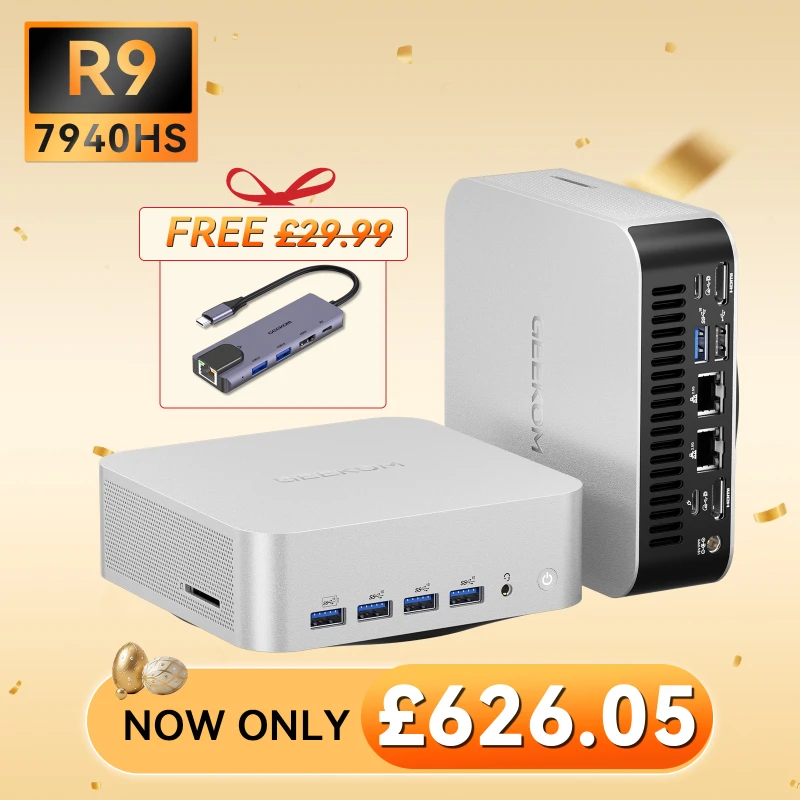
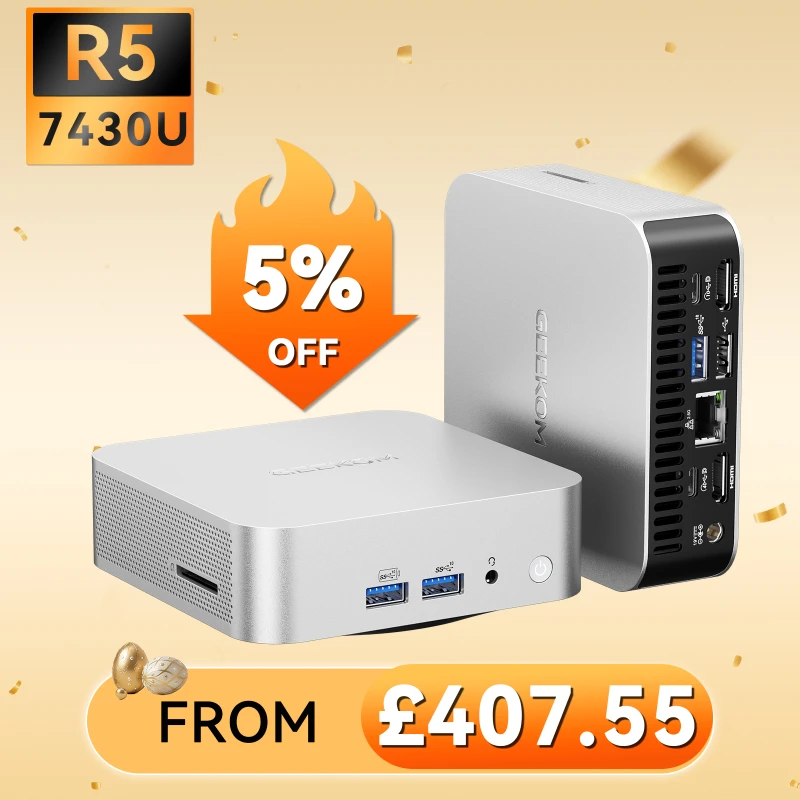
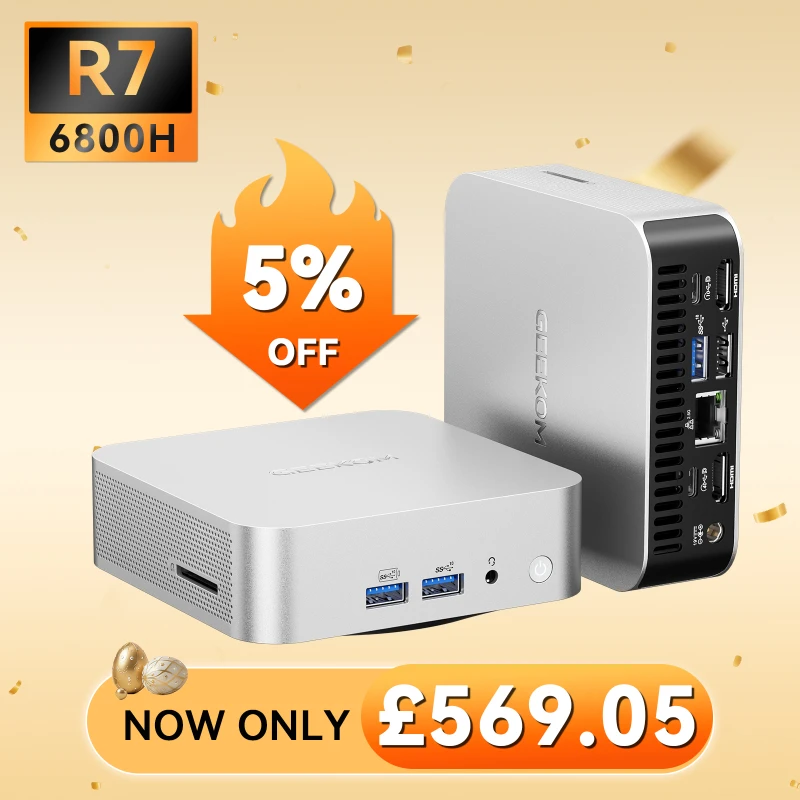
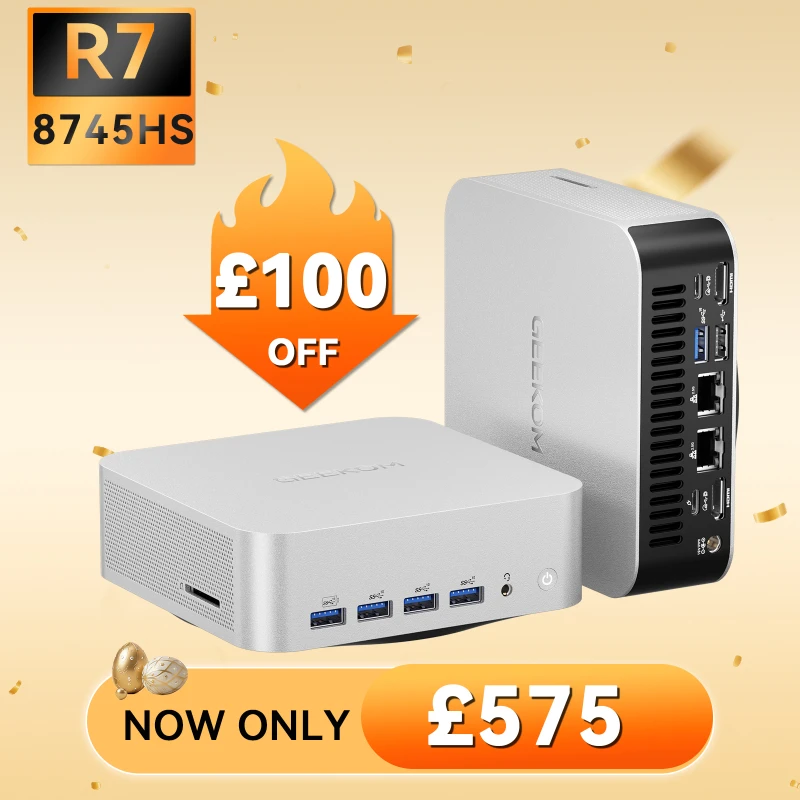


Using Cricut is a great way to design, create, and cut everything from personalised items to home decor and more. However, to get the most out of Cricut, you need to pair it with the right computer or other device.
If not, you may struggle with poor performance, crashes, connectivity issues, and a variety of other problems. In an effort to help ensure your Cricut experience is seamless, this guide covers some of the best computers for Cricut in 2026 and beyond.
GEEKOM’s Top Desktop Computers for Cricut Makers
Best for Organising and Storing Designs: GEEKOM IT12
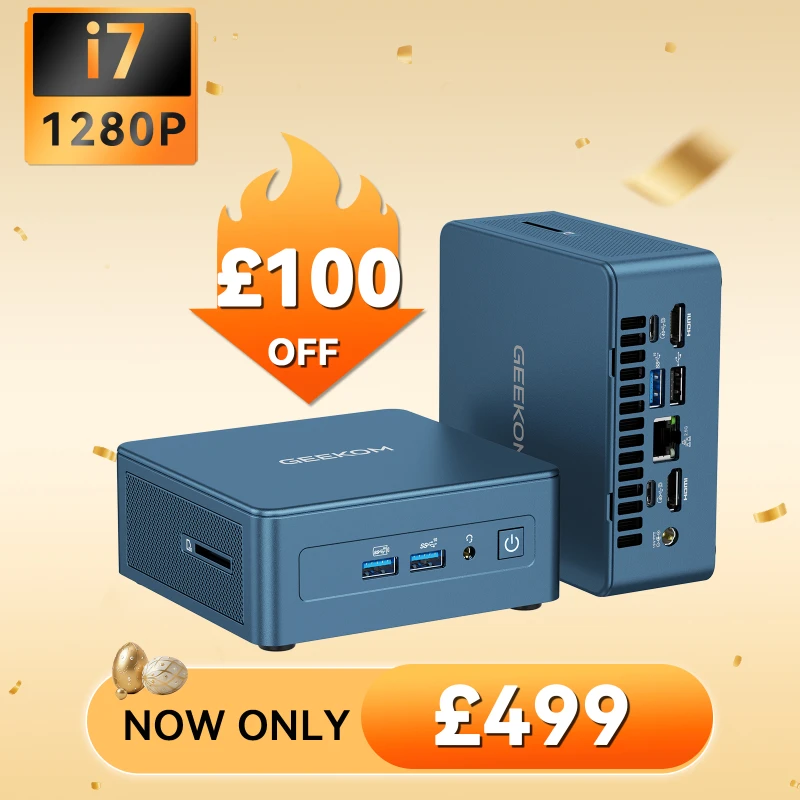
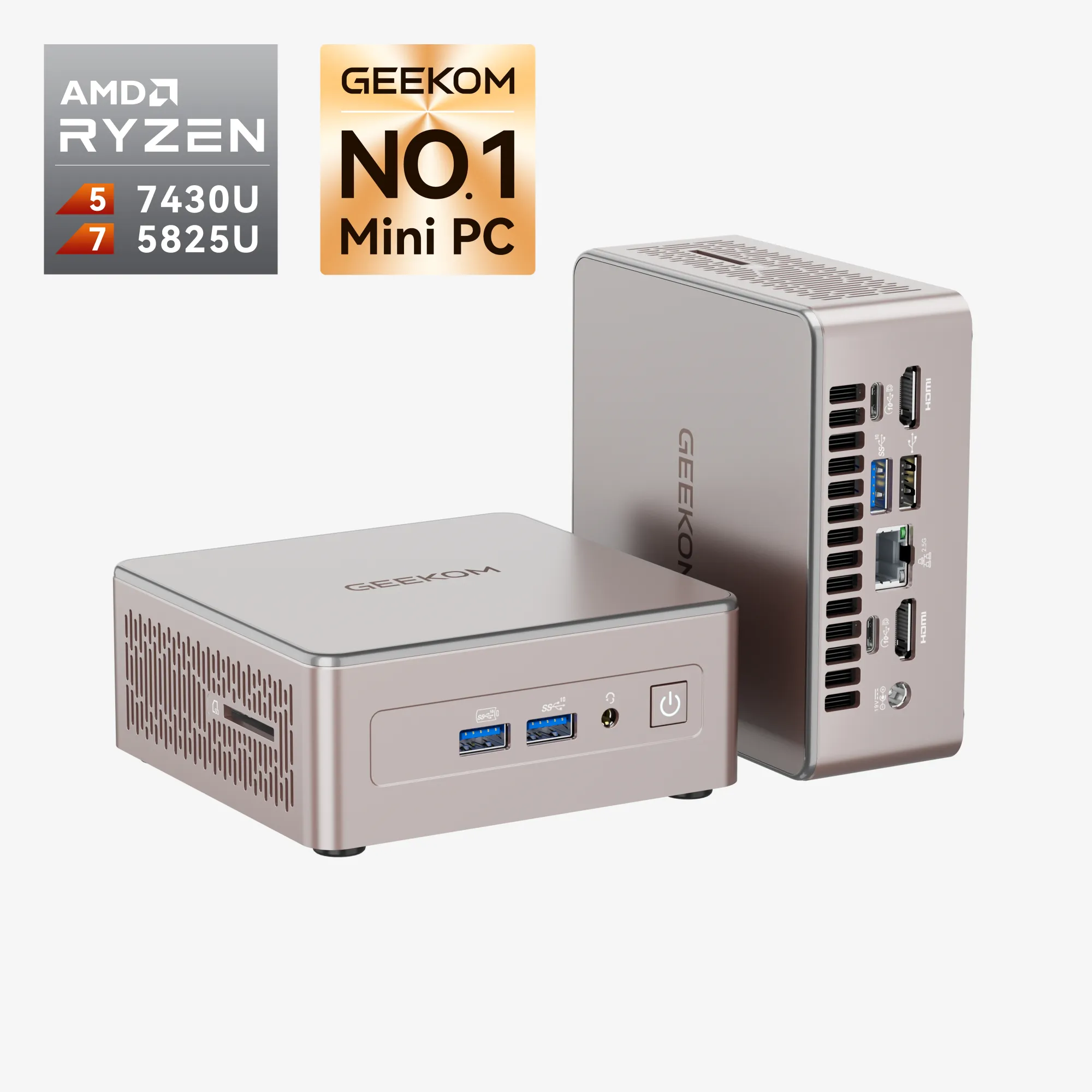
The GEEKOM IT12 is a mini PC that features up to 5TB of storage space, thanks to multiple expandable SSD and HDD slots. This gives you plenty of space to save previously created Cricut designs without worrying about filling up your storage and slowing down your device.
Beyond offering all the storage space you need, this computer also boasts solid performance, a sleek design, and a low base power consumption. It also operates quietly, features a sturdy shell, and has anti-skid feet that always keep it in place.
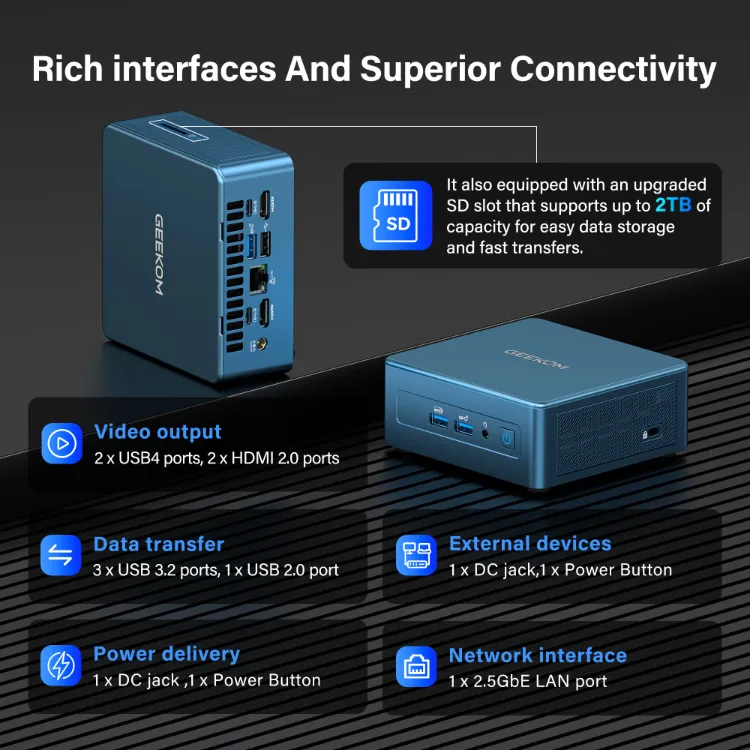
Additionally, the computer is VESA-mount compatible, allowing you to attach it to the back of your monitor to save even more space. The IT12 also comes equipped with many ports and supports up to four 4K displays at once.
As a result, you can use one screen for working in Cricut’s Design Space software, while having others available to watch videos, play music, research designs, or seek inspiration for your next project.
- Size: 117 × 112 × 49.2mm
- CPU: 12th Gen Intel® Core™ i7-1280P or 12th Gen Intel® Core™ i5-12450H
- GPU: Intel® Iris® Xe Graphics i7
- Memory: Dual-channel DDR4 RAM, up to 64GB
- Storage: 1 × M.2 2280 NVMe PCIe 4.0 ×4 SSD, 512GB or 1TB onboard, expandable up to 2TB, and 1 × M.2 2242 SATA SSD slot, expandable up to 1TB, and 1 × 2.5″ SATA HDD (7mm) slot, expandable up to 2TB
Pros
- Generous storage capacity of up to 5TB — ample space for files, media, and applications
- Energy-efficient design with quiet operation, ideal for home offices and living spaces
- Versatile placement options: sit it on your desk or mount it behind a monitor for a tidy setup
Cons
- The integrated graphics aren’t quite as capable as some other options in this category
Best Everyday Crafting on a Budget: GEEKOM A6
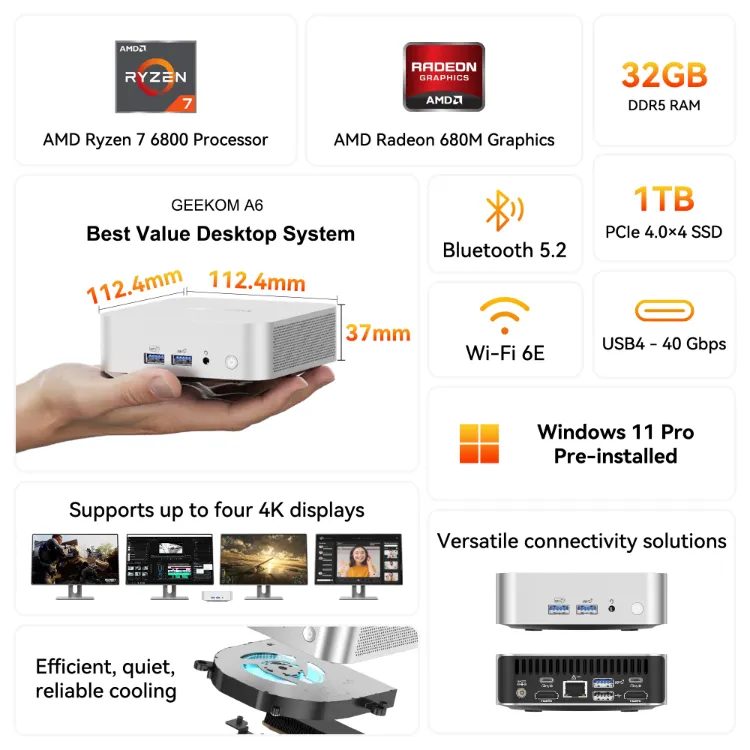
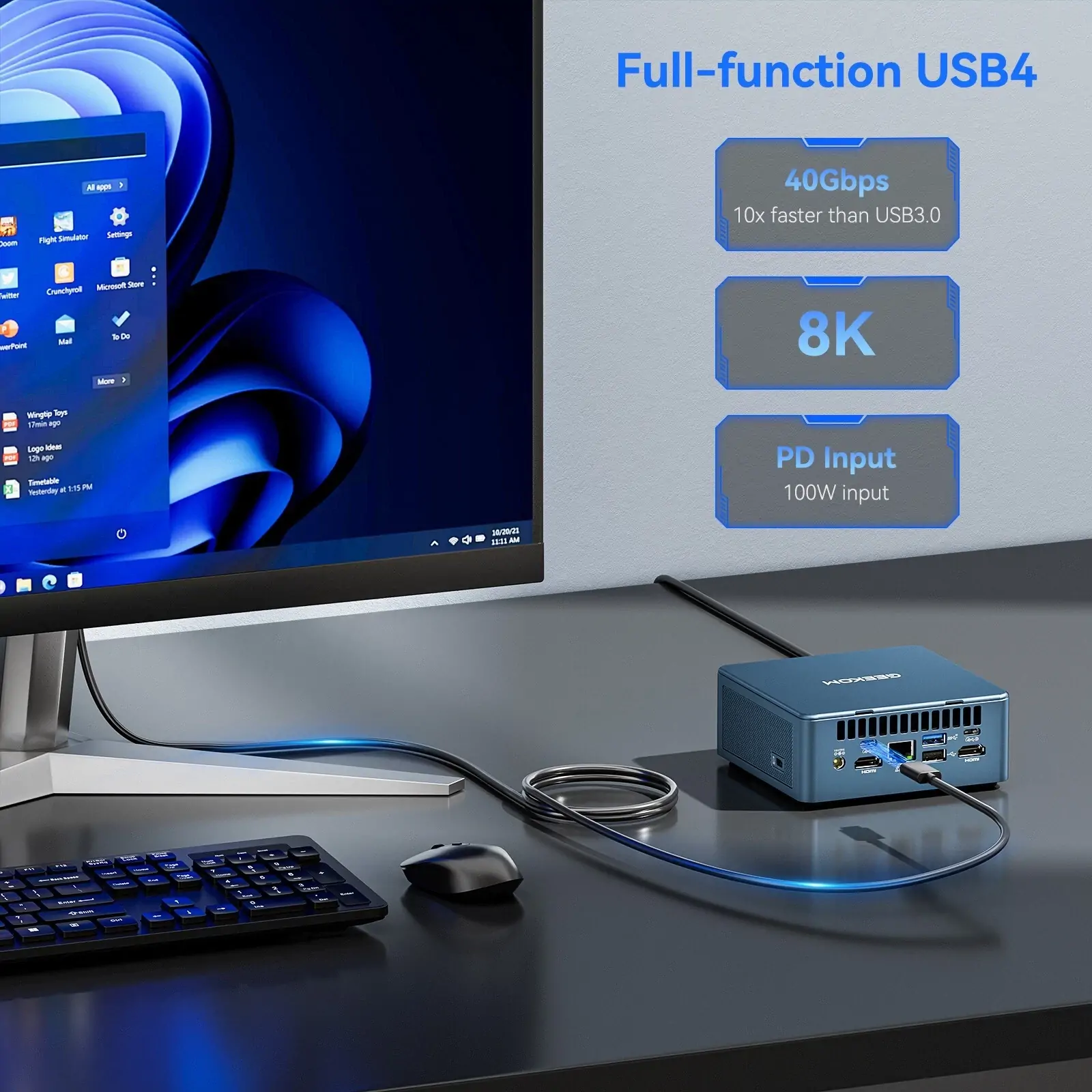
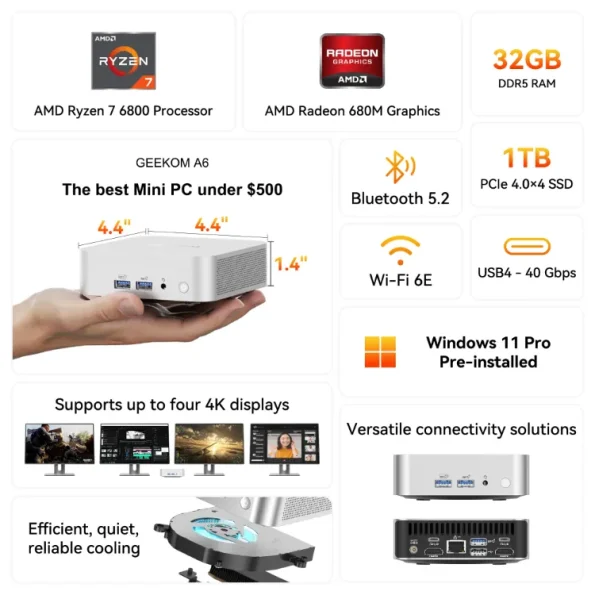
If you’re looking for a reliable computer for Cricut but are on a budget or don’t want to spend more than necessary, the GEEKOM A6 is a solid choice.
Despite the affordable price, this mini PC still performs well. It has a powerful processor, high-performance graphics, and plenty of RAM to easily Design Space and several other applications or programs at the same time.
The device has plenty of ports and connectivity options, and is also very scalable. Not only can you expand the RAM to boost the performance of this computer, but you’re also able to expand the storage capabilities.
The GEEKOM A6 is also incredibly durable, as it has undergone rigorous testing to ensure its reliability. This includes vibration testing, temperature testing, a drop test, port tests, a radiation test, and more. As a result, you can feel confident in the quality and longevity you get with a GEEKOM mini PC.
- Size: 112.4 × 112.4 × 37mm
- CPU: AMD Ryzen™ 6800
- GPU: AMD Radeon™ 680M Graphics
- Memory: Dual-channel DDR5, up to 64GB
- Storage: 1 × M.2 2280 SSD (NVMe x4 Gen 4 or SATA, only for Rembrandt) and 1 × M.2 2242 SATA slot (only for Rembrandt; metal ID not supported)
Pros
- User-upgradable RAM and storage, offering flexibility to expand as your needs grow
- Impressive performance relative to its price point — genuinely good value for money
- Well-established track record for reliability and long-term stability
Cons
- Limited to a single processor configuration, with no alternative CPU options available
Best for Power Users and Complex Designs: GEEKOM A8
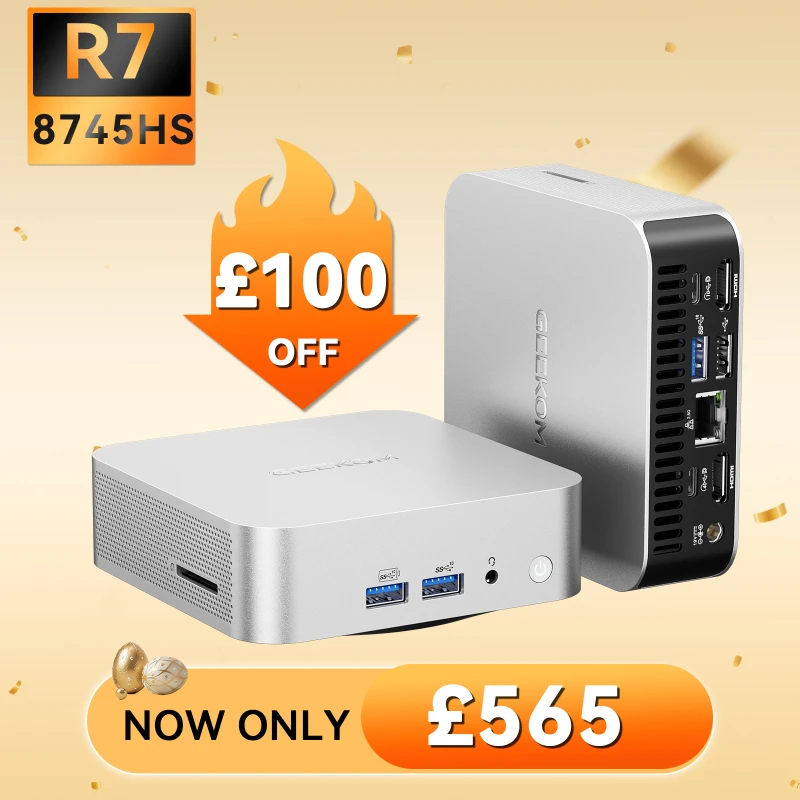
If you’re looking for a high-performance computer capable of easily handling Design Space and other intensive tasks and programs, the GEEKOM A8 is a great option to consider. It provides advanced graphics, plenty of RAM, and a couple of solid processor choices to choose from, depending on your needs and preferences.
In addition to a smooth performance, the computer is incredibly compact and will fit in nearly any setup, and is well-made with an all-metal reinforced frame. It also offers access to all the ports you could ever need, such as USB Type-C, HDMI, and others, and has strong connectivity with access to Bluetooth, LAN, and Wi-Fi 6E.
To ensure the computer doesn’t overheat while tackling intensive tasks for you, the A8 also has an efficient cooling system in place. It features a dual copper heat pipe, a fine-tuned thermal module, and a high-performance fan design that offers enhanced airflow that’s around 50% more efficient than standard systems.
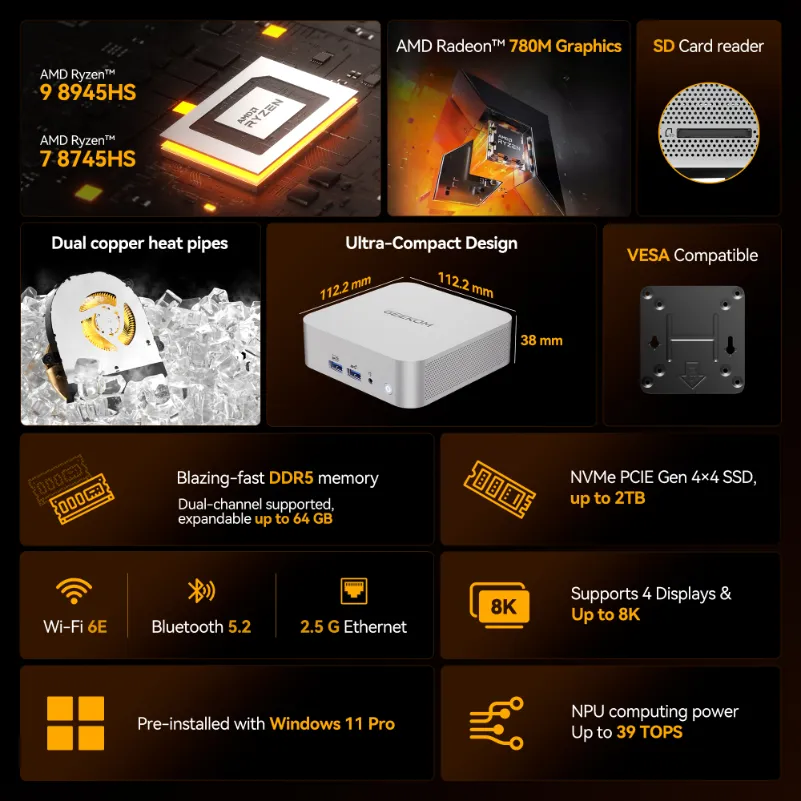
- Size: 117 × 112 × 49.2mm
- CPU: AMD R7-8745HS or AMD R9-8945HS
- GPU: AMD Radeon™ 780 Graphics
- Memory: Dual-channel DDR5 MT/s SODIMM, up to 64GB
- Storage: 1 x SSD PCIe 4.0 ×4, up to 4TB
Pros
- Robust specifications capable of running Design Space and other demanding software with ease
- Well-engineered cooling system that keeps temperatures in check without excessive noise
- Excellent connectivity with a comprehensive selection of ports for all your peripherals
Cons
- Carries a slightly higher price tag compared to other options on this list
What to Consider When Choosing a Cricut Desktop Computer
When deciding which computer to pick up to use with your Cricut machine, here are a few important considerations to make.
Memory
First, you want to choose a computer with plenty of memory. The more RAM a computer has, the better and more consistently it will perform. It’s especially good for multitasking on the device, handling complex designs in Design Space, and ensuring applications load and operate quickly.
The bare minimum you should have for operating Cricut’s Design Space software is 4GB, but it’s a good idea to have more than that if you want your experience to be as smooth and seamless as possible.
Also, because Cricut updates the Design Space software periodically, having more than the minimum requirements ensures your device will remain compatible with the software even after it begins to require more resources over time.
Processor
Working on complex or multi-layered designs in Design Space is intensive and requires a computer with a fast processor. If your processor is subpar, you may experience lag, crashes, or other issues when zooming, adjusting elements, or loading designs, which can negatively impact your experience.
Not only will this slow down your design work as you wait for the software to catch up to your actions, but the lag may make it hard to fine-tune your design without making mistakes. This is incredibly frustrating and may lead to having to redo many parts of your design due to errors caused by poor software performance.
Cricut recommends an Intel dual-core processor or AMD equivalent. So, always do your research and ensure any computer you want to pair with a Cricut machine meets or exceeds these requirements.
Ports
It’s important to consider the type and amount of ports a computer has before you buy it, and this is especially true when you’re using the computer for Cricut.
Unless you want to use Bluetooth to connect wirelessly, you’ll use these ports, specifically a USB port, to connect to the Cricut machine. The machine will use this connection to receive cutting, drawing, and design instructions from the Design Space software.
Ideally, look for USB4 ports, as this is the latest USB standard and offers high-speed data delivery. If the connection between your computer and the Cricut machine is weak or unstable, the project may experience stalled cuts, incorrect alignment, or other issues that waste time and materials.
Storage
Intricate or complex designs may end up being larger than you think, and can quickly fill up a computer with lower storage capacity. As a result, if you plan on saving many of your designs locally, you’ll need a computer with ample storage space.
Also, the software creates a cache of images and fonts to boost performance, but if your computer is running low on space, this may not work as well and can lead to performance issues. Similarly, a lack of disk space in general on your computer can lead to general slowdowns, freezes, or crashes.
GEEKOM Desktop Computers Enable Efficient Cricut Workflows
Whether you’re a seasoned Cricut user or just trying it out for the first time, it’s important to choose the right computer to ensure smooth performance and reliability. Thankfully, GEEKOM offers a variety of mini PC options. From the budget-friendly A6, the high-storage IT12, and the powerhouse A8, GEEKOM offers a mini PC to help you create, customise, and save some truly stunning designs.
Frequently Asked Questions
What Desktop Computer Works Best for Cricut?
As long as a computer meets the system requirements for the Design Space software, it should work for Cricut. Thankfully, each of the three GEEKOM computers we covered here meets or surpasses these requirements and is a great option to consider.
What Desktop Computer Requirements Are Needed for a Cricut?
For a computer to work with Cricut, it should have Windows 10 or later, an Intel Dual-Core CPU or AMD equivalent, 4GB of RAM, 2GB of free disk space, and an available USB port or Bluetooth connection. However, these are the minimum requirements, and you’ll generally enjoy an enhanced experience with better specs.
What Desktop Computers Are Not Compatible With Cricut?
Cricut is not compatible with Chromebooks or computers that run on Linux or Unix. Also, older computers with subpar specs or outdated operating systems may also struggle to run Cricut Design Space.