




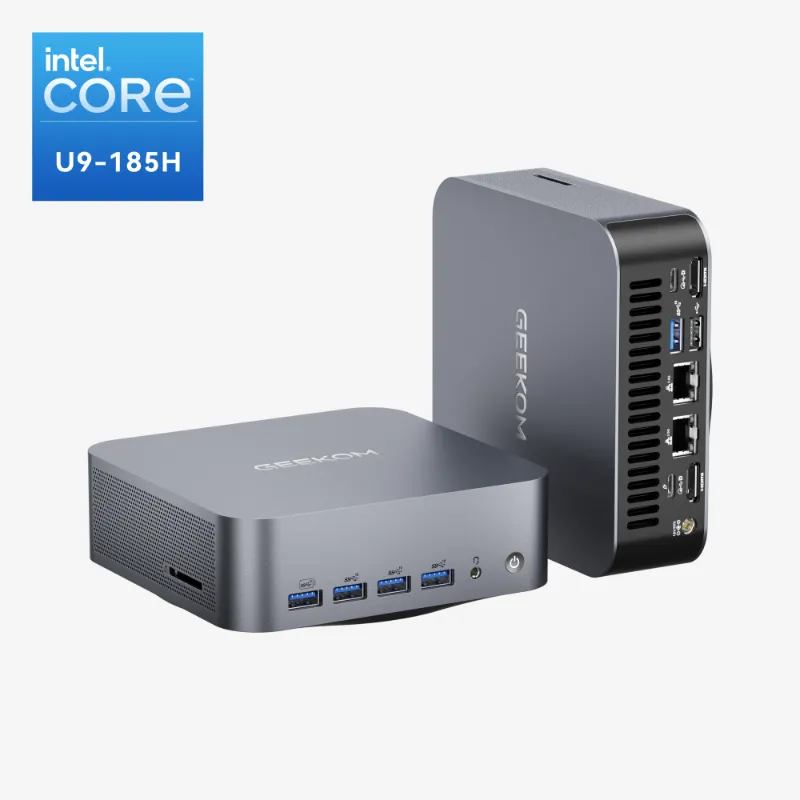
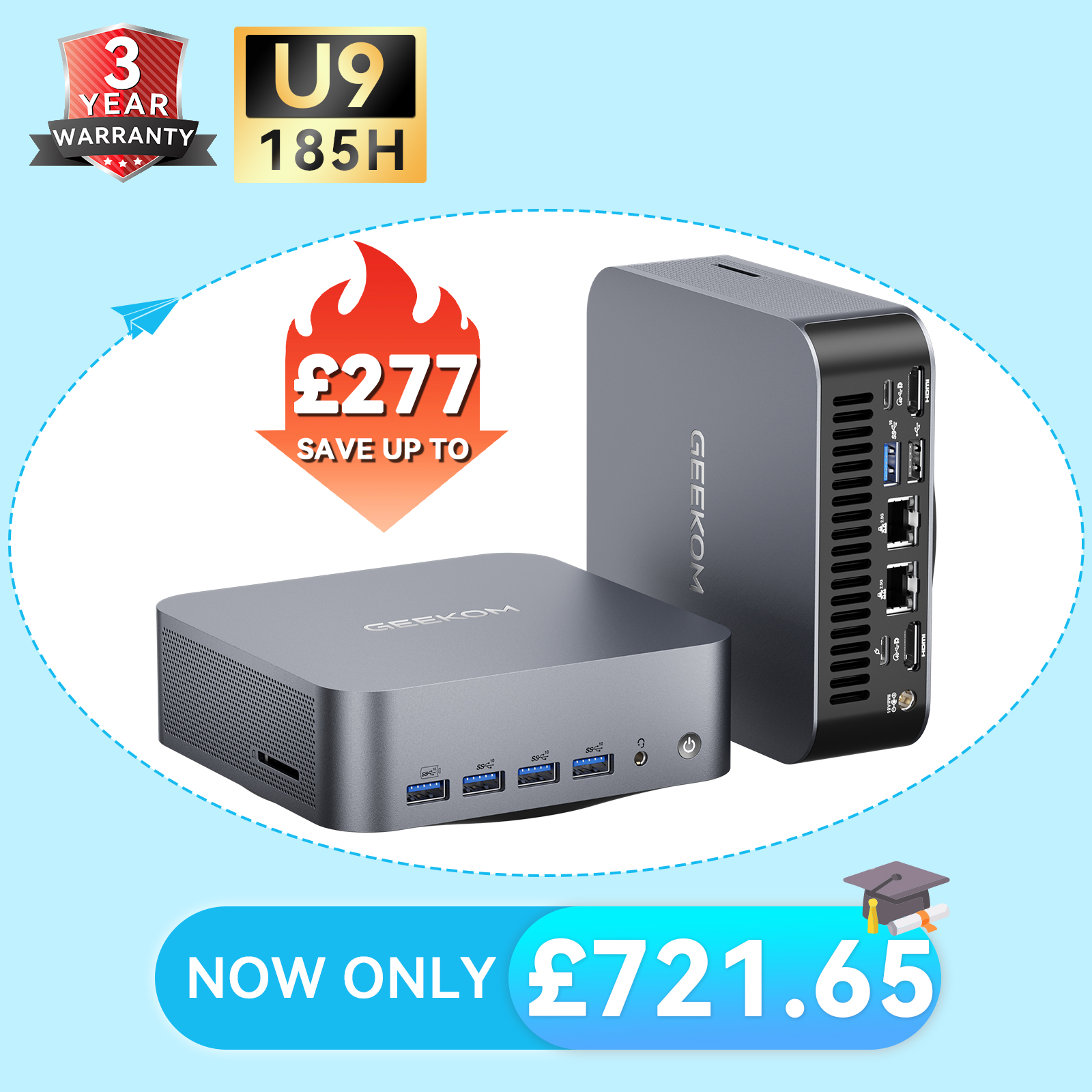
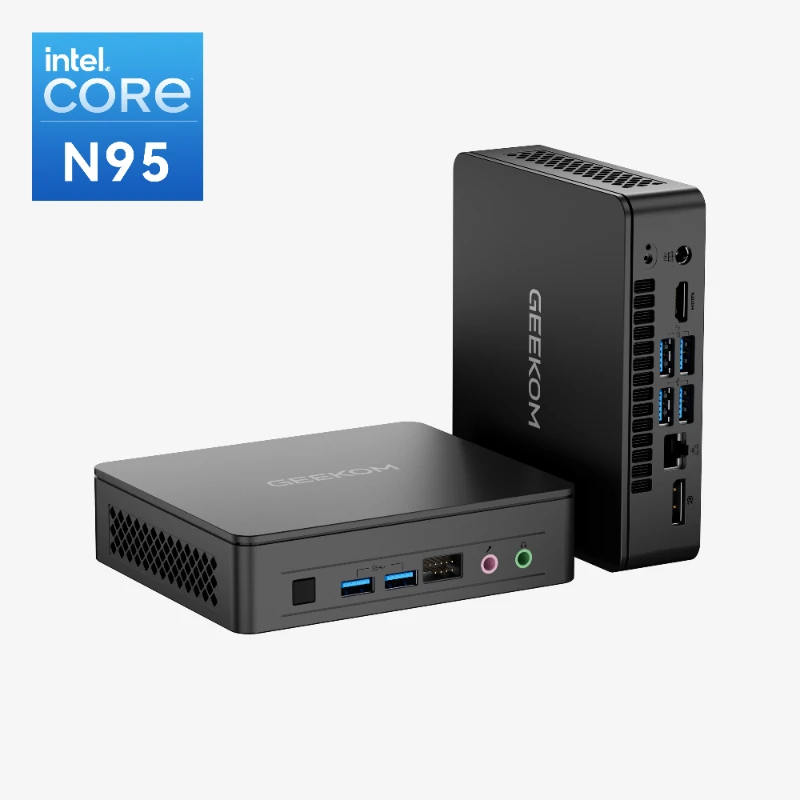
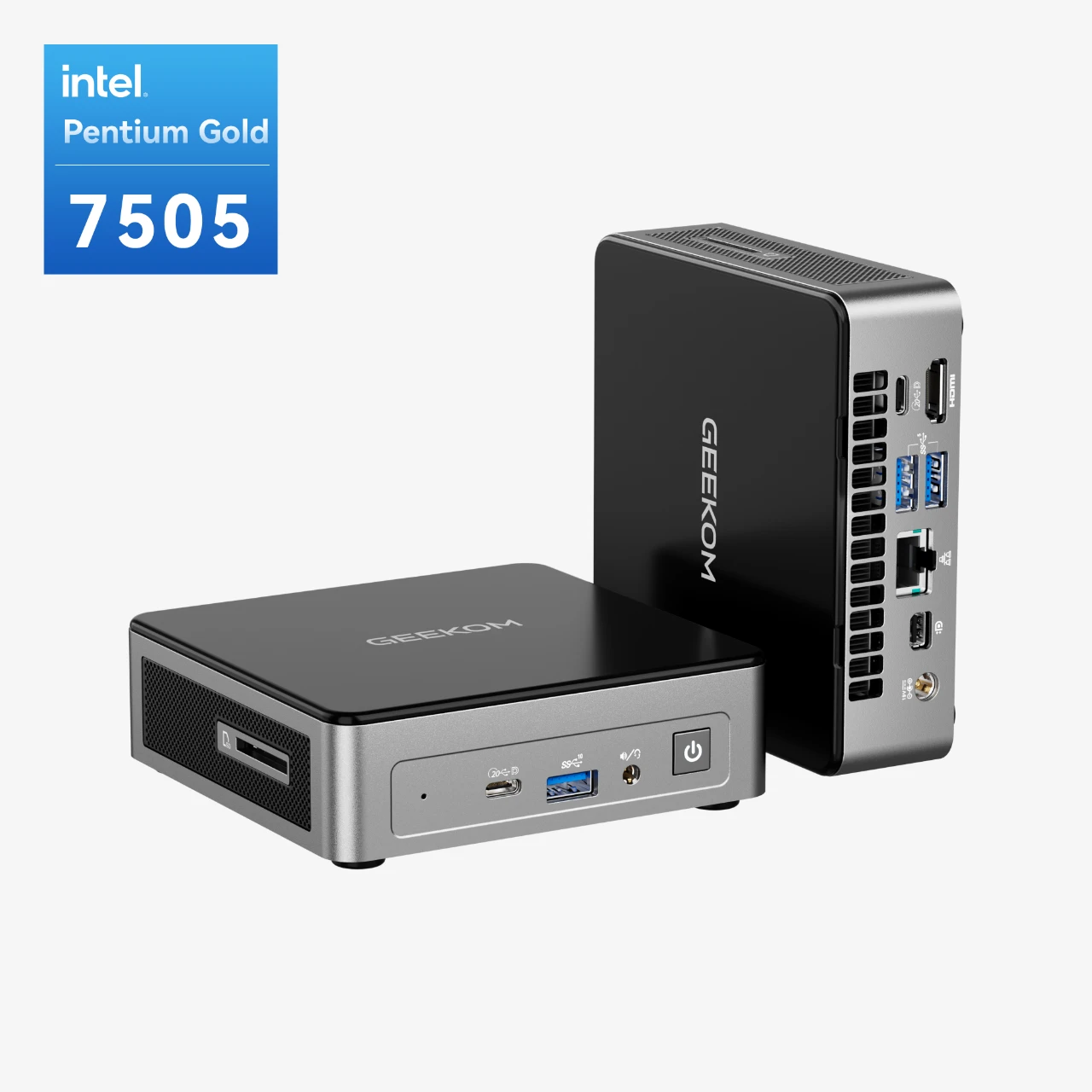
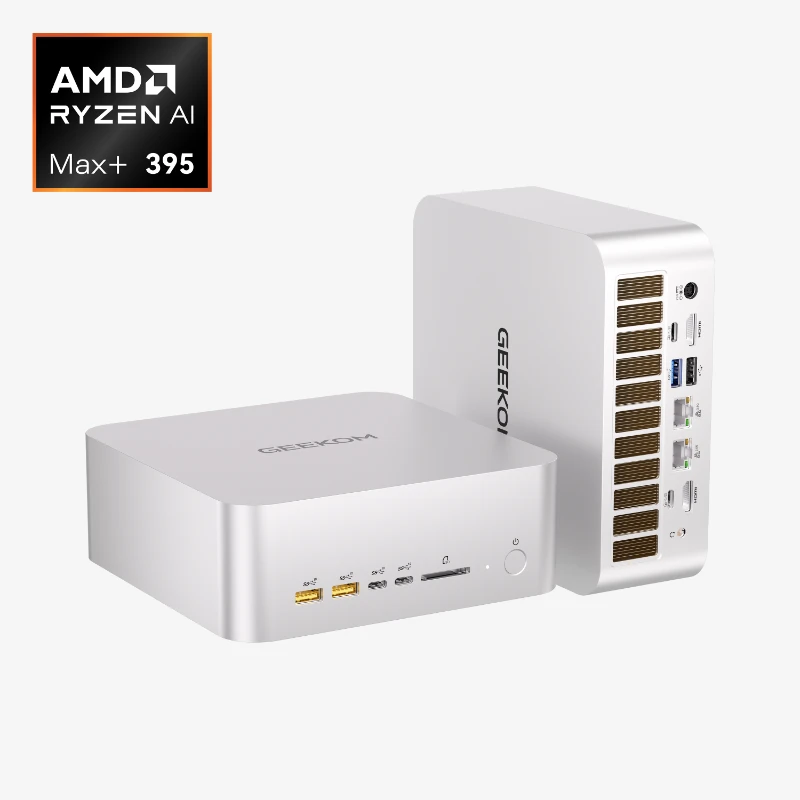
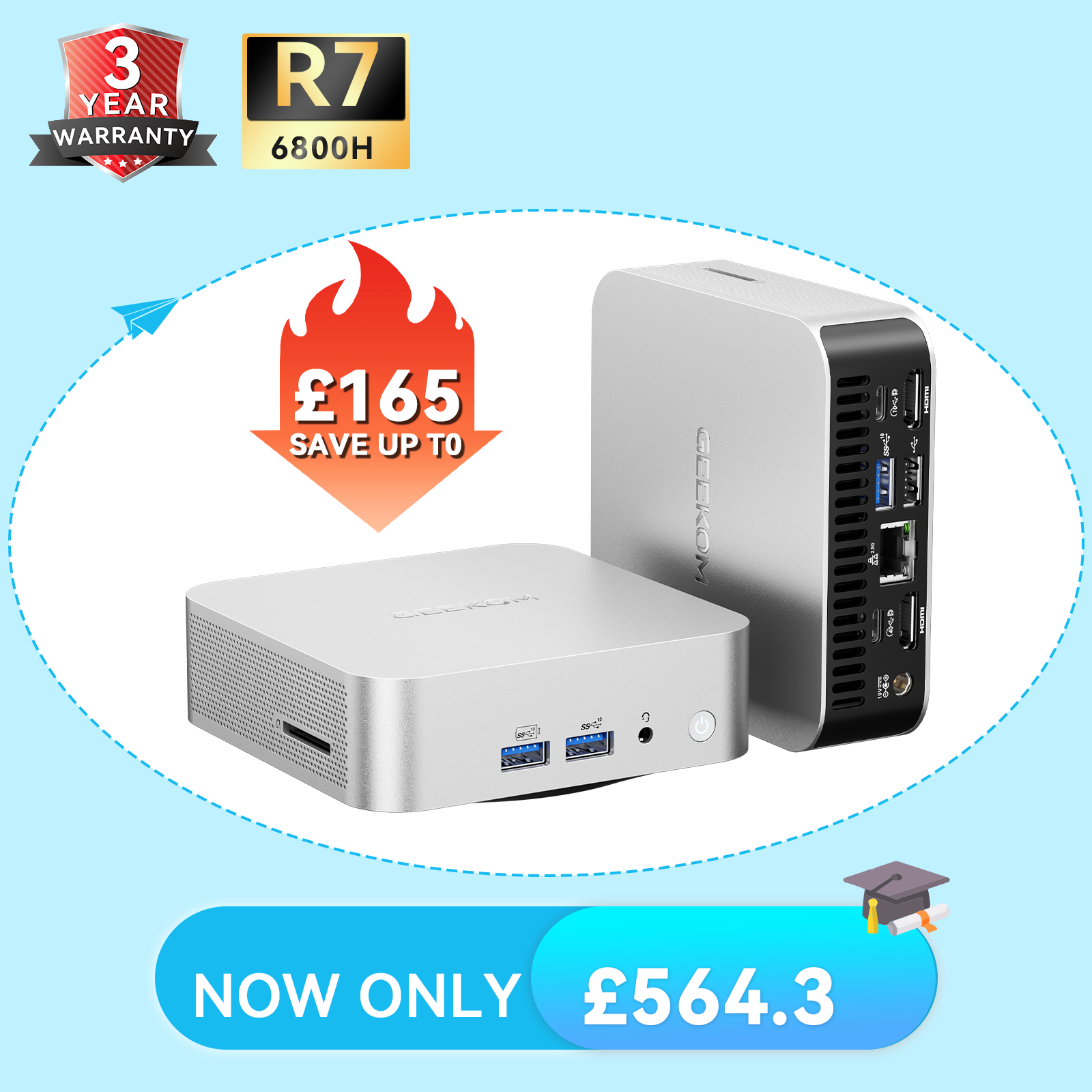
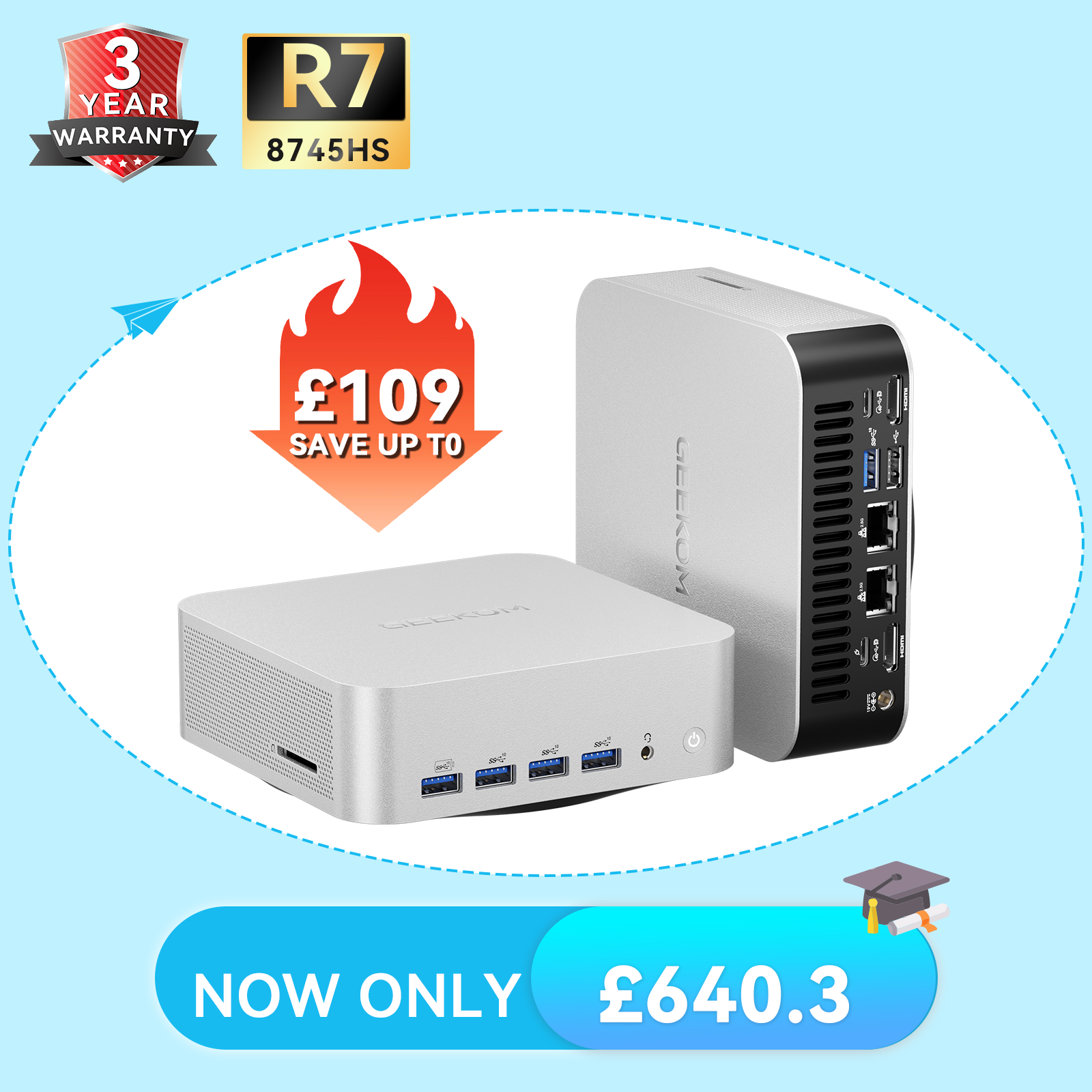
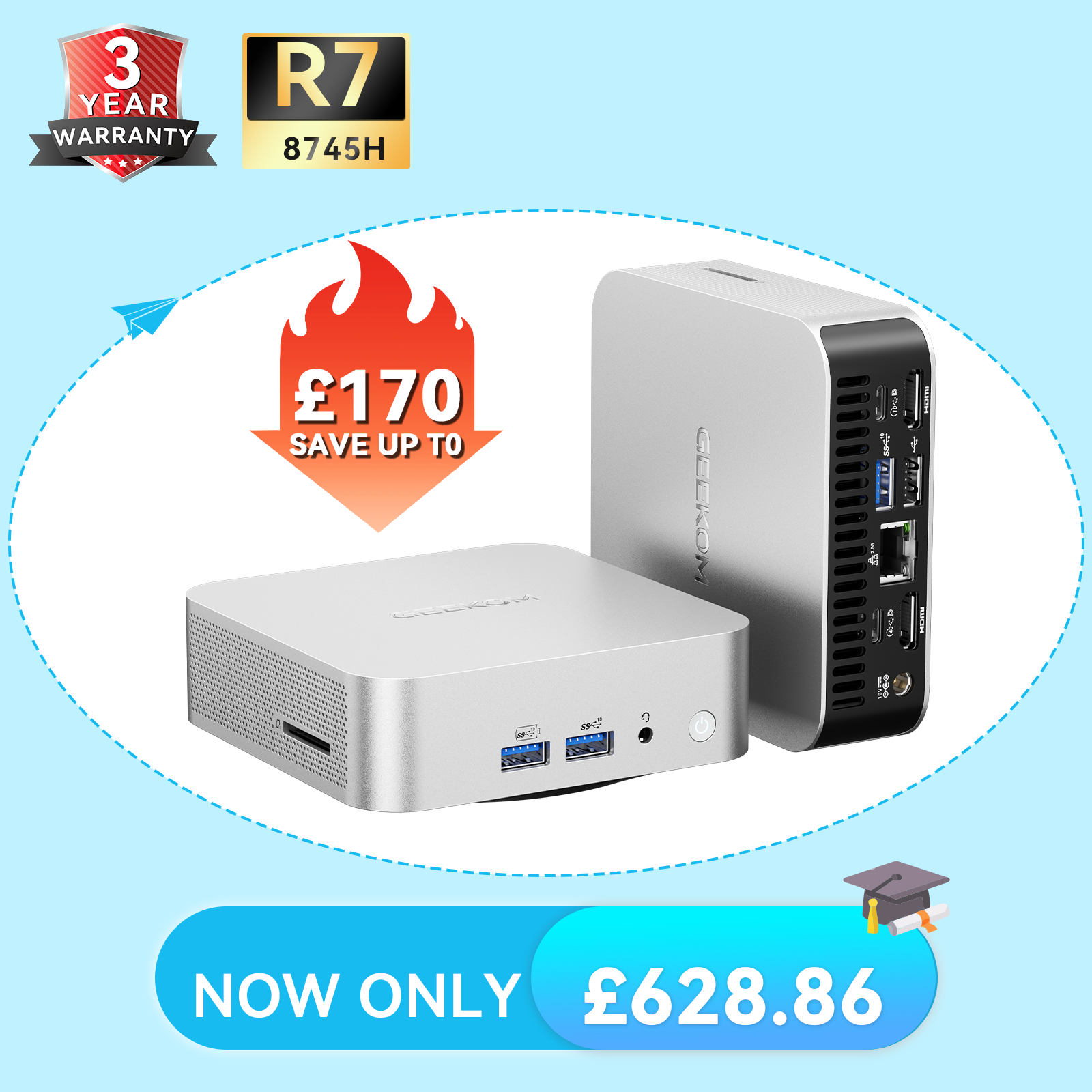
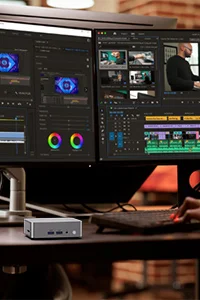


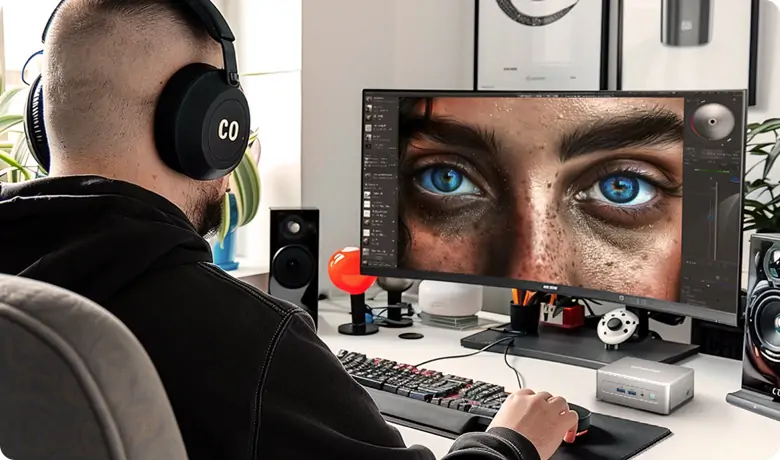
3D rendering is a complex and resource-intensive task that demands a blend of cutting-edge hardware and software. While full-fledged workstations have long been the norm, the advent of mini PCs has opened up new possibilities.
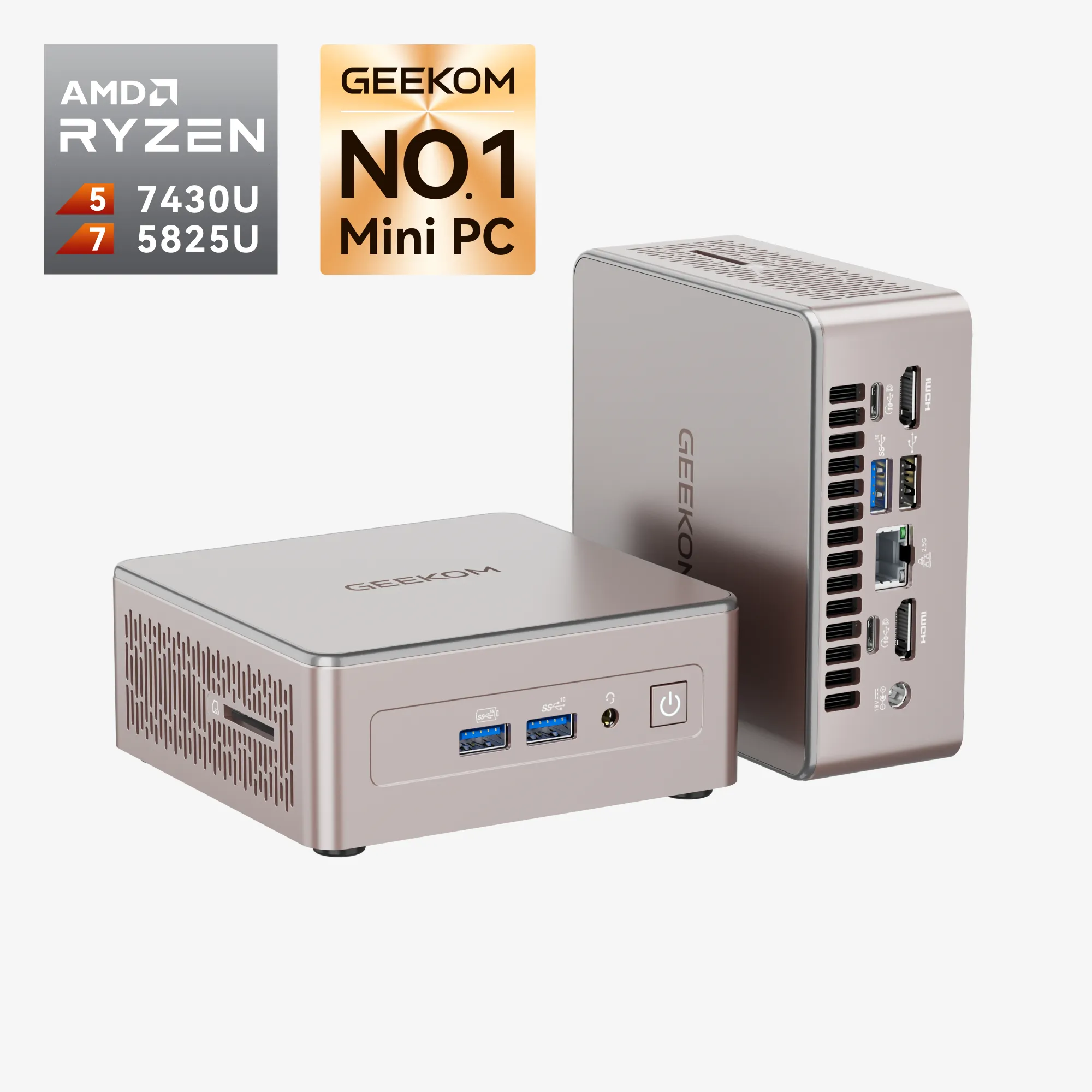
Mini PCs are a type of SFF PC (small form factor PC), offering a compact yet powerful solution ideal for 3D rendering tasks. These devices provide a streamlined approach to rendering that’s both efficient and cost-effective.
Benefits of Mini PCs for 3D Rendering
Mini PCs for 3D rendering offer a plethora of benefits that elevate them beyond conventional computing options:
- Compact size saves valuable desk space.
- Energy-efficient components reduce power consumption.
- High-performance CPUs and GPUs handle demanding 3D workloads.
- Portability allows for easy relocation between workspaces.
- Quiet operation is ideal for studio environments.
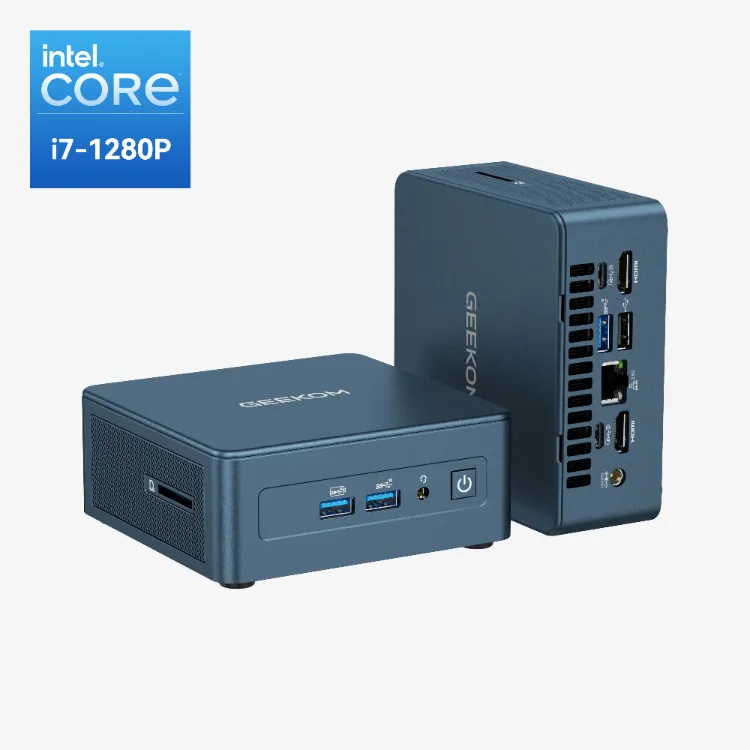
Some mini PCs also feature an all-metal casing, which enhances durability and gives a premium feel.
Space Efficiency
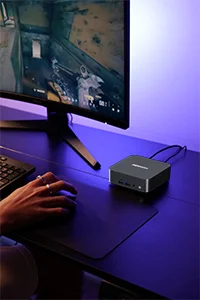
One of the standout features of mini PCs is their compact footprint. These systems fit effortlessly into space-constrained workstations, freeing up valuable desk space for other creative endeavours.
Ideal for smaller British homes & officesPortability
With their compact form factor, mini PCs transcend the limitations of traditional desktops. Creatives can carry their powerful workstations to collaborative sessions, presentations, or different locations with ease.
Perfect for hot-desking & flexible workingEnergy Efficiency
Mini PCs are engineered to optimise power consumption without sacrificing performance. This eco-conscious design not only reduces energy bills but also contributes to a greener planet.
Lower running costs amid rising UK energy pricesCost-Effectiveness
Mini PCs offer an attractive, cost-effective solution for 3D rendering professionals. They generally come at a lower price point compared to high-end workstations, making them accessible to a wider range of users.
Excellent value for moneyQuiet Operation
Focus and concentration are essential during the rendering process, and mini PCs provide an environment conducive to this. Your 3D rendering workflow remains undisturbed by the noise typically associated with larger desktops.
Whisper-quiet for shared spacesGraphics Cards for Smooth Performance
When it comes to demanding creative tasks like video editing, 3D rendering, and gaming, the graphics card is the heart of your mini PC’s performance. For users who need exceptional performance without sacrificing the compact form factor, choosing the right graphics solution is essential.
Mini PCs often come equipped with either integrated graphics or discrete GPUs. Integrated options, such as Intel Iris Xe or AMD Radeon 680M, are well-suited for lighter rendering tasks and basic video editing, offering a cost-effective solution for users who prioritise portability. However, for more complex 3D modelling, editing videos in high resolution, or tackling heavy rendering workloads, a mini PC with a dedicated GPU—like the NVIDIA GeForce RTX series or AMD Radeon RX—is a game-changer. These powerful graphics cards deliver the speed and efficiency needed for smooth playback, real-time ray tracing, and handling complex scenes.
Some of the best mini PCs for 3D rendering even support external GPU (eGPU) setups via Thunderbolt or USB-C ports, allowing creative professionals to boost their system’s graphics capabilities without compromising on size. This flexibility ensures that your mini PC remains future-proof and well-suited for evolving rendering tasks.
When selecting a mini PC, consider the type of graphics card it offers, its compatibility with your preferred creative software, and whether it supports features like ray tracing or AI acceleration. These factors are essential for achieving optimal performance in both 3D rendering and video editing, ensuring your compact system can handle even the most complex models and scenes with ease.
In summary, the right graphics card transforms a mini PC from a simple workstation into a powerhouse for creative professionals, delivering the exceptional performance needed for today’s most demanding tasks.
Top Mini PCs for 3D Rendering
When it comes to choosing the right mini PC for your 3D rendering needs, several options stand out. These mini PCs are selected for their good specs, making them suitable for demanding 3D rendering tasks.
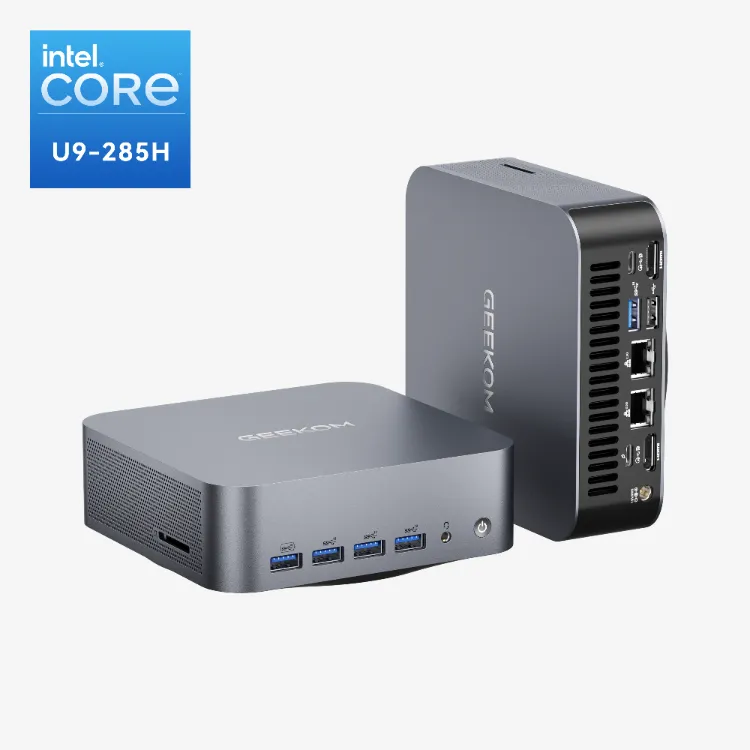
GEEKOM Mini IT15 Mini PC
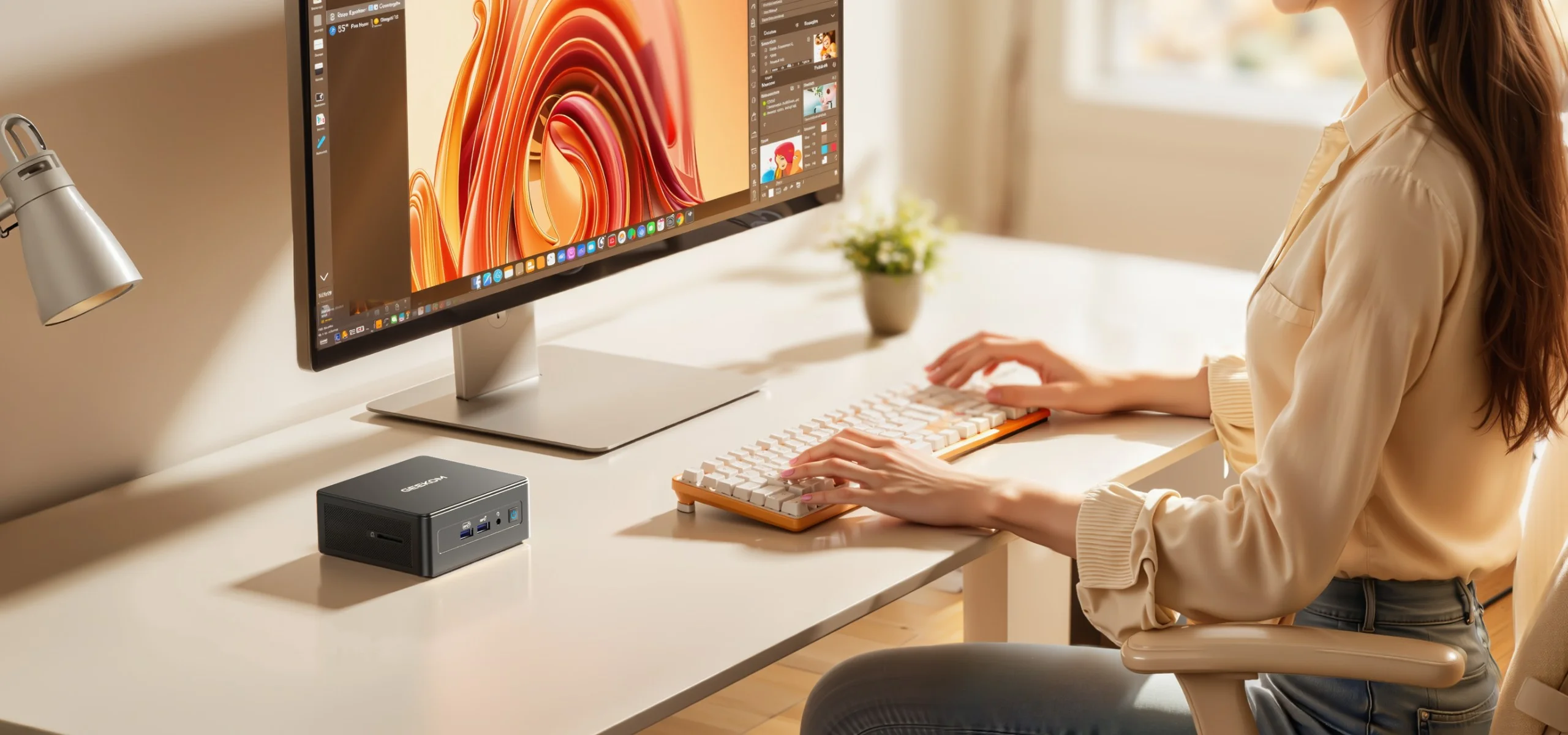
For 3D rendering and multitasking, how much RAM you need is crucial—this model’s 32GB RAM is more than sufficient for demanding tasks. The GEEKOM Mini IT 15 packs a punch in a tiny form factor.
Driven by Intel Core Ultra 9 processors and Iris Xe graphics, it offers impressive rendering capabilities. The Mini IT15 can also be used to play games, making it versatile for both work and entertainment. Its ample RAM and fast SSD storage contribute to seamless multitasking, while the compact design fits perfectly into any workspace.
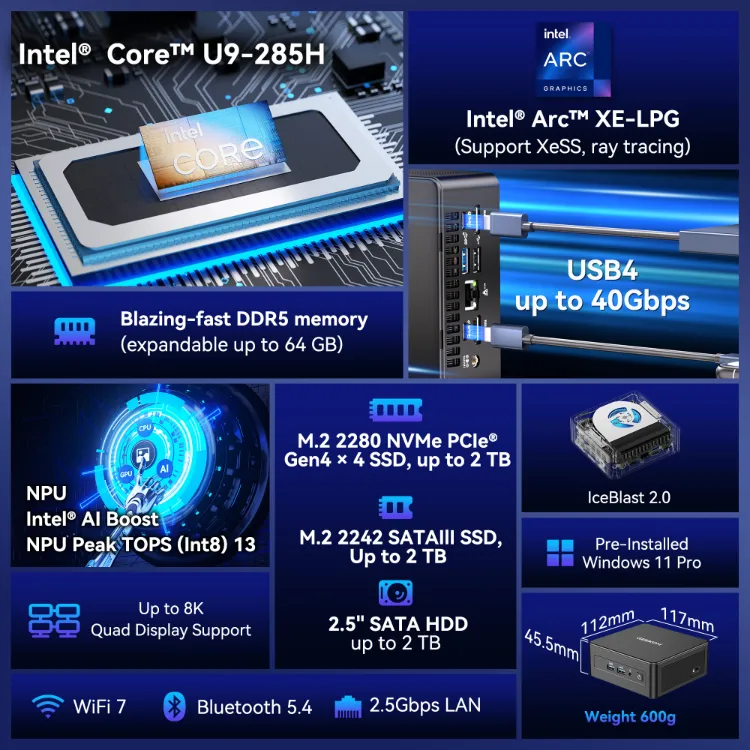
- Intel® Core™ 9-285H Processor + ARC 140T Dedicated Graphics
- Wi-Fi 7 + 2.5G Ethernet + Bluetooth 5.4
- 32GB DDR5 memory (up to 64GB) + up to 6TB of storage
- USB 4.0 Port (40Gbps)
- Advanced Silent Copper Cooling System
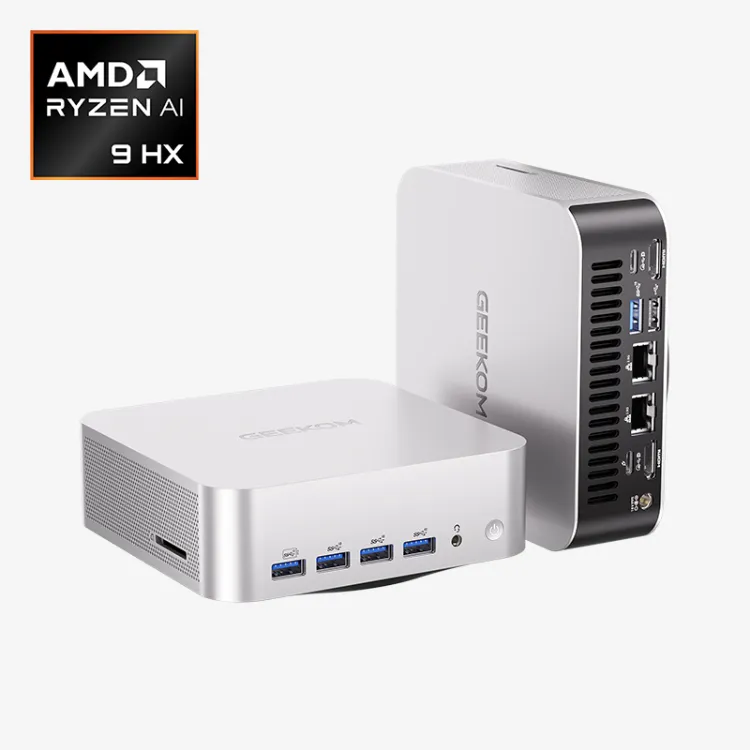
GEEKOM A9 Max AI Mini PC
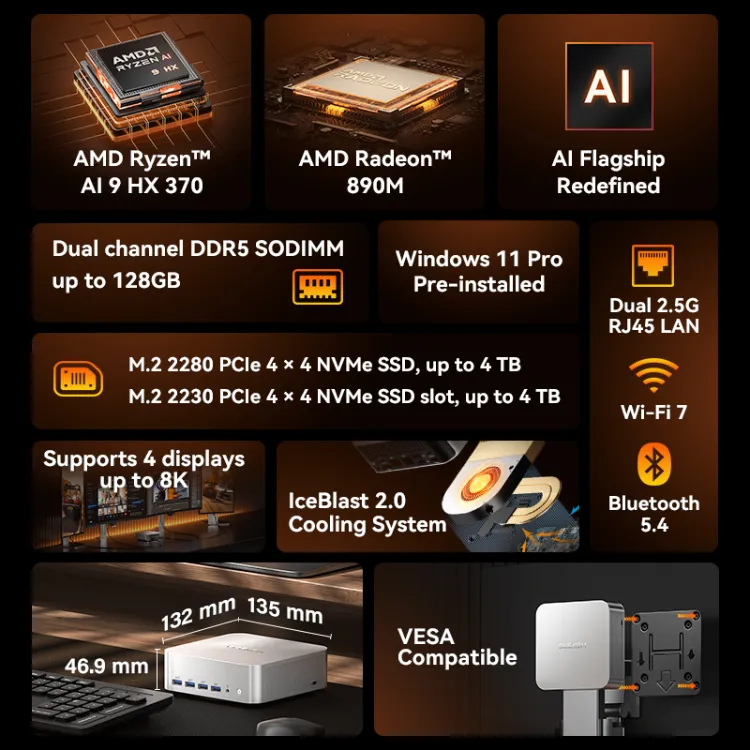
Conquer demanding 3D rendering tasks with the GEEKOM A9 Max. The available CPU options—AMD Ryzen™ AI 9 HX 370 flagship processor—directly impact your system’s performance, with the CPU providing the highest level of power for resource-intensive applications. Opting for the higher-end CPU results in better performance, especially for demanding 3D rendering, video editing, and content creation tasks.
No matter your choice, AMD Radeon™ 890M graphics provide the muscle to handle complex scenes and renderings. Effortlessly work with large models and textures thanks to up to 128GB of DDR5 memory. And dual M.2 slots (2280+2230) supporting up to 8 TB of PCIe 4.0 SSD storage expansion, you’ll have ample storage for your projects and enjoy lightning-fast boot times.
- Performance: AMD Ryzen™ AI 9 HX 370 flagship processor and Radeon™ 890M graphics card
- AI: CPU/NPU/GPU triple-engine synergy, up to 80 TOPS computing power, high efficiency, low power consumption, and ultra-fast responsiveness
- High-Speed Storage: Dual-channel DDR5 memory (up to 128GB) and dual M.2 slots (2280+2230) supporting up to 8 TB of PCIe 4.0 SSD storage expansion
- Dual USB4 Ports (Rival OCuLink): Unlock next-generation connectivity. Dual USB4 ports offer Thunderbolt-speed data transfer (40Gbps), dual 8K display output, and support for external graphics cards, effectively replacing OCuLink ports.
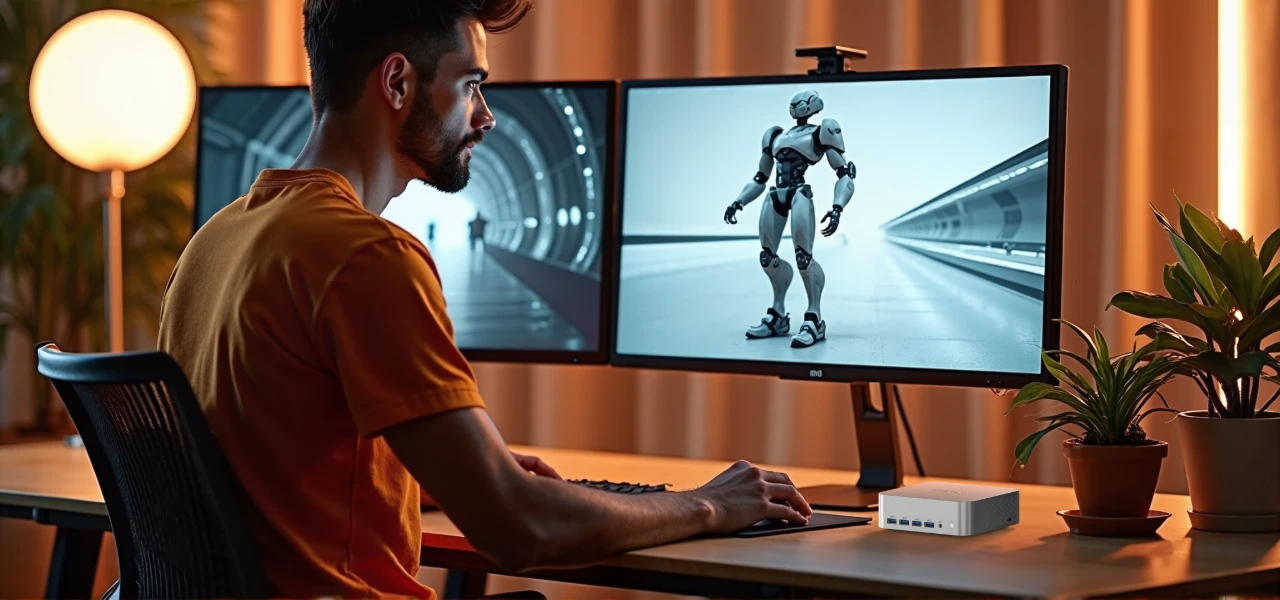
The compact design of the GEEKOM A9 Max fits perfectly into any workspace, so you can render from anywhere. The A9 Max delivers excellent performance for creative professionals.
Choosing the Perfect Mini PC for Your Needs
Selecting the right Mini PC for your 3D rendering tasks requires careful consideration of various factors. For professional use, prioritise models that offer powerful performance and robust security features to ensure efficient workflows and data protection.
Processing Power
When dealing with complex 3D rendering projects, a mini PC’s processing power takes centre stage. Processors like the AMD Ryzen 9 and Intel Core i7 ensure seamless multitasking and faster rendering speeds.
For professional-grade performance, consider Intel Core Ultra 9 or AMD Ryzen™ AI 9 HX 370 configurations.
Ample RAM
Rendering large and intricate scenes demands sufficient memory. Aim for a mini PC with a minimum of 32GB of RAM, as this allows for smooth multitasking and handling of resource-intensive applications.
32GB minimum recommended for professional 3D workflows.
Storage Solutions
Storage plays a crucial role in rendering workflows. Opt for a mini PC with solid-state drives (SSDs) rather than traditional hard disk drives (HDDs). SSDs provide faster data access, reducing loading times and enhancing overall system responsiveness.
NVMe SSDs offer significantly faster read/write speeds than SATA SSDs.
Thermal Management & Cooling
Intensive rendering tasks can generate substantial heat. A well-designed cooling system is essential to prevent overheating and ensure consistent performance. Look for mini PCs with effective cooling solutions and proper ventilation.
Dual copper heat pipe systems offer superior heat dissipation.
Connectivity & Expandability
Consider the range of connectivity options offered by the mini PC. USB ports, Thunderbolt ports, HDMI outputs, and Ethernet connections are valuable for connecting peripherals and external devices. Additionally, opt for a mini PC with room for hardware expansion.
USB4 ports offer Thunderbolt-level speeds up to 40Gbps.
Size & Form Factor
The size and form factor of the mini PC play a crucial role in its versatility. Choose a model that strikes the right balance between portability and performance, ensuring it fits seamlessly into your workspace and workflow.
VESA-mountable designs save desk space in compact British offices.
Conclusion
In the world of 3D rendering, mini PCs have emerged as a game-changer, offering a unique blend of power, portability, and performance.
Mini PCs equipped with advanced integrated graphics like the AMD Radeon 780M are capable of handling demanding 3D rendering tasks, making them suitable for creative professionals.
Looking to upgrade your 3D rendering setup? Explore a wide range of powerful mini PCs at GEEKOM and unleash your creative potential today!
FAQs About Mini PCs for 3D Rendering
Are mini PCs suitable for professional 3D animation?
Absolutely. Mini PCs with powerful CPUs and GPUs are well-suited for professional 3D animation and rendering tasks.
Are these mini PCs suitable for other tasks besides 3D rendering?
Definitely! While optimised for rendering, these mini PCs can handle a wide range of tasks, including video editing, graphic design, and multitasking.
How do mini PCs compare to traditional workstations for 3D rendering?
While traditional workstations might offer more room for expansion, mini PCs deliver comparable performance in a smaller form factor, making them an excellent choice for professionals on the go.