








Whether you want an operating system that offers great customisation, plenty of flexibility, or enhanced privacy, Linux is a popular choice. However, not every mini PC out there is compatible with it, and many may not get the most out of the operating system.
To help ensure your experience is top-notch, this guide covers the best Linux mini PCs in 2026 and a few important factors to consider when deciding which to buy. If you are in need, scroll down to read more!
GEEKOM’s Top Computers for Linux Users
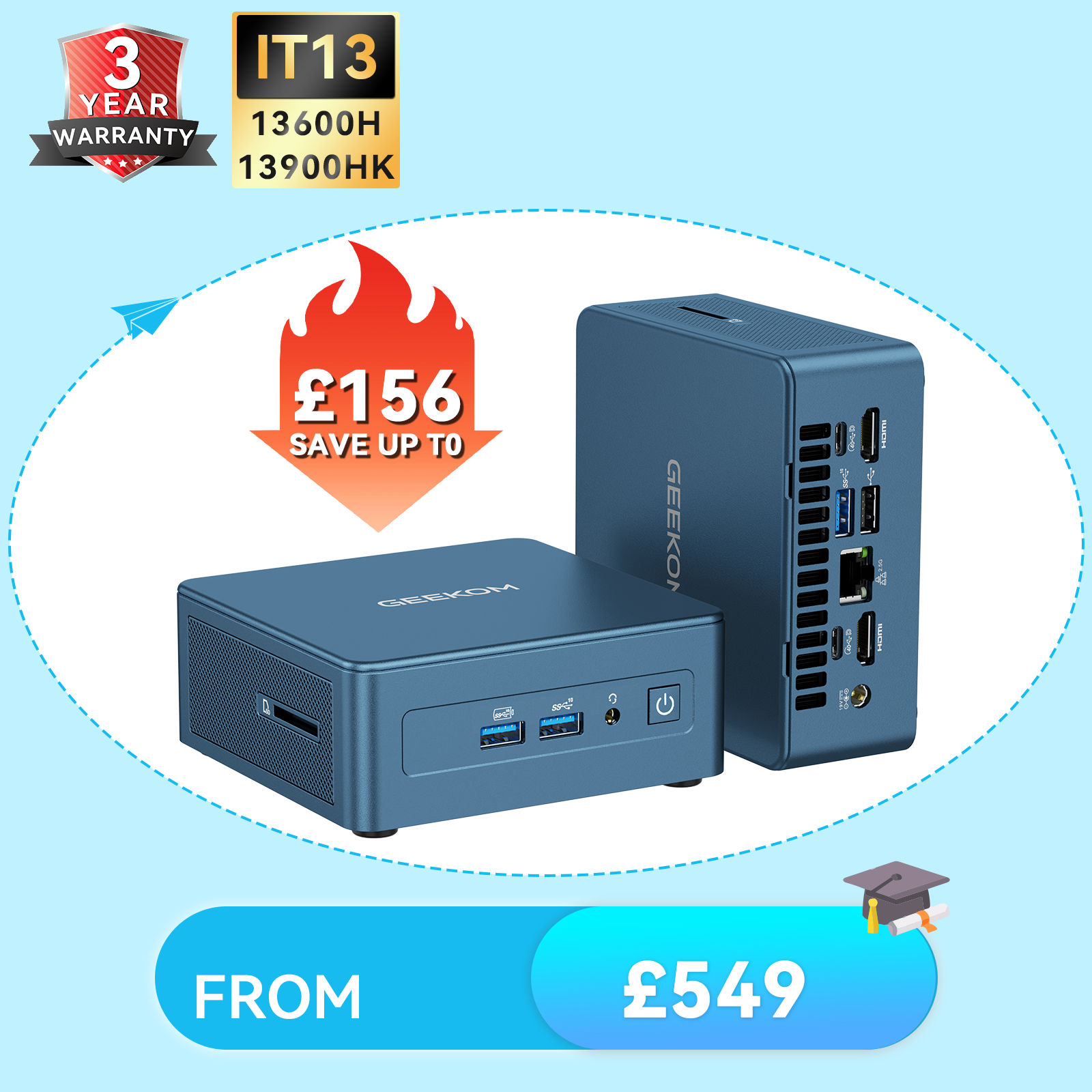
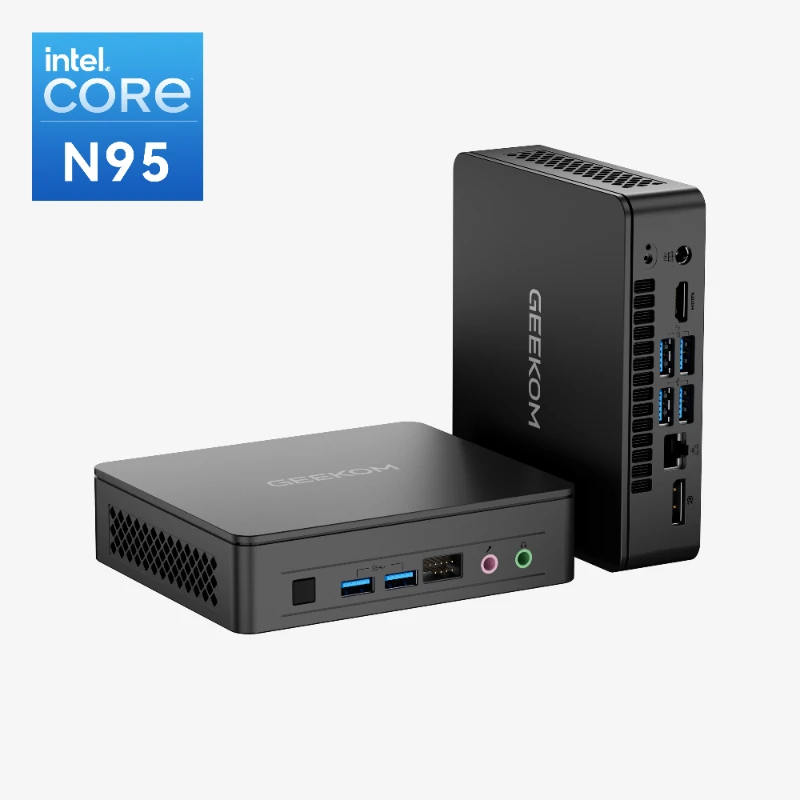
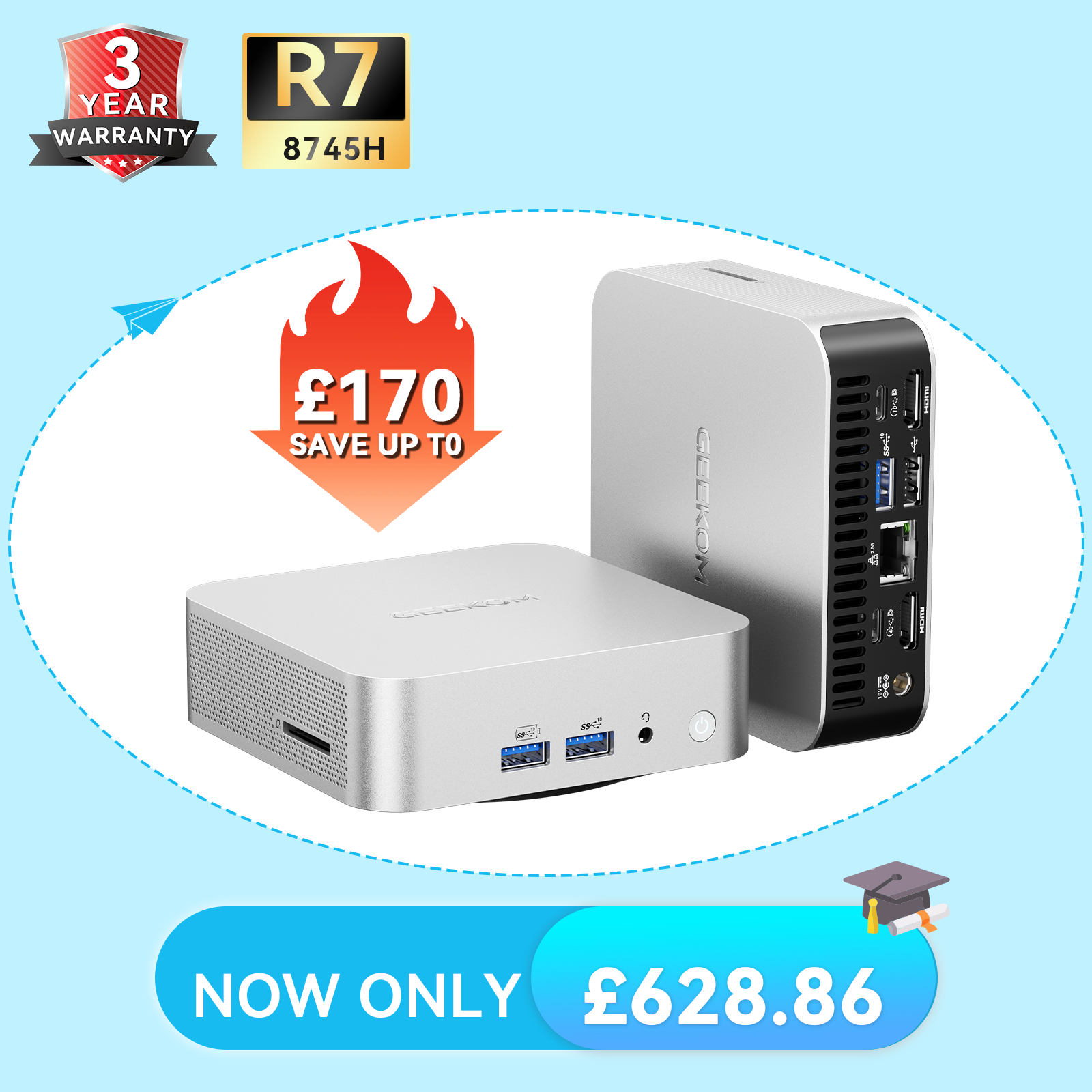
Best for Using Linux Efficiently: GEEKOM Mini IT13 Mini PC
Specifications
- Size: 117 × 112 × 49.2 mm
- CPU: 13th Gen Intel® Core™ i5-13600H or 13th Gen Intel® Core™ i9-13900HK
- GPU: Intel® Iris® Xe Graphics i7
- Memory: DDR4 RAM, up to 64 GB
- Storage: M.2 2280 NVMe PCIe 4.0 ×4 SSD, up to 2TB, a M.2 2242 SATA SSD slot, up to 1TB, and a 2.5″ SATA HDD slot, up to 2TB
Pros
- Affordable for nearly any budget
- Low base power consumption and quiet operation
- Multiple CPU options to choose from
Cons
- Graphics aren’t as powerful as some other choices
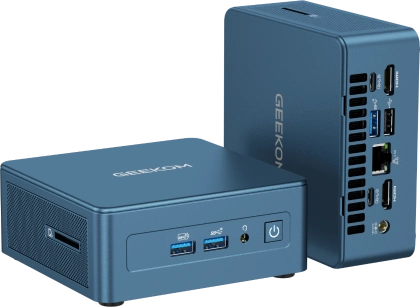
If you’re looking for an efficient Linux mini PC that still packs a punch in terms of power, the GEEKOM IT13 might be the right choice. It has a low base power consumption of 28W, which may climb to 40-50W under full load, but will stabilise between 28-35W during sustained workloads.
This not only saves you money on your power bill but is also an environmentally friendly choice. Even the cooling system the computer features is efficient, helping it operate quietly.
Thankfully, the computer doesn’t sacrifice performance for this efficiency. It offers multiple high-quality CPU options for a smooth experience (one up which offers up to 4.8 GHz), up to 64GB of RAM, and expandable storage up to 5TB.
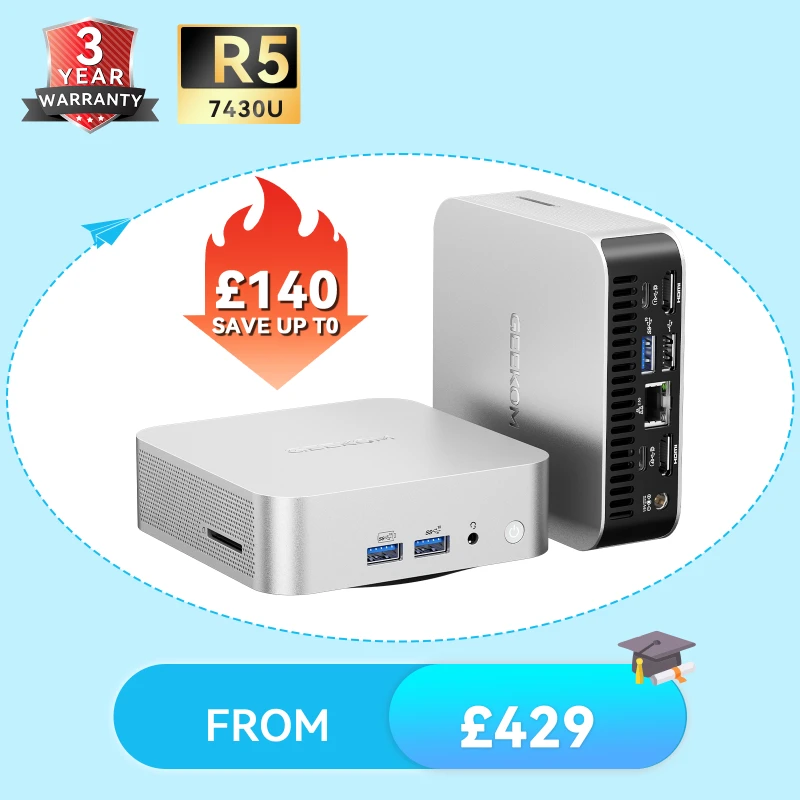
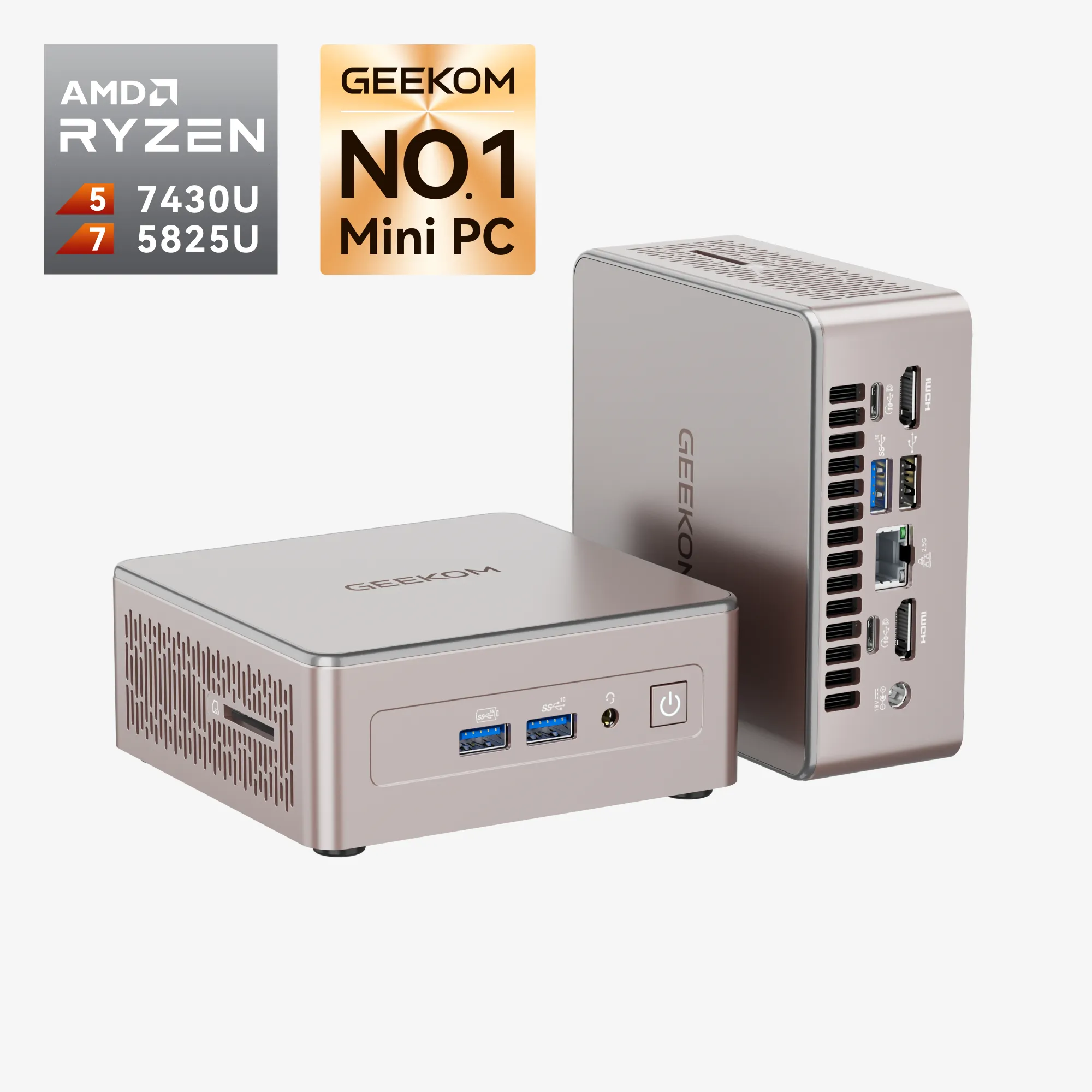
Best for a Versatile Linux Experience: GEEKOM A5 Pro Mini PC
Specifications
- Size: 112 × 112 × 37 mm
- CPU: AMD Ryzen™ 5 7430U
- GPU: AMD Radeon™ Vega 8 Graphics
- Memory: DDR5 RAM, up to 64GB
- Storage: M.2 2280 PCIe 3.0 ×4 NVMe SSD (up to 2 TB), M.2 2242 SATAIII SSD, 1 TB
Pro:
- Versatile and comprehensive connectivity options and great networking
- Durable and reliable design
- Scalable and upgradable components
Cons:
- Only a single CPU option to choose from
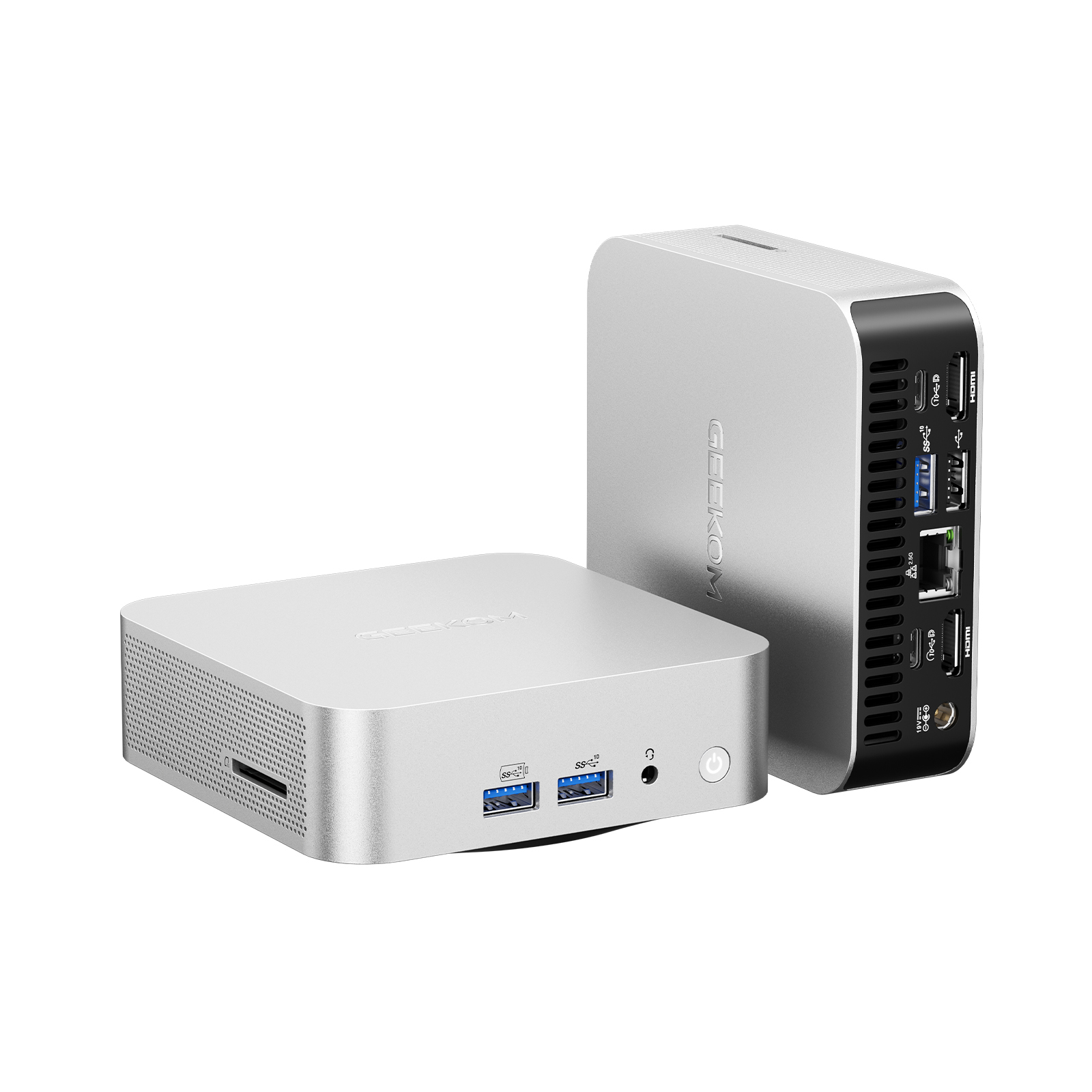
If you want a Linux PC that’s versatile and suited for office work, editing, producing music, and even light gaming, consider the GEEKOM A5 Pro. It has a powerful Ryzen processor and solid graphics, which combine to deliver a responsive user experience.
To further boost performance and capabilities, you can also upgrade the RAM and expand the storage. The A5 Pro’s versatility is also thanks to its many ports, which provide comprehensive coverage for almost any device or peripheral.
It includes 5 USB3.2 ports, 2 HDMI ports, an SD card reader, a headset jack, a LAN port, and others. The PC even supports multiple displays if you want to power an entire workstation and has strong networking capabilities, including Wi-Fi 6 and Bluetooth 5.2.
But in addition to performance and versatility, the A5 Pro is also durable. It has a chassis made from high-quality aluminium alloy and undergoes hundreds of hours of testing to ensure reliability. This includes temperature testing, drop testing, vibration testing, noise testing, thousands of plug-and-unplug cycles, and more.
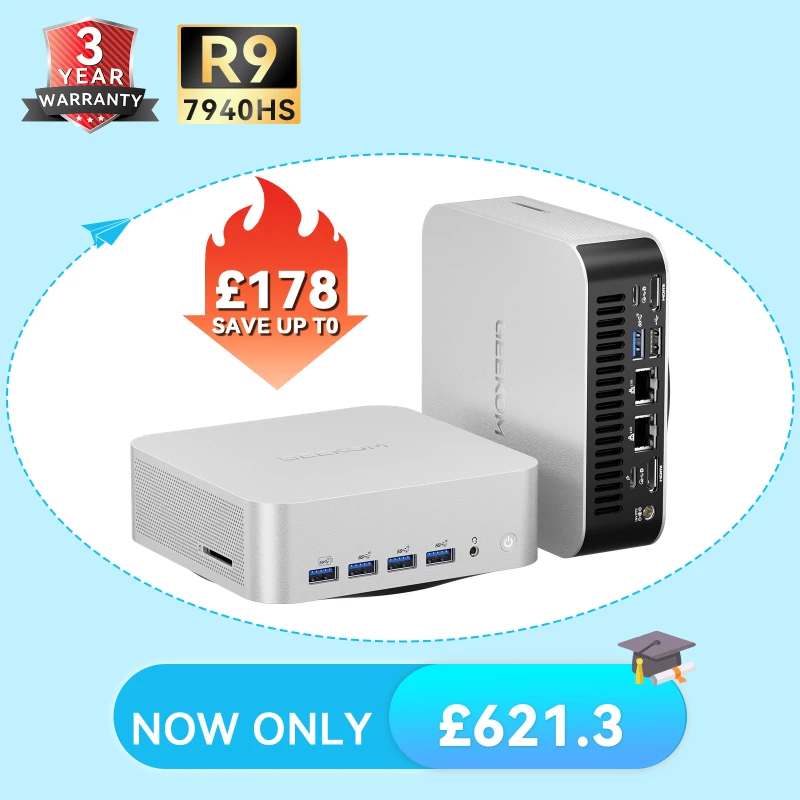
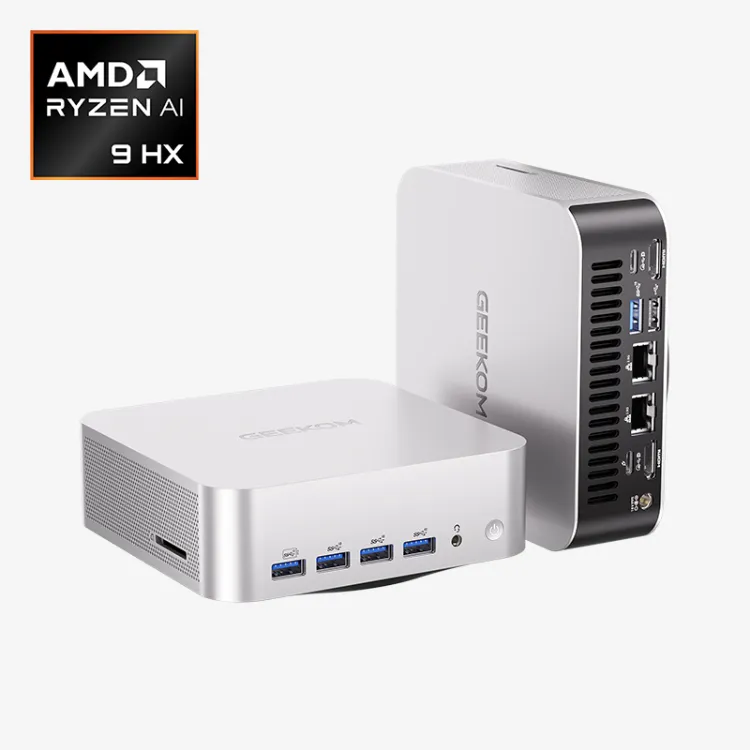
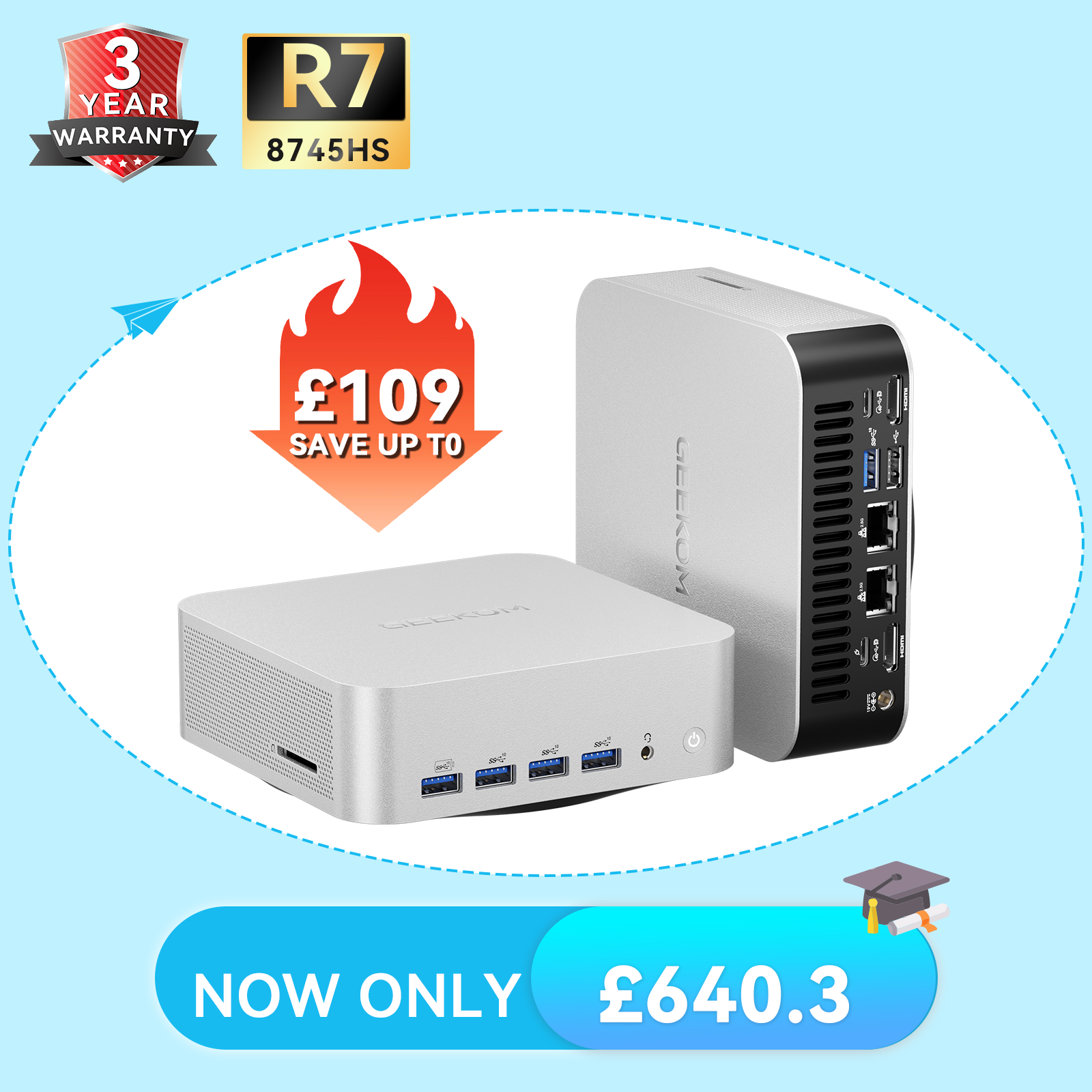
Best for Super Linux Users Who Desire Peak Performance: GEEKOM A7 Max Mini PC
- Powered by Ryzen 9 flagship chip – Desktop-level performance, the hidden powerhouse for professionals.
- Abundant ports, high-speed internet – Say goodbye to a bunch of adapters, keep your desktop super tidy.
- 200kg Pressure-Resistant Aluminium Alloy Chassis – Resilient to everyday bumps and knocks, lasts for years.
- Dual Copper Pipe Cooling for Rock-Solid Performance – No worries about system failure even during late-night work sessions.
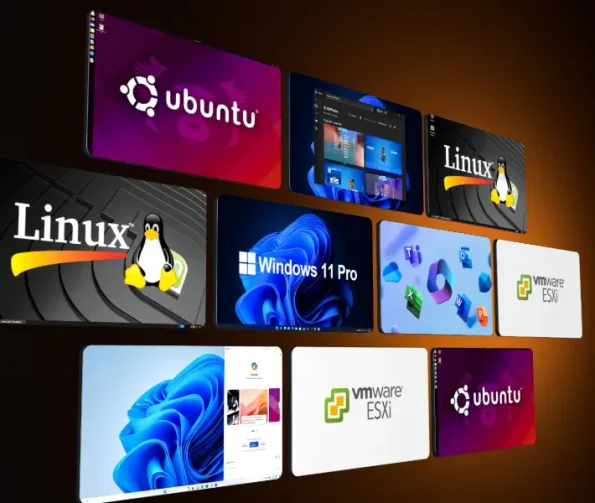
- Pre-installed Win11 Pro – Supports multiple operating systems for easy switching.
Pros:
- Strong internal specs for optimal performance
- Advanced graphical capabilities
- A cooling system that helps keep the computer quiet
Cons:
- Only contains one storage slot
If your priority when searching for a mini PC is peak performance, meet the GEEKOM A7 Max. It offers professional power with cutting-edge Ryzen 9 processors, with speeds up to 5.2GHz for optimal performance. The computer also has DDR5 RAM for fast read and write speeds, and you can expand the RAM from the base 16 up to 64GB.
The A7 Max also provides strong graphical capabilities, up to 2TB of storage capacity, and a full range of ports. It also manages to pack all this power and interface into a case that fits in your pocket.
While you may be worried about overheating or noise when using such a high-performance mini PC, the A7 Max features a cooling system to prevent these issues. It includes a high-efficiency fan, a fine-tuned thermal module, and dual copper heatpipes, which combine to make the system more than 50% more efficient than standard systems.
What is Linux?
Linux is the best-known and most widely used open-source kernel in the world. It comprises a set of software that directly manages a PC system’s hardware and resources—including the processor, graphics card, memory, and storage—and enables users to run various applications.
Most of us interact with Linux daily, whether we realise it or not. Android, for instance—the operating system that powers our smartphones, tablets, wearables, and even smart cars—is built upon Linux. However, when discussing computing in the traditional sense, we typically refer to conventional Linux-based distributions.
How Does Linux Differ from Other Operating Systems?
Linux bears considerable resemblance to other operating systems in many respects. It features a point-and-click graphical user interface, allowing users to install and run software programmes such as internet browsers, word processors, video players, photo editors, and the like.
Unlike Windows or macOS, however, where one can simply use the GUI to accomplish most tasks, Linux typically requires users to enter command lines for the majority of operations. This can present something of a learning curve for newcomers.
Furthermore, different Linux distributions may provide entirely different user experiences. Some resemble Windows in appearance, others bear a likeness to macOS, whilst still others may feel unlike anything you’ve encountered before.
Click to Read More about: Linux vs. Windows: Why Do Most People Choose Windows?
What Are the Advantages of Linux?
Linux offers numerous benefits.
- First, it costs nothing whatsoever. Since the Linux kernel is open-source, one can download and install virtually any Linux distribution for free.
- Secondly, Linux boasts remarkable hardware compatibility—it runs on a vast array of platforms, including PCs, tablets, smartphones, TV boxes, cash machines, drones, in-flight entertainment systems, and much more. One would be hard-pressed to find hardware that isn’t compatible with Linux.
- Thirdly, Linux provides excellent support for developers. Its source code is freely viewable, and it supports all major programming languages, including C, C++, and JavaScript. Developers can utilise these languages to build compatible and reliable applications across various disciplines.
- Finally, Linux is extraordinarily stable. Compared with other operating systems, it is far less susceptible to crashes. This is precisely why major cloud providers universally employ Linux as the operating system for their servers. Even Microsoft opts for Linux to power their Azure Cloud Computing Services rather than their own Windows Server OS—a rather telling endorsement, wouldn’t you say?
How to Install Linux on Your PC
There are dozens of Linux distributions available online, but it’s advisable to begin with a well-established distribution, as these benefit from larger user communities who can assist when you encounter difficulties. Popular choices include Elementary OS, Fedora, Debian, and Ubuntu.
Once you’ve selected your preferred Linux distribution, visit its official website and download the installer and ISO files. Some Linux distributions support multiple platforms, so you may need to select the appropriate installer and ISO file for your particular device.
Click to Read More about: How To Install Ubuntu on Windows 11? Step-by-Step Guide
Best Mini PCs Compatible with Linux
Linux can be installed on virtually any computer, from the smallest handheld PCs to the largest server towers. Mini PCs are designed to provide robust performance while occupying minimal space, making them ideal for a variety of settings. However, if you’re seeking a mini PC to run Linux, the following would be our top recommendations. Mini PCs excel at everyday tasks like web browsing, word processing, video streaming, and light gaming, making them practical for regular use. Many mini PCs come with powerful CPUs and ample RAM, making them suitable for development environments.
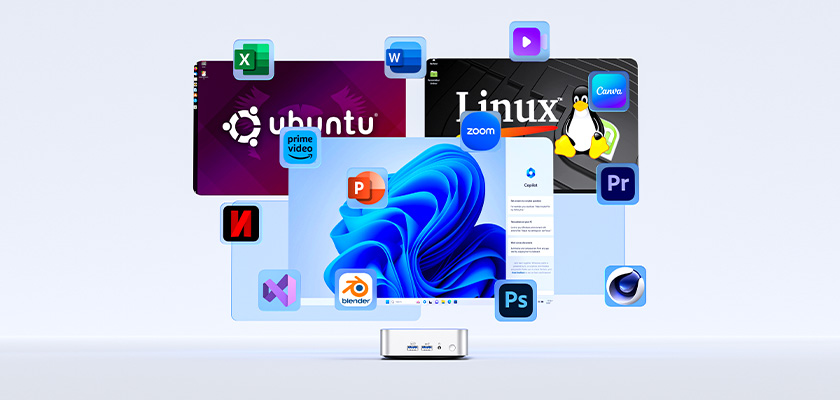
GEEKOM mini PCs come pre-installed with unmodified, genuine Windows 11 Pro and are ready to use right out of the box. For ultimate flexibility, they also offer full compatibility with Linux, Ubuntu, and other operating systems, making it an ideal choice for developers, professionals, and technology enthusiasts.
The GEEKOM A7 MAX Mini PC delivers a complete, high-performance computing solution straight out of the box. Pre-installed with Windows 11 Pro, it combines a modern design with powerful multitasking tools to help you work faster, easier, and in style. It also supports other x86 operating systems like Linux, Ubuntu, and Android x86, making it an excellent choice for developers and tech enthusiasts who require flexible deployment.
Conclusion
Ready to elevate your computing experience? Look no further! GEEKOM offers a variety of PCs compatible with Linux and other operating systems. The IT13 is perfect for users who value efficiency and low energy consumption, the A5 Pro is a versatile solution with great connectivity, and the A7 Max is for power users who want to get as much out of the OS as possible.
Frequently Asked Questions
What is a Linux PC?
It’s a type of computer that runs the Linux operating system, rather than Windows, Chrome OS, or macOS. This is a free and open-source alternative known for things like flexibility and security.
Is Linux OS Better Than Windows?
Neither is objectively better than the other, as the best choice depends on your specific needs. Windows offers user-friendliness and broad hardware and software compatibility, while Linux is often the choice for people who want more control, better privacy, and greater customisation options.
How Much RAM Is Required for Linux?
RAM requirements vary depending on what you’re planning to do on the computer. For basic and everyday tasks, 4GB or 8GB of RAM is likely sufficient, while more demanding and intensive tasks may be better with 16GB or even 32GB.
Linux Mini PCs Support Customizable and Efficient Computing
To truly take advantage of Linux’s flexibility, privacy, and customisation options, you need the right mini PC. To find the best option, consider factors such as performance, compatibility, and support.