Choosing between Full HD and 4K involves rather more than simply picking a number. The key differences between these resolutions go beyond just numbers, including better quality visuals and usability aspects. Resolution affects not only image quality but also text legibility and how efficiently you can work. This guide explains the genuine differences and how to make a choice you won’t regret.
Introduction to High Definition HD
High Definition, or HD, marks a significant leap forward from the older Standard Definition (SD) technology, offering a much higher screen resolution and, as a result, a noticeably better viewing experience. HD TVs start at a minimum resolution of 1280 x 720 pixels, which means more pixels are packed into the screen, delivering a clearer and more detailed image. The most common HD format is 1080p, also known as Full HD, which provides even greater image clarity and sharpness.
Understanding what HD means is crucial when shopping for a new TV or monitor. The higher quality of HD compared to SD is immediately apparent, especially when watching movies, sports, or any content where detail matters. HD TVs have become the standard in most households, offering a balance between affordability and impressive image quality. By knowing the basics of high definition HD, you can make an informed choice that matches your needs and ensures a satisfying viewing experience, whether you’re upgrading from an older TV or buying your first HD model.
Understanding TV Resolution
TV resolution refers to the number of pixels displayed on your screen, and it’s a key factor in determining image quality. The more pixels a screen has, the sharper and more detailed the picture will appear. The most common resolutions you’ll encounter are HD (1280 x 720 pixels), Full HD (1920 x 1080 pixels), and Ultra HD, also known as 4K (3840 x 2160 pixels). Each step up in resolution means a significant increase in the number of pixels displayed, resulting in a more lifelike and immersive image.
When you’re choosing a TV, it’s important to consider the resolution because it directly impacts the visual quality you’ll experience. A higher resolution means you’ll see finer details, smoother edges, and a more realistic picture overall. Whether you’re watching movies, playing games, or streaming your favourite shows, the number of pixels on your screen makes a noticeable difference in how clear and vibrant the image appears. In short, understanding TV resolution helps you select a model that delivers the level of image quality you expect.
What’s the Difference Between Full HD and 4K?
First, let’s establish the fundamentals — namely, resolution itself. Full HD (1080p) and 4K (2160p) are among the most common resolution standards found in consumer displays, including televisions, monitors, and streaming devices. Once you understand what the figures actually mean, the shopping process becomes considerably more straightforward.
Full HD (1920×1080) vs 4K (3840×2160): A Numerical Comparison
Numbers in isolation can be difficult to visualise, so let’s place them side by side. The scale of the difference should become immediately apparent.
| Type | Common Name | Pixel Count (W × H) | Total Pixels | Position |
|---|---|---|---|---|
| Full HD | 1080p | 1920 × 1080 | ~2.07 million | Affordable, versatile |
| WQHD | 1440p | 2560 × 1440 | ~3.68 million | Middle ground, balanced |
| 4K | 2160p | 3840 × 2160 | ~8.29 million | High definition, expansive |
When comparing Full HD to 4K, you’re looking at four times the pixel count. This difference affects text rendering, detail reproduction, and the demands placed on your PC. Comparing 1080p and 4K, 4K offers much higher pixel density, which means images appear sharper and more detailed, especially on larger screens or when viewed up close. Higher pixel density in 4K displays allows for better image clarity without visible pixels, making it ideal for bigger screens and closer viewing distances.
Full HD and 4K: Respective Merits and Drawbacks
The advantages and disadvantages shift depending on your intended use. The quickest approach is to consider these against your own requirements. In gaming, particularly, ‘visual quality’ and ‘smooth performance’ often involve trade-offs. If you’re uncertain, the following breakdown should help clarify matters.
Full HD vs 4K Resolution
- Higher FPS achievable with lighter rendering load—ideal for smooth gaming performance
- Affordable monitor prices with abundant choices across all price ranges
- Text and icons appear larger at the same screen size—easier on the eyes
- Visible pixels and rough edges on 27″+ monitors
- Limited screen real estate makes spreadsheets and multitasking challenging
- Photo and video detail checking may feel insufficient for creative work
- Ultra-crisp display with smooth text lines—the defining 4K advantage
- Expansive workspace enables effortless side-by-side window multitasking
- Native support for high-quality 4K video content—visually stunning
- Display scaling adjustments may be needed for comfortable viewing
- Heavy rendering load in games—FPS drops without powerful hardware
- Higher cost for both monitors and capable PCs
Choosing wisely: Full HD excels for budget-conscious gamers and everyday use, while 4K is ideal for content creators, multitaskers, and those seeking premium visual clarity.
HD TV and Content
HD TVs are designed to showcase high-definition content, which is now widely available from a variety of sources. Whether you’re streaming the latest series on Netflix or Amazon Prime, watching Blu-ray discs, or tuning in to cable or satellite TV, HD content offers a significant improvement in image quality over standard definition. The result is a more immersive and enjoyable experience, with sharper images and greater detail—perfect for watching movies, sports, or your favourite TV shows.
Many streaming services now offer not only HD content but also Ultra HD (4K) options for compatible devices, allowing you to take full advantage of your TV’s capabilities. To enjoy HD content at its best, you’ll need an HD TV and a reliable internet connection, especially for streaming. By ensuring your setup is compatible, you can experience the full advantage of high definition, with clear images and vibrant colours that bring your entertainment to life.
4K TV and Its Benefits
4K TVs, also known as Ultra High Definition (UHD) TVs, represent the next step up in image quality, offering a resolution of 3840 x 2160 pixels—four times that of Full HD. This ultra high definition means you get a significantly sharper and more detailed picture, especially noticeable on larger screens where every pixel counts. The result is a more immersive viewing experience, with greater detail and clarity that makes movies, sports, and games look stunningly realistic.
Beyond just resolution, 4K TVs often come equipped with advanced features like High Dynamic Range (HDR) and Wide Colour Gamut (WCG), which enhance contrast and colour accuracy for even more vibrant and lifelike images. Technologies such as Dolby Vision and Dolby Atmos further elevate the experience, delivering improved contrast, richer colours, and immersive sound. If you’re looking for higher quality and a truly cinematic experience at home, a 4K TV is the way to go, especially when paired with the right content and devices.
Compatible Devices for 4K TVs
To unlock the full potential of your 4K TV, it’s important to use compatible devices that support 4K resolution and advanced features like HDR. Modern Blu-ray players, gaming consoles such as the PlayStation 5 and Xbox Series X, and streaming devices are all designed to deliver 4K content with stunning clarity. These devices ensure that you’re getting the highest possible image quality and taking full advantage of your TV’s capabilities.
For streaming 4K video, a stable internet connection is essential—most streaming services recommend a minimum speed of 25 Mbps for smooth playback. When setting up your 4K TV, make sure your Blu-ray players, gaming consoles, and streaming devices are all 4K-ready, and that your internet connection can handle the increased data demands. This way, you’ll enjoy a seamless, immersive viewing experience with every movie, game, or show you watch.
Real-World Differences: Gaming, Video, and Work
Resolution specifications aside, the practical benefits vary considerably depending on your use case. Consider these three scenarios to appreciate the difference.
- Gaming (FPS/TPS): Full HD prioritises high frame rates, whilst 4K emphasises visual immersion. Competitive players typically expect a stable frame rate as the baseline requirement.
- Video Viewing: Those who regularly watch 4K content will notice the difference immediately. Note that viewing Full HD video on a 4K screen doesn’t magically enhance the source material. Aspect ratios and viewing distance play a crucial role in the immersive experience, especially on a big screen or UHD television, where proper setup can make movies and shows feel more cinematic.
- Work and Multitasking: A 4K screen makes arranging multiple windows straightforward. Text size adjustments are typically necessary, however.
- Selection Summary: If gaming is your priority, lean towards Full HD. If comfort and visual quality matter most, consider WQHD or 4K. The key is weighing computer performance, budget, and purpose equally. Consumer displays and consumer electronics have evolved to support a range of resolutions and aspect ratios, enhancing the experience when you watch movies or play games.
Difference in Gaming (FPS/TPS)
Many people search online to discover whether there’s a meaningful difference between Full HD and 4K for gaming. The crux of the matter is that ‘image quality’ and ‘frame rate’ are inherently linked. 4K offers superb distant rendering and texture detail, and when playing open-world or racing games, the amount of visual information in the scenery increases dramatically.
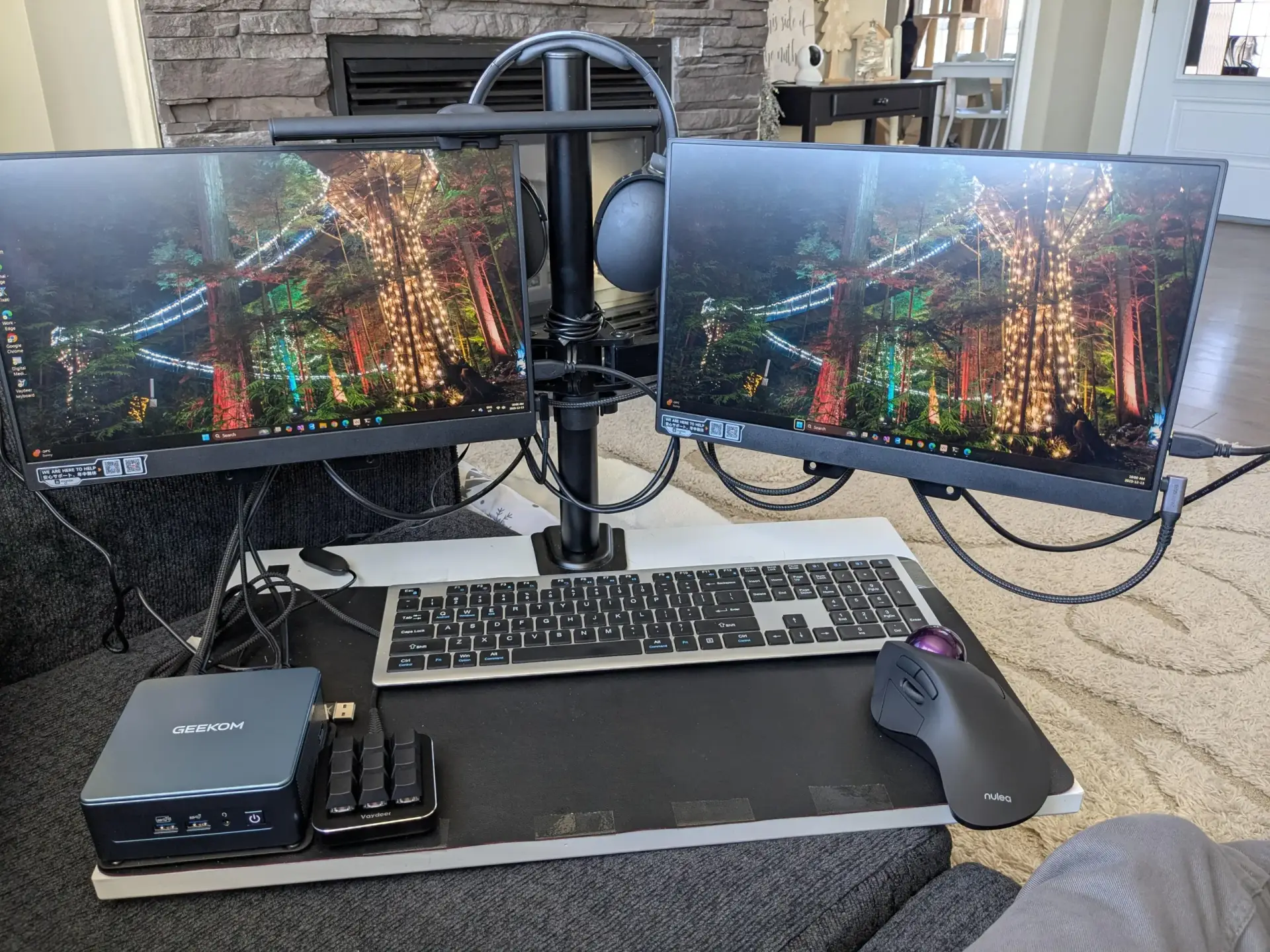
However, because you’re rendering four times as many pixels, the frame rate drops noticeably even at identical settings, and the PC performance differential becomes starkly apparent. Many players reduce resolution to maintain high frame rates in competitive FPS and TPS titles, where reaction time is paramount.
Conversely, 4K might suit you if immersion matters more than competitive edge. Once you’ve identified which way you lean, selecting a resolution becomes considerably simpler.
Difference in Video Viewing and Screen Work
When it comes to video, the resolution of the source material determines the difference you’ll perceive between 4K and Full HD. However, the human eye may not always notice a significant difference between Full HD and 4K unless the screen is large enough or you are sitting close to the display.
Watching 4K footage on a 4K display reveals hair texture, fabric detail, and landscape depth with remarkable realism — the immersion is notably enhanced. Viewing Full HD video on a 4K monitor doesn’t improve the video quality; it merely displays it more crisply. In other words, the more frequently you watch high-quality or native 4K content, the greater value 4K holds for you.
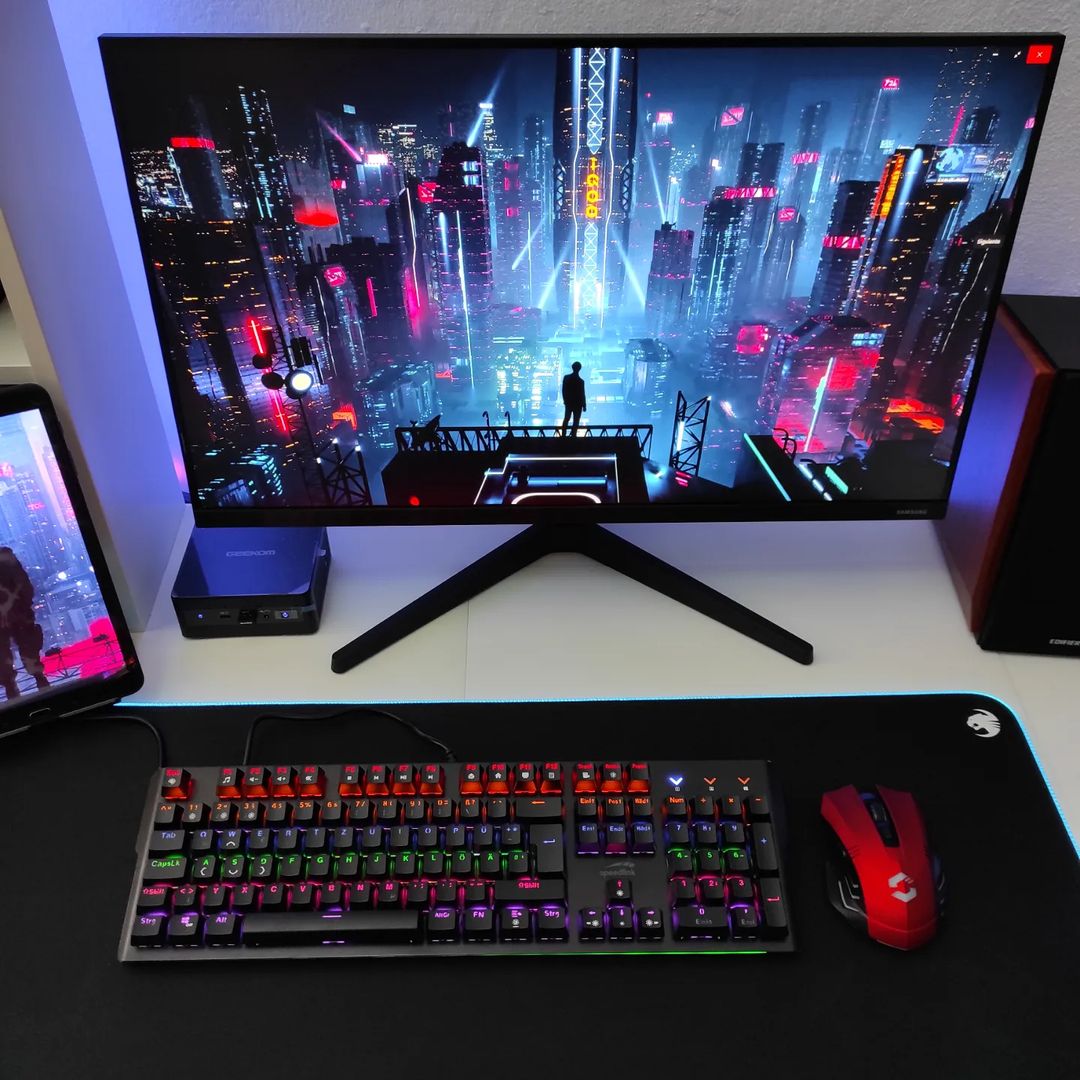
For work, the ‘screen width’ of 4K proves highly beneficial. On a 27-inch 4K display, text doesn’t become cramped when placing documents side by side, making it straightforward to view reference materials whilst typing. Text does tend to appear small, however, so adjusting the display scaling to ensure readability is essential. Invest time in this, and eye fatigue may well diminish.

Selection Strategy and Practical Tips
From here, the task is determining ‘how to choose in the end’. The key is weighing budget and purpose equally.