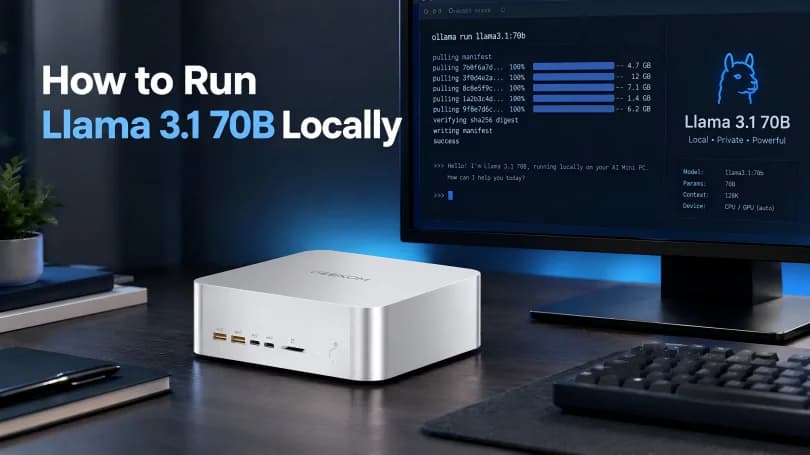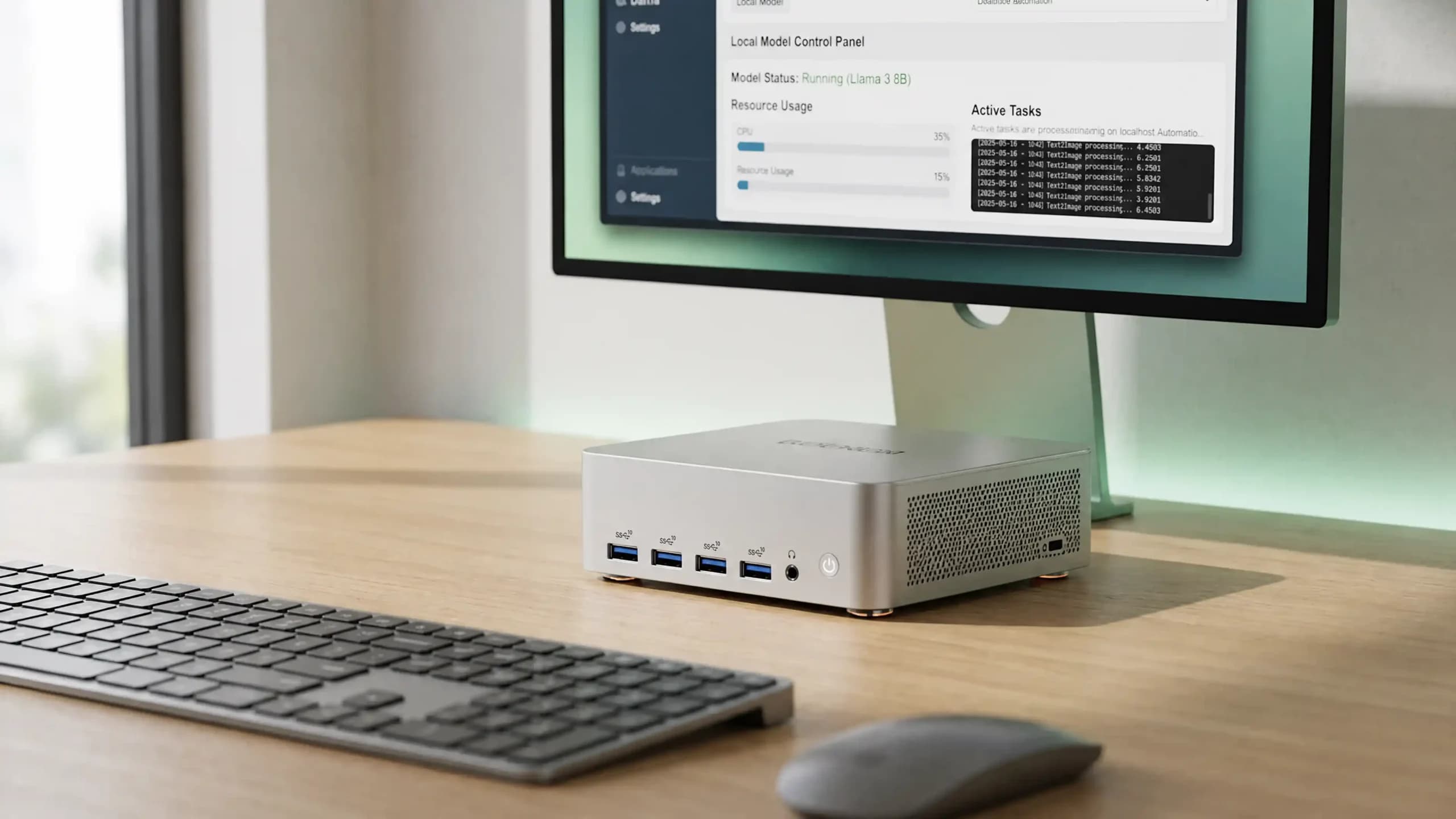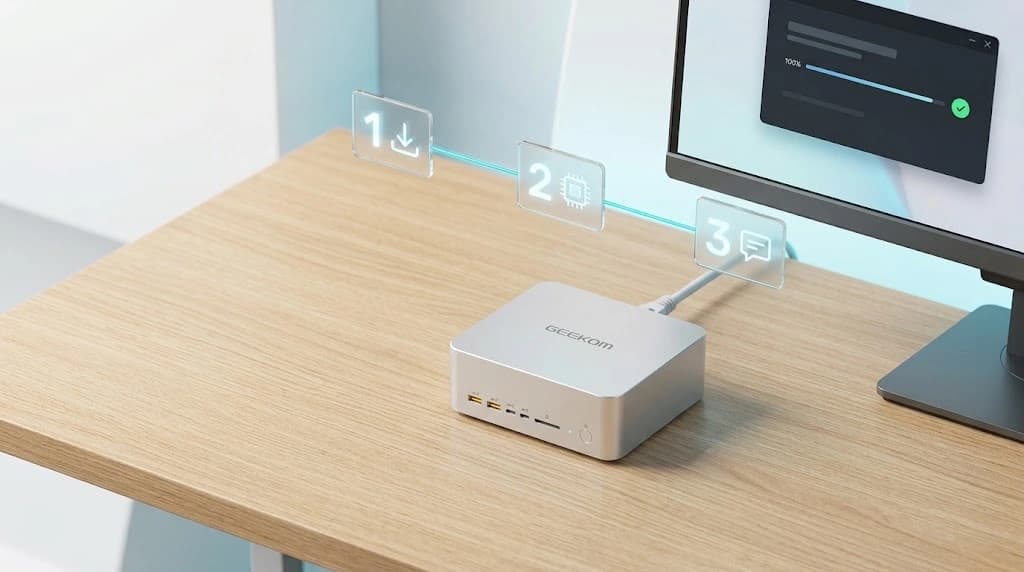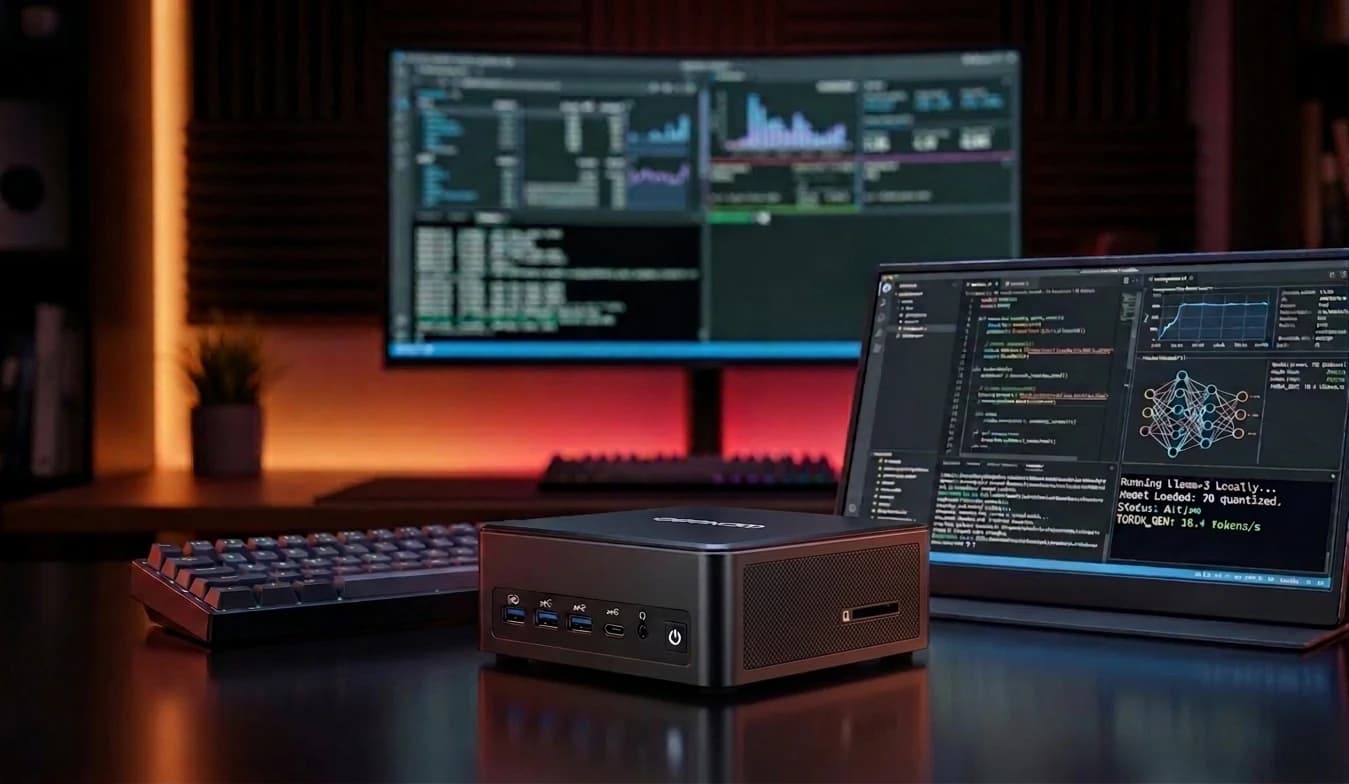
Running an LLM locally means running a language model directly on your own computer, without sending every request to a cloud service. Models such as Llama or Mistral can run on a mini PC, but the configuration matters a great deal. Which models you can use, and how smoothly they run, depend on several components, including RAM and memory bandwidth, CPU, GPU, storage and cooling.
Why Run an LLM Locally?
One of the main reasons is privacy. When the model runs directly on your computer, prompts, documents and other data can stay on the device instead of being sent to external servers. This is particularly appealing when you work with code, business documents or information you would rather not share online.
Another major advantage is offline use, with no mandatory subscription for every use. Once the model and software are downloaded, many tasks can be carried out without an active internet connection.
You are also free to choose which model to use, which quantisation to apply and which applications to connect, without signing up to anything. That gives you greater control over your data and over the whole environment.
If you want to experiment seriously with a local LLM, this freedom is one of the main reasons to move at least part of your AI workflow onto your own device.
What You Need to Run an LLM Locally
Not all LLMs need the same hardware. The resources required depend mainly on the size of the model and its level of quantisation.
By reducing the precision used to represent the model’s weights, you can lower memory use and run relatively large models even on compact systems.
A model with 3 or 4 billion parameters is far less demanding than one with 30B or more. It needs much less memory, and the loss in quality is usually modest. The configuration you need changes with the model and the quantisation.
How Much RAM Do You Need for an LLM?
RAM is the first thing to look at when choosing a PC for AI. The model is not the only thing that takes up memory: to run well, it also needs to leave room for the operating system, the runtime and the cache used during generation.
| Model size | Recommended RAM | Typical use |
| 3–4B | 8GB minimum, 16GB recommended | Lightweight chatbots and testing |
| 7–8B | 16GB recommended | Local assistants and general use |
| 13–14B | 32GB recommended | More capable models and longer contexts |
| 30B+ | 64GB or more | Advanced inference with quantised models |
These figures are a guide only. Real requirements depend on the quantisation, the context length and the software. In general, the more RAM you have, the larger and more complex the models you can run locally.
If you are torn between two configurations, take a closer look at this comparison of 16GB vs 32GB RAM.
GPU, NPU and AI Acceleration
A GPU helps speed up inference because it is particularly well suited to the parallel calculations language models rely on. A dedicated GPU can generate responses much faster than a CPU alone. Performance, however, does not depend on processing power alone.
How quickly the CPU or GPU can access data is just as important. Memory bandwidth has an equally strong effect on performance, especially in systems where the CPU and integrated graphics share the same memory. Higher bandwidth moves data faster and can help make inference smoother and more efficient, particularly with larger models.
Alongside the CPU and GPU, modern AI PCs also include NPUs, units designed to handle certain artificial intelligence workloads at low power. Their role differs from that of a GPU, and a powerful NPU does not automatically make a system ideal for running LLMs locally. The real benefit depends on the model, the runtime and whether the software can make use of the NPU’s acceleration.
To better understand the role of the graphics card and how it differs from other accelerators, see our guide on how a GPU works.
Storage and Cooling
Using several LLMs locally means managing a large and growing amount of data.
Model files can take up many gigabytes. That is why a high-capacity NVMe SSD is advisable, especially if you want to keep several quantisations, datasets or documents for RAG systems.
Cooling is another important factor not to overlook. During long sessions, the CPU and GPU can stay under load for extended periods and reach high temperatures, so an effective thermal system helps limit throttling and keeps performance more consistent.
Why a Mini PC Suits Local AI
A mini PC can be an excellent option if you are looking for a compact AI PC dedicated to local inference, without taking up the space of a traditional desktop.
Its small size makes it easy to place on a desk or in a small workspace. Depending on the configuration, it can also offer relatively low power consumption and run more quietly than bulkier workstations.
A mini PC can stay on 24 hours a day to make a model, a local API or automation services available to other devices on the network.
Compatibility with Windows and Linux further broadens the system’s versatility and the ways you can use it.
Discover compact, always-on systems in our guide to the best mini PCs for Home Assistant.
The Best Mini PCs for Local LLMs
Best for Getting Started — GEEKOM IT12
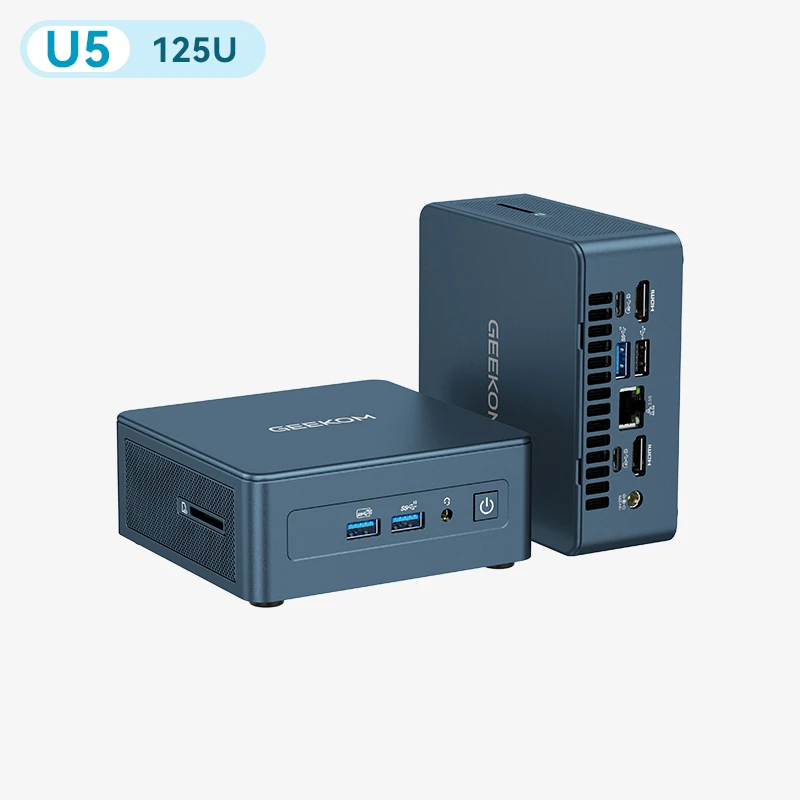
The GEEKOM IT12 is a good choice if you want to get started with local LLMs. The configuration with an Intel Core Ultra 5 125U, 16GB of RAM and a 512GB SSD provides a suitable base for more compact models, and the RAM can be expanded up to 64GB. It also supports software such as Ollama and LM Studio.
Best for Mid-Sized Models — GEEKOM IT15
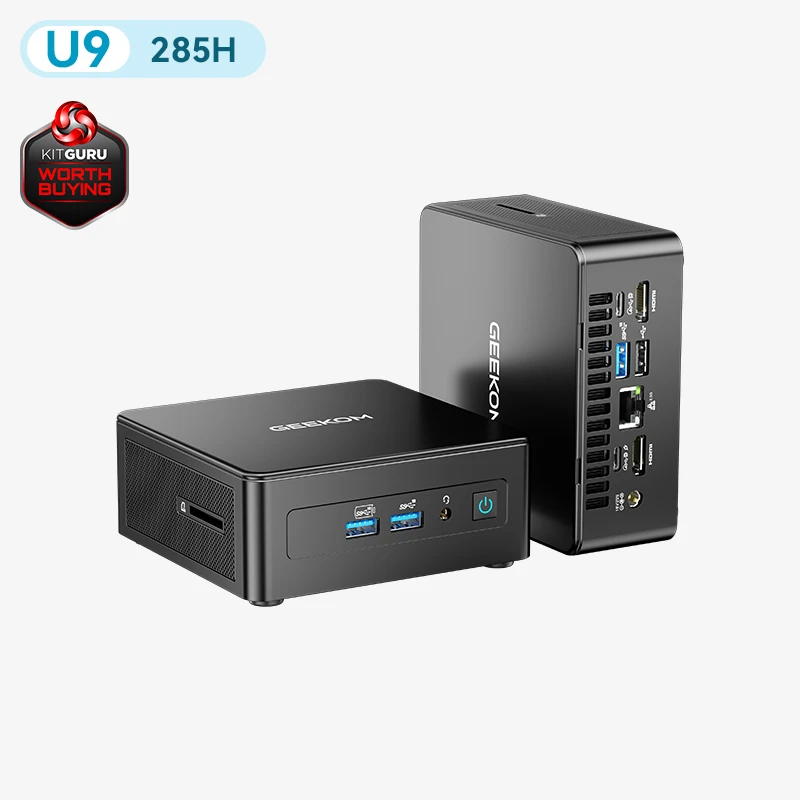
The GEEKOM IT15 combines an Intel Core Ultra 9 285H with 32GB of DDR5 RAM, upgradeable to 64GB. Out of the box, it comfortably handles 13–14B models and longer contexts; with the memory upgraded, it can also take on 30B-class quantised models. It suits anyone who wants a step up from entry-level hardware while keeping the benefit of a compact form factor.
Best for Advanced Local LLMs — GEEKOM A9 Mega
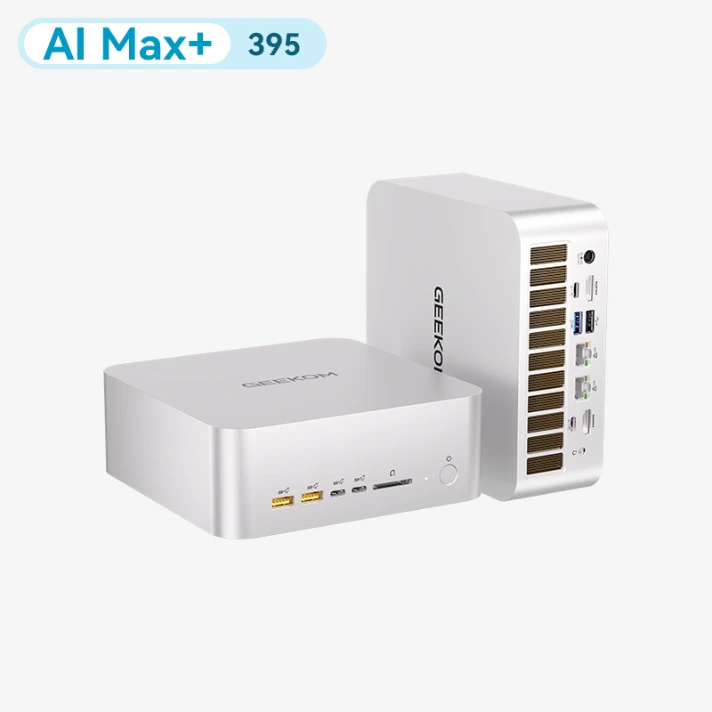
The GEEKOM A9 Mega is the model most focused on local AI computing. With a Ryzen AI Max+ 395 and up to 128GB of LPDDR5X memory, it offers plenty of headroom for local inference with large quantised models. It is the best choice for developers and users who need more local AI power.
Best for AI Productivity — GEEKOM IT13 Max
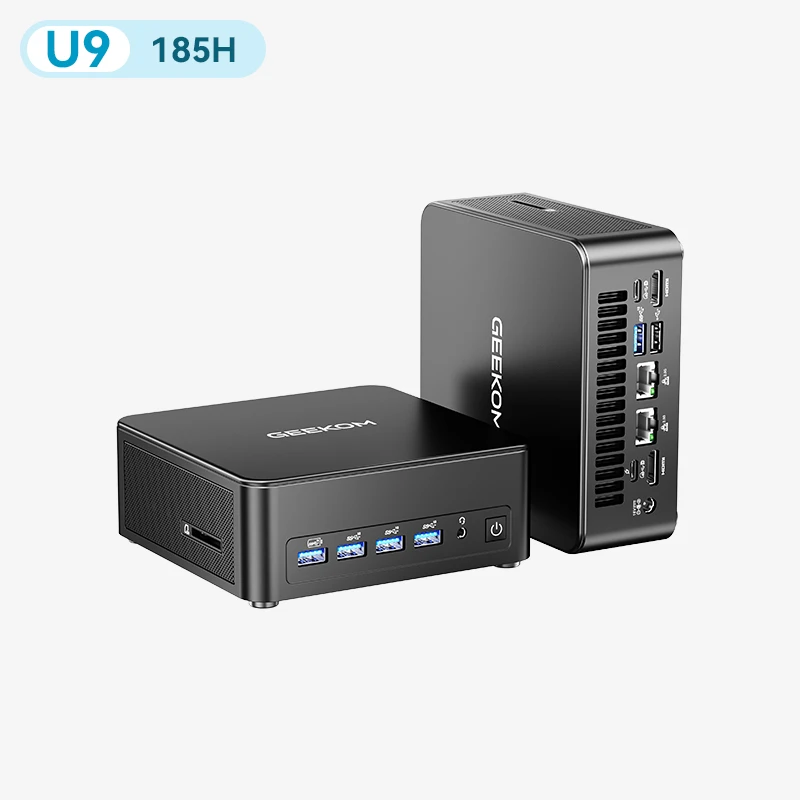
The GEEKOM IT13 Max is designed to bring AI into everyday work. Its Intel Core Ultra 9 185H, Intel Arc graphics and dedicated NPU make it well suited to development, content creation and professional tasks. It is a balanced option if you want AI productivity without focusing solely on the largest local models.
Getting Started: Software for Local LLMs
To run properly, a local LLM needs both suitable hardware and software that lets you download, manage and launch models directly on your own computer. Among the most popular options are Ollama, LM Studio and GPT4All, tools designed for different needs and levels of experience.
Ollama lets you download and run models directly on your computer. It is particularly convenient if you work from the terminal or want to connect a local LLM to other applications via an API.
LM Studio, by contrast, focuses on simplicity, with a graphical interface that lets you search for, download and use models such as Llama, Qwen, Gemma and other LLMs without having to configure every component manually.
GPT4All is another option for using local models simply and privately. Its LocalDocs feature lets you connect documents stored on your computer and use them as sources of information.
To learn more about open-source operating systems, see our guide to Linux mini PCs.
FAQs
How Much RAM Do You Need to Run an LLM Locally?
The amount you need depends mainly on the size of the model. For relatively small models, such as those with 7 or 8 billion parameters, 16GB of RAM can be enough, while 32GB or more gives you greater freedom in choosing models. Large LLMs may need 64GB or 128GB of memory.
Can a Mini PC Run Models Like Llama or Mistral?
Yes. A mini PC can run LLMs such as Llama, Mistral, Qwen and other open-source models, provided it has enough memory and processing power. Maximum model size and speed depend mainly on available memory, bandwidth and hardware acceleration. Using quantised versions, some of these models can also run on relatively compact configurations.
Do You Need a Dedicated GPU for Local AI?
Not necessarily. Many LLMs can run on the CPU or an integrated GPU, although performance may be lower than with a more powerful GPU. The GPU becomes particularly important when you want to use larger models or get faster responses.
Are an “AI PC” and an NPU Enough to Run an LLM?
An NPU can improve efficiency for certain artificial intelligence tasks, but it is not the only factor to consider. For LLMs, the CPU, GPU, amount of available memory and software compatibility all matter too. A good AI PC should therefore strike a balance across all of these components.
How Much Does a Mini PC for Local AI Cost?
Prices vary widely depending on the performance you need. A mid-range mini PC can be enough to experiment with smaller LLMs, while advanced models need configurations with more powerful processors and plenty of memory, with prices that can easily exceed £1,000. Your choice should therefore depend mainly on the size of the models you plan to use and the speed you want.
Which Mini PC Should You Choose for a Local LLM?
Choosing a mini PC for a local LLM depends mainly on the amount of RAM available, the power of the CPU and GPU, and the size of the models you want to run. The option to expand memory and storage can also make a difference, especially if you plan to move on to more advanced models over time. It is also worth considering power consumption, cooling and compatibility with local AI software. To compare the configurations available, explore our compact systems optimised for local AI.