Choosing a mini PC for AI agent workloads comes down to the RAM, processor and storage your chosen model needs. For most common AI agents, a compact mini PC is more than enough, as long as it meets a few key hardware thresholds. GEEKOM’s range covers every use case, from everyday tasks to the most demanding setups. In this guide, we walk you through the criteria that matter and the best mini PC for AI agent use in each scenario.
What Is an AI Agent, and Why Run It Locally?
An AI agent is a program that can carry out tasks autonomously, without needing constant input from the user. It analyses a request, plans the steps required, then uses tools to act on it. Unlike a simple chatbot, an autonomous AI agent makes decisions and chains several actions together on its own.
Running an AI agent locally means your data never has to leave for an external server. Processing stays on your machine, which strengthens privacy and reduces latency. That autonomy does come at a hardware cost, though. To run these models smoothly, a properly specced mini PC for AI quickly becomes essential, which makes choosing the right hardware a strategic decision.
What a Mini PC for AI Agent Use Needs: Hardware Requirements
Hardware requirements don’t depend simply on the fact that you’re running an AI agent. They vary mainly with the size of the underlying model, its level of quantisation and the length of the context being processed. Overall load is also affected by the number of tools the agent calls and the tasks it runs simultaneously. An agent handling several actions in parallel puts far more pressure on RAM and the processor than occasional use. It’s the combination of these factors, not the “AI agent” label itself, that determines the specification you actually need.
RAM and the Underlying Model
RAM determines whether a model can be loaded fully into memory. A 4-bit quantised model needs less RAM than a full-precision version, but it remains sensitive to the context size you use:
- 16GB can be suitable for lightweight models, typically around 7 billion parameters, depending on quantisation and context length
- 32GB offers more headroom for mid-sized models, larger contexts or multitasking
- 64GB or more may be needed for a large model or several agents running at the same time
Note: these thresholds rise further if several models run in parallel on the same machine.
CPU, GPU and NPU: What Role Does Each Play for an AI Agent?
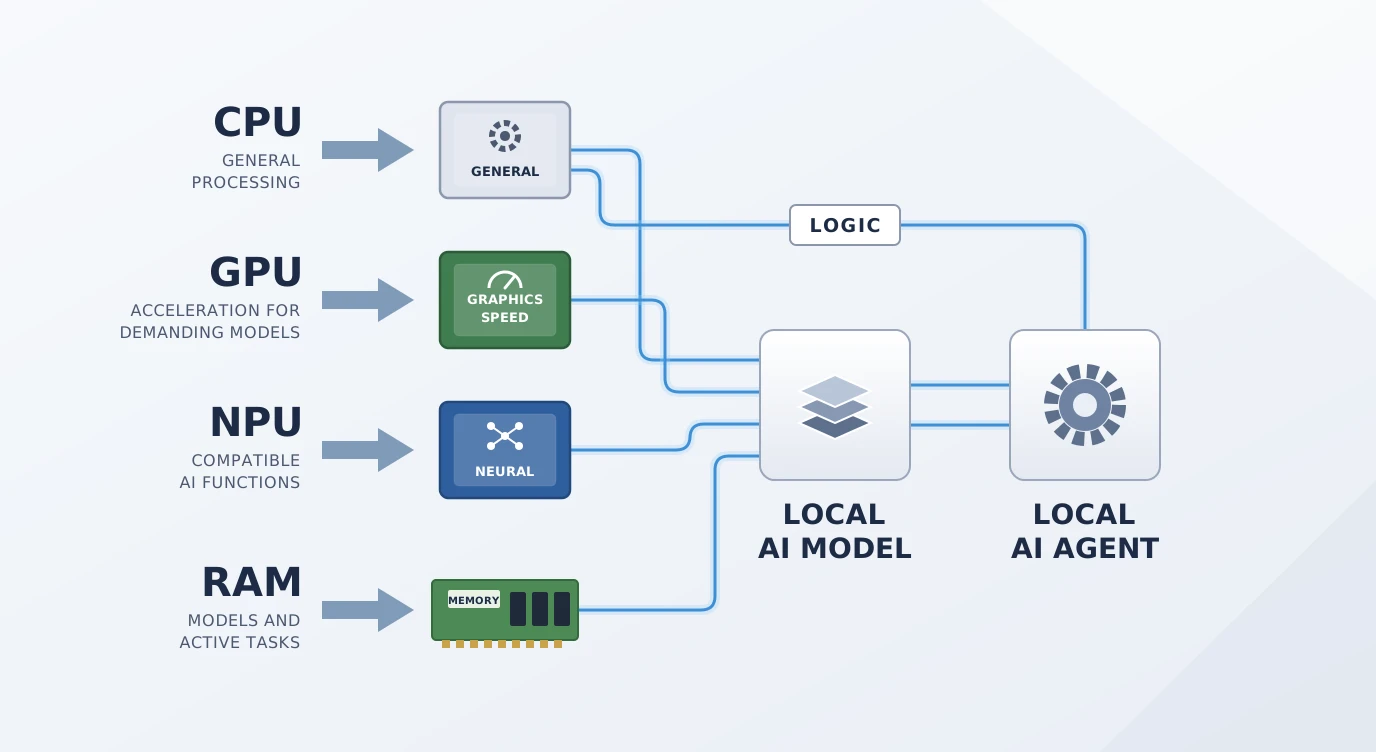
The CPU handles lighter tasks and the agent’s overall orchestration. For occasional use with a lightweight model, it’s generally sufficient:
- The GPU accelerates parallel computation, which helps with heavier models or faster inference
- The NPU handles certain AI operations with lower power consumption
- A dedicated GPU becomes particularly worthwhile as the model size, context length or target performance increases
For an autonomous AI agent that combines several tools, a sufficiently powerful processor and, depending on the models used, GPU acceleration can improve responsiveness. The NPU can also speed up certain compatible AI functions, but it doesn’t systematically replace the CPU or GPU for local model inference.
Continuous Operation and Power Consumption
Running an AI agent around the clock keeps the processor busy and increases power consumption. Even so, a mini PC remains more energy-efficient than a desktop tower or a traditional server:
- Power draw varies with the model’s actual workload, not just its size
- A poorly ventilated system can run hotter during long sessions
- A well-specced mini PC limits overheating and performance throttling
For an AI agent that’s active all day, this stability is especially important.
Why Choose a Mini PC for AI Agent Workloads?
A mini PC for AI agent workloads strikes a good balance between performance, footprint and power consumption. It sits comfortably on a desk and can run continuously while taking up very little space. Unlike a traditional tower, it doesn’t eat into your workspace, which is a real advantage in a smaller home office or a compact work area.
Today, some mini PCs have enough memory and processing power to run local models ranging from lightweight to highly demanding, depending on their configuration. They offer a compact alternative to bulkier desktop set-ups for a wide range of local uses.
That leaves the question of which model to choose. Three factors guide the decision: the size of the model you use, how often you use it and the number of agents running in parallel. These criteria point you towards the right configuration, which we cover in detail below.
Choosing a Mini PC for AI Agent Use: Our Picks by Profile
The right mini PC for AI agent use depends mainly on the performance you need, the models you use and the level of productivity you’re aiming for. Here are four configurations suited to different needs.Choosing a Mini PC for AI Agent Use: Our Picks by Profile
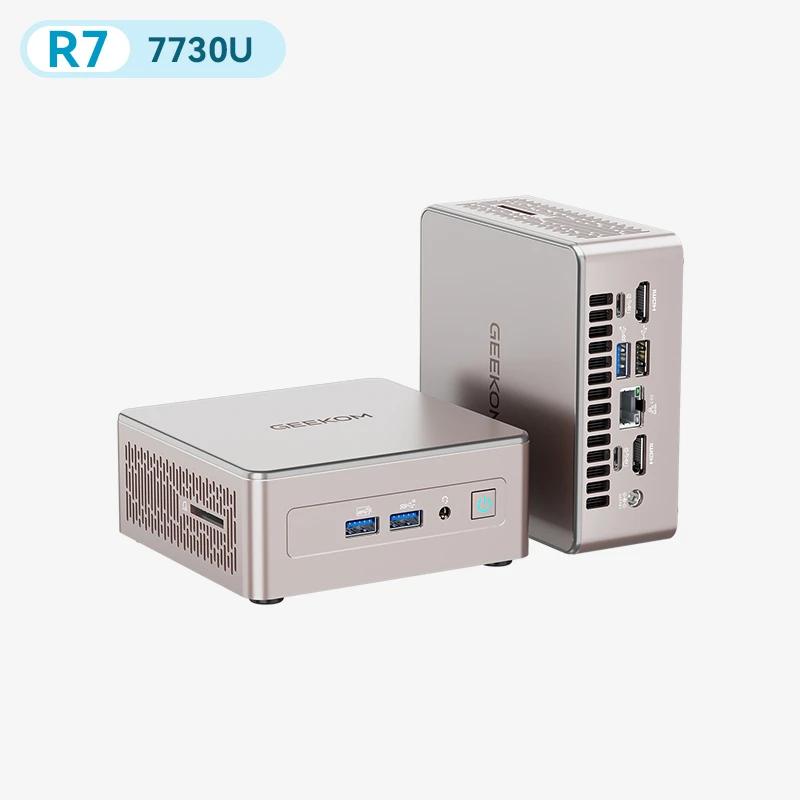
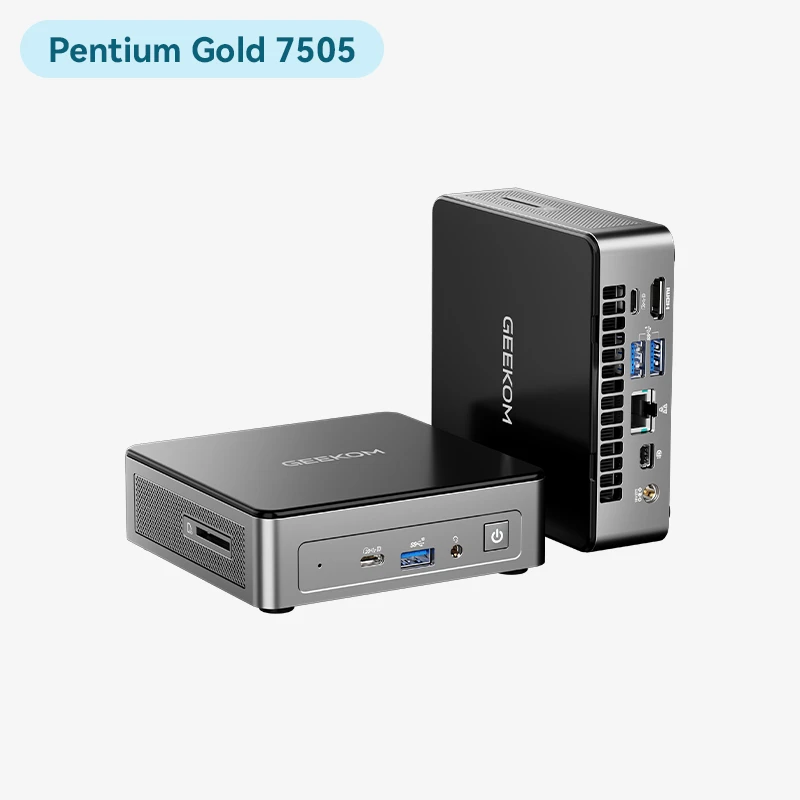
For Everyday AI Agents: GEEKOM A5 and Air12
As an everyday mini PC for AI agent tasks, the GEEKOM A5 and Air12 are compact, versatile options. They’re well suited to writing assistance, document summaries, local search and automating small tasks, whether with lightweight local models or cloud-based AI agents.
Thanks to their small footprint, they fit neatly on any desk while offering enough resources to explore what AI can do, without investing in a particularly powerful machine.
They’re ideal for users who want to run an AI agent day to day, with moderate demands on processing power and memory.
For AI Agents and Advanced Productivity: GEEKOM IT13 Max
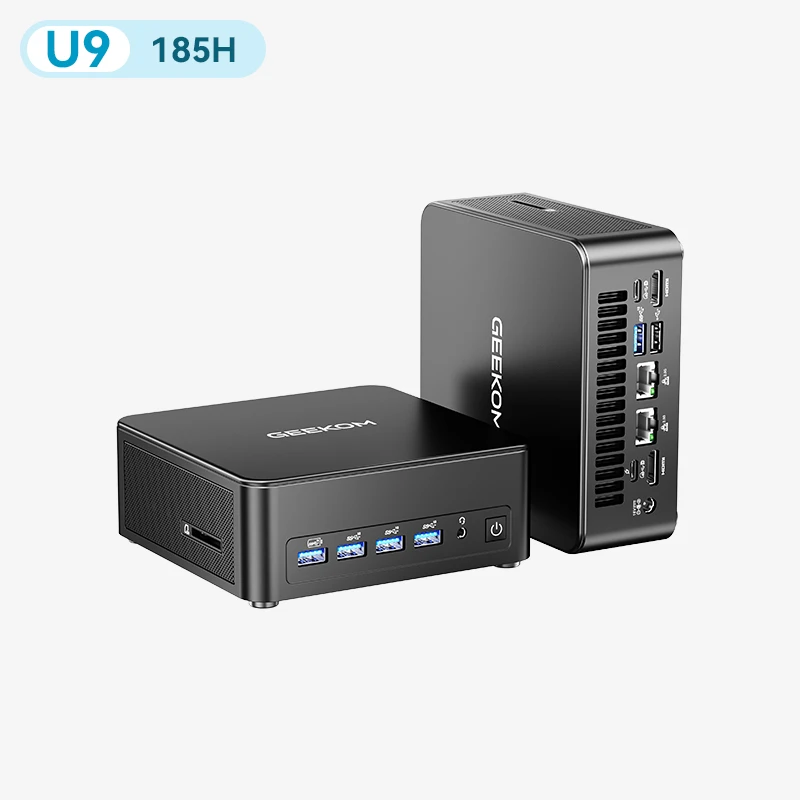
The GEEKOM IT13 Max is designed for users who want to pair a local AI agent with advanced productivity. Its specification can handle more sustained workloads, such as analysing large documents, processing data or running several applications at once.
It can also serve as the foundation for a local environment that brings together different AI and productivity tools. This makes it a strong fit for professionals and power users looking for a versatile mini PC that can keep up with more complex workflows, without giving up a compact form factor.
For AI Agents Using More Local Models: GEEKOM A9 Max
The GEEKOM A9 Max is aimed at users who want to go further with running AI models directly on their own machine. It offers more resources for local models and opens the door to more varied AI workflows.
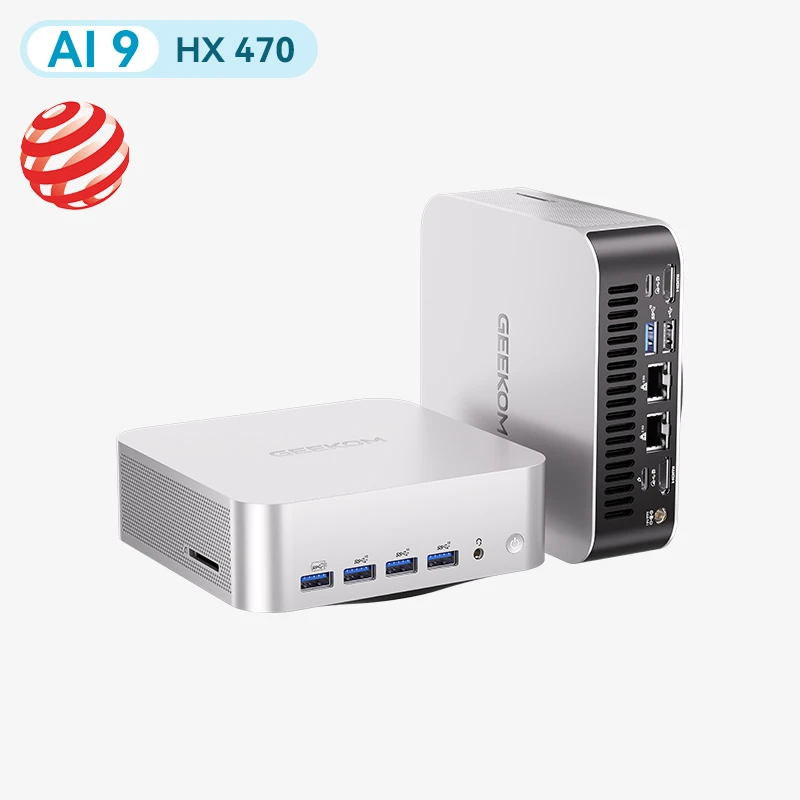
Its extra performance headroom is particularly useful for experimenting with different models, automating workflows or processing more data locally. It’s a great option for anyone looking to take their use of local AI further, without stepping up to a machine built for the very heaviest workloads.
For the Most Demanding Local AI Agents: GEEKOM A9 Mega
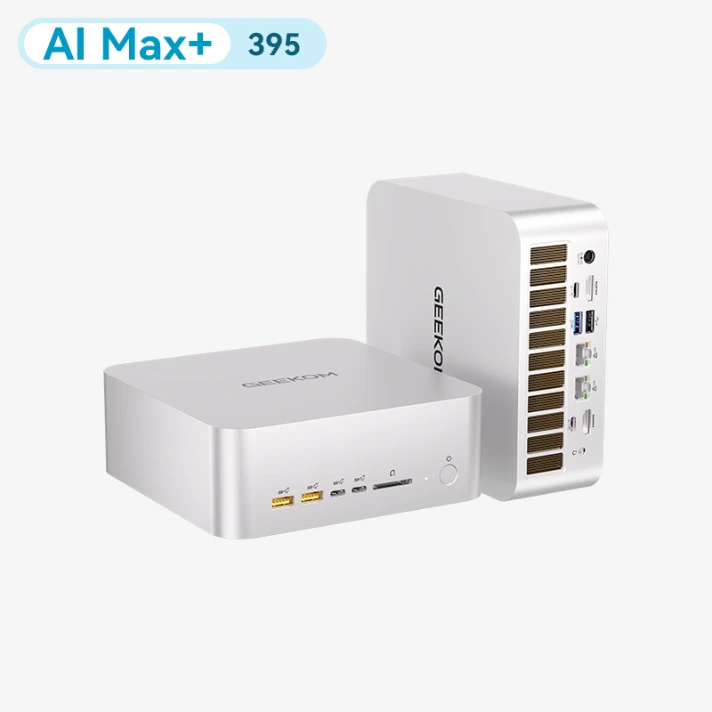
The GEEKOM A9 Mega is the most powerful mini PC for AI agent projects that call for more hardware resources. It suits users who want to run more demanding local models, handle more processing at once or build more complex AI workflows.
This category of use covers advanced experimentation, automation and environments where multiple tasks need to be processed locally. The appeal of this model lies in having a compact machine that can still take on more demanding AI workloads, with fewer compromises on available resources.
Which Tools Should You Use with a Local AI Agent?
A local AI agent relies on several software building blocks: Ollama or LM Studio to run the models, LangChain or CrewAI to build the agents, and Docker to deploy and isolate the various services.
In this context, a mini PC suited to Docker makes it easier to set up a scalable stack. Proxmox can also be used to virtualise and separate different environments, particularly on a mini PC suited to Proxmox.
Beyond the software, however, it’s the hardware that really defines what’s possible. The processor, RAM and graphics performance determine which models can run locally and how responsive the agent will be.
Conclusion
The right mini PC for AI agent use depends above all on what you plan to use it for. For everyday needs, a compact configuration may be all you need. More demanding local models, on the other hand, require more performance and more RAM. To choose well, the key is to size your hardware according to your models, the number of agents and the tasks you have in mind.
FAQs
What is the best mini PC for AI agent use?
It mainly depends on the models you use and their size. For everyday use, a versatile mini PC is enough. The most demanding models, however, need more RAM and more processing power.
Do I need a dedicated GPU for a local AI agent?
No, a dedicated GPU isn’t essential. A sufficiently powerful processor can run many local models. A GPU becomes worthwhile for accelerating heavier models.
Is an NPU enough to run an AI agent?
Not necessarily. An NPU accelerates certain compatible AI tasks, but it doesn’t systematically replace the CPU or GPU when running local models.
Can I run an AI agent continuously on a mini PC?
Yes. A mini PC can run around the clock, provided it has adequate cooling, a stable power supply and a configuration sized for the workload.
How much RAM do I need for a local AI agent?
16GB of RAM can be enough for simple uses. To run larger models or several services at once, 32GB or more gives you extra headroom.
Can I run several AI agents on the same mini PC?
Yes, as long as the mini PC has enough resources. RAM, the processor and, depending on the models, graphics capability determine how many agents can run at the same time.