Certified Quality | 3-Year Warranty
While Intel CPUs have dominated the desktop PC market for years, AMD has been steadily gaining ground, For the price, the AMD Ryzen 7 series of processors offer excellent value for money, and the mini PCs that they power are no different.
Mini PCs with AMD Ryzen 7 processors are becoming increasingly popular and for a good reason. They offer powerful performance in a small form factor and can be an excellent option for various needs. So, if you’re in the market for a mini PC, why not consider one with an AMD Ryzen 7 processor?
Yes, Ryzen 7 processors can be excellent for mini PCs, though the specific model matters quite a bit for this use case.
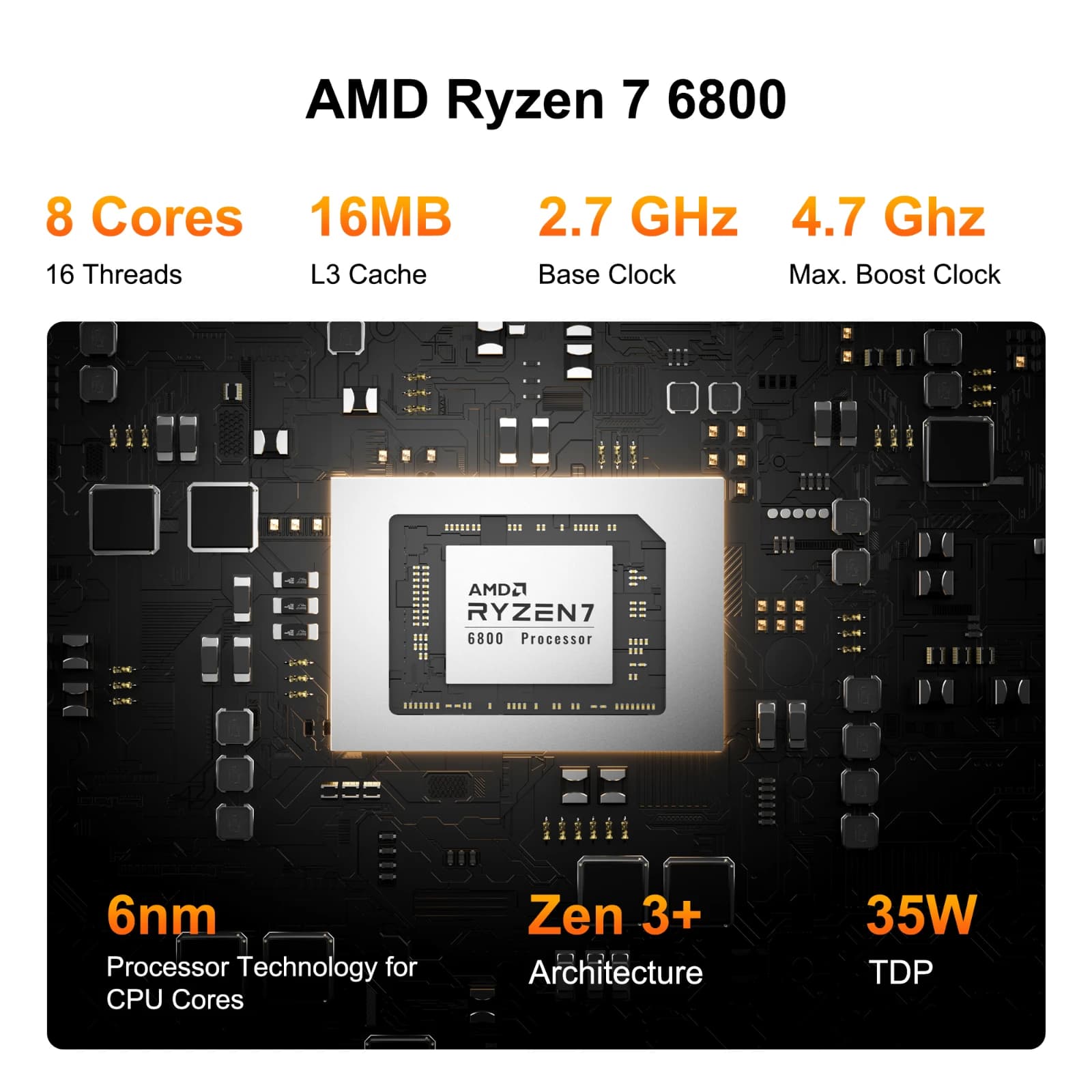
The Ryzen 7 mobile processors (those with U, HS, or H suffixes like the 7840U or 7735HS) are particularly well-suited for mini PCs. They offer strong multi-core performance with reasonable power consumption and heat output, which is crucial in the confined space of a mini PC. These chips typically provide 8 cores and 16 threads, giving you plenty of processing power for demanding tasks like content creation, programming, or even light gaming.
The desktop Ryzen 7 processors (like the 7700 or 7700X) can also work in mini PCs, but they require more robust cooling solutions and consume more power. Some mini PC manufacturers have successfully implemented these in slightly larger small form factor designs with adequate cooling.
For most mini PC builds, I’d particularly recommend looking at the Ryzen 7 8845HS or similar HS-series chips. They offer an excellent balance of performance and efficiency, with integrated Radeon graphics that are surprisingly capable for everyday tasks and even some gaming. The 15-28W TDP range of these processors makes thermal management much easier in compact cases.
Ryzen 9 is generally faster than Ryzen 7, but the difference varies depending on the specific task:
Core specifications:
Where Ryzen 9 is noticeably faster:
Where they’re nearly identical:
Bottom line: Ryzen 9 is faster overall, especially for multi-threaded work, but Ryzen 7 offers better value for most users since many applications can’t fully utilize the extra cores. The speed advantage of Ryzen 9 only matters if your workload can actually use those additional cores.
It depends on which Ryzen 7 and which Intel i7 you are comparing, because both AMD and Intel release multiple generations and models with different performance characteristics. Here’s a breakdown:
Ryzen 7 (e.g., 5800X, 7700X, 7800X3D) typically has 8 cores / 16 threads.
Intel Core i7 (e.g., 12700K, 13700K, 14700K) often has a hybrid architecture with Performance cores (P-cores) and Efficient cores (E-cores). For example, the i7-13700K has 16 cores / 24 threads (8 P-cores + 8 E-cores).
Intel i7 chips usually edge out Ryzen 7 in raw single-core speed thanks to higher boost clocks and strong IPC (instructions per clock). This makes i7 better for workloads like gaming, where single-core speed matters a lot.
Ryzen 7 chips with 8 full cores are strong in multi-threaded tasks (video editing, rendering, compiling). But higher-end i7s with more total cores/threads (like 16c/24t) usually beat Ryzen 7 in multi-threaded benchmarks.
AMD’s Ryzen 7 7800X3D with 3D V-Cache is exceptional for gaming, often outperforming i7s despite fewer cores. For productivity workloads (e.g., Adobe, Blender, coding), Intel i7 (13700K/14700K) generally wins due to more cores and higher clocks.
Ryzen 7 CPUs tend to be more power efficient and sometimes cheaper at the same tier. Intel i7 CPUs often run hotter and draw more power but deliver more raw performance.
✅ Quick summary: