Certified Quality | 3-Year Warranty
The Core i5 processor is Intel’s midrange processor and their most popular model. It performs well and is appropriate for most tasks. If you require more power, the Core i7 is available, but the i5 will suffice for most users.
A mini PC with an Intel Core i5 processor is a great choice for a budget-friendly computer that can still handle most tasks. You will be able to surf the web, send emails, use word processing, play casual games, and watch video.
The Intel Core i5 remains a solid value choice for most users as of early 2025, though the answer depends on your specific needs and which generation you’re considering.
i5 Mini PCs behave good at:
Consider alternatives if:
Current market context: The 14th gen i5s (like the i5-14600K for desktop) offer excellent performance with their mix of Performance and Efficiency cores. AMD’s Ryzen 5 7600X and newer Ryzen 7000 series also provide strong competition in this price range, so compare current prices and availability.
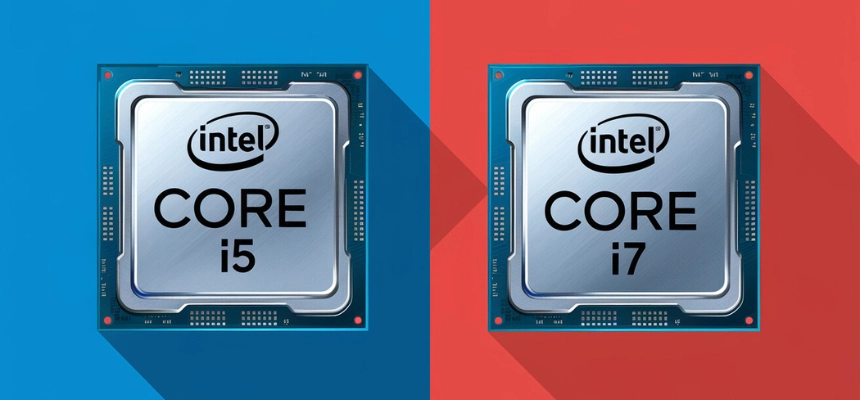
Usually upgrading from an Intel Core i5 to i7 makes sense in these situations:
Performance-demanding tasks: If you regularly do CPU-intensive work like video editing, 3D rendering, streaming while gaming, heavy multitasking with professional software, or compile large codebases, the i7’s additional cores/threads and higher clock speeds can provide meaningful improvements.
Gaming bottlenecks: While most games run fine on modern i5 processors, if you’re experiencing CPU bottlenecks (high CPU usage while GPU usage is low) in CPU-heavy games or you’re targeting very high frame rates (144Hz+), an i7 might help. This is especially relevant for simulation games, strategy games, or competitive esports titles at low settings.
Longevity concerns: If your i5 is several generations old (4+ years) and you’re starting to notice slowdowns in everyday tasks, upgrading to a current-generation i7 could extend your system’s useful life by several years.
Professional requirements: If your work demands quick turnaround times and the time saved on tasks like rendering or compilation directly impacts your productivity or income, the upgrade can pay for itself.
You probably don’t need to upgrade if: Your i5 is relatively recent (last 2-3 generations), you primarily use your computer for web browsing, office work, and light gaming, or your performance issues are actually caused by other bottlenecks (insufficient RAM, slow storage, or GPU limitations).
Before upgrading, check your current CPU usage during typical workloads. If it’s consistently maxing out at 100%, an upgrade would likely help. Also consider that upgrading might require a new motherboard if you’re moving to a newer generation, which adds to the cost.
GEEKOM IT12 Mini PC with i5-12450H is an excellent choice for following key strengths:
The i5-12450H is a 12th generation Intel mobile processor that brings several compelling features to mini PCs:
Hybrid Architecture – It uses Intel’s Alder Lake design with 4 Performance cores and 4 Efficient cores (8 cores total, 12 threads). This provides excellent multitasking capability while maintaining power efficiency – crucial for the thermal constraints of mini PCs.
Strong Single and Multi-Core Performance – With boost clocks up to 4.4 GHz on the P-cores, it delivers responsive performance for everyday tasks while having enough multi-threaded power for more demanding workloads like content creation or light gaming.
45W TDP – The H-series designation means it’s designed for 45W base power, striking a balance between the lower-power U-series (15W) and desktop chips. This gives mini PCs more performance headroom while remaining manageable for compact cooling solutions.
It’s powerful enough to feel snappy and responsive without requiring the elaborate cooling that higher-end chips demand.