Applies to: GEEKOM devices with the XB591 wireless card purchased before 2025
Overview
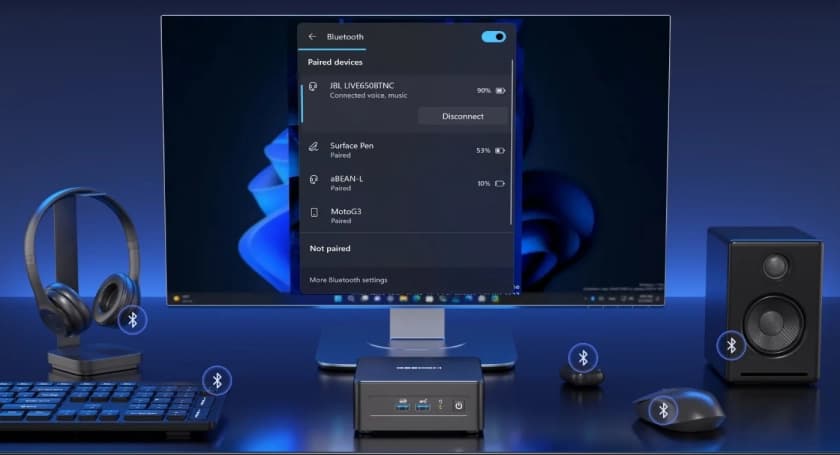
The GEEKOM models listed below use the XB591 wireless (Wi-Fi + Bluetooth) card and fully support Bluetooth 5.4. If your device was purchased before 2025, you can upgrade it to Bluetooth 5.4 by installing the latest network card driver, which is now available from our support site.
Devices purchased in or after 2025 already come with Bluetooth 5.4 enabled by default — no action is required.
Applicable Models
AMD mini PCs: A7 Max · AE8 Max · AX8 Max · A8 Max · A6 · AX8 Pro · AX7 Pro · AE8 · AE7 · A8 · A7
Intel mini PCs: XT13 Pro · XT12 Pro · GT13 Pro · GT12 Pro · IT12 · IT13
How to Check Your Current Bluetooth Version
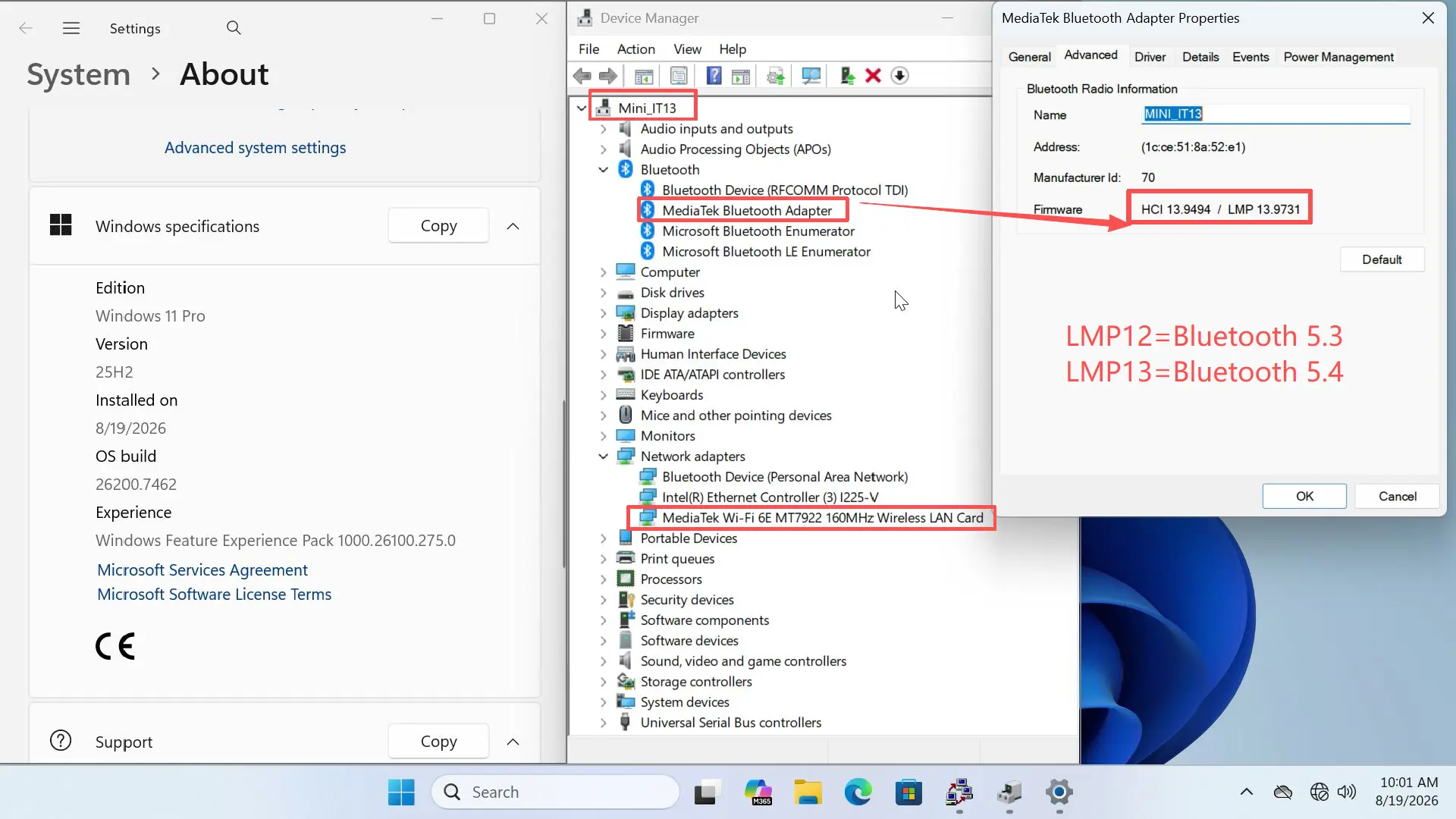
Windows Settings does not display the Bluetooth version directly, so you can check it using Device Manager:
- Right-click Start and select Device Manager.
- Expand Bluetooth and locate your wireless adapter (the XB591 Bluetooth radio).
- Right-click the adapter and select Properties → Advanced.
- Check the LMP (Link Manager Protocol) version:
- LMP 13.x → Bluetooth 5.4
- LMP 12.x → Bluetooth 5.3
- LMP 11.x → Bluetooth 5.2
If the LMP version is below 13.x, follow the upgrade steps below.
How to Upgrade to Bluetooth 5.4
Option 1 — Update the Driver (Recommended; Keeps Your Current System)
- Visit the GEEKOM support site and download the latest XB591 network card driver for your model.
- Install the driver and restart your device. Bluetooth will then be upgraded to 5.4.
Option 2 — Reinstall Using the Latest System Image
The Windows 11 25H2 installation package provided by GEEKOM already includes the Bluetooth 5.4 driver. If you reinstall Windows using this image, Bluetooth 5.4 will be included out of the box — no separate driver update is required.
Tutorials
- Video Guide — Bluetooth / Wi-Fi Driver Update: Google Drive video (The video was recorded on the A6, but the steps apply to all models listed above.)
- Step-by-Step Driver Installation Guide: GEEKOM Driver Installation Guide
If you have any questions or need help identifying your model, please contact GEEKOM Technical Support at [email protected].