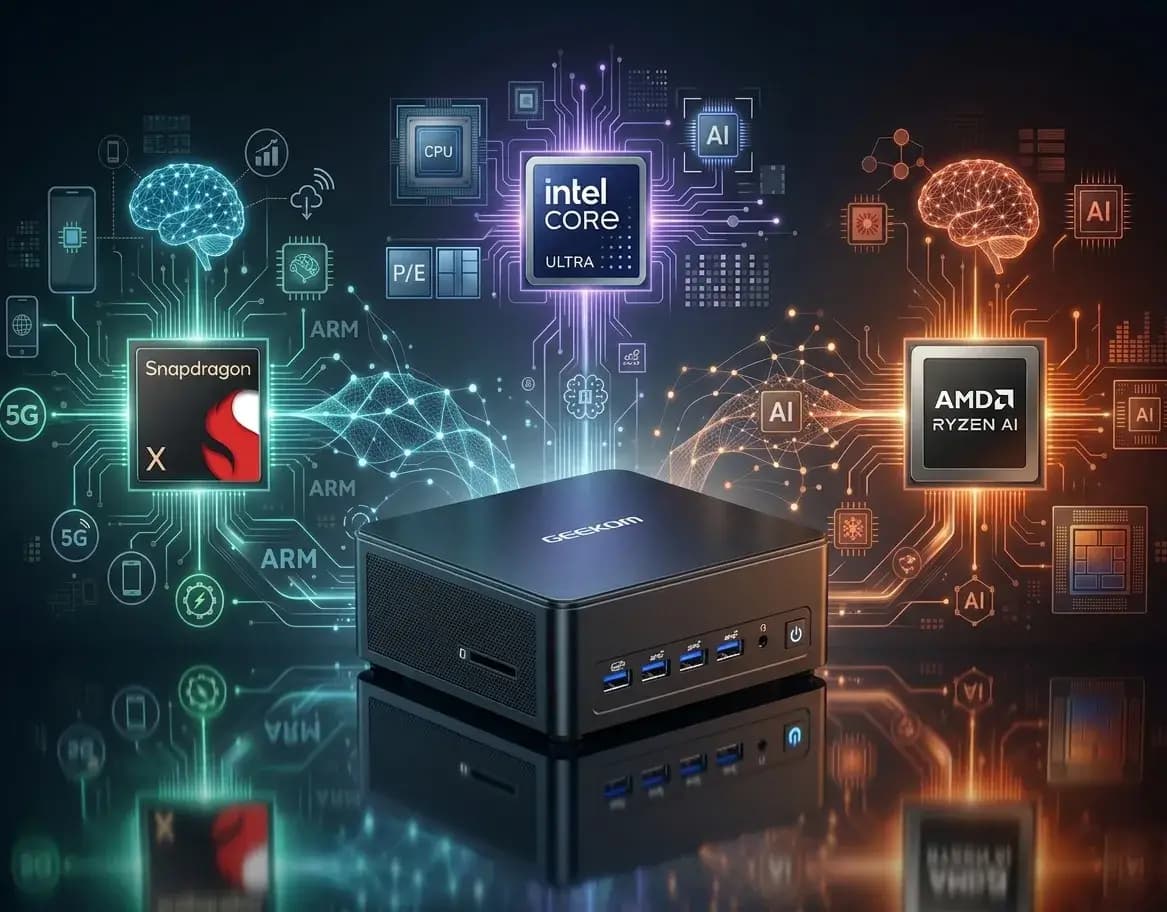
Choosing between Snapdragon X, Intel Core Ultra, and AMD Ryzen AI comes down to how you plan to use your PC. In 2026, these three platforms lead the high-end AI processor market, each built around a different priority. Snapdragon X focuses on battery life and energy efficiency. Intel Core Ultra focuses more on productivity and content creation. AMD Ryzen AI, meanwhile, suits local AI and large language models run on your own machine. In this guide, we compare what each AI processor does best, without ranking them against each other.
What Makes a High-End AI Processor?
A high-end AI processor isn’t judged on its NPU’s TOPS figure alone. The CPU and GPU also handle AI workloads. System memory plays an important role too, especially with large models, as does its bandwidth.
Software optimisation and drivers also have a big impact on real-world results. The NPU, for its part, remains useful for lighter tasks while keeping power consumption low.
What sets a high-end AI processor apart from a more basic chip is therefore the balance between these elements, and that balance differs on Snapdragon X, Intel Core Ultra and AMD Ryzen AI.
Snapdragon X: Battery Life and Efficiency on ARM PCs
Snapdragon X powers ARM-based PCs designed for long battery life. However, this architecture changes how some everyday tasks work on Windows.
Snapdragon X vs X Plus vs X Elite: What’s the Difference?
The Snapdragon X family, including Snapdragon X, X Plus and X Elite, shares the same ARM architecture. X Plus sits between the entry-level Snapdragon X and the top-tier X Elite. The main differences are:
- a higher core count on the X Elite
- a higher maximum clock speed on the X Elite
- a slightly more powerful NPU on the X Elite
- price (Snapdragon X and X Plus are usually more affordable)
These gaps remain fairly small, though. All of these chips are designed first and foremost for energy efficiency and battery life rather than maximum raw performance.
What Are Snapdragon X Processors Best For?
Snapdragon X is well suited to everyday office work. Web browsing, email and collaboration tools all run smoothly. Its main strength is battery life, with several extra hours of use compared with x86 processors from Intel and AMD.
Thanks to their low power consumption, Snapdragon X processors also suit people who travel frequently. Video editing and compute-heavy tasks, on the other hand, are less suited to this architecture.
Software Compatibility: The Limitation to Know About
Windows on ARM does not yet support all x86 software. Some applications run through emulation, which comes with a performance hit. Others simply won’t run at all.
This mainly affects specialist professional software, such as certain industry-specific tools. Before choosing a Snapdragon X PC, it’s worth checking that the software you rely on for work is compatible. This is one of the biggest differences in the Snapdragon vs Intel vs AMD debate.
Intel Core Ultra: Versatility, Creative Work and Windows PCs
Intel Core Ultra powers a wide range of Windows PCs. This x86 platform is built for versatility, covering office work, creative tasks and AI.
Core Ultra 5, 7 or 9: How to Choose
The Core Ultra range comes in three tiers:
- Core Ultra 5 for office work and everyday use
- Core Ultra 7 for content creation and multitasking
- Core Ultra 9 for the most demanding workloads
Each tier offers more cores and higher clock speeds. The right choice therefore depends mainly on how demanding your tasks are, rather than on price alone.
Arc and NPU: What Role Do They Play in AI?
The integrated Arc GPU accelerates certain graphics and compute tasks. It complements the NPU on heavier AI workloads, such as image processing. The NPU, meanwhile, handles lighter tasks with low power consumption.
Some Core Ultra PCs meet the hardware requirements for Copilot+ PCs and can therefore offer the corresponding Windows AI features.
Who Should Choose Intel Core Ultra?
Intel Core Ultra is well suited to content creation, such as video editing and photo retouching. The platform also handles heavy multitasking and mainstream professional software with ease.
Full x86 compatibility means you avoid the issues that can come with ARM-based chips such as Snapdragon X. That makes Core Ultra a solid AI processor for all-round use, from productivity to entertainment.
AMD Ryzen AI: A Platform Built for Local AI
AMD Ryzen AI combines a powerful CPU, integrated Radeon graphics and a dedicated NPU. Some configurations also offer a large memory capacity, which can be useful for GPU workloads and local AI. Real-world performance does, however, depend on the processor model and system configuration.
Running a large language model directly on your PC, without relying on the cloud, requires a lot of memory that the GPU can access. This is exactly where Ryzen AI shows what it can do.
Content creators and power users will also find it appealing, with Radeon graphics accelerating rendering and some AI calculations. This architecture is why Ryzen AI features among the best mini PCs for AI currently available.
Snapdragon X vs Intel Core Ultra vs AMD Ryzen AI: Which Should You Choose?
When choosing an AI processor, the most important thing to consider is how you plan to use it. Here are a few pointers to help you decide.
Snapdragon X suits frequent travel and light office use. With this architecture, battery life takes priority over raw power. Intel Core Ultra is aimed at all-round users who switch between content creation and heavy multitasking, and its x86 compatibility is a major advantage for professional software. Finally, AMD Ryzen AI targets more advanced uses, such as local AI and heavy GPU workloads.
The table below sums up Snapdragon X vs Intel Core Ultra vs AMD Ryzen AI at a glance:
| Criterion | Snapdragon X | Intel Core Ultra | AMD Ryzen AI |
| Priority | Battery life | Versatility | Local AI |
| Software compatibility | ARM | x86 | x86 |
| Integrated GPU | Adreno | Intel Arc | Radeon |
| Memory for AI | Limited | Standard | Depends on configuration |
| Typical use | Office work, mobility | Creative work, multitasking | Local LLMs, GPU computing |
The right AI processor therefore depends mainly on your priorities. If mobility and office work come first, Snapdragon X meets that need well. If you’re after something more creative or versatile, Intel Core Ultra offers a better balance. And if local AI is one of your priorities, AMD Ryzen AI can handle that kind of workload, depending on the configuration you choose.
Which AI Processor Should You Choose for a Mini PC?
Choosing an AI processor for a mini PC mainly comes down to what you’ll use it for. At GEEKOM, two architectures lead the way: Intel Core Ultra and AMD Ryzen AI.
Intel Core Ultra Processors in Mini PCs
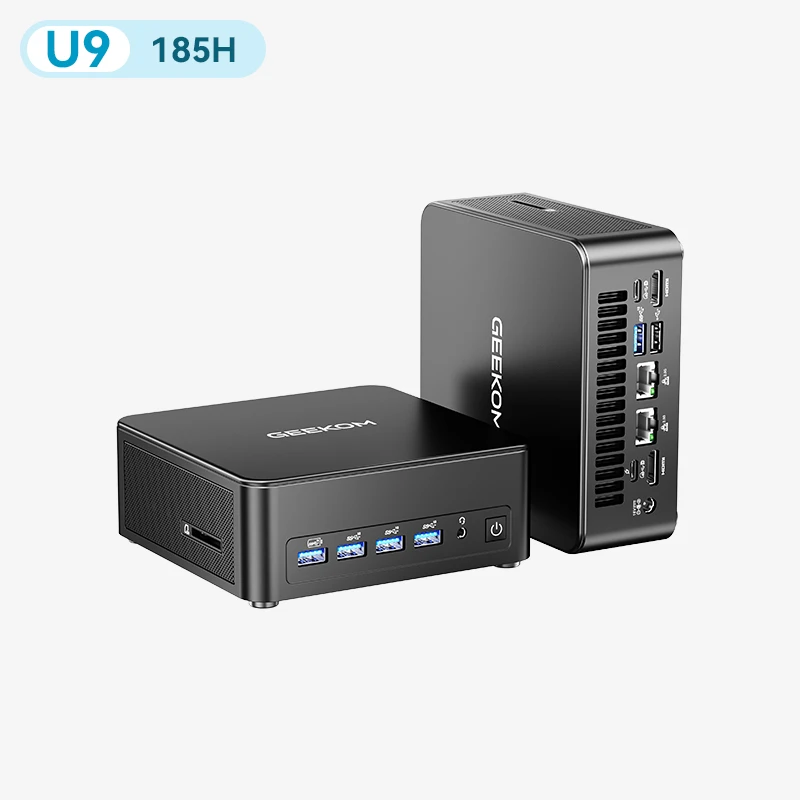
The GEEKOM IT13 Max is powered by an Intel Core Ultra processor, designed for versatility in a compact form factor. This configuration suits advanced office work, multitasking and some creative tasks. Its built-in NPU accelerates Windows AI features. This mini PC is one of GEEKOM’s Core Ultra-powered models, which remain a solid benchmark in this segment.
GEEKOM Mini PCs Powered by AMD Ryzen AI
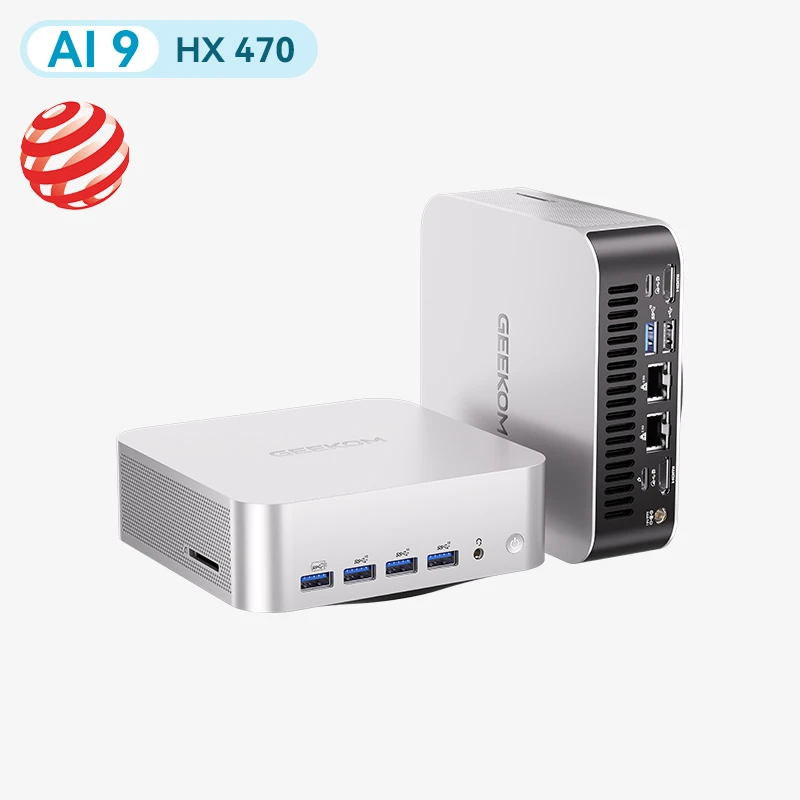
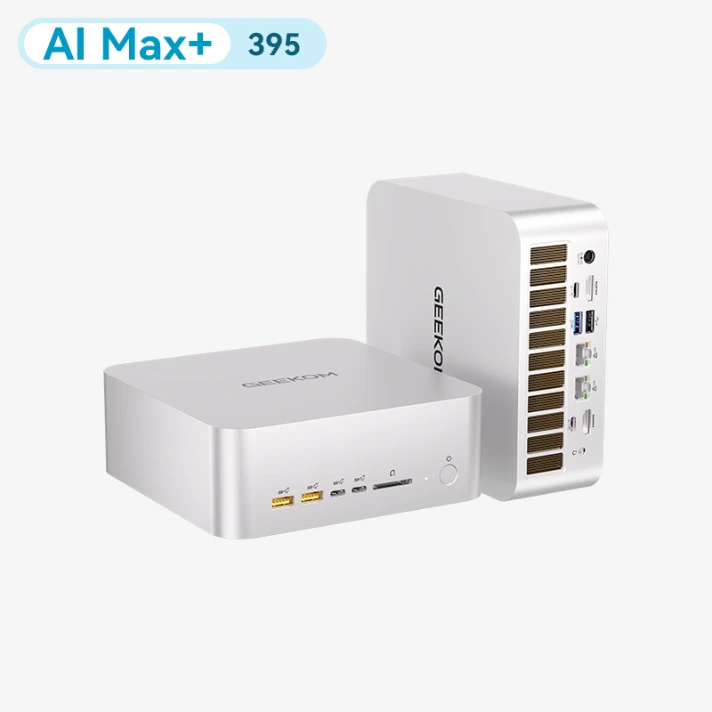
The GEEKOM A9 Max and GEEKOM A9 Mega both run on AMD Ryzen AI. Some configurations offer a large memory capacity, which can be useful for local AI workloads. The GEEKOM A9 Max is aimed at creative and all-round use.
The more powerful GEEKOM A9 Mega, meanwhile, is suited to the most demanding tasks. Together, these two models show what Ryzen AI can do in a compact form factor.
Conclusion: Snapdragon X vs Intel Core Ultra vs AMD Ryzen AI
When it comes to Snapdragon X vs Intel Core Ultra vs AMD Ryzen AI, none of the three is the clear winner in absolute terms. Snapdragon X mainly meets the need for mobility and long, all-day battery life. For those juggling several professional applications or creative projects, Intel Core Ultra will be a better fit. For local AI, some AMD Ryzen AI configurations can be particularly appealing thanks to their memory capacity and compute power. This capacity can make it easier to run larger local models, depending on their memory requirements and level of quantisation.
The right AI processor therefore depends mainly on how you actually use your PC, not on a single benchmark score. If you’re looking for a compact form factor, there is also a range of mini PCs built on these architectures to suit your needs.
FAQs
Which AI processor should I choose in 2026?
There’s no single best AI processor for everyone. It all depends on your priorities. If battery life is what you’re after, Snapdragon X is the one to go for. Intel Core Ultra covers a wide range of uses, especially productivity and content creation. AMD Ryzen AI can also meet local AI needs, depending on the hardware configuration you choose.
Snapdragon X vs Intel Core Ultra: what are the differences?
Architecture is the key difference. Snapdragon X runs on ARM and prioritises battery life, which can mean limited software compatibility. Intel Core Ultra, being x86, supports all Windows software. This difference matters as soon as creative or professional work is involved.
Intel Core Ultra vs AMD Ryzen AI: which is better for AI?
Both are x86 platforms with a CPU, integrated GPU and NPU, so they run the same Windows software. Intel Core Ultra is a strong all-rounder for productivity and content creation. AMD Ryzen AI stands out for local AI, especially in configurations with a large amount of memory available to the GPU.
How does Snapdragon X compare with Intel Core i5 and i7?
Snapdragon X is usually more power-efficient than older Intel Core i5 and i7 chips, which gives it longer battery life in everyday tasks. Intel Core i5 and i7 processors, however, use the x86 architecture, so they run all Windows software natively without emulation. If you rely on specialist or older applications, an x86 processor remains the safer choice.
Do you need an NPU for AI?
Not necessarily. The CPU and GPU can already handle many AI-related tasks. An NPU mainly improves energy efficiency on lighter operations, such as background blur in video calls or basic speech recognition.
What is a Copilot+ PC?
A Copilot+ PC is a computer with an NPU powerful enough to run certain Windows AI features locally. These machines are often built around Core Ultra or Snapdragon X. They offer features such as advanced file search and AI-assisted photo editing.