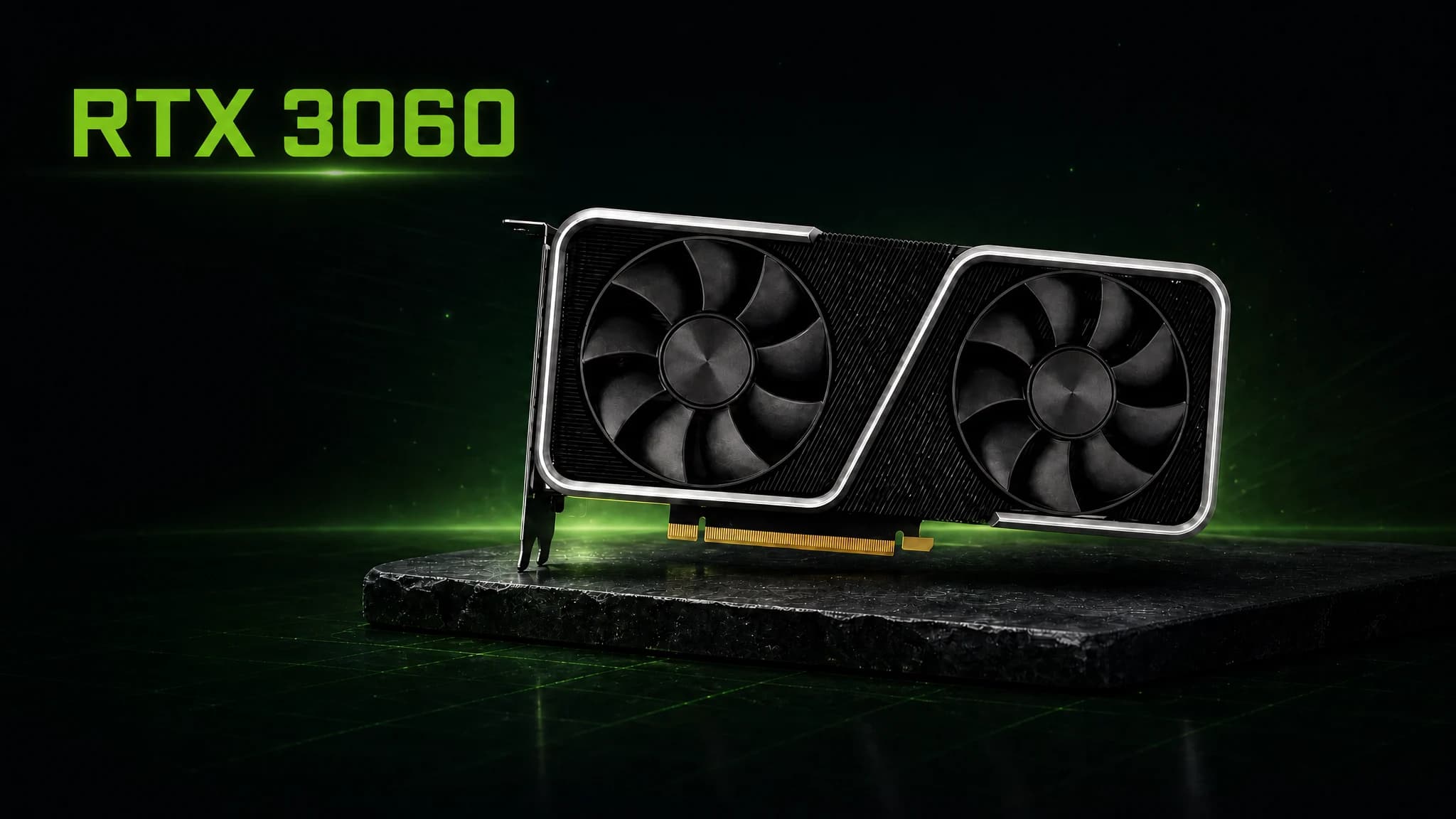
Quick Answer: In 2026, if you mostly play at 1080p, you should still buy the RTX 3060 12GB. You can get one in the UK for a good price (about £180–£260 new, £140–£200 used). The card’s 12GB frame buffer is very big. It is the most-bought discrete GPU on Steam for a reason. If you want strong ray tracing, DLSS 3 Frame Generation, 1440p ultra in the newest AAA games, or the speed of the RTX 4060 or RTX 5060, you should stay away from this one.
Although it came out in February 2021, the NVIDIA GeForce RTX 3060 was the most popular graphics card among PC gamers in April 2026. The Steam Hardware Survey gave it a 4.15 per cent share. It was better than the RTX 4060 and every RTX 50 card made after that. The RTX 4060 and RTX 5060 both only have 8GB of VRAM, so the 3060’s 12GB buffer is now its secret weapon.
The RTX 3060 can not do everything in 2026. Check out this guide to see how it stacks up against the RTX 4060 and RTX 5060. Find out when you should get a new card and what a fair price is in the UK.
Who Should Buy the RTX 3060?
A good deal might be available on the RTX 3060 if it matches your budget and works well with your screen. Even though they cost more, these earlier chips sometimes work better than some newer, more expensive cards.
The RTX 3060 Is a Great Choice If You…
- Play at 1080p. In most new AAA games, the 3060 12GB gets over 60 FPS on high settings. In e-sports games, it goes over 144 FPS.
- Want to get the most VRAM for your money? You do not often find 12GB for this price. Not as new as the RTX 4060 and 5060, but they only have 8GB of VRAM. Games from 2026 that have a lot of textures already have this issue.
- Have moved up from a card that is not as new. There is a big difference between the RTX 3060 and the GTX 1060, GTX 1650, or RX 580. It has ray tracing, DLSS upscaling, and NVENC encoding.
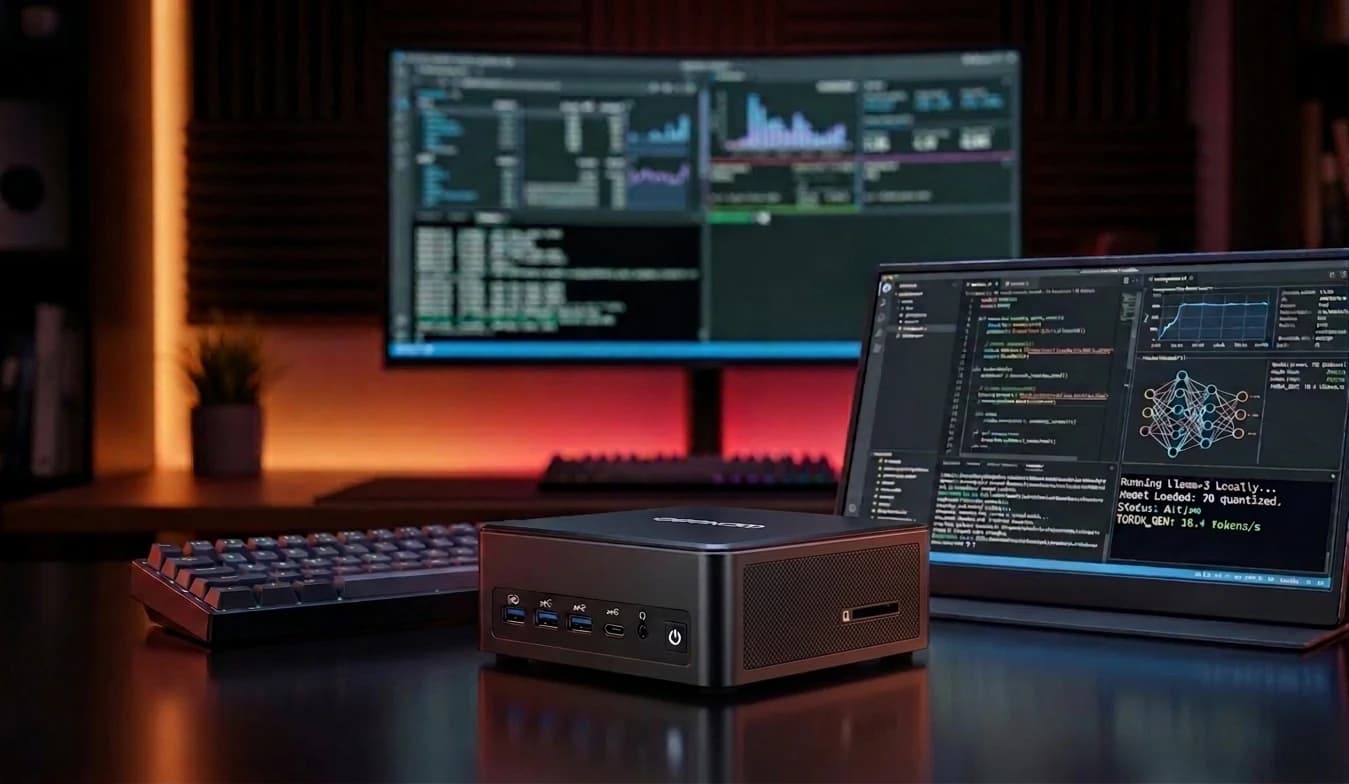
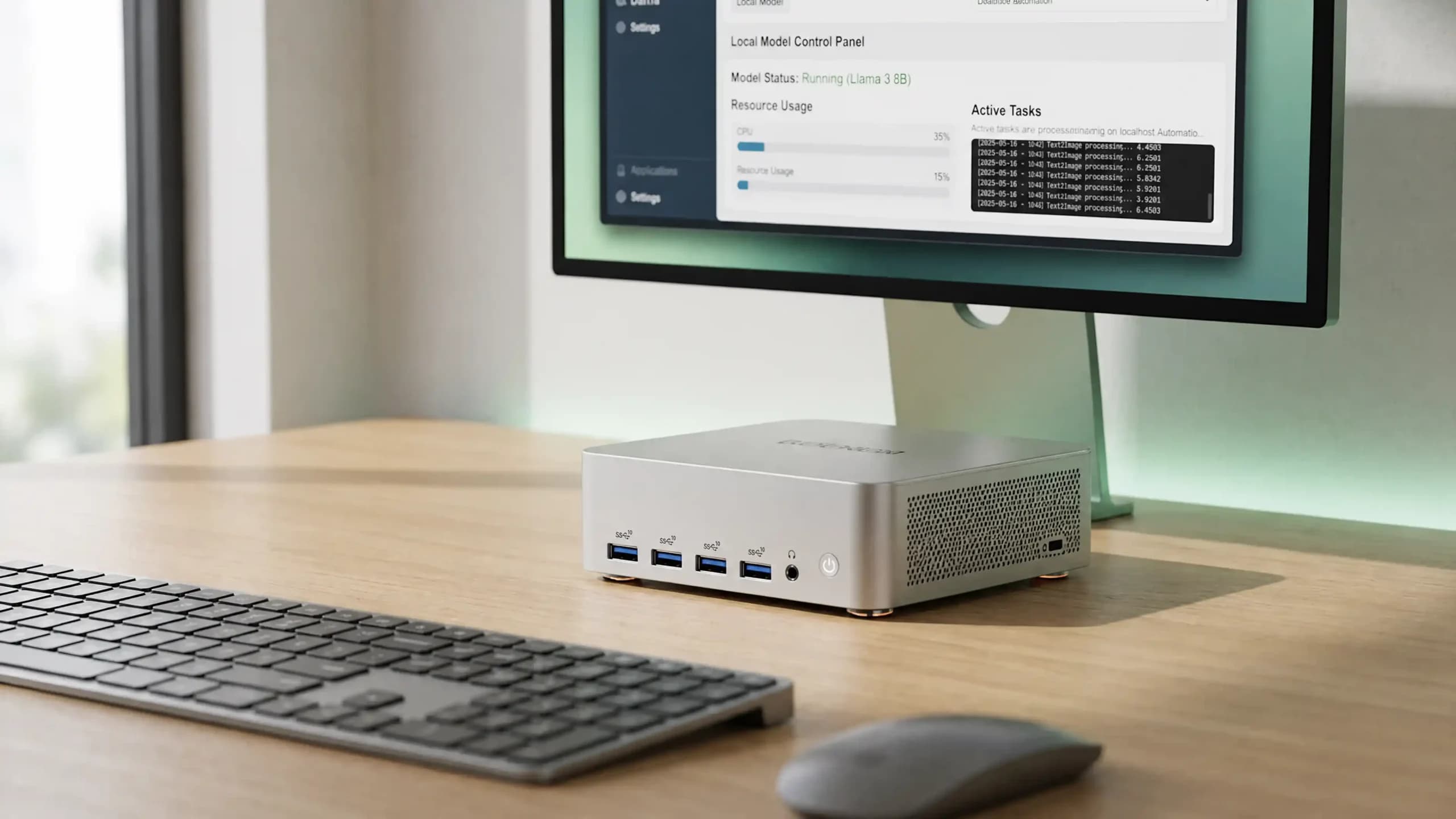
- Try your hand at local AI or making content. It works well with quantised 7B–8B language models and Stable Diffusion with the 12GB bucket.
- Have a small power source. Because it only needs 170W and has a single 8-pin connector, the 3060 can work with a good 450–550W PSU.
The RTX 3060 May Not Be the Best Option If You…
- Play at 1440p on maximum settings. The 3060 can handle 1440p with DLSS and tuned settings, but it is not a native 1440p ultra card.
- Care about ray tracing. Second-generation RT cores are getting old. Using full ray tracing in heavy games slows down the 3060 to 30–45 FPS, and you cannot use path tracing.
- Want DLSS 3 Frame Generation. Models from the RTX 40 series and up are the only ones that can use Frame Generation. It is great that the 3060 only works with DLSS 2, but it cannot make new frames.
- Want the most efficiency. At 170W, the 3060 needs about 50% more power than the 115W RTX 4060 to do the same amount of work.
- Buy brand-new at full price. It is smarter to buy an RTX 4060 or RX 9060 XT if the new 3060 costs more than £260.
RTX 3060 Gaming Performance in 2026
The card has not had any changes made to it since 2021, but games are harder now. From 4 to 6GB in 2022 to 9 to 11GB in 2026, a AAA game might need a lot more texture data when set to high settings. What a great change this was for the 3060. It had too much memory when it first came out, but the market has since caught up.
1080p Gaming Performance
At 1080p, the RTX 3060 feels great. The Tom’s Hardware GPU hierarchy and other public benchmarks put it between 80 and 110 frames per second in all modern AAA games played at high settings (no ray tracing). By a lot, this is smoother than 60 FPS. At high settings, story-driven games like Cyberpunk 2077, Alan Wake 2, Hogwarts Legacy, and Baldur’s Gate 3 should give you about 55 to 90 frames per second. It will get 20–30% better with DLSS quality. E-sports games like CS2, Valorant, and Fortnite all have frame rates in the triple digits, so a 144 Hz monitor should be fine for all of them.
1440p Gaming Performance
It goes from “comfortable” to “manageable with compromise” when you set the 3060 to 1440p. At high settings, you get between 40 and 55 frames per second (FPS) when you play demanding AAA games. When you turn on Engaging DLSS Quality, you get a lot of frames per second back. In most games, this puts you back above 60 FPS. Games that are hard but not too heavy run better at 1440p high. For example, Call of Duty and Forza Horizon 5 both work well. But if you want to play the newest games at 1440p ultra, you should get an RTX 4060, 5060, or 9060 XT.
Can the RTX 3060 Handle 4K Gaming?
To be honest, no. Some native 4K ultra games that are hard to run on the 3060 only get 25 to 35 FPS, which is not enough to play. It is possible to play older or better-optimised games at 4K if you turn down the settings and switch to DLSS Performance mode, but that is not what the card was made for. Save money for an RTX 4070, RTX 5070, or RX 9070 card if you want to play games in 4K.
Ray Tracing & DLSS in 2026
The 3060’s biggest flaw is that it cannot do ray tracing. At 1080p with DLSS, lighter RT effects work pretty well on the second-generation RT cores. With full ray tracing, though, heavy games like Cyberpunk 2077 (RT Overdrive), Alan Wake 2, or Silent Hill f slow the card down to 30–45 FPS, and you cannot use path tracing.
This is mostly because of DLSS itself. For upscaling, the 3060 has both DLAA and DLSS 2 Super Resolution, which are both great. The RTX 40-series and 50-series now come with DLSS 3 Frame Generation and DLSS 4 Multi Frame Generation, but this one does not. As more games come out with frame generation, the difference between frame rates will get bigger. This is because frame generation adds new frames.
Recommendation: MEGAMINI G1: The World’s Smallest Water-cooled Gaming PC
Results of the RTX 3060 Benchmark
Every number below comes from public benchmarks and measurements taken by the community at native resolution, high settings, no DLSS, and no RT, unless stated otherwise. The real results depend on the game patch, CPU, RAM, and driver version.
| Game | 1080p High (FPS) | 1440p High (FPS) | 1440p + DLSS Q (FPS) |
| Cyberpunk 2077 (RT off) | 62 | 42 | 61 |
| Alan Wake 2 | 41 | 27 | 44 |
| Baldur’s Gate 3 | 78 | 52 | 71 |
| Hogwarts Legacy | 82 | 54 | 72 |
| Call of Duty: Warzone | 110 | 68 | 92 |
| Elden Ring (capped) | 60 | 60 | 60 |
| Starfield | 55 | 38 | 54 |
| Silent Hill f | 48 | 33 | 51 |
| Forza Horizon 5 | 130 | 88 | 118 |
| Counter-Strike 2 | 245 | 172 | — |
| Fortnite (Performance) | 168 | 116 | 152 |
| Doom Eternal | 145 | 92 | 128 |
We see this a lot on a modern test bench (Ryzen 7 5800X, 32GB DDR4-3600, PCIe 4.0 x16). Ranges of sources match what TechPowerUp has in its RTX 3060 database and what the community has found in benchmarks.
Details about the RTX 3060: 8GB vs. 12GB
A “4GB gap” might not show how different the two types of memory that came with the RTX 3060 are, but there is a bigger difference. Each one has 3,584 CUDA cores and a TDP of 170W. They both use the same GA106 Ampere chip. But a very different kind of silicon makes up the memory subsystem.
| Specification | RTX 3060 12GB | RTX 3060 8GB |
| Architecture | Ampere (GA106) | Ampere (GA106) |
| CUDA Cores | 3,584 | 3,584 |
| VRAM | 12GB GDDR6 | 8GB GDDR6 |
| Memory Bus | 192-bit | 128-bit |
| Memory Bandwidth | 360 GB/s | 240 GB/s |
| Boost Clock | 1777 MHz | 1777 MHz |
| TDP | 170W | 170W |
| DLSS Support | DLSS 2 | DLSS 2 |
| AV1 Encode | No | No |
| Launch MSRP | $329 | $259 |
The 12 GB model has 360 GB/s of bandwidth, which is 50% more than the 8 GB model. It has a full 192-bit bus. A wider bus lets more data flow through it at once, just like more lanes on a highway. When it first came out in 2022, the 8GB model was a cheaper SKU for OEMs and low-cost systems. PassMark’s database of benchmarks shows that it gets about 20% fewer points overall. A smaller buffer lets more textures spill over to slower system RAM when there are a lot of them in a game. This is what makes cheaper cards screech.
In real life, this means you need to get 12GB. It makes sense if the 8GB model costs at least £40–£60 less and you only play 1080p games.
Will 12GB of VRAM suffice in 2026?
It stores texture and frame data in the VRAM (Video RAM) of your video card. The card either freezes or stutters while sending data to system RAM when a game needs more VRAM than it has. There is a drop in performance.
What modern AAA games need in terms of VRAM
AAA games today need a lot of memory. According to the April 2026 Steam Hardware Survey, 16GB VRAM cards now make up 23.51% of the installed base. 8GB cards, which still make up the largest group at 26.76%, are slowly losing market share. Some games from 2025–2026 already take up more than 8GB at 1080p ultra:
- It takes up more than 9GB of space to play Hogwarts Legacy in 1080p with high texture packs.
- Cyberpunk 2077 can take up 10–11GB of space at 1440p if you use 4K textures and RT.
- Alan Wake 2 and Silent Hill F stutter when switching between scenes on 8GB cards.
- Modified games with 4K/8K texture replacers can take 10–14GB of space to play at 1440p.
The 3060’s 12GB buffer comes in handy here. As of now, the RTX 4060 and 5060 are 8GB cards, and they stutter when they spill textures to system RAM. On the other hand, the 3060 keeps everything on-die and smooth.
Within the next few years, will 12GB still be enough?
For 1080p, yes. A high-end 1080p game will be able to fit in 12GB for at least three to four years. At 1440p, the picture is tighter, and more and more games already take up more than 12GB of space at ultra with RT. 12GB is almost not enough for heavy ray tracing and 4K. To sum up, 12GB is enough for 1080p now and in the future, but not for 4K.
What scenarios is the RTX 3060 suitable for?
Life is not just games. Creative tasks and local AI work surprisingly well on the 3060, often better than newer cards that are supposed to be faster but have less memory. This is thanks to its 12GB VRAM.
Video Editing
Making changes to videos is easy with the 3060 and DaVinci Resolve and Premiere Pro. Exporting is faster with NVENC, and 12GB is enough space for 4K timelines with lots of effects. If AV1 streaming is important to you, the RTX 4060 is a better choice than the 3060 because it has an AV1 hardware encoder while the 3060 does not. There is a 12GB buffer and an OptiX backend in Blender that work well with simple scenes.
Using 12GB to run local LLMs and reliable diffusion
This is where the 3060 really shines. About 9GB of VRAM is enough to store quantised 7B–8B language models, like Llama 3.3 8B at Q6_K. These are too hard for the 8GB RTX 4060 to handle without using system RAM, which slows things down. The 3060 can handle SDXL at 1024×1024 and batch sizes of 4 with about 10 GB of space. This is a great card for the money even if you do not care about local AI. And the CUDA ecosystem is still the most advanced AI software stack that people can buy. The NVIDIA RTX 3060 page still markets the card as a tool for creators.
Which is the better deal: the RTX 3060 or the RTX 4060?
Most people who buy things in the UK have to make this comparison. Since both cards are about the same price, the choice comes down to VRAM vs. features.
Performance, VRAM & Features
| Specification | RTX 3060 12GB | RTX 4060 |
| Architecture | Ampere (8 nm) | Ada Lovelace (5nm) |
| CUDA Cores | 3,584 | 3,072 |
| VRAM | 12GB GDDR6 | 8GB GDDR6 |
| Memory Bus | 192-bit | 128-bit |
| Memory Bandwidth | 360 GB/s | 272 GB/s |
| TDP | 170W | 115W |
| DLSS Support | DLSS 2 | DLSS 3 (Frame Gen) |
| AV1 Encode | No | Yes |
| PCIe Interface | PCIe 4.0 x16 | PCIe 4.0 x8 |
| Typical UK price (new) | £180–£260 | £270–£320 |
PassMark’s head-to-head test shows that the RTX 4060 is 14–20% faster than the 3060 12GB at raw rasterisation. When DLSS 3 Frame Generation is on, there is a bigger difference. The 4060 can double its frame rate, but the 3060 can’t. But the 8GB buffer in the 4060 is already slowing down games with lots of textures, and things will get even slower. It is smoother on the 3060 than on the 4060 because it has 12GB of VRAM.
Related Article: RTX 4060 vs 4070 – Benchmark Battle of the Mid-Range
Should you buy the RTX 3060 or the RTX 5060?
The Blackwell architecture RTX 5060, which came out in May 2025, was a big step up from the 4060.
Gaming Performance, VRAM & AI Features
| Specification | RTX 3060 12GB | RTX 5060 |
| Architecture | Ampere | Blackwell |
| CUDA Cores | 3,584 | 3,840 |
| VRAM | 12GB GDDR6 | 8GB GDDR7 |
| Memory Bandwidth | 360 GB/s | 448 GB/s |
| TDP | 170W | 145W |
| DLSS Support | DLSS 2 | DLSS 4 (Multi-Frame Gen) |
| AV1 Encode | No | Yes (9th-gen NVENC) |
| PCIe Interface | PCIe 4.0 x16 | PCIe 5.0 x16 |
NVIDIA says that in games that use DLSS 4, the RTX 5060 has about 2–3.5 times the frame rate of the RTX 3060. The RTX 5060 has 233 frames per second in DOOM: The Dark Ages, while the RTX 3060 only has 65. Even without Multi-Frame Generation, the 5060 does rasterisation and ray tracing much better. VRAM is the catch. There are 8GB of GDDR7 memory in the 5060. This is faster than the 4060’s memory, but it has the same amount of space. The 12GB of RAM in the 3060 makes 2026 games with lots of textures run smoothly, but the 5060 stutters.
The Best RTX 3060 Alternatives: A Battle of the Mid-Range
GeForce RTX 4060 from NVIDIA
For most users, this seems like the most natural next step. You “downsize” to 8GB of VRAM, but you get access to DLSS 3 frame generation and AV1 encoding. It also runs 15% to 20% faster and uses 55W less power. It is a good choice for 1080p fans who care more about cutting-edge features and speed than raw buffer size. A new unit will cost around £270 to £320.
The NVIDIA GeForce RTX 3060 Ti
The RTX 3060 Ti is a beast that most people do not pay much attention to. It consistently scores 20% to 25% higher than its non-Ti sibling thanks to its stronger GA104 chip and 4,864 CUDA cores. Even though it does not support DLSS 3 and only has 8GB of VRAM, it is still a great deal on the used market, especially for creative tasks that benefit from having more cores. In the past, prices have been mostly around £200 to £280.
Radeon RX 7600 from AMD
The 3060’s direct competitor from AMD has 8GB of RAM and a 128-bit bus. It is on par with the NVIDIA card when it comes to raw rasterisation, but it falls short when it comes to ray tracing. This is a great choice for 1080p gamers who like traditional rendering and want the best value for their money. Most new cards cost between £230 and £270.
Radeon RX 9060 XT from AMD
The new competitor is the RX 9060 XT, which is based on RDNA and came out in 2025. Notebookcheck’s thorough tests show that the 16GB model performs 20% better than the RTX 4060. With a huge 16GB buffer and support for FSR 4 upscaling, it is a good alternative that will not go out of style and costs about the same as the RTX 5060. It costs between £280 and £340 in the UK, which makes it the best VRAM-heavy choice for 2026.
How Much Should the RTX 3060 Cost in the UK in 2026?
The 3060 is hard to pick when it comes to price. News site TechRadar said that NVIDIA even began making cards again in the middle of 2026 to meet demand while the memory shortage was still going on. New ones are now on sale and start at $339.99 and go up from there. More people are interested in the card, which means that people are still interested in it.
| Variant | New (UK) | Used (UK) | Fair price guide |
| RTX 3060 12GB (dual-fan) | £220–£340 | £150–£210 | ~£200 new / £170 used |
| RTX 3060 12GB (premium AIB) | £280–£420 | £190–£250 | ~£250 new / £200 used |
| RTX 3060 8GB | £180–£260 | £120–£170 | Only if substantially cheaper |
There are lots of price changes in the UK. Within two weeks, the card may increase in value from £50 to £80. These ranges are available on Amazon UK, Ebuyer, Scan, CCL, and eBay in the middle of 2026. When it comes to price, new and used are pretty much the same. Spending £210 on a used 3060 when a new one costs £230 is not a good deal. Check out the new price first every time.
Look for These Things When You Buy Used
Many people mined crypto with the 3060 in 2021 and 2022. It does not have to be a deal-breaker, but take a close look:
- VRAM thermal pads: Mining hurts the cooling of VRAM thermal pads. As long as the temperature of the memory junction is below 95°C, you should check it.
- BIOS version: Some mining cards had more recent BIOSes flashed on them. Check the clocks and VRAM with GPU-Z.
- Visual condition: Look for bent fins, scratched PCB, or other signs that it has been taken apart.
- Warranty transfer: Some AIB partners let you do this, but others only let the person who bought the item do it.
- Benchmark on receipt: Test the item as soon as you get it by running FurMark or 3DMark for 15 minutes. It is best to return cards that slow down or mess up your game.
FAQs
Can you still play games with the RTX 3060?
Yes, but it is only a 1080p hero now. The RTX 3060 12GB can still run AAA games at 60 frames per second and esports games at over 144 frames per second. 1440p Ultra is a stretch, but it is still the “sweet spot” for most gamers who are not ready to move up to 4K.
Which should I get? The 8GB or the 12GB?
We suggest that you stay away from the 8GB model unless it is a real deal. The first 12GB model has a wider 192-bit bus, which gives it 50% more bandwidth than the 8GB model, which only has a 128-bit bus. The extra VRAM is not just a nice-to-have in 2026; it is the only thing that makes this card useful.
RTX 3060 vs. RTX 4060: Which PC graphics card is better?
The RTX 4060 is 20% faster, uses 55W less power, and lets you use DLSS 3. The really bad news is that it only has 8GB of VRAM. When you play games at 1080p and want the newest features, you should go with the 4060. You should get the 3060 12GB if you need more memory for creative apps or heavy modding.
Is it still strong enough to handle new AAA blockbusters?
Note on Performance: It is a 1080p workhorse. Setting the DLSS to “Quality” and playing Cyberpunk 2077 or Alan Wake 2 on High makes them run smoothly. Ray tracing will not work at its best, but for normal 1080p play, it is still a good, stutter-free experience.
What is the overall value proposition of the RTX 3060 in today’s market?
The RTX 3060 12GB is the “little engine that could”. It is not as exciting as it used to be, but its huge VRAM buffer means it will last longer than its successors. It is a practical, no-nonsense upgrade for builds on a budget if you can find a clean unit at a good price.