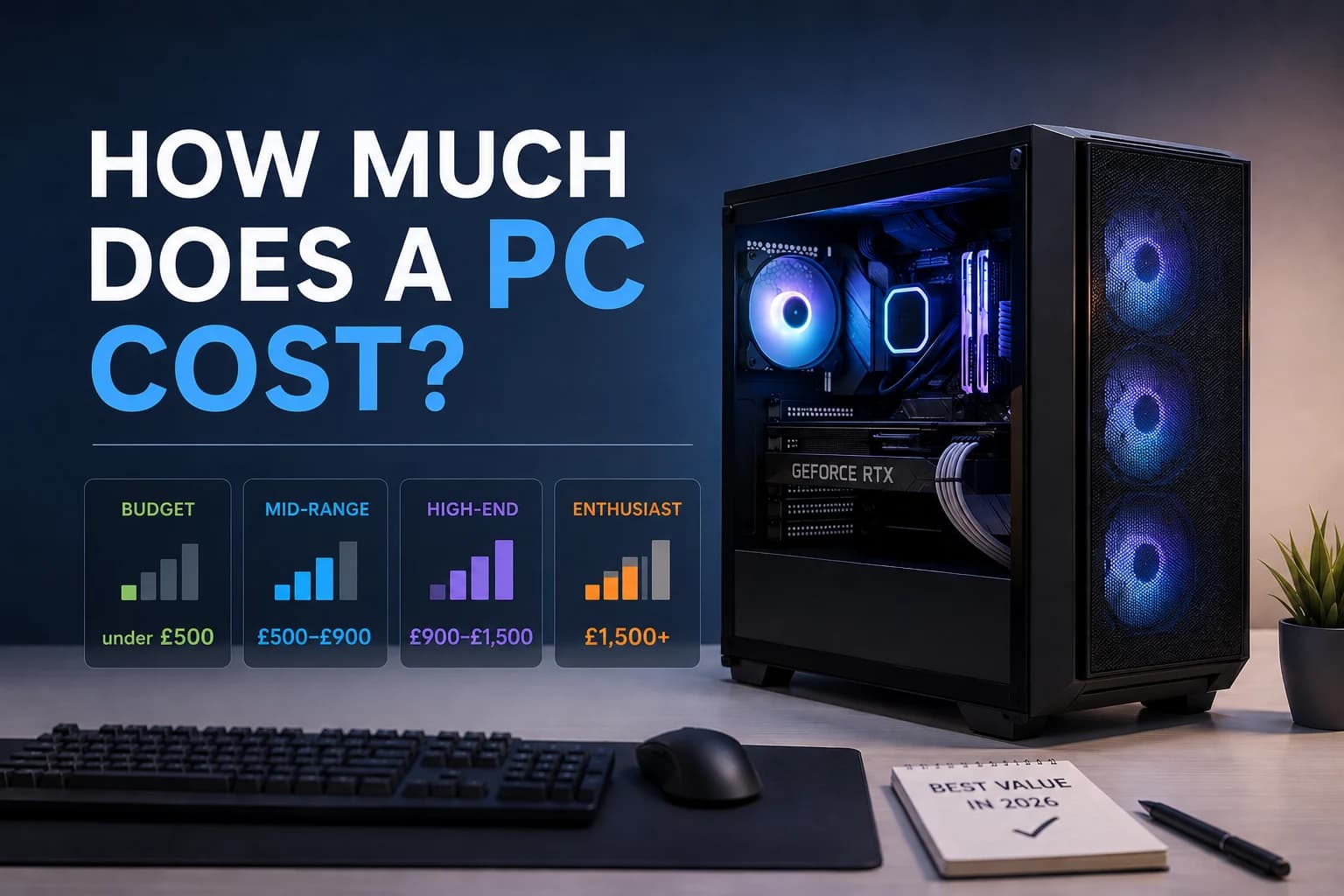
In the UK in 2026, there are so many prices for PCs that it might be hard to decide which one to buy or build. What is the real price of a PC? In short, a good desktop PC in the UK can cost anywhere from £300 for a simple home office computer to over £2,500 for a top-of-the-line 4K gaming or rendering computer.
To help you find your way around the market, we have broken down the prices by tier, use case, and component. This is a quick list of how much you can expect to pay:
| PC Category | Price Range (UK) | Best For |
| Budget | Under £500 | Web browsing, admin, light indie gaming |
| Entry-Level | £500 – £900 | 1080p gaming, office work, student use |
| Mid-Range | £900 – £1,500 | 1440p gaming, content creation, multitasking |
| High-End | £1,500+ | 4K gaming, 3D rendering, AI workloads |
Overall Cost of a PC: The Four Main Price Tiers
Budget PCs (under £500)
Basic machines made for everyday tasks are at this level. These PCs usually do not have separate graphics cards; instead, they use built-in graphics. They work great for using Microsoft Office, browsing the web, and streaming Netflix. You can also play older games like Minecraft or small independent games with lower settings.
Entry-Level PCs (£500–£900)
People who play games for fun and students will love this. A basic PC will usually have a good 6-core processor and a cheap dedicated graphics card like an RTX 3050 or RX 6600. It can easily run modern games at 1080p resolution and move quickly when doing a lot of things at once.
Mid-Range PCs (£900–£1,500)
When it comes to price and performance, the mid-range tier is the best. You can play games in 1440p with high refresh rates on these machines, and they can also run demanding creative software like Adobe Premiere Pro. This kind of hardware usually has an RTX 4070 or RX 7800 XT GPU, 32GB of RAM, and fast NVMe storage.
High-End PCs (£1,500+)
That is it if you do not want to make any concessions. Expert 3D rendering, 4K gaming, and heavy AI workloads are all things that high-end PCs are made to do perfectly. The RTX 4090 or the newest 50-series cards, as well as top-of-the-line processors and premium liquid cooling solutions, are installed in these systems.
PC Cost by Form Factor
The price of a PC is also based on its shape. The most cost-effective choice is a tower desktop, which has the best cooling and is the easiest to upgrade. It also has the most raw performance per pound.
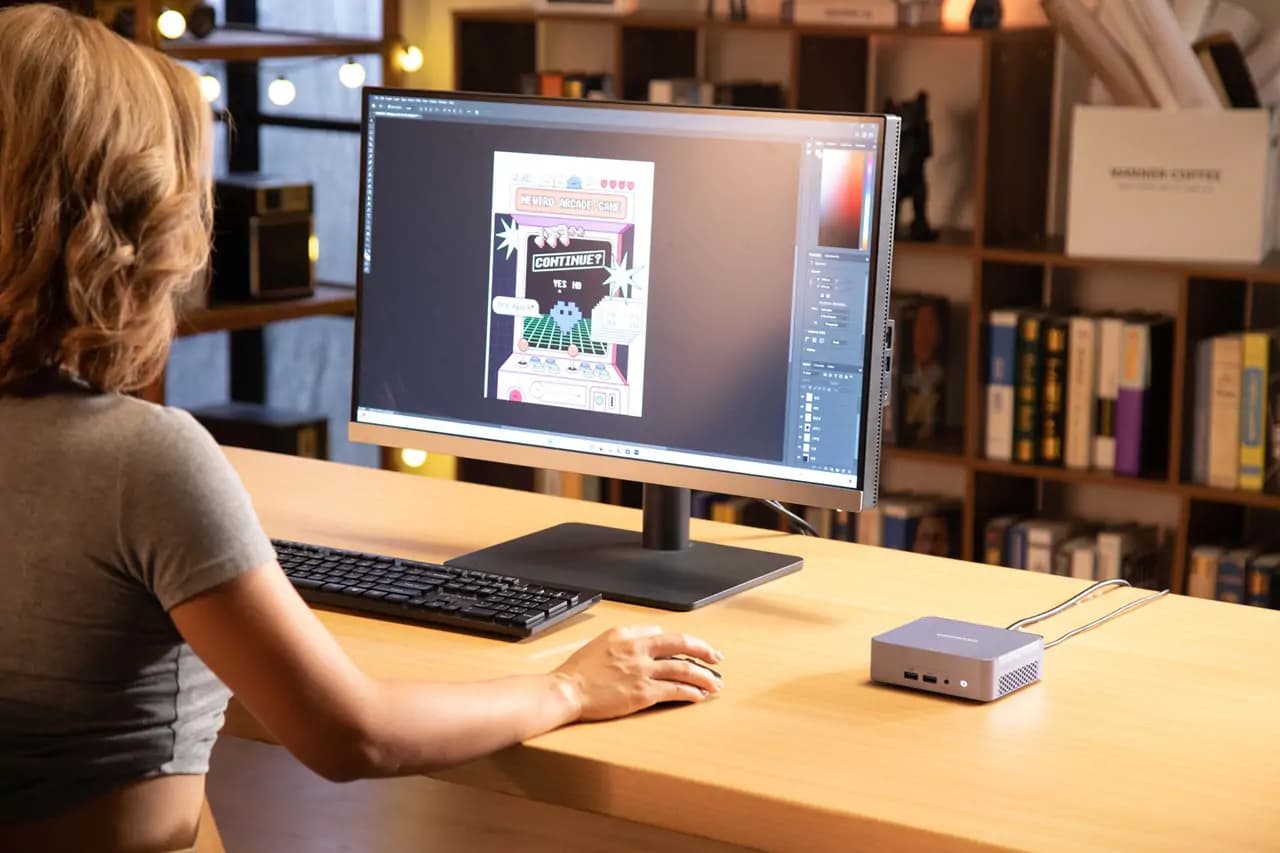
Small and energy-efficient, mini PCs do not have room for big dedicated GPUs, but modern mini PCs have great CPU performance and are often cheaper than laptops of the same size.
It costs a lot more for all-in-one (AIO) systems because the PC is built right into the monitor. These systems are also notoriously hard to upgrade.
Due to the fact that laptop parts have to be smaller and run cooler, a £1000 laptop will usually not perform as well as a £1000 desktop tower.
How Much Does a PC Cost by Use Case
Every day / Browsing PCs
You do not have to spend a lot of money if all you want to do is check your email, shop online, and watch YouTube. For a quick and reliable machine, £300 to £450 is more than enough money.
Office & Home PCs
Aim for £450 to £700 if you do a lot of work on spreadsheets, video chat, and switch between dozens of browser tabs. This makes sure that you have at least 16GB of RAM to keep things running smoothly.
When you play games, the costs go up a lot. An excellent 1080p gaming PC costs around £800 to £900, according to Veno Scorp’s 2026 UK gaming PC pricing guide. Save at least £2,000 for a 4K gaming PC and £1,200 to £1,700 for a 1440p one.
Creative Workstations
Graphic design, making music, and editing videos all need powerful CPUs and a lot of RAM. It will cost you between £1,200 and £2,500 to get a creative workstation that can handle editing 1080p or 8K video.
AI / ML Workstations
Virtual memory (VRAM) is needed for AI inference and machine learning on a local level. Starting at £2,500, these highly specialised machines can easily cost more than £5,000 if multiple top-of-the-line GPUs are required.
Where Does the Money Go? Component-Level Cost Analysis
The Graphics Card (GPU)
For creative and gaming PCs, the GPU is usually the most expensive component, accounting for 40%-50% of the total budget. The least expensive GPUs are around £250 to £350, the next most expensive are around £400 to £600, and the most expensive are well over £1,200.
The Processor
The CPU is what the PC thinks and does. Cheap chips cost between £100 and £150, while high-end processors made for heavy workloads cost between £350 and £600.
RAM and Storage
Memory and storage are pretty cheap right now. It costs about £40 for 16GB of DDR4 RAM and £90–£120 for 32GB of faster DDR5. You can store things on a fast 1TB NVMe SSD, which costs between £60 and £80.
Motherboard, Power Supply, and Case
Stability depends on these foundational parts. An honest motherboard costs between £100 and £250. An excellent gold-rated power supply costs between £70 and £130. For basic boxes, PC cases cost around £50, but premium airflow designs cost over £200.
Cooling
Cheap air coolers cost between £30 and £50, and high-end All-In-One (AIO) liquid coolers cost between £80 and £150.
Optional Components
You can easily spend an extra £100 to £200 on your build without getting better performance by adding RGB lighting, custom braided cables, and high-end case fans.
Sample Builds: Budget / Mid / High-End
Budget 1080p Gaming Build (~£630)
| Component | Example Part | Estimated Cost (UK) |
|---|---|---|
| CPU | AMD Ryzen 5 5600 | £120 |
| GPU | AMD Radeon RX 6600 | £200 |
| Motherboard | B550M Micro-ATX | £90 |
| RAM | 16GB DDR4-3200 | £40 |
| Storage | 1TB NVMe SSD | £60 |
| PSU | 650W 80+ Bronze | £60 |
| Case & Cooling | Budget Airflow Case + Stock Cooler | £60 |
| Total | ~£630 | |
Mid-Range 1440p Gaming Build (~£1,300)
| Component | Example Part | Estimated Cost (UK) |
|---|---|---|
| CPU | AMD Ryzen 5 7600X | £190 |
| GPU | NVIDIA RTX 4070 Super | £550 |
| Motherboard | B650 ATX | £150 |
| RAM | 32GB DDR5-6000 | £100 |
| Storage | 2TB NVMe SSD Gen4 | £120 |
| PSU | 750W 80+ Gold | £90 |
| Case & Cooling | Mid-Tower Case + Aftermarket Air Cooler | £100 |
| Total | ~£1,300 | |
High-End 4K Workstation / Gaming Build (~£2,380)
| Component | Example Part | Estimated Cost (UK) |
|---|---|---|
| CPU | AMD Ryzen 7 7800X3D | £350 |
| GPU | NVIDIA RTX 4080 Super | £950 |
| Motherboard | X670E ATX | £250 |
| RAM | 64GB DDR5-6000 | £180 |
| Storage | 4TB NVMe SSD Gen4 | £250 |
| PSU | 1000W 80+ Gold/Platinum | £150 |
| Case & Cooling | Premium Case + 360mm AIO Liquid Cooler | £250 |
| Total | ~£2,380 | |
What Else Affects the Cost of a PC?
How much you pay is affected by several outside factors. You can save 30% to 50% by buying used parts, especially GPUs, but there are warranty risks. Some expensive brands, like ASUS ROG or Corsair, charge a “brand tax”. Prices can vary a lot between UK stores like Overclockers, Scan, and Amazon. It also matters when you buy. If you buy on Black Friday, Cyber Monday, or Amazon Prime Day, you can save a lot of money. Lastly, prices in the UK include 20% VAT. This is why a $1,000 PC in the US is usually the same as a £1,000 PC in the UK instead of a direct exchange.
Prebuilt PCs vs. Custom-Built PCs
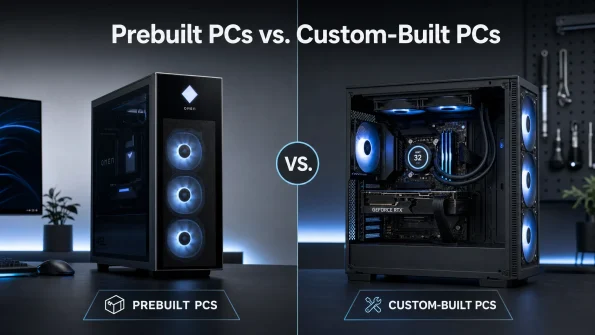
Buying a Prebuilt PC: Plug-and-play, fully assembled system with a single warranty that covers the whole thing. It stops the stress of building and saves time. Most of the time, though, prebuilts cost 15–25% more than building one yourself, and manufacturers sometimes skimp on parts like the motherboard or power supply that you can not see.
Building a Custom PC: When you build it yourself, you can be sure that you will get exactly what you want and that all of the parts will be of high quality. It is a lot less expensive and very rewarding. The bad thing is that you have to do research, take time to put it together, and fix any hardware problems by yourself.
The True Cost: Hidden & Ongoing Expenses
When making a PC budget, do not forget to include the costs of extras and hidden fees. Around £200 to £350 gets you a good 1440p gaming monitor. It costs an extra £100 to £250 to add a mechanical keyboard, gaming mouse, and headset. A real Windows 11 Home licence costs about £100, but OEM keys are available for less money. Think about paying for software like Xbox Game Pass, Microsoft 365, or Adobe Creative Cloud. To protect your investment, you should get at least a £20 surge protector. Lastly, high-end PCs use a lot of power, which will make your monthly electricity bill go up by a small but noticeable amount.
4 Tips for Saving Money
- Skip the RGB: Flashing lights do not increase frame rates. Non-RGB components are almost always cheaper.
- Buy the latest generation’s hardware: When a new CPU or GPU launches, the previous generation drops in price significantly but still offers excellent performance.
- Do not overbuy the PSU: If your system draws 400W, a 650W power supply is plenty. You do not need a 1000W unit.
- Use the stock cooler: If you are buying a budget CPU like the Ryzen 5 5600, the cooler included in the box is perfectly adequate.
How Much Should You Actually Spend?
Most people in the UK should have a budget of between £1,000 and £1,300 in 2026. A mid-range PC in this price range is very powerful and will easily handle 1440p gaming, heavy multitasking, and creative work for years to come without the need for upgrades right away. If all you need is a PC to do simple office work and surf the web, do not spend more than £500 on one.
FAQs
What is the average price of a PC?
As a general rule, a home or office PC in the UK costs between £400 and £600. The normal price range for a gaming PC is between £1,000 and £1,500.
How much does a gaming PC cost?
A good 1080p gaming PC costs at least £700. You can expect to pay more than £2,000 for a high-end 4K gaming experience.
Is £1000 a good budget for a gaming PC?
Yes, £1000 is a great amount of money. You can build or buy a strong mid-range system that can run any modern game at 1080p or 1440p with the best settings.
How long will a £2000 gaming PC last?
A high-end gaming PC that costs £2,000 should last 5 to 7 years before you need to think about lowering the graphics settings in games or replacing major parts.
Why are PCs so expensive?
The cost is mostly due to the processor (CPU) and graphics card (GPU), which need very advanced manufacturing methods. Things in the global supply chain and UK VAT also affect the final retail price.
Do I need to buy Windows separately?
It is very common for Windows to come with a pre-built PC or laptop. If you want to build your own PC, you will need to buy a Windows license separately.
Laptop vs desktop — which is cheaper?
When you look at raw performance, a desktop is much cheaper. Because desktop parts are bigger, easier to cool, and cheaper to make, they will always work better than laptop parts that cost the same.